

Squarespace is known for sleek designs and user-friendly tools, making it one of the top choices for building stylish websites. But when it comes to eCommerce, it isn’t always the best fit.
While Squarespace does offer eCommerce features, it’s often not enough for businesses that want more advanced control, scalable functionality, or specific features like multi-channel selling or deeper analytics.
If you’ve outgrown Squarespace or simply want to start with something more flexible, there are plenty of great alternatives available.
Here, I’ll walk you through six strong Squarespace alternatives for eCommerce and explain what makes each one stand out.
Comparison Table: Best Squarespace Alternatives
| Platform | Best For | Ease of Use | Design Flexibility | SEO Features | App Ecosystem | Pricing (Starting) | Ideal For |
|---|---|---|---|---|---|---|---|
| Shopify | All-in-one eCommerce | High | Medium | Good | Extensive | $39/month | Sellers who want simplicity + power |
| WooCommerce | Customization + SEO | Medium | High | Excellent | Extensive | Varies (hosting + plugins) | Users who want full control and own hosting |
| BigCommerce | Scalable stores | Medium | Medium | Excellent | Moderate | $39/month | Mid-market businesses with large catalogs |
| Wix | Beginners + small stores | Very High | High | Moderate | Moderate | $27/month | Beginners looking for fast setup |
| Webflow | Design + visual control | Low | Very High | Excellent | Limited | $42/month | Designers and marketers with tech skills |
| Sellfy | Digital products + subscriptions | Very High | Low | Basic | Minimal | $29/month | Creators selling digital goods easily |
Why Look Beyond Squarespace?
Squarespace offers a strong balance between design and simplicity, but for serious online stores, there are a few things that hold it back.
Limited customization
Squarespace doesn’t offer much flexibility when it comes to customizing product pages, checkout flows, or backend processes. You’re often locked into predefined layouts.
App integrations are minimal
There’s no real app marketplace. If you need advanced features like reviews, shipping calculators, upsells, or loyalty programs, you’ll usually need to work around limitations or add custom code.
Checkout experience is basic
Abandoned cart recovery is only available on higher-tier plans. The checkout flow is hard to customize, and you can’t add elements like one-click upsells without external tools.
SEO tools are average
There’s some control over SEO elements, but it’s not as advanced as platforms like WooCommerce or Webflow. URL structures and metadata aren’t always flexible.
Scaling is difficult
Managing large product catalogs is not Squarespace’s strong suit. Speed and backend organization become a challenge as stores grow.
If any of those pain points feel familiar, then it’s probably time to consider alternatives that offer more specialized ecommerce functionality:
1. Shopify: Best for Dedicated Online Stores

Shopify is a purpose-built eCommerce platform used by millions of businesses worldwide. It’s designed for selling products online and comes with nearly everything you need out of the box, plus thousands of apps to extend functionality.
Shopify is a fully hosted eCommerce platform that supports everything from product listings and payments to marketing and shipping. It’s known for its ease of use, a vast app marketplace, and reliable infrastructure. You can build anything from a one-product store to a high-volume multi-national operation with Shopify’s built-in tools and scalable features.
Shopify has expanded its AI capabilities under the “Shopify Magic” suite. Beyond generating product descriptions and email content, you can now use AI to create custom Shopify sections using natural language prompts. This allows you to build parts of your storefront, such as feature grids, testimonials, or image galleries, without needing a developer. AI is also used for smart product recommendations, search enhancements, and fraud detection across the platform.
Why Shopify Is a Strong Squarespace Alternative
- Fully focused on eCommerce
- Fast, secure checkout that’s optimized for conversions
- Built-in support for inventory, taxes, shipping, and digital goods
- Thousands of plugins for marketing, reporting, and analytics
Shopify Pricing
| Plan | Monthly Price | Features |
|---|---|---|
| Basic | $39 | Online store, 2 staff accounts, basic reporting |
| Grow | $105 | More staff, professional reports |
| Advanced | $399 | Custom reporting, third-party calculated shipping |
Pros
- Extremely beginner-friendly
- Excellent support and documentation
- Handles both small and large catalogs well
- Integrates with Facebook, Instagram, Amazon, and TikTok
Cons
- Monthly fees add up quickly with apps
- Limited design freedom without learning Shopify’s coding language (Liquid)
- Less control over content compared to WordPress-based sites
If you’re building an eCommerce-first business and want a stable, scalable, and conversion-optimized platform, Shopify is the best alternative to Squarespace.
2. WooCommerce: Best for Customization and SEO
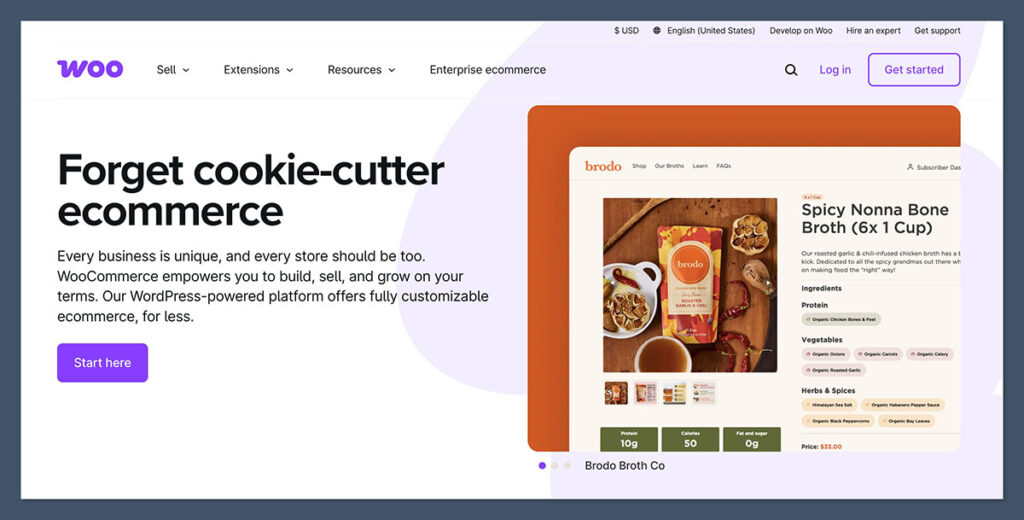
WooCommerce is an open-source plugin that turns any WordPress site into a powerful eCommerce store. It’s highly customizable, and you have complete control over your store’s design, functionality, and hosting environment. WooCommerce works well for content-rich websites or stores that need deep integration with blogging and SEO.
While WooCommerce doesn’t have built-in AI, its flexibility gives you access to a wide variety of AI-powered WordPress plugins. These include content generation tools for product pages and blogs, smart chatbots for customer support, and AI-based upsell and cross-sell features that can be added via third-party extensions.
What Makes WooCommerce Stand Out
- Deep SEO customization through plugins like Rank Math or Yoast
- Wide range of themes and templates for any kind of store
- No platform lock-in, you own the site and the data
- Massive plugin ecosystem to extend functionality
WooCommerce Typical Costs
| Cost Type | Estimated Range | Notes |
|---|---|---|
| Hosting | $10 to $30/month | Managed WordPress hosting recommended |
| Theme | Free to $100 one-time | Premium themes available |
| Plugins | Free to $300/year | Depends on needed features |
| Developer Support | Varies | Optional, if custom development is needed |
Pros
- Maximum flexibility and control
- Scales well for content-heavy stores
- Full ownership of your platform
- Works well for multilingual and global stores
Cons
- Not beginner-friendly
- Requires more setup and maintenance
- Hosting and plugins need to be managed manually
For store owners who want full control and don’t mind a learning curve, WooCommerce is a powerful alternative.
3. BigCommerce: Best for Growing and Enterprise Stores

BigCommerce is a hosted platform designed for stores that need advanced built-in functionality without relying too heavily on third-party apps. It includes features like multi-currency support, real-time shipping quotes, abandoned cart recovery, and strong SEO capabilities. BigCommerce is a good option for fast-growing or enterprise-level stores that need stability and customization.
BigCommerce recently introduced AI-powered content creation through integrations with OpenAI, helping merchants quickly generate product descriptions. It also works with AI-driven tools for customer segmentation, dynamic search, and personalized recommendations, all designed to reduce manual tasks and improve shopping experiences.

Why BigCommerce Could Be a Better Fit
- More features built-in without needing plugins
- Supports selling on Amazon, eBay, and other marketplaces
- No additional transaction fees
- Great for B2B and wholesale models
BigCommerce Pricing
| Plan | Monthly Price | Online Sales Limit |
|---|---|---|
| Standard | $39 | Up to $50,000/year |
| Plus | $105 | Up to $180,000/year |
| Pro | $399 | Up to $400,000/year |
| Enterprise | Custom | For large-scale businesses |
Pros
- Strong SEO performance
- Built-in product filtering, gift cards, and more
- Headless commerce capabilities
- PCI-compliant and secure
Cons
- Slightly steeper learning curve
- Fewer themes than Shopify
- Annual sales limits push you into higher plans
If you’re already generating steady revenue and looking for a more scalable platform with lower ongoing app costs, BigCommerce is worth a look.
4. Wix eCommerce: Best for Beginners

Wix is one of the easiest website builders on the market, and its eCommerce tools have improved significantly in recent years. If Squarespace feels a bit limited or expensive, Wix could be a more approachable option for small online stores.
It comes with modern templates and eCommerce features that are easy to set up and manage. Wix also offers marketing tools, a custom domain, and automated tax and shipping features, making it a solid choice for small businesses.
Wix includes several AI tools designed to simplify the setup and content creation process. Wix ADI (Artificial Design Intelligence) can build a website layout for you based on a few questions. Additionally, AI is used to generate product descriptions, improve email campaigns, and suggest SEO improvements directly within the platform.
Where Wix Stands Out
- Drag-and-drop editing with full design flexibility
- Lots of modern templates
- Built-in features for shipping, payment, and product listings
- Integrated marketing tools
Wix Pricing for Online Stores
| Plan | Monthly Price | Features |
|---|---|---|
| Business Basic | $27 | Sell online, basic eCommerce tools |
| Business Unlimited | $32 | Subscriptions, automated tax, more storage |
| Business VIP | $59 | Priority support, increased features |
Pros
- Very easy to get started
- Great design control
- Lower cost of entry than Shopify or BigCommerce
- Good mobile optimization
Cons
- Slower page speeds for large stores
- Limited scalability for high-volume businesses
- App selection is more limited than Shopify
Wix works best for smaller product catalogs or businesses that prioritize design and ease of use over advanced functionality.
5. Webflow: Best for Visual Design and Custom Layouts

Webflow combines the design freedom of custom development with the convenience of a website builder.
It’s ideal if you want pixel-perfect control over your store’s look and feel, and are comfortable with a slightly more complex builder. Weblow allows you to create custom layouts, animations, and interactions without relying on predefined templates. Webflow supports eCommerce, but it’s often chosen for its visual freedom and clean code output.
AI capabilities aren’t native to Webflow yet, but users can integrate AI tools through APIs, Logic flows, and third-party services. This includes auto-generating content, alt tags, and metadata using tools like Jasper or OpenAI. Advanced users often set up workflows for dynamic content generation or personalized page experiences.
Why Webflow Is a Strong Alternative
- CMS-level control with visual design tools
- Clean, responsive code that’s great for SEO
- Custom product templates and layouts
- Integrated animations and interactions
Webflow eCommerce Pricing
| Plan | Monthly Price | Items Allowed |
|---|---|---|
| Standard | $42 | Up to 500 items |
| Plus | $84 | Up to 1,000 items |
| Advanced | $235 | Up to 3,000 items |
Pros
- High-quality, modern design output
- Fast loading pages
- Better SEO options than Squarespace
- Unique visual CMS tools
Cons
- Steep learning curve for beginners
- Expensive at higher tiers
- No multi-currency support natively
If you’re focused on aesthetics, want full design control, and don’t mind learning how the platform works, Webflow gives you more creative freedom than Squarespace.
6. Sellfy: Best for Digital Products and Creators
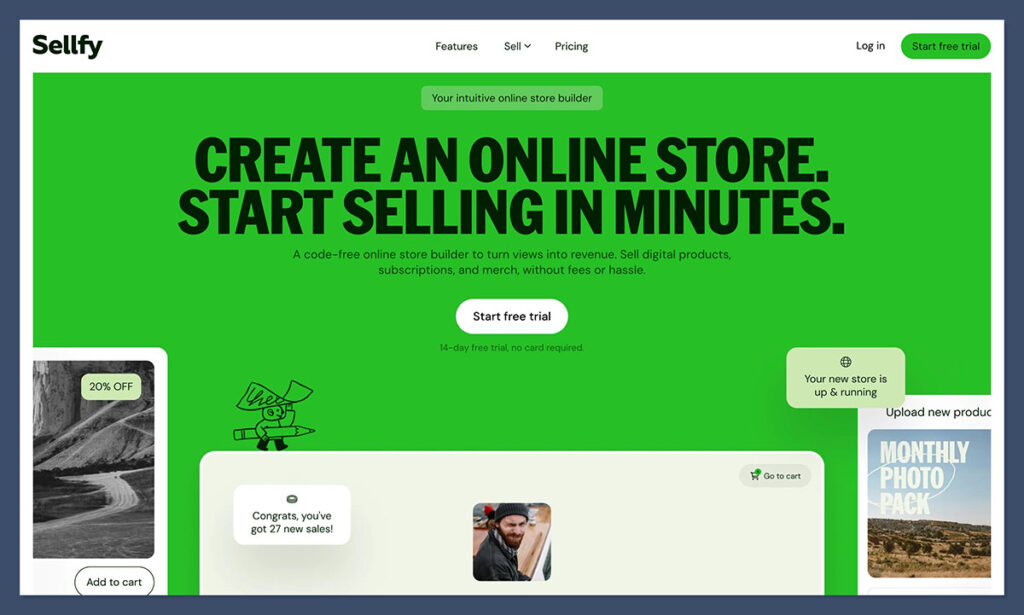
Sellfy is a specialized platform designed for creators who sell digital products, subscriptions, or even physical goods. It’s extremely simple to set up and doesn’t come with unnecessary features.
Sellfy is a simple, all-in-one platform tailored to creators who sell digital products, subscriptions, or print-on-demand merchandise. It offers fast setup, product hosting, secure downloads, and built-in marketing tools like discount codes and upsells. The platform is straightforward and doesn’t require technical knowledge to get started.
AI tools in Sellfy are limited compared to other platforms, but it does offer some automation for image optimization and metadata suggestions. Sellers can also connect external AI tools via Zapier to streamline tasks like content creation, product description writing, and email personalization.
Where Sellfy Excels
- Built-in digital delivery system
- Supports subscriptions and pay-what-you-want pricing
- Includes email marketing and upselling tools
- Print-on-demand features built in
Sellfy Pricing
| Plan | Monthly Price | Sales Volume Cap |
|---|---|---|
| Starter | $29 | Up to $10,000/year |
| Business | $79 | Up to $50,000/year |
| Premium | $159 | Unlimited sales |
Pros
- Ideal for digital creators
- Simple and quick setup
- No need to worry about plugins or themes
- All-in-one dashboard
Cons
- Limited store customization
- Not suitable for large product ranges
- Fewer payment and shipping options
If you’re a solo creator or digital product seller looking for a fast and lightweight alternative to Squarespace, Sellfy makes the process easy.
Conclusion: Which Alternative Is Right for You?
Choosing the right Squarespace alternative depends on what you need most in an eCommerce platform. Here’s a summary to help guide your decision:
| Platform | Best For | Ease of Use | Design Flexibility | Scalability | Monthly Cost |
|---|---|---|---|---|---|
| Shopify | General eCommerce | High | Medium | High | $39 to $399 |
| WooCommerce | SEO and full control | Medium | High | High | Varies |
| BigCommerce | Scaling stores | Medium | Medium | High | $39 to $399+ |
| Wix | Beginners | Very High | High | Low | $27 to $59 |
| Webflow | Custom design | Low | Very High | Medium | $42 to $235 |
| Sellfy | Digital products | Very High | Low | Medium | $29 to $159 |
Squarespace is strong in design, but it doesn’t offer the flexibility or depth that many eCommerce businesses need as they grow.
If you’re just starting out, tools like Wix or Sellfy may be enough.
If you want to scale or run a more complex store, Shopify or BigCommerce will be better suited to your goals.
Each of these alternatives offers something unique, so the best option is the one that matches your business needs and technical comfort level.



Comments 0 Responses