

ShipBob and ShipStation both help you streamline shipping, but they serve very different purposes.
If you’re wondering which one is right for your ecommerce business, I’ve spent the last few weeks digging deep into both platforms — using the software, analyzing reviews, testing real features, and comparing costs.
Here’s what I found: ShipBob is the better choice for growing ecommerce brands that want to outsource fulfillment and scale faster.
ShipStation is still a solid choice if you want to handle shipping yourself and automate parts of the process.
ShipBob vs ShipStation: Quick Verdict
ShipBob – Best overall for fast-growing ecommerce businesses that want to outsource fulfillment and offer 2-day shipping
ShipStation – Best for smaller sellers who want to keep fulfillment in-house and save on monthly software costs
In this review, I’ll compare both tools across pricing, sales features, fulfillment, inventory, and support — and explain when to choose one over the other.
Quick Comparison: ShipBob vs ShipStation
Here’s a quick overview of how the two platforms stack up:
| Feature | ShipBob | ShipStation |
|---|---|---|
| Type | Third-party logistics (3PL) | Shipping software |
| Fulfillment | Outsourced by ShipBob | Done in-house |
| Warehousing | Yes (50+ locations) | No |
| Best for | Scaling brands (500+ orders/month) | Small sellers, startups |
| Pricing | Custom (based on volume) | Starts at $9.99/month |
| Platform integrations | Shopify, WooCommerce, Amazon, etc. | 70+ platforms, carriers, marketplaces |
| Custom branding | Limited | Full control |
| Shipping speed | 2-day available | Depends on your carrier and workflow |
| Returns management | Built-in | Requires manual setup |
Best for Pricing: ShipStation Wins
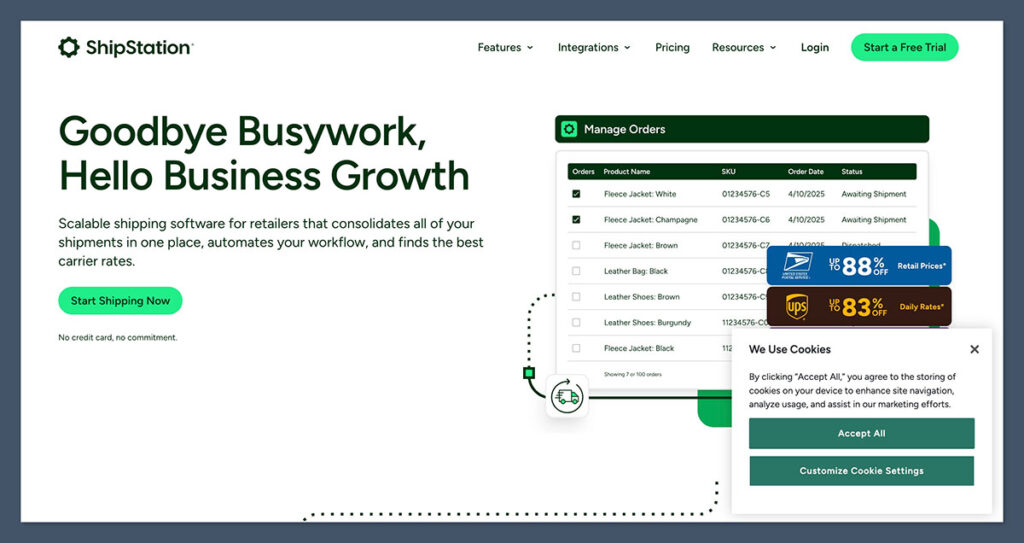
If you’re running a tight budget, ShipStation is the better pick.
ShipStation Pricing (as of 2025):
- Starter – $9.99/month for up to 50 shipments
- Bronze – $29.99/month for 500 shipments
- Silver – $59.99/month for 1,500 shipments
- Gold – $99.99/month for 3,000 shipments
- Platinum – $149.99/month for 6,000 shipments
- Enterprise – $229.99/month for 10,000+ shipments
You can also connect your own carrier accounts or use ShipStation’s discounted rates.
ShipBob Pricing:
ShipBob doesn’t charge a monthly subscription, but you’ll pay per order, storage, and receiving. Here’s what a typical breakdown looks like:
- Pick and pack: First item is free, each additional item is $0.20–$0.30
- Shipping: Based on weight, dimensions, and destination
- Storage: $40/pallet/month or $10/shelf/month
- Receiving: $25–$35/hour
- Custom packaging: Optional, with added fees
ShipBob’s costs are better suited to scaling brands doing hundreds or thousands of orders a month. For small stores, it may be too expensive to justify.
The biggest pricing difference between ShipBob and ShipStation comes down to predictability.
ShipStation’s monthly subscription is straightforward and easy to budget for, while ShipBob’s pricing depends on variables like weight, size, and storage.
If you’re still testing products and order volumes fluctuate month to month, ShipStation’s simple pricing will give you far more clarity.
The Winner: ShipStation
If you’re shipping in-house and looking for the most affordable way to automate it, ShipStation’s low entry point is hard to beat.
Best for Fulfillment: ShipBob Wins
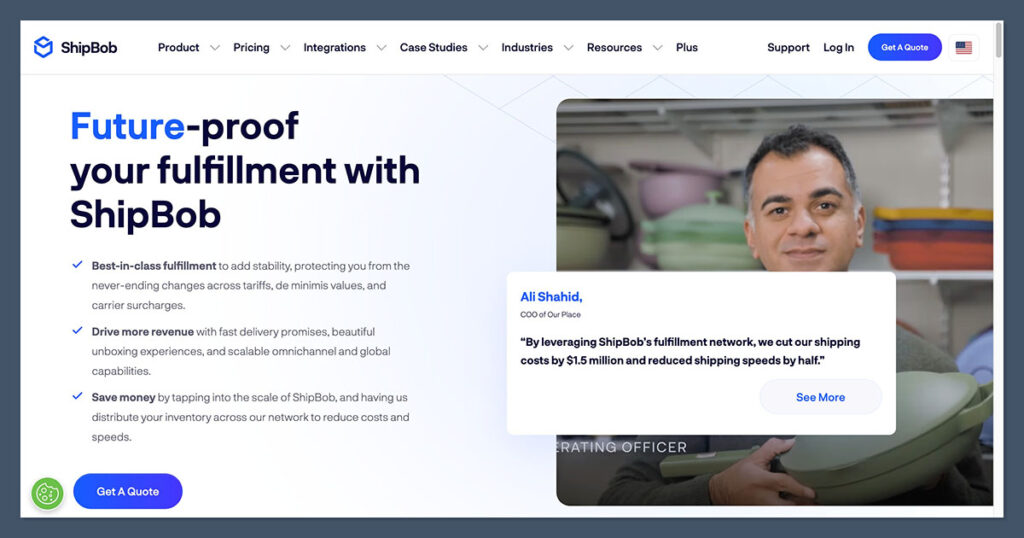
Here’s where ShipBob shines.
If you want to stop packing orders yourself, ShipBob is the obvious winner. It’s a full-service 3PL that takes warehousing, picking, packing, and shipping completely off your plate.
What You Get With ShipBob:
- 50+ fulfillment centers across North America, Europe, and Australia
- 2-day shipping for most US zones
- Split inventory between warehouses for faster delivery
- Built-in inventory tracking and analytics
- Hands-off returns management
It’s perfect for DTC brands that want to compete with Amazon-style delivery — without managing their own warehouse.
What You Get With ShipStation:
- You handle all the fulfillment yourself
- You can print labels, manage orders, and automate workflows
- You still need to store, pick, pack, and ship the orders
- Returns are managed manually or via integrations
The biggest distinction here is time. ShipBob eliminates the day-to-day grind of fulfillment entirely, freeing you to focus on growth, marketing, and product development.
ShipStation saves you time on shipping labels and rates, but you’re still tied to the physical work of packing and sending orders — a serious limitation once order volumes clim
The Winner: ShipBob
If fulfillment is eating up your time and you’re ready to scale, ShipBob wins by a wide margin. It turns ecommerce shipping into a hands-off experience — especially once you hit 500+ orders/month.
Best for Shipping Features: ShipStation Wins
Both platforms help you get orders to customers, but ShipStation offers more tools to optimize and customize the shipping process.
ShipStation Strengths:
- Integrates with 70+ carriers and platforms (USPS, FedEx, UPS, DHL, Amazon, Shopify, eBay, WooCommerce)
- Rate comparison tools to pick the cheapest shipping method
- Automation rules to tag, batch, or split shipments
- Branded tracking pages and email notifications
- Custom label printing and packing slips
You can create rules like:
- “If the order total is over $100, use UPS Ground”
- “If the customer is in California, use regional carrier”
- “If the product is fragile, add a specific note”
It’s made for power users who want total control.
ShipBob Shipping:
- You don’t get to choose carriers — ShipBob optimizes them for you
- ShipBob handles label printing and fulfillment on their end
- Rates are pre-negotiated — not customizable
- 2-day delivery is available across many US regions
This is great for brands that don’t want to think about shipping. But if you want granular control, you’ll feel limited.
For brands with complex shipping requirements, like multi-box orders, fragile items, or custom carrier preferences, ShipStation’s flexibility makes it far more powerful.

ShipBob’s simplified approach works well if you just want fast, reliable delivery, but it doesn’t offer the fine-grained controls that some businesses rely on to manage costs and meet unique customer expectations.
The Winner: ShipStation
ShipStation offers better automation, more flexibility, and wider integrations. It’s the go-to choice for sellers who ship from home or run their own warehouse.
Best for Inventory and Order Management: Tie
Both platforms offer solid inventory tracking tools, but they do it differently.
ShipBob Inventory:
- Real-time inventory tracking across multiple warehouses
- Forecasting tools for restocks and demand planning
- Built-in analytics to spot slow-moving SKUs
- Automated reorder points
- Centralized dashboard to view all locations
Perfect for businesses that want to avoid overselling or stockouts while distributing inventory across regions.
ShipStation Inventory:
- Basic inventory sync across multiple stores
- Centralized dashboard to see all orders
- Integrates with warehouse management systems (WMS)
- Alerts for low inventory
- Works well with tools like SkuVault or Finale Inventory
It’s more of a lightweight solution, but you can extend it with other apps.
The key difference is how much you want your inventory tied to fulfillment.
ShipBob gives you a full-service system where inventory and shipping are seamlessly linked.
ShipStation, on the other hand, keeps things modular — you can bolt on whatever inventory solution you like, but you’re responsible for making sure it all syncs smoothly.
The Verdict: Tie
If you’re outsourcing fulfillment, ShipBob’s system is more advanced. If you’re managing inventory in-house, ShipStation gives you flexibility and third-party integrations.
Easiest to Use: ShipStation Wins
I found ShipStation much faster to set up and more intuitive to use.
ShipStation Onboarding:
- Set up your account in minutes
- Connect stores like Shopify, Amazon, or eBay instantly
- Start printing labels right away
- Prebuilt automation rules for common workflows
- Simple dashboard with drag-and-drop order batches
If you’re familiar with ecommerce, you’ll be flying within an hour.
ShipBob Onboarding:
- Requires an onboarding call and inventory planning
- You’ll need to ship stock to their fulfillment center
- Takes time to get everything set up properly
- Advanced features mean a longer learning curve
That said, once ShipBob is live, it’s mostly hands-off. But there is a steeper learning curve up front.
ShipStation is especially beginner-friendly because it feels like an extension of your existing workflow. You sign up, connect your store, and start printing labels.
ShipBob, by contrast, feels more like a partnership with a logistics company. That’s great for growth but requires more upfront coordination.
The Winner: ShipStation
For ease of use and getting started quickly, ShipStation wins.
Best for Customer Support: ShipBob Wins
Both platforms offer 24/7 support, but ShipBob provides a more personalized experience for high-volume merchants.
ShipBob Support:
- Dedicated account manager once you’re onboarded
- Email, phone, and live chat support
- Help docs, webinars, and strategy sessions
- Priority support for fast-growing brands
ShipStation Support:
- Email and chat-based support
- No dedicated account manager
- Help Center with guides and community forum
- Phone support available only on higher plans
ShipStation’s support is decent, but not as proactive.
The difference shows up most clearly during onboarding and high-volume periods like holidays.
ShipBob’s dedicated account reps proactively check in, help you forecast, and troubleshoot before issues snowball.
ShipStation’s support is reactive — you’ll get answers when you ask, but it’s up to you to reach out first.
The Winner: ShipBob
ShipBob’s hands-on onboarding and access to dedicated reps make a big difference, especially for brands growing fast and needing fulfillment strategy support.
Best for Scaling Your Business: ShipBob Wins
Here’s the deal: if your brand is growing, you’ll hit a point where in-house fulfillment slows you down.
That’s when ShipBob becomes the clear winner.
With ShipBob, you can:
- Get faster shipping without owning a warehouse
- Launch new products without worrying about capacity
- Scale into new regions using distributed inventory
- Cut down support tickets caused by delayed shipping
ShipStation is great early on — and it might even work forever for certain types of brands. But once you’re scaling and trying to remove bottlenecks, ShipBob unlocks speed, growth, and freedom.
This is why many brands treat ShipStation as a stepping stone to ShipBob.
It’s perfect for getting started and keeping costs down while your order volume grows. But once you’re ready to stop packing boxes and focus on your core business, ShipBob’s model becomes far more attractive.
Final Verdict: ShipBob is Better for Most Scaling Brands
If you’re shipping 100 orders a month and love being hands-on? Go with ShipStation. It’s cheaper, flexible, and works right out of the box.
But if you’re trying to scale, simplify logistics, and deliver faster — without turning your house into a warehouse — then ShipBob is the better long-term partner.
ShipStation is a great starting point, especially for lean teams or solo founders. But the more time you spend fulfilling orders, the less time you have to grow your business.
That’s where ShipBob creates real leverage — by removing the operational ceiling and letting you focus on scaling your brand, not your shipping table.



Comments 0 Responses