

Quick answer: The best ecommerce tools help you automate key tasks, drive sales, and stay lean. I’ve tested over 150 tools running ecommerce brands for over 10 years — the tools below are the ones I’d recommend to anyone who wants to scale faster and smarter.
Whether you’re just starting out or running a 7-figure store, the right stack can save you hours and add thousands of dollars to your bottom line.
Let’s dive into the best ecommerce tools across categories like sales, marketing, fulfilment, automation, and finance.
TLDR;
Use this table as a quick reference to help you prioritise what fits your store’s needs and budget right now.
| Tool | Category | Key Features | Starting Price (USD) | Best For |
|---|---|---|---|---|
| Wix | Ecommerce Platform | Flexible drag-and-drop editor, AI site builder, built-in email marketing and bookings | From $29/month (Core, billed annually) | Smaller sellers who want a full business website |
| Shopify | Ecommerce Platform | App ecosystem, reliable checkout, scalable infrastructure | $39/month | Store setup & scaling |
| ReConvert | Post-Purchase Upsells | Thank-you page builder, AOV booster, time-sensitive offers | Free, paid from $7.99/mo | Boosting AOV post-checkout |
| Fera.ai | Social Proof | Product reviews, countdown timers, UGC, automation | Free, paid from $9/mo | Trust-building for new stores |
| Hotjar / Clarity | CRO & UX | Heatmaps, session replays, user behaviour tracking | Hotjar: Free / paid from $39. Clarity: Free | Spotting friction and drop-off points on site |
| ShipStation | Fulfilment & Shipping | Multi-carrier support, batch label printing, automation rules | $9.99/month | Stores shipping 20+ orders/day |
| Easyship | Cross-Border Shipping | Real-time rates, duties/tax calculation, label printing | Free, paid from $29/mo | International shipping clarity |
| Inventory Planner | Inventory Forecasting | Demand forecasting, PO automation, inventory alerts | From $99/month | Preventing stockouts & overstock |
| Klaviyo | Email Marketing | Advanced flows, segmentation, analytics, Shopify sync | Free up to 250 contacts, paid from $20/mo | Lifecycle email campaigns |
| Postscript | SMS Marketing | Legal compliance, automation, high CTR SMS campaigns | Free up to 100 messages, then from $25/mo | Retention & high-intent messages |
| Triple Whale | Attribution & Analytics | Multi-platform ROAS, MER tracking, LTV insights | From $129/month | Paid traffic scaling |
| PageFly / GemPages | Page Builders | Drag-and-drop builder, Shopify native, landing page A/B testing | PageFly: Free / Pro from $24/mo | Building custom pages fast |
| Lucky Orange | CRO & Visitor Insights | Live chat, heatmaps, funnels, session recordings | Free, paid from $39/mo | Real-time CRO insights |
| Google Analytics 4 | Analytics & Reporting | Event-based tracking, traffic source attribution, free integration | Free | Long-term performance tracking |
| Zapier | Automation | 5,000+ integrations, multi-step workflows, triggers & filters | Free, paid from $19.99/mo | Reducing repetitive manual tasks |
| Tidio | Chatbots & Live Chat | AI chatbot, live support, multichannel inbox | Free, paid from $29/mo | Small teams needing chat automation |
| Gorgias | Helpdesk & Live Chat | Shopify order data, macros, upsell through support | From $10/month (ticket-based) | Scaling ecommerce support |
| Descript | Video Editing | Text-based editing, overdub, captions, screen recording | Free, paid from $12/mo | Product videos, UGC edits |
| QuickBooks | Accounting Software | Bank sync, P&L, tax-ready reports | From $30/month | US-based brands managing books |
| Xero | Accounting Software | Multi-currency, ecommerce integration, clean UI | From $15/month | Global brands needing flexibility |
| A2X | Amazon/Shopify Accounting | Automates reconciliation, COGS, tax breakdown, marketplace-ready | From $19/month (Shopify), $49/month (Amazon) | Audit-proof Amazon/Shopify accounting |
| ClickFunnels | Sales Funnel Builder | One-click upsells, offer funnels, A/B testing, lead gen | From $97/month | High-ticket or hybrid product funnels |
Best Ecommerce Tools That Make You More Money
These are the tools that directly impact your bottom line.
If your ecommerce store is getting traffic but not enough sales, this is where the problem usually lives. Fixing conversions and increasing AOV (average order value) are two of the fastest ways to grow without spending more on ads.
After over a decade running ecommerce brands, I’ve found these tools give the best ROI when it comes to turning visitors into paying customers — and then getting them to spend more.
Wix – Best Ecommerce Platform for Sellers Who Want More Than a Store
Wix used to be the straightforward option for people who wanted to build an attractive website quickly, and didn’t need too many complex ecommerce features. Now, it’s a lot stronger than it used to be. With Wix, you can sell physical products, digital downloads, or services, and arrange bookings in the same place.
You’ve also got access to a huge range of different sales channels outside of your own store, such as Amazon, TikTok shop, or Google Shopping. There are even built-in tools for email marketing, membership management, plus customer profiles.
In 2026, Wix also has the incredible Harmony editor, with an AI assistant (Aria) that can create pages (and content) for you, change layouts, make updates, then move everything back into the standard drag-and-drop editors so you can make any final changes.
Why it works:
- The flexible website editor gives users more freedom than they’d get from something like Shopify, and the AI tools are great at getting a first draft ready fast.
- Lots of useful tools are already built in, such as customer contact management, email marketing, mobile store management, bookings, plus coupons.
- It handles more than physical products, you can take appointments, handle multiple types of payments, build memberships, and more without separate apps.
The pricing for Wix is fair too. The Core plan, which is ideal for beginner stores starts at $29 per month when billed annually, while Business costs $39 per month.
Drawbacks:
- Template restrictions mean users can’t switch to a different store template without rebuilding everything.
- The integrations and app options are limited compared to something like Shopify, though Wix still gives you plenty of connectors
- The price jump from Core to Business Elite can be hard to defend if you don’t know exactly which advanced features you need.
Verdict:
If you’re a smaller seller looking for a high-quality business website that you can build and manage without too many extra headaches, Wix is a fantastic pick. It’s straightforward, the AI tools are genuinely useful, and the templates are great. You just might need to consider something else, like Shopify, if your website starts to get complicated.
Shopify – Still the Best Ecommerce Platform for Most Sellers

I’ve tested a lot of platforms, WooCommerce, BigCommerce, Magento, you name it. I’ve even burned a ton of cash on fully custom builds that were a nightmare to maintain. At the end of the day, I keep coming back to Shopify.
It just works, and more importantly, it helps you scale without adding extra friction.
Whether you’re doing 5 orders a day or 5,000, Shopify keeps things smooth across the board. It’s the foundation of your tech stack, so you need something dependable. With Shopify, you can launch fast, test new products quickly, and not worry about infrastructure falling apart.
Why it works:
- Massive app ecosystem that lets you plug in new features instantly – from upsells to reviews to fulfilment.
- Trusted checkout experience that improves conversion rates out of the box. Shopify’s checkout is one of the most optimised in the industry.
- Scales well – whether you’re just starting or running multiple brands, Shopify Plus handles it all without you needing to build from scratch.
Shopify also has some of the best third-party support: theme developers, app builders, agencies, and tutorials. That means when you get stuck, solutions are usually just a search away.
Drawbacks:
- Monthly fees add up – especially once you stack on multiple paid apps.
- Limited design flexibility unless you dive into Liquid or custom CSS. For full control, you’ll likely need a developer later.
For brands looking to fully customise UX or checkout, Shopify might feel restrictive at times. But unless you’re at a very advanced level, the benefits massively outweigh the limits.
Verdict:
If you’re serious about ecommerce and want the least hassle scaling, start with Shopify. It’s still the best bang-for-your-buck ecommerce platform – especially for small to mid-size stores. Once you hit high-volume or multi-store levels, Shopify Plus can handle it too.
It’s the platform I trust to run 7-figure stores without technical drama.
ReConvert – Post-Purchase Upsells That Print Cash

Most ecommerce stores waste the thank-you page.
Think about it, someone just bought from you. Trust is high. Intent is at 100%. That’s the perfect time to offer them something extra.
That’s where ReConvert shines. It turns your bland thank-you page into a high-converting revenue machine. Instead of just saying “Thanks for your order,” you can upsell a related product, offer a discount on their next order, or even promote a subscription.
In a world where customer acquisition costs are rising, increasing average order value (AOV) is one of the fastest ways to grow profitably. And ReConvert helps you do that without risking the original sale.
Why I use it:
- One-click upsells appear after checkout, so they don’t interfere with conversion. No risk of cart abandonment.
- Drag-and-drop builder makes it easy to build thank-you pages that feel like sales funnels.
- Deep Shopify integration – works out of the box, no devs needed. You can personalise upsells by customer tags, product purchased, or order value.
I’ve used ReConvert across multiple brands and niches. It works whether you sell skincare, apparel, supplements, or pet products.
You can build workflows like:
- Offer a “complete the bundle” upsell immediately after checkout
- Give a one-time discount for reordering in the next 10 minutes
- Promote a subscription plan after a one-off order
Real results:
On one of my skincare stores, adding ReConvert bumped our AOV by an average of $8.62 per order. That’s real revenue from the same number of customers.
During a holiday push, we ran a post-purchase upsell for a travel-size version of the main product, conversion rate was over 18%. That kind of uplift would have taken thousands in extra ad spend to match.
Verdict:
If you’re not using your thank-you page to make more money, you’re leaving cash on the table.
ReConvert is one of the easiest ways to increase profitability without more traffic or discounts. It’s low-effort, high-return, and pays for itself fast, especially if your store already has decent volume.
Fera.ai – Lightweight Social Proof That Converts
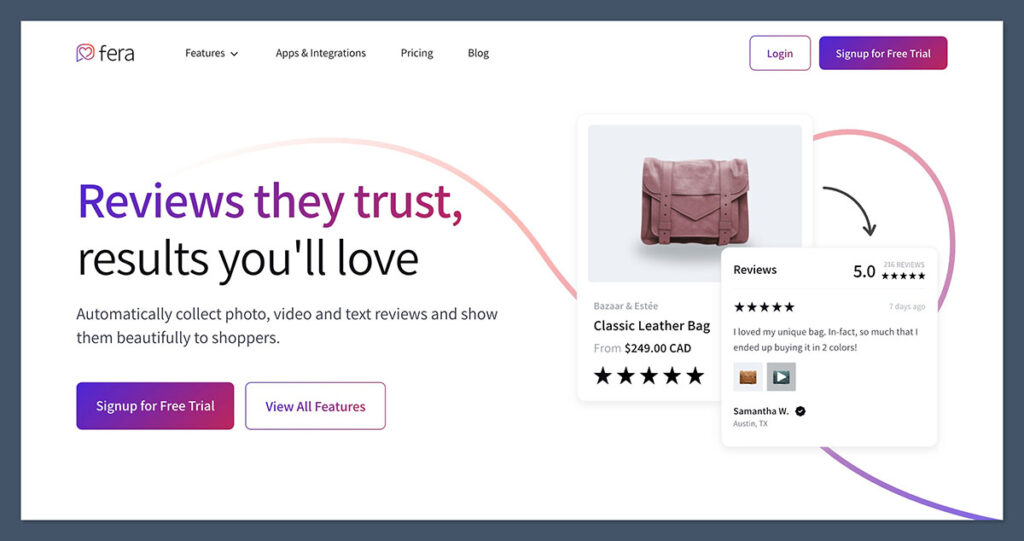
People don’t buy from product pages, they buy from proof. If you’re not showing your potential customers that others have already bought and loved your product, you’re losing easy sales.
That’s where Fera.ai comes in.
This tool helps you turn happy customers into your best-performing sales assets. Whether it’s showcasing reviews, user photos, or subtle urgency elements, Fera adds trust signals exactly where they matter, without turning your site into a flashing mess.
In today’s ecommerce environment, social proof isn’t optional. It’s expected. And it needs to be authentic, timely, and frictionless, exactly what Fera delivers.
What I like:
- Beautiful, customisable widgets that fit any brand aesthetic. You can match the look and feel of your site without needing to touch code.
- Automated review collection – sends follow-up emails post-purchase and pulls in product reviews with photos or video.
- Doesn’t slow down your site – unlike some clunky review apps, Fera is light, clean, and performance-optimised.
Plus, it gives you total control over how and where you display reviews, testimonials, or countdown timers. You can:
- Show a review carousel on product pages
- Highlight customer-submitted photos under key product benefits
- Add “x people bought this today” popups or urgency bars
- Use AI-generated review summaries (great for skimmers)
Fera is also GDPR-compliant, integrates directly with Shopify, and doesn’t require technical setup. You can go from zero to live widgets in under 30 minutes.
Best used for:
- New stores trying to build immediate trust, even with fewer reviews, the design elevates the perception of credibility.
- Established brands who want to showcase thousands of happy customers through UGC, star ratings, and influencer reviews.
One feature I really like is how Fera can import your old reviews from other platforms like Judge.me or Yotpo. It makes switching tools painless.
Verdict:
Social proof still matters, and Fera makes it easy without bloating your site.
If you’re not actively collecting and displaying reviews, you’re slowing down your sales. Fera is a clean, effective, and affordable solution that scales with your business. Whether you’re just starting or running a 7-figure store, it gives your visitors the confidence to hit “Buy Now.”
Hotjar or Microsoft Clarity – See Where You’re Losing Sales
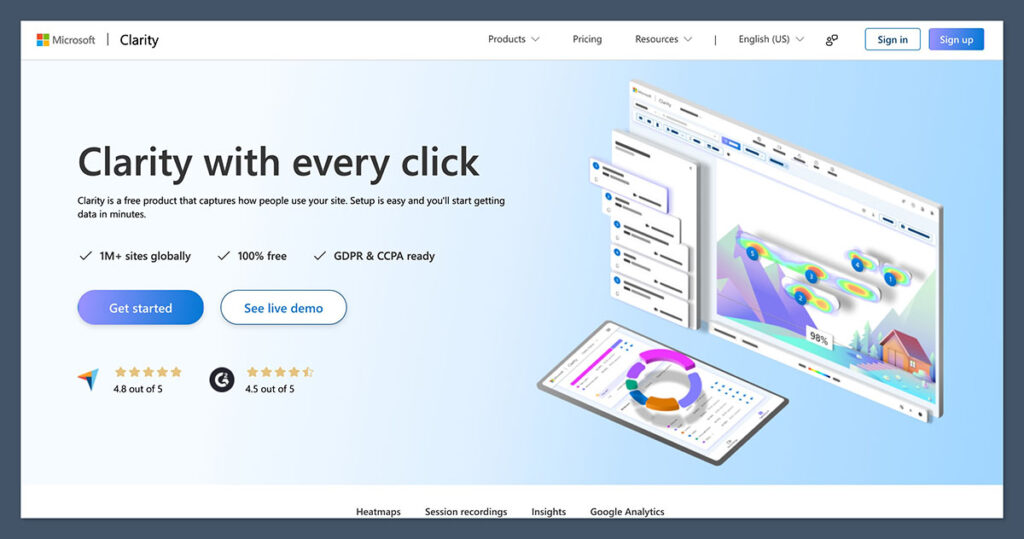
One of the biggest mistakes ecommerce brands make is assuming their site works just because it looks good. The truth is, design doesn’t equal usability, and just because you think your layout makes sense, doesn’t mean your customers agree.
That’s why I never run a store without using a session recording and heatmap tool.
Hotjar and Microsoft Clarity both give you the ability to watch actual customer behaviour.
You see exactly where users scroll, hesitate, rage-click, or abandon the page. This data removes the guesswork from conversion optimisation (CRO). No more arguing over button colour, now you have real evidence.
These tools won’t fix your problems automatically, but they’ll show you exactly where the friction is happening.
Why it matters:
- Shows exactly where people drop off – whether it’s a sticky add-to-cart button that isn’t working or a long product description people aren’t reading.
- Helps you spot broken elements like non-clickable links, slow-loading assets, or buttons blocked by overlays.
- Great for UX audits – understand user flow from homepage to checkout.
- Free tier is solid for most stores – especially Microsoft Clarity, which is 100% free and unlimited.
Even if you’re doing $1,000/month, the insights from just a few recordings can lead to massive improvements. When one of my stores was struggling with high bounce rates, Clarity showed me users were clicking a product image expecting it to zoom, but nothing happened. Fixing that simple issue increased time on site and conversion rate immediately.
Tip:
- Watch five recordings a week. That’s it. Make it a habit.
- Prioritise recordings from mobile users, that’s where most of the friction tends to live.
- Use heatmaps to identify weak spots on key pages like the homepage, collection pages, and product pages.
- Use scroll depth data to trim unnecessary content and bring CTA buttons higher up the page.
Hotjar also has advanced features like on-site polls and user feedback widgets, while Clarity offers smart filters like “rage clicks,” “dead clicks,” and “excessive scrolling”, without needing to pay for premium.
Verdict:
If you care about CRO, use Hotjar or Clarity. It’s like seeing your store through the customer’s eyes.
These tools help you answer one critical question: why aren’t more people buying? And once you know that, fixing it becomes a lot easier. For a store of any size, watching a few user sessions a week is one of the most high-leverage activities you can do.
Fulfilment & Backend Tools That Save You Hours
It’s easy to obsess over getting more traffic and sales, but what happens when orders actually start coming in?
That’s when most store owners hit a wall.
Manually processing orders, scrambling to print shipping labels, trying to guess when to reorder, it’s chaos unless you have the right systems. Fulfilment bottlenecks can crush your growth, stress out your team, and wreck your customer experience.
These are the tools I rely on to keep operations running cleanly, even during peak season. If you’re serious about scaling, you can’t skip this part of your stack.
ShipStation – Simplify Your Shipping Process
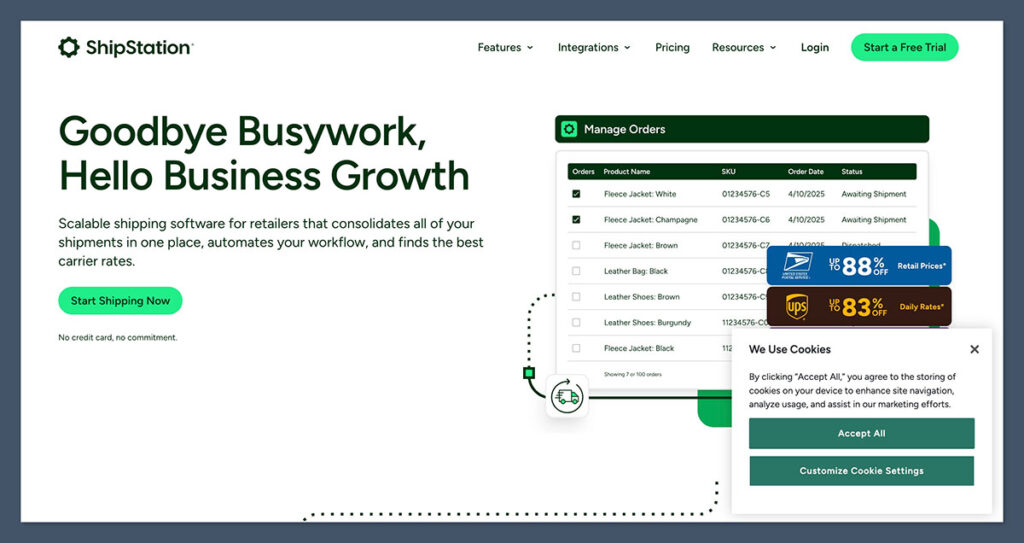
Shipping is one of those things that seems simple… until you’re doing it at scale.
When I was handling orders manually, I wasted hours each day switching between carriers, copying and pasting tracking numbers, and dealing with the mess of fulfilment platforms. That changed when I switched to ShipStation.
This tool pulls all your orders into one central dashboard, Shopify, Amazon, eBay, Etsy, you name it, and lets you batch-process everything without the headaches.
Features I use daily:
- Automated shipping rules based on weight, delivery speed, or location. Orders get pre-assigned the right carrier and service, no guesswork.
- Batch print labels for 50, 100, or even 500 orders at once. This used to take an hour, now it takes 5 minutes.
- Multi-carrier support – easily compare rates across USPS, UPS, FedEx, DHL, and more from one dashboard.
It also auto-generates tracking numbers and emails them to customers, which keeps your support inbox quiet and your customers in the loop. Integration with Shopify is seamless, and fulfilment status syncs in real time.
Impact on my business:
Before ShipStation, we had one full-time staff member just handling labels and tracking emails. After switching, we cut that role in half and repurposed the time toward marketing and retention tasks. Fulfilment time was cut by over 50%, and shipping errors dropped significantly.
During BFCM, we processed over 3,200 orders in five days, without a single manual entry.
Other standout features:
- Branded tracking pages
- Returns management built-in
- Integrates with 70+ sales channels
It’s built for scale, but the UI is clean enough that even smaller stores can get value from day one.
Verdict:
If you ship 20+ orders per day, ShipStation pays for itself in time saved and fewer fulfilment mistakes.
It’s one of those backend tools that doesn’t just add convenience, it adds capacity. You’ll spend less time clicking buttons and more time growing the business. Whether you’re running your store solo or managing a team, ShipStation is a serious upgrade.
Easyship – Cross-Border Shipping Without Guesswork
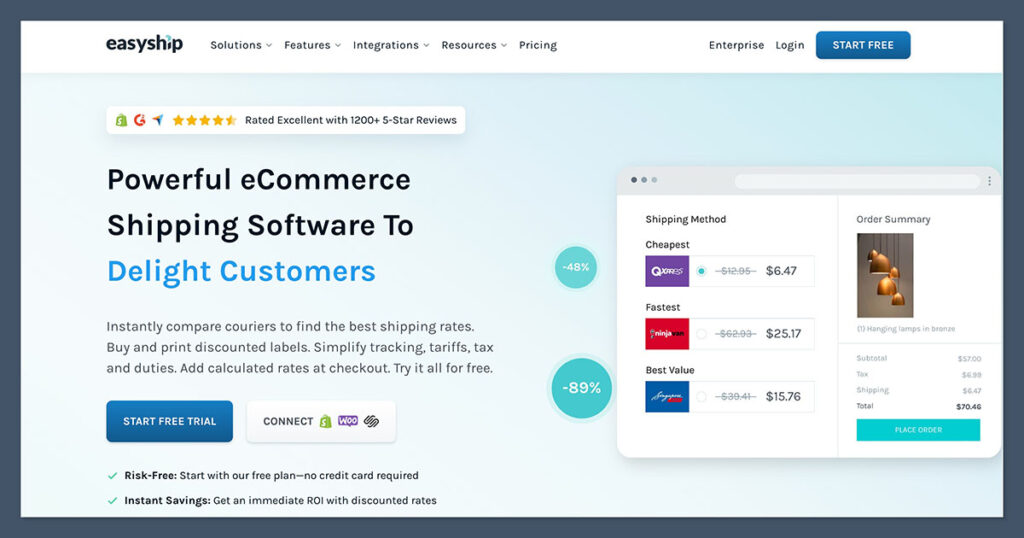
Selling internationally can feel like opening a can of worms. Between customs paperwork, inaccurate delivery estimates, surprise import duties, and lost packages, it’s enough to make most ecommerce brands avoid it altogether.
But if you’re trying to grow your brand, international sales are a massive opportunity, and you need the right system in place to make them work without burning your support team.
That’s where Easyship comes in.
I’ve used it on stores shipping to Canada, the UK, Australia, and parts of Asia. It handles end-to-end logistics, simplifies tax and duty calculations, and gives your customers clear delivery options upfront, before they hit “buy.”
Why it works:
- Real-time shipping costs and delivery times are shown at checkout – so customers know exactly what to expect.
- Upfront tax and import fee calculations – no more customers getting hit with surprise charges at the door.
- Discounted global courier rates – including UPS, DHL, FedEx, and hundreds of regional carriers.
It also auto-generates the right customs documents and commercial invoices based on destination and order contents. You don’t need to guess or Google every country’s rules. Easyship does it for you.
One key feature I love: it lets you offer multiple shipping options at checkout, like economy, express, or courier-specific options, based on where the buyer is located.
Great for:
- Brands expanding beyond the US that want to test international markets without setting up full-blown fulfilment centres.
- Stores selling lightweight, high-margin products like supplements, skincare, or apparel, where international margins are still solid after shipping.
- Teams that want to minimise customer support tickets related to shipping delays or hidden customs fees.
During a campaign we ran for a product launch in Canada, using Easyship cut customer service complaints by 70% compared to our previous setup. Customers loved the transparent delivery estimates, and we saw a 12% boost in international conversions just by adding prepaid duty options.
Other features worth noting:
- Dashboard lets you track all shipments and delays across borders
- Integrates with Shopify, WooCommerce, BigCommerce, and custom platforms
- Automatically updates tracking and order status in your store backend
Verdict:
Don’t lose international customers due to hidden fees or vague delivery windows.
Easyship keeps cross-border shipping simple, transparent, and scalable, which is exactly what you need if you want to go global without the growing pains. It takes a complex process and makes it feel manageable, even if you’re a solo founder or small team.
Inventory Planner – Forecast What You’ll Run Out Of
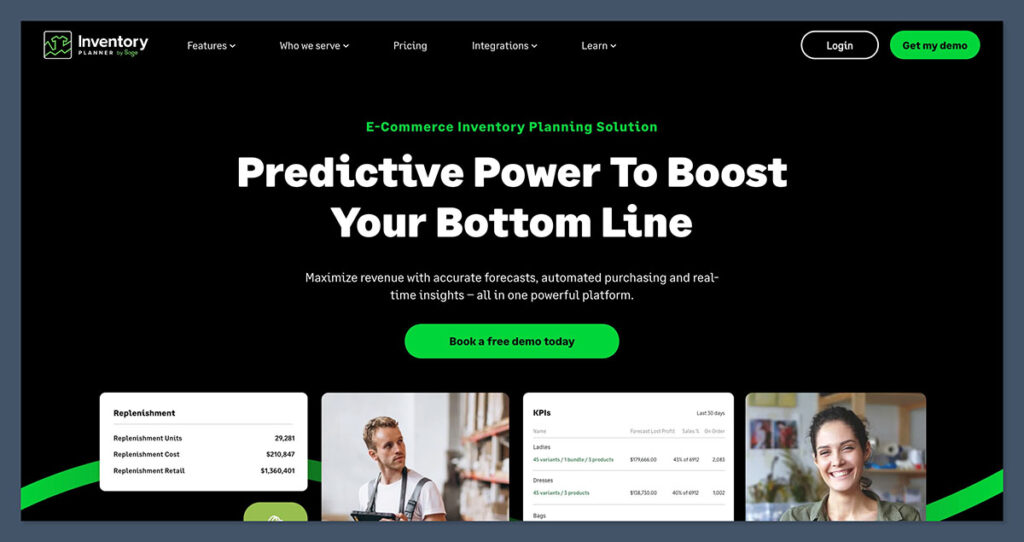
Inventory issues will sneak up and choke your growth.
Run out of a bestseller during Q4, and you’re done. Overstock slow-movers, and you tie up thousands in cash sitting on shelves. I’ve made both mistakes, and they cost way more than I’d like to admit.
Inventory Planner is the tool that finally helped me get control of this. It uses real-time sales data to forecast demand and tell you exactly when and how much stock to reorder, by SKU, by supplier, by location.
It’s not flashy, but it solves a major bottleneck that stops brands from scaling smoothly: inventory mismanagement.
Key features:
- Forecasts demand by SKU – based on past sales, seasonality, and lead time. This gives you much more accurate reorder plans than basic spreadsheets.
- Creates smart reorder points – tells you when to restock before you run out, while factoring in supplier lead time and desired safety stock.
- Integrates with Shopify, Amazon, and other platforms – pulls in your data automatically, no manual entry needed.
You also get insights into gross margin return on investment (GMROI), so you can see which products are actually worth restocking, not just which ones sell. It gives clarity on what’s working and what’s draining cash.
You can filter by warehouse, vendor, or product category. That’s huge if you manage multiple suppliers or operate in different regions.
What it solved for me:
Before Inventory Planner, our team was manually tracking inventory in Google Sheets. It worked, until it didn’t.
We over-ordered a slow-moving variant that ended up collecting dust and tying up $6,000 in stock. At the same time, we completely missed the spike in one of our seasonal bestsellers and sold out during the biggest week of the year.
After switching to Inventory Planner:
- We set reorder triggers based on lead time + daily velocity
- Stopped buying deadweight SKUs
- Started getting inventory in just before we needed it
The result? Fewer stockouts, tighter cash flow, and way more confident buying decisions.
Other useful features:
- Bundle forecasting for kits or multipacks
- Vendor performance tracking
- PO creation and management in-app
- Alerts when demand spikes or drops unexpectedly
Verdict:
You can’t scale if your inventory’s a mess, and Inventory Planner helps you stay ahead instead of constantly playing catch-up.
If you’ve ever had cash stuck in overstock, missed out on Q4 profits, or lost sleep over reordering, this tool’s a must. It doesn’t just help you avoid mistakes. It helps you make smarter, more profitable inventory decisions every day.
Marketing Tools That Drive Sales on Autopilot
If I had to keep just one growth channel for ecommerce, it’d be email.
Why? Because you own it. No algorithm shifts. No rising ad costs. Just a direct line to your customers — and when it’s done right, it works while you sleep.
SMS is a close second. But email is where you build long-term value, increase repeat purchases, and drive serious profit.
The tools below are the ones I rely on to make that happen. They don’t just help you send more messages — they help you send the right messages at the right time, to the right people.
Klaviyo – Still the Email Marketing Gold Standard
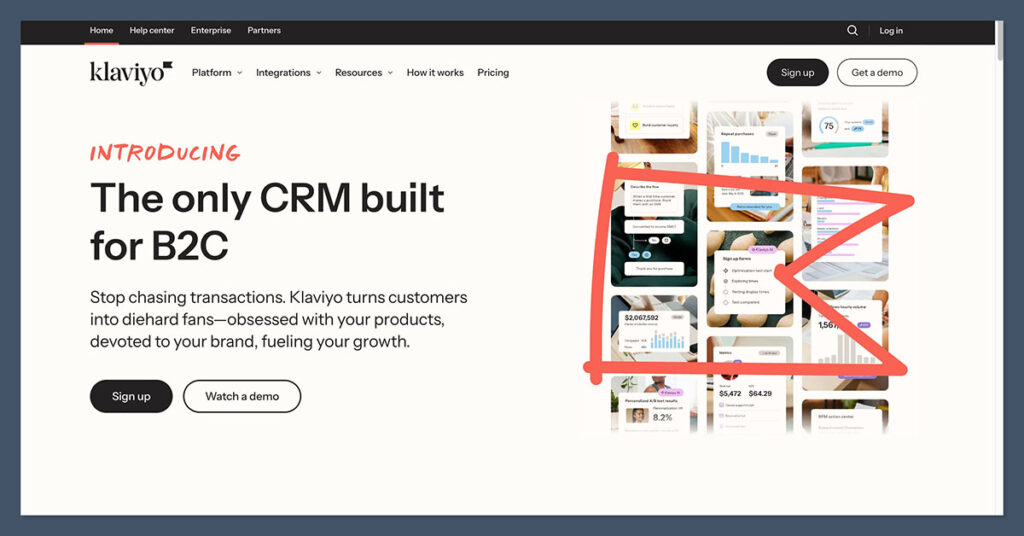
If you’re running an ecommerce store and not using Klaviyo, you’re not just leaving money on the table — you’re lighting it on fire.
I’ve tried most email tools in the game — Mailchimp, Omnisend, ActiveCampaign. They work. But Klaviyo is built specifically for ecommerce. It understands customer behaviour, product data, and Shopify relationships in a way that other platforms just can’t match.
It’s not just a tool to blast campaigns. It’s a revenue engine.
Why it crushes:
- Pre-built automation flows for:
- Welcome sequences
- Abandoned carts
- Winback campaigns
- VIP or high-spend customer flows
- Deep Shopify integration — pulls in data like viewed products, past orders, location, and total spend
- Clean and actionable analytics — you see revenue per email, click-through rate, open rate, and which flows are your top earners
With Klaviyo, you can get incredibly granular with your segmentation. Want to target customers who bought twice but not in the last 45 days? Easy. Want to send an email only to people who viewed a product three times but never purchased? Done.
And you can A/B test every part of your email flow — subject lines, send times, call-to-action buttons — all within one dashboard.
Results I’ve seen:
One of the most profitable flows I ever built was a simple 4-email abandoned cart sequence using Klaviyo. In just 30 days, it pulled in $22,000 — and that was from a store doing about $80k/month at the time.
We’ve had welcome flows drive more revenue than our entire ad account some months.
Other wins:
- Re-engagement campaigns recovering 20–30% of “cold” subscribers
- Product launch announcements driving 5-figure days without a dollar in ad spend
- Birthday automation that added 15% in incremental LTV for certain customer segments
Other key features worth noting:
- Smart sending — avoids over-emailing your list
- Dynamic product recommendations based on browsing or order history
- Drag-and-drop builder for beautiful, branded emails
- Robust integration with SMS if you want to run both from one place
Verdict:
Email is your money printer — and Klaviyo is how you print smarter.
If you’re relying purely on ads and not building out flows, you’re building a leaky business. Klaviyo fixes that by giving you predictable, scalable revenue from customers who already know your brand.
Once it’s set up, it runs itself — and the ROI is hard to beat.
Postscript – SMS That Actually Converts

Most ecommerce stores barely scratch the surface of SMS.
They’re worried it’s too intrusive, too spammy, or just another channel to manage. But when done right, SMS is one of the most effective retention tools in your entire stack — especially for time-sensitive campaigns, VIP offers, and high-intent segments.
Postscript is the platform I trust to handle it.
It’s purpose-built for ecommerce. That means the automations, compliance, integrations, and performance reporting are all geared toward stores that want to grow revenue without crossing legal lines or annoying customers.
I’ve seen SMS campaigns drive 30%+ click rates and thousands in same-day revenue. And that’s not hype — it’s about targeting, timing, and respecting the channel.
Why I use it:
- TCPA-compliant collection tools — get opt-ins legally with popups, checkout integrations, and keyword replies. No more legal grey zones.
- Automated flows for:
- Browse abandonment
- Cart abandonment
- Post-purchase winbacks
- Replenishment and reorder nudges
- Click rates up to 35% — especially for last-chance deals, back-in-stock alerts, and VIP-only drops
You can also segment your SMS list just like you would with email. Want to send a message only to customers who purchased twice in the last 90 days? Easy. Want to trigger a message 14 days after a specific SKU was purchased to prompt a refill? Done.
Postscript also syncs directly with Shopify, which makes it easy to insert product images, dynamic links, and customer info into texts — no messy Zapier workarounds required.
Pro tip:
- Use SMS for urgency. It’s not a daily marketing channel like email. Use it sparingly for:
- VIP segments — your highest-value customers will actually appreciate the early access or insider offers.
- Product launches — I’ve seen first-day sales double just by adding an SMS blast.
- Flash sales & promos — texts get opened immediately, making them ideal for short windows.
You can also combine Postscript with Klaviyo to sync campaigns and avoid duplicate messages across channels.
Other standout features:
- Easy A/B testing for send times, messaging, and links
- Real-time revenue tracking by campaign
- Two-way conversations so customers can reply to messages
- Customer journey mapping for more advanced flows
Verdict:
If your LTV is decent and you want more repeat buyers, SMS is a secret weapon — and Postscript is one of the best tools for doing it right.
It’s not just about blasting discounts. When integrated into your customer lifecycle, SMS becomes a high-impact touchpoint that drives sales, builds loyalty, and cuts through the noise like nothing else.
Triple Whale – Ad Attribution Without the BS
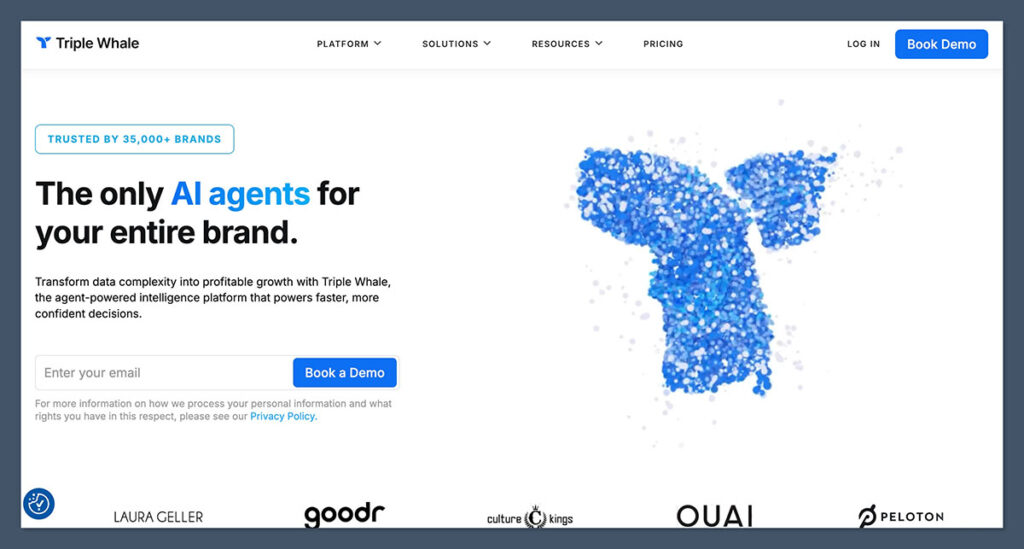
If you’re running paid ads — Meta, Google, TikTok, or anywhere else — you already know attribution is a nightmare. Since iOS 14, ad platforms have lost visibility into actual conversions, and the in-platform ROAS (Return on Ad Spend) numbers are often pure fiction.
I’ve seen brands dump thousands of dollars into ad sets that looked profitable inside Facebook Ads Manager — but weren’t driving real revenue. That’s where Triple Whale changes the game.
This tool gives you a centralised source of truth for tracking ad performance across all platforms. No more stitching together spreadsheets, toggling between dashboards, or guessing which campaign actually made money.

Key benefits:
- Tracks first-click, last-click, and blended ROAS — so you can see how ads work across the full customer journey, not just what Facebook guesses.
- Central dashboard for ad spend and revenue — one login to monitor Meta, Google Ads, TikTok, and Shopify metrics in real time.
- Integrates directly with your store — including Shopify, Recharge, and subscription tools — so all your revenue data stays accurate and up to date.
It also goes beyond just attribution.
You can monitor net profit, CAC (customer acquisition cost), AOV, LTV, and even MER (Marketing Efficiency Ratio) — which is essential once you start scaling past $50K/month. Triple Whale turns your store data into actionable insights so you can optimise spend, not just track it.
What it fixed for me:
Before using Triple Whale, our media buyer relied on Meta’s in-platform ROAS numbers — which were inflated by 30–40%. That led to us scaling campaigns that were actually losing money once refunds and post-purchase data were factored in.
Once we implemented Triple Whale:
- We cut ad spend on underperforming campaigns by 40%
- Shifted budget into a single high-ROAS retargeting funnel that was actually driving conversions
- Increased blended ROAS from 2.2x to 3.1x within 6 weeks
That kind of clarity directly impacted our bottom line.
Other features worth noting:
- Pixel tracking with first-party data — bypasses iOS restrictions
- Mobile app with live stats — great for checking performance on the go
- Cohort analysis — helps you understand LTV by acquisition source, month, or product
- Profit tracking — see net profit after ad spend, COGS, and returns
Triple Whale also lets you set up custom alerts. For example, if ROAS drops below a certain threshold or CAC spikes, you get notified instantly — no more checking dashboards 10 times a day.
Verdict:
Real attribution = better decisions — and Triple Whale gives you exactly that.
If you’re flying blind or relying on what Meta says is working, you’re almost guaranteed to be wasting ad spend. Triple Whale helps you spend smarter, scale confidently, and actually understand what’s driving growth.
For any brand doing $20K/month or more in paid traffic, this tool is non-negotiable.
CRO & Website Tools That Make the Site Convert
A slick-looking store is nice, but if it doesn’t convert — it’s just decoration.
Conversion Rate Optimisation (CRO) is about more than aesthetics. It’s about function, flow, and clarity. Whether you’re sending traffic from paid ads, email, or organic channels, your site should guide visitors toward purchase — fast.
These tools help you test layouts, run promos, build landing pages, and spot friction points without hiring a developer. That means quicker iteration, faster results, and a more optimised funnel.
PageFly / GemPages – Build Landing Pages Without Developers
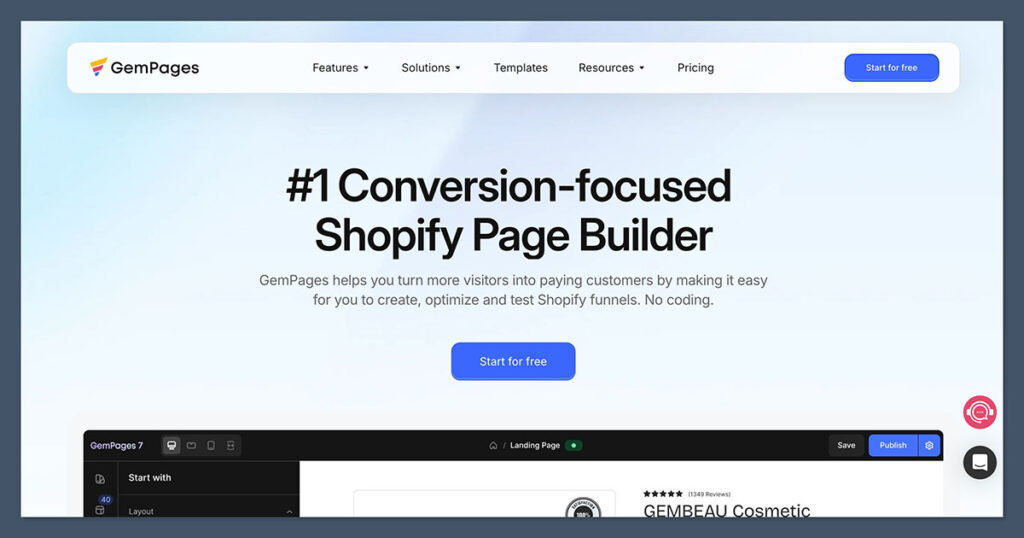
When you’re running sales campaigns or product launches, time matters. You need pages live yesterday, but if you’re waiting on developers or messing with code, you’re slowing everything down.
PageFly and GemPages solve that.
They’re drag-and-drop landing page builders built for Shopify, designed to let you build fully custom pages in minutes. Whether it’s a holiday sale, new product launch, or paid traffic funnel, these tools let you ship fast — with full control over the design and structure.
You don’t need coding experience. You don’t need to compromise on design. And you don’t need to spend thousands hiring a dev every time you want to tweak a page layout.
Why they work:
- Drag-and-drop builders with a wide range of templates — product pages, homepage layouts, landing pages, collection pages.
- Native Shopify integration — no messy workarounds. Add Shopify elements like “add to cart,” product reviews, or variant selectors directly into the layout.
- Easy split testing — test different headlines, CTAs, product positioning, and visuals to see what converts best.
They’re especially useful when running cold traffic. If you’re running Meta ads to a general product page and it’s not converting, a custom landing page built with PageFly can often improve results dramatically.
You can:
- Build dedicated product pages with fewer distractions
- Create urgency with countdown timers, stock bars, or testimonials
- Add video blocks, trust badges, and dynamic pricing displays
Great for:
- Split testing offers — A/B test price points, bundle options, or messaging without messing with your main site.
- High-converting product pages — Especially when you want to create a “funnel-like” experience on Shopify.
- Agencies or brands with multiple stores — Build repeatable layouts and clone them across accounts.
One of the best parts? You can build a page, duplicate it, tweak it, and run A/B tests — all without slowing down your dev team or waiting on third parties.
Other useful features:
- SEO controls for meta titles, descriptions, and schema
- Mobile-responsive layout adjustments
- Custom HTML/CSS blocks for advanced edits
- Built-in integrations with review apps, upsell tools, and email popups
Verdict:
If you run promos, paid traffic, or frequent campaigns, PageFly or GemPages are essential.
They give you the ability to build, test, and optimise pages quickly, without relying on developers. And in ecommerce, speed equals money. The faster you can launch, the faster you learn what converts — and what doesn’t.
Lucky Orange – Real-Time Visitor Tracking
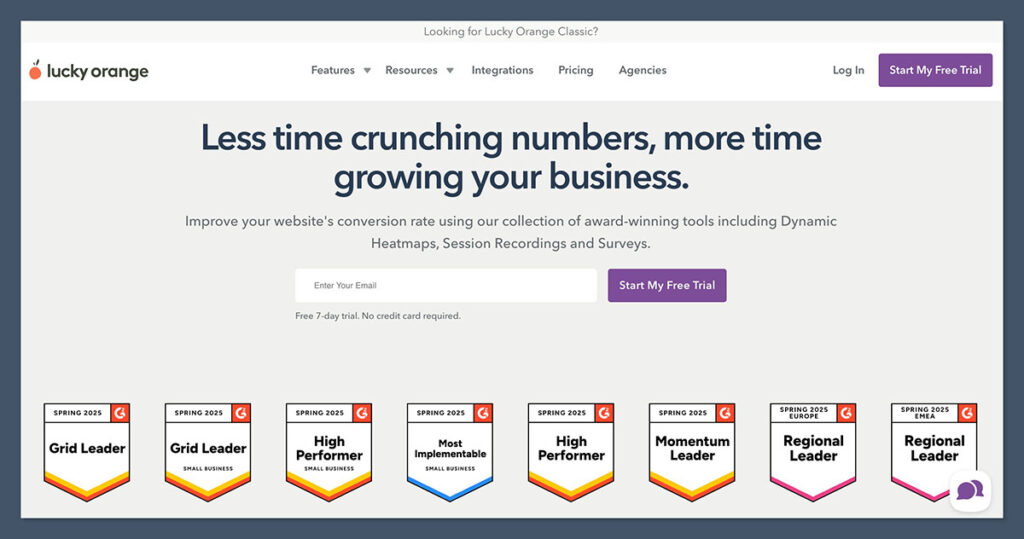
Sometimes it’s not enough to guess why your site isn’t converting. You need to watch what’s actually happening in real time.
Lucky Orange is like a Swiss Army knife for CRO. It gives you heatmaps and session recordings like Hotjar, but also includes live chat, conversion funnels, on-site polls, and more — all under one dashboard.
It’s a powerful all-in-one tool for anyone serious about improving user experience and increasing conversion rates. And the best part? You don’t need to jump between 3 different apps to do it.
I’ve used Lucky Orange for everything from spotting friction in the checkout process to uncovering broken buttons on mobile — and each time, it’s directly translated into more sales.
Best features:
- Visitor session recordings — replay individual user sessions to see clicks, scrolls, hesitations, and rage clicks.
- Live chat that converts — talk to visitors while they’re shopping or stuck, right from your dashboard.
- Funnel visualisation — map out where users drop off in your purchase funnel (e.g. homepage → product page → cart → checkout).
- Heatmaps and scroll maps — see how far users get down the page and which elements they interact with most.
You can also filter sessions by behaviour — like users who dropped off at checkout, stayed longer than 2 minutes, or clicked a certain element — which makes the data immediately actionable.
Use case:
On one of my stores, we noticed conversion rates were dropping but couldn’t figure out why. Lucky Orange revealed a crucial issue: on mobile, the discount code field was overlapping the “Pay Now” button in checkout — users couldn’t click it. After fixing that, conversion rate jumped 5% overnight.
Without that visibility, we would’ve kept burning traffic and blaming our ad creative.
Other standout features:
- Customisable on-site polls — ask users why they didn’t convert or what stopped them from checking out
- Real-time analytics and dashboard
- Conversion goal tracking
- Visitor segmentation (e.g. by location, device, or traffic source)
It’s especially useful if you’re managing a high-traffic store and want to spot issues before they cost you serious revenue.
Verdict:
More than just a heatmap tool — Lucky Orange helps fix conversion leaks fast.
If you’re running ads, launching new pages, or noticing drops in conversion and don’t know why — this tool gives you visibility, context, and direct feedback from users. It’s one of the fastest ways to turn site behaviour into revenue.
Google Analytics 4 – A Necessary Evil

No one wants to use Google Analytics 4 (GA4). But if you’re serious about understanding your store’s performance over time, you can’t avoid it.
Yes, the interface is clunky. Yes, the event-based tracking takes time to wrap your head around. But once it’s configured correctly, GA4 becomes one of the most powerful data sources in your entire ecommerce stack.
It gives you the kind of insight you just can’t get from Shopify analytics or ad platforms — especially when it comes to tracking cross-device behaviour, traffic sources, and long-term customer trends.
I’ve fought with the setup myself, but once we got it dialled in, it became the backbone of how we understand performance across acquisition, retention, and conversion funnels.
Why you still need it:
- Free and powerful (if configured correctly) — GA4 doesn’t cost anything to run, and it pulls in deep-level analytics that most paid tools can’t touch.
- Tracks long-term trends — understand how different campaigns, traffic channels, or landing pages perform over weeks and months, not just day-to-day.
- Integrates with ad platforms — use your GA4 audience data for more accurate remarketing on Google Ads, YouTube, and Display.
- Supports cross-device attribution — see the full customer journey, even if it starts on mobile and finishes on desktop.
Where Shopify gives you surface-level data, GA4 lets you drill down into specifics:
- Which pages have the highest bounce rates by device type?
- How does traffic from Google Shopping compare to organic over a 60-day window?
- What’s the time lag between first visit and first purchase for different traffic sources?
With custom events and goals, you can track everything from scroll depth to video plays to when someone adds a product to their wishlist. And once you’re using tools like Google Tag Manager, your ability to segment gets even deeper.
Common GA4 wins:
- Spotting underperforming landing pages early (before ad budget gets wasted)
- Identifying blog content that leads to conversions (not just traffic)
- Understanding how returning visitors convert differently from new users
Drawbacks to expect:
- Initial setup is not beginner-friendly
- Event tracking and goal configuration take time to learn
- The interface feels overcomplicated compared to Universal Analytics
That said, once it’s set up — especially with help from a good implementation guide or tracking specialist — it runs in the background and quietly powers smarter decisions.
Verdict:
GA4 is a pain to set up, but once it’s working, it’s your best long-term data source.
If you’re relying solely on Shopify or Meta for analytics, you’re missing key data. GA4 gives you the full story — and while it’s not perfect, it’s essential for brands who want to understand the numbers that actually move the needle.
Automation Tools That Run Things Without You
There’s a point in every ecommerce business where growth slows — not because of a lack of sales, but because you’re drowning in busywork.
Manual tasks like exporting orders, tagging customers, creating tasks for your team, or updating spreadsheets become daily bottlenecks. You’re clicking buttons all day instead of thinking strategically.
This is where automation tools shine. They cut out human error, save hours, and help you scale without hiring more people.
Zapier – Connect All Your Apps Together
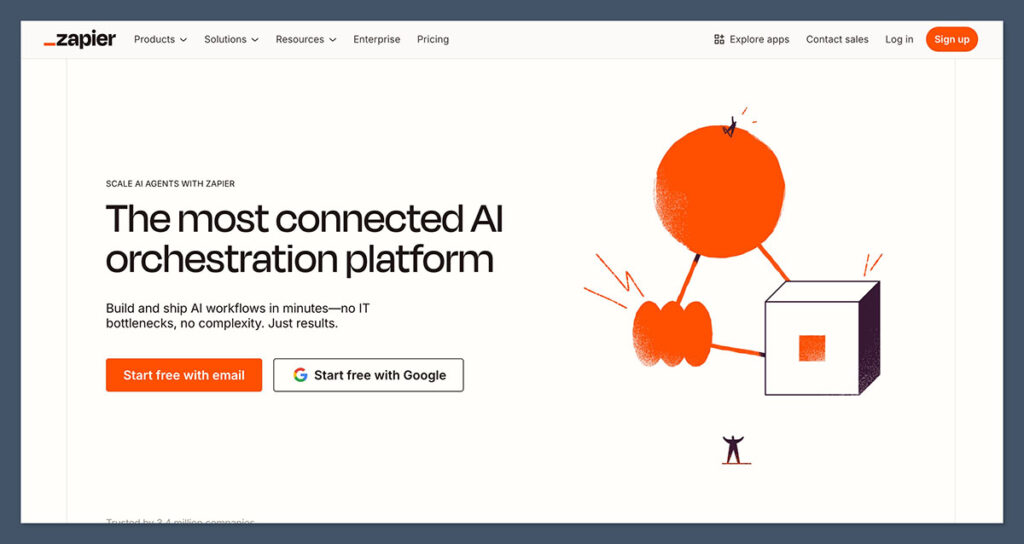
Zapier is the glue that connects the tools you already use — without needing to write code.
It automates repetitive tasks by creating “Zaps,” which are simple “if this, then that” workflows. It’s like hiring a team of digital assistants that work 24/7, never get tired, and never forget.
Whether you’re syncing data, triggering emails, or creating tasks across platforms, Zapier makes it all flow behind the scenes.
Popular zaps I use:
- Shopify → Google Sheets — auto-log every new order to a master spreadsheet for tracking, accounting, or team reference.
- Stripe → Slack — send a real-time alert to a private Slack channel when a new customer purchases a subscription or hits a milestone.
- Gorgias → Trello — create support tickets as Trello cards for follow-up or escalation.
These workflows might seem small, but when you’re doing dozens (or hundreds) of transactions per day, they save hours and prevent costly mistakes.
And the best part? Zapier integrates with 5,000+ apps — so if you’re using tools like Klaviyo, Postscript, Airtable, ClickUp, Google Drive, or even Notion, you can link them all together.
Real use cases from my own stores:
- Tag high-value customers in Klaviyo after a Shopify purchase, then trigger a custom email series
- Create POs automatically when certain SKUs drop below a stock threshold
- Auto-assign support tickets in Gorgias based on customer location or issue type
- Backup all customer data from Stripe into Airtable for investor reporting
Once you understand the logic behind your business workflows, Zapier becomes the invisible backbone of your operations.
Other standout features:
- Multi-step zaps with conditional logic (e.g., “If product = subscription, send this email”)
- Filters, delays, and schedule triggers
- Built-in error handling and version control
- Folder-based organisation for large teams or agencies
You can also use webhooks and custom code steps if you need to get fancy — but most workflows are built with just clicks.
Verdict:
If you repeat it more than twice a day — automate it with Zapier.
It’s one of those tools that feels invisible when it’s working right, but completely transformative when you step back and realise how much time you’re saving. For lean teams or solo founders, Zapier is the easiest way to automate your way to scale.
Tidio / Gorgias – Chatbots + Live Chat That Sell
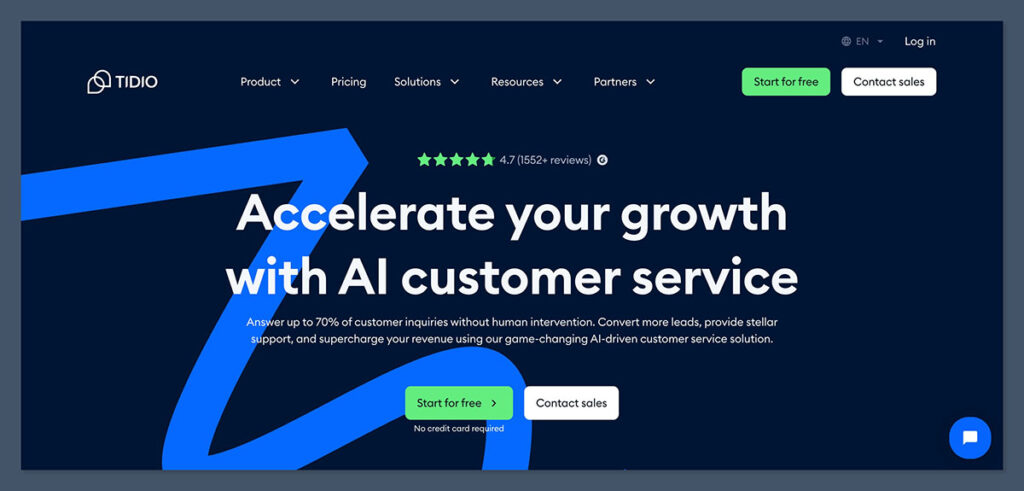
Support isn’t just about solving problems anymore — it’s a revenue channel.
If your customer service team is only answering questions and issuing refunds, you’re missing a huge opportunity. Live chat and AI-driven support tools can turn casual visitors into buyers and post-sale customers into repeat customers.
That’s why I recommend Tidio for smaller teams and Gorgias for brands ready to scale. Both offer real-time support tools, but they shine in different ways depending on where you’re at in your growth.
Why they work:
- Gorgias pulls in real-time order data from Shopify — support agents can instantly:
- Look up order history
- Issue refunds
- Reorder items
- Tag customers for upsell flows or loyalty campaigns
- AI-powered quick replies in both tools allow you to handle repetitive tickets automatically — like “Where’s my order?” or “How do I return this?”
- Multichannel integration — connect your chat and support with:
- Facebook Messenger
- Instagram DMs
- Shopify and more
These tools also give you response-time tracking, ticket assignment logic, and team performance stats — essential once you’re handling more than 10–20 tickets per day.
Use cases from my stores:
- On one skincare store, we set up Tidio’s chatbot to qualify leads and offer a 10% code to visitors who answered two quick questions. That alone boosted conversions by 8% — before a human even got involved.
- With Gorgias, our agents were able to resolve refund requests and upsell customers into larger bundles or subscriptions — all from the same chat.
- We also used tagging logic in Gorgias to trigger Klaviyo flows based on support interactions. A customer asking about a delayed order? They’d get an apology coupon automatically if it hit a certain delay threshold.
Other standout features:
- Canned responses and macros for common tickets
- Tag and route conversations based on topic, channel, or customer type
- Analytics dashboards for response times, ticket volume, and team productivity
- Self-service portal options and FAQs
Whether you’re a team of one or managing a full support department, these platforms make your support smarter, faster, and more revenue-focused.
Which one should you choose?
- Tidio is perfect for smaller brands that want affordable live chat and basic AI chatbots with minimal setup.
- Gorgias is better for scaling teams that want deep Shopify integration, multi-agent workflows, and advanced analytics.
Both tools help reduce time spent on support and increase customer satisfaction — but more importantly, they turn conversations into conversions.
Verdict:
Your support should drive sales — not just solve problems. These tools help.
In a world where customer experience defines your brand, Tidio and Gorgias give you the power to make every conversation count — without burning out your team or missing revenue opportunities hiding inside support tickets.
Descript – Make Product Videos Fast

Video is no longer optional in ecommerce — it’s the most engaging and highest-converting format across nearly every platform.
But here’s the problem: video editing is slow, expensive, and usually requires hiring someone or spending hours inside clunky software.
Descript changes that.
It’s a video editor that works like a doc — literally. You transcribe the video, then edit the text to cut the footage. Delete a sentence? That sentence gets removed from the video. Need to fix a word in a voiceover? Descript can even use its Overdub feature to generate your voice for quick fixes.
If you’re making product demos, UGC edits, TikToks, Reels, or YouTube Shorts, Descript saves you hours — and makes the process beginner-friendly.
What I use it for:
- Product walk-throughs — easily trim pauses, errors, or repetitive info to keep it tight and engaging.
- UGC editing — chop up influencer or customer-submitted videos into branded content.
- Reels and YouTube Shorts — create quick-hit video assets for social media that actually convert.
It’s especially helpful if you’re recording with founders, team members, or influencers — because Descript lets you remove filler words like “uh,” “um,” or “like” automatically with one click. You can also add subtitles instantly, which is essential for platforms like Instagram or TikTok where most people watch without sound.
Time saved:
Before Descript, editing even a basic 60-second product video took 2–3 hours, especially when syncing audio and cutting transitions. Now, we do the same edits in under 45 minutes — start to finish.
And we do it in-house, without needing to hire freelance editors for simple content.
Other standout features:
- Screen recording – perfect for quick tutorials or onboarding videos
- Multitrack editing – manage video, audio, music, and screen recordings in one place
- Templates and presets – speed up branding, intro/outro creation, and visual consistency
- Auto-subtitles – add captions with near-perfect accuracy in seconds
Descript also makes it easier to collaborate with teams. You can leave comments, version control edits, and even export directly to platforms or project folders, all without bouncing between tools.
Verdict:
If you do video marketing, Descript is a must-have.
It lowers the barrier to producing polished content fast — and in a marketing world driven by speed, relevance, and UGC, that’s a serious edge. Whether you’re editing product how-tos, running paid video ads, or repurposing influencer clips for social, Descript helps you create more video content without bottlenecks.
Finance & Business Tools That Keep You Profitable
There’s no scaling without strong financials.
Revenue is great, but if your profit margins are shrinking, expenses are out of control, or taxes blindside you, you’ll feel it — fast. This is the side of ecommerce that most ignore until it’s too late.
Good tools won’t just track your numbers. They’ll give you clarity. And clarity leads to better decisions, cleaner growth, and fewer end-of-year surprises.
QuickBooks or Xero – Accounting You Can Trust
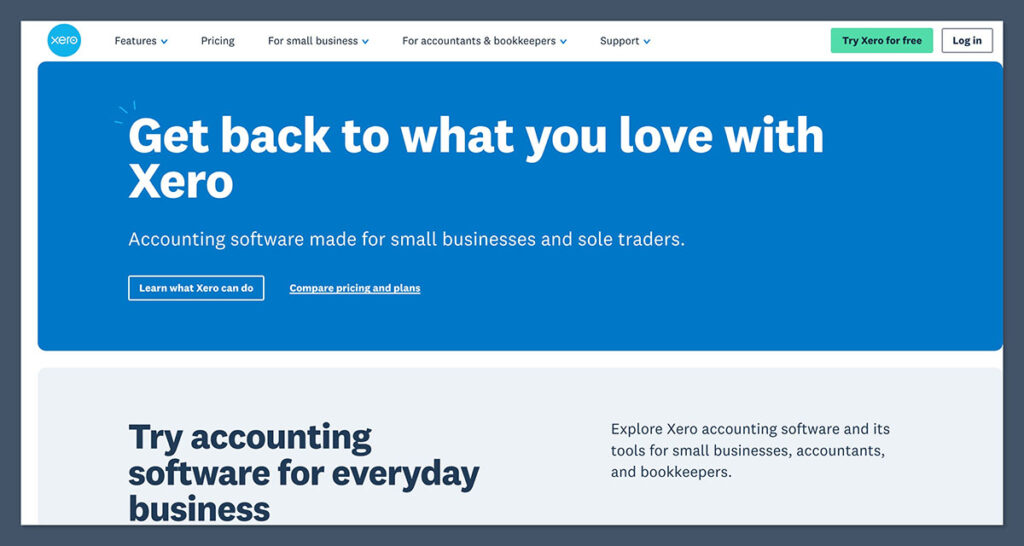
You don’t need to be a CPA to run a profitable ecommerce brand — but you do need solid software to make sure you’re not flying blind.
QuickBooks and Xero are the two best-in-class platforms for ecommerce bookkeeping. Both are cloud-based, both integrate with most ecommerce stacks, and both give you the reports your accountant (or you) actually need.
I’ve used both — and while they’re functionally similar, your choice usually comes down to location and workflow preference. QuickBooks tends to dominate in the US. Xero is more popular internationally, especially in the UK, Australia, and New Zealand.
Why I recommend them:
- Bank syncing — connect your business bank accounts and payment processors (Shopify Payments, PayPal, Stripe, etc.) to track inflows and outflows in real time.
- Clean P&L and cash flow reports — see exactly how profitable you are, where your money is going, and how healthy your cash position is.
- Integration with ecommerce platforms — both tools work well with Shopify, Amazon, and WooCommerce (especially with connector tools like A2X or Webgility).
Whether you’re a solo founder or managing a multi-person finance team, these tools help you understand your financials without drowning in spreadsheets.
They also support:
- Tax-ready reporting
- Multi-currency handling (essential for global brands)
- Inventory and COGS tracking
- Payroll integration (especially with QuickBooks)
Real-world use cases:
- We used Xero to streamline multi-currency tracking across three stores selling in USD, GBP, and EUR. Having one central P&L across all storefronts saved hours every month.
- With QuickBooks, syncing Shopify and Stripe made it easier to reconcile weekly payouts, categorize expenses, and prep books for quarterly tax filings — without hunting through CSVs.
Most importantly, both platforms make life easier for your accountant — and that means fewer billable hours for clean-up at year-end.
Verdict:
Pick one and stick with it. Clean books = peace of mind come tax season.
Whether you’re doing $10K/month or $1M+, having up-to-date and accurate financial data isn’t optional. It’s what keeps your business lean, legal, and ready to scale — and QuickBooks or Xero are the tools I trust to do it.
A2X – For Amazon Sellers Who Want Clean Accounting
If you’ve ever tried to reconcile an Amazon payout manually, you already know the pain.
Amazon deposits lump sums into your account — but buried inside that deposit are dozens of different transactions: sales, refunds, fees, FBA storage charges, promotions, VAT, and more. Trying to untangle that in QuickBooks or Xero is a nightmare.
A2X fixes that. It connects your Amazon account with your accounting software and automatically breaks down payouts into clean, organised journal entries — ready for reconciliation.
It gives you clarity, saves time, and most importantly, keeps your books audit-ready.
Why it matters:
- Automates reconciliation — instead of uploading 40-line CSVs, A2X matches each Amazon deposit to detailed sales data across all transaction types.
- Syncs with Xero or QuickBooks — sends fully itemised data directly into your accounting system with the correct formatting and tax logic.
- Scales well for multi-channel sellers — also works with Shopify, Walmart Marketplace, Etsy, and more — so you can centralise financial reporting as your business grows.
For high-volume sellers, this isn’t just a convenience — it’s essential.
Manual reconciliation at that level is not only slow, it’s error-prone. A2X gives you visibility into what makes up every dollar that hits your account — from individual product sales to storage fees to international tax withholding.
Key features I rely on:
- COGS tracking — calculates cost of goods sold on a per-settlement basis using your inventory value, so margins stay accurate
- Multi-account support — manage multiple Amazon marketplaces (e.g. US, CA, UK, EU) from one dashboard
- Sales tax/VAT compliance — itemised reports by region help with accurate filings
- Historical data import — catch up on past settlements and clean up backlogged books
This tool is especially helpful during tax prep or when applying for funding. You’ll be able to generate clean, auditable reports that investors or accountants won’t have to question — and that confidence matters.
Real-world results:
We had a client doing $150K/month on Amazon who was consistently two months behind on books due to payout complexity. After implementing A2X, they reduced bookkeeping time by 80% and were able to generate accurate P&Ls weekly — not quarterly.
It also helped them spot underperforming SKUs, track true net margins, and prep for tax season without stress.
Verdict:
For Amazon sellers, A2X is a non-negotiable.
It turns messy payout data into clean, actionable accounting entries and keeps your financials tight as you scale across channels and marketplaces. Whether you’re selling in one region or globally, A2X gives you back control — and the confidence that your numbers are solid.
Bonus Tool: ClickFunnels – For High-Ticket Products or Hybrids

Not every ecommerce business runs on product pages and collection grids.
If you sell high-ticket items, bundles, info-product hybrids, or want to build direct-response sales funnels that walk customers step-by-step through an offer — ClickFunnels is your go-to tool.
It’s built around the idea of guiding users through a linear sales journey: one product, one pitch, one call to action. That means fewer distractions, higher conversion rates, and more control over messaging.
I’ve used ClickFunnels to sell $297 bundles, online courses paired with physical goods, and even lead magnets that later converted into high-ticket coaching clients. It’s not right for every brand — but when the product and offer match, it converts like crazy.
Why ClickFunnels works:
- Step-by-step funnel builder — design full-page flows from opt-in to upsell to checkout, without touching code
- Upsells, downsells, and one-click order bumps — build average order value into your funnel
- Highly focused UX — no menus, popups, or product distractions — just a clear value-driven flow
- Built-in A/B testing — quickly test headlines, pricing, layouts, and even full-page variations
Unlike Shopify, which is built for catalog-style stores, ClickFunnels is built for offers. That’s an important distinction.
You’re not just showcasing a product — you’re telling a story, building desire, and guiding the buyer with intent.
Best used for:
- High-ticket ecommerce — items above $200+ where storytelling, urgency, and positioning matter
- Info product + physical bundles — e.g., supplement + ebook, course + kit, planner + digital templates
- Acquisition funnels — lead magnets that turn cold traffic into email subscribers, then into buyers over time
- Flash campaigns — where you want to isolate traffic from paid ads into a highly focused offer page
Real-world use case:
We ran a campaign selling a premium skincare bundle + video course on skincare routines. On Shopify, conversion hovered around 1.8%. On ClickFunnels, after building a dedicated funnel page with UGC, testimonials, value stacks, and one-click upsells, conversion hit 4.3%, and AOV jumped by 22%.
ClickFunnels made it easier to control the narrative, highlight social proof, build urgency, and keep buyers on a single, focused path.
What to keep in mind:
- It’s not a traditional ecommerce platform — it doesn’t replace Shopify or WooCommerce. It complements them.
- Checkout UX isn’t native to Shopify, so expect a different feel — but that’s part of why it works.
- Fulfilment may need to be handled manually or integrated with third-party tools like Zapier, ShipStation, or Shopify.
ClickFunnels is also more expensive than basic builders, so it only makes sense if your funnel can convert enough to justify the monthly fee (starts around $97/month).
Verdict:
If you’re selling high-ticket, bundled, or storytelling-driven offers, ClickFunnels is a weapon.
It’s not a replacement for your core storefront — it’s an extension of your marketing strategy. Use it to launch new offers, build acquisition funnels, and maximise AOV where traditional ecommerce platforms fall short.
Final Thoughts
With so many ecommerce tools available, it’s easy to get overwhelmed. That’s why I’ve put together a side-by-side comparison of every tool mentioned above — including what each one does, why it matters, and what it’ll cost you to get started.
There are hundreds of ecommerce tools out there — flashy dashboards, fancy integrations, endless features. But the truth is, most of them don’t matter unless they make or save you more money than they cost.
I’ve wasted time and money chasing software that looked impressive but didn’t move the needle. At this point in my career, the test is simple:
- Does it help you scale?
- Does it save time or reduce human error?
- Does it improve profit margins or boost conversions?
If the answer isn’t a clear yes, I skip it — no matter how hyped it is.
The right ecommerce stack will look different for every store. A solopreneur running a niche print-on-demand shop doesn’t need the same tools as a $500K/month DTC brand. But every business needs clarity, automation, and control — and that’s what the best tools provide.
My advice:
- Start small. You don’t need 15 apps running on day one. Pick tools for where you are now — not where you think you’ll be in two years.
- Add tools when there’s a clear need. Don’t get sucked into the “shiny object” cycle. Let pain points drive adoption.
- Test before you commit. Most tools offer free trials or lower-tier plans. Run them hard for 7–14 days and make sure they deliver value before upgrading.
Every tool on this list is one I’ve either used directly or implemented across client stores. They’ve earned a place in my tech stack because they do what they say — and do it well.
If you’re still unsure which ones to start with, or how to build the right tech stack for your store, I’ve got something for you.


I really would say Specialty Fulfillment Center over Shipwire since they have 25+ years of domestic and international drop shipping and fulfillment logstics services. Shpwire has its palce but SFC does it all and integrates with over 20+ services of API. They also do professional Kitting. There site is http://pickandship.com