

Selling music online is no longer just about uploading songs to streaming platforms and hoping for the best. Whether you’re an independent artist, a touring musician, or part of a larger band setup, ecommerce has become a central part of how musicians connect with fans and build sustainable income streams.
In 2026, ecommerce for musicians isn’t just about selling t-shirts or vinyl. Artists are running full digital businesses, selling memberships, exclusive content, tickets, sample packs, and digital downloads. And the platform you use to manage that store can make or break the experience for both you and your fans.
With that in mind, I’ve spent the past several weeks researching, comparing, and testing some of the best ecommerce platforms available to musicians right now. Each platform excels in different areas, from digital delivery and merchandising to community-building and touring support.
This guide breaks down the top tools based on what musicians are actually selling. I’ll also help you match your goals with the right solution—whether you’re launching a small merch drop or building a full-scale brand.
Key Takeaways
- The best ecommerce platform for musicians depends on what you sell: digital music, physical merch, memberships, or a mix of all three.
- Shopify wins for scalable merch operations, while Bandcamp remains the strongest option for selling music directly to fans.
- Bandzoogle is the only platform on this list built specifically for musicians, bundling a website, store, EPK, and mailing list in one dashboard.
- Patreon and Ko-fi are built around recurring fan support rather than traditional ecommerce, making them strong complements rather than replacements.
- WooCommerce offers the most flexibility and SEO control, but requires hosting, plugin management, and technical setup.
- Most artists use more than one platform: a main store for merch, a direct-to-fan option for music, and a membership layer for recurring income.
Quick Comparison: Best Ecommerce Platforms for Musicians
| Platform | Best For | Starting Price | Free Plan? | Key Benefit |
|---|---|---|---|---|
| Fourthwall | Merch + memberships + digital, all-in-one | Free | Yes | Premium POD, MoR handles tax, no monthly fee |
| Shopify | Serious merch businesses | $29/month | No | Full control and scalable ecommerce features |
| Bandcamp | Selling digital music directly | Free | Yes | Direct-to-fan music sales |
| Bandzoogle | All-in-one musician website | $11/month | No | EPK, ticketing, music player, store |
| Big Cartel | Indie artists with small product lines | Free | Yes | Simple setup, no platform fees |
| Patreon | Monthly memberships + community | 10% of revenue | No | Recurring fan support |
| Gumroad | Sample packs and digital content | 10% + $0.50 | Yes | Simple checkout for digital goods |
| Ko-fi | Tips, small digital sales, light memberships | Free | Yes | Tip jar, minimal effort |
| Squarespace | Beautiful, polished websites | $16/month | No | Visual branding with ecommerce capabilities |
| Wix | Customizable artist sites | $17/month | Yes | All-in-one builder with marketing tools |
| WooCommerce | Custom workflows and SEO | Free (plus hosting) | No | Full control for advanced users |
1. Fourthwall: Best for Musicians Who Want Merch Plus Fan Monetization
💰 Starting price: Free to start
🤖 AI tools: AI assistant and MCP support
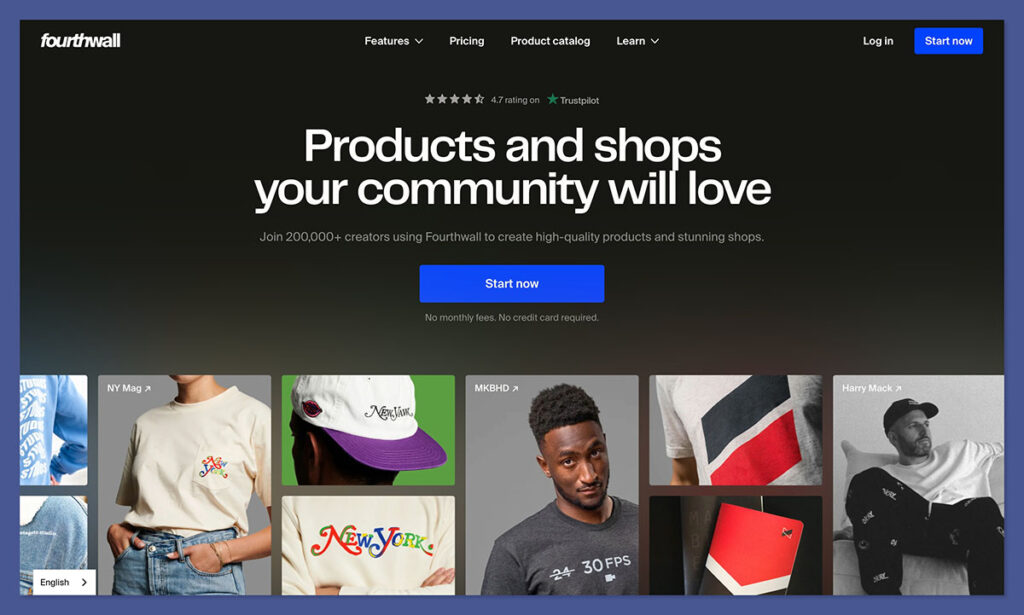
I’m starting to think of Fourthwall as a bit of a “hidden gem” in the ecommerce market, particularly for creative types like musicians, artists, or social media personalities. It works because it tackles a lot of the problems that cause “smaller” sellers to fall apart straight away.
Finding merch and setting up a basic site is easy enough, it’s everything else after that people struggle with, like connecting tools for selling digital products or memberships, or handling tax and customer service. Fourthwall fixes all of that.
It gives you a custom storefront, access to premium print-on-demand merch, and the option to sell digital products, memberships, and accept donations in the same place, with no monthly fee to get started. It also acts as the Merchant of Record for sellers, so you can spend less time worrying about tax, and more time focusing on your music.
That’s the whole appeal really, you can launch and monetize a brand without taking on an extra full-time job that would pull your attention away from your work.
Pros:
- No platform fee for beginners
- Merch, digital products, memberships, and donations in one place
- Instant integration with social media channels and YouTube
- Handles sales tax as your Merchant of Record
Cons:
- Limited AI features for now
- Not as customizable as Shopify for larger stores
- Slightly more expensive POD products (premium, not budget)
Recent Updates:
- A new AI assistant is coming in beta mode for sellers who want help generating promotions, adjusting pricing, or just analyzing sales numbers
- The integration with YouTube Merch Shelf makes it even easier for musicians to sell products straight from their channel
- The catalog keeps growing with new premium products from some of the best brands in the business
The biggest selling point of Fourthwall for me is that it seems to understand how musicians actually want to launch a store these days. They don’t want to handle endless integrations and admin work, they just want to sell a little merch, maybe create a VIP membership program, and experiment with downloads without having to take on too much extra work.
The fact that Fourthwall also integrates directly with YouTube Merch Shelf is another huge selling point, because it means you can sell a download or a product to a customer when they’re already there, checking out your video, rather than trying to entice them from somewhere else on the web.
How Much Does Fourthwall Cost?
- Free plan available with no monthly fee to start.
- Digital products and memberships carry a 5% fee on the free plan.
- Fourthwall Pro starts at $19 and adds extra features, including a free custom domain and team support.
- Merch pricing is built into each catalog product, and you keep the difference between base cost and sale price.
Why Use Fourthwall in 2026?
Fourthwall just makes a lot of sense for musicians who want to sell more than merch without building a complicated store stack. You get the premium merch without tracking down suppliers. You can sell digital products and memberships without integrations, and you still get full control over your brand.
Plus, with Fourthwall acting as your Merchant of Record, there’s far less work on your plate when you actually start selling. No one loves spending hours dealing with taxes when they could be making new tracks.
Fourthwall is suitable for:
- Musicians selling merch alongside fan memberships or digital extras
- Artists who want their own branded store without Shopify-level setup
- Bands or solo acts looking for recurring fan revenue, not just one-off merch sales
Fourthwall isn’t suitable for:
- Artists who only want a music-first marketplace like Bandcamp
- Musicians who need EPK, tour calendar, and website tools in one package
- Sellers building large, heavily customized ecommerce stores
2. Shopify: Best for Selling Online

💰 Starting price: $29 per month (billed annually)
🤖 AI tools included: Yes (Shopify Sidekick)
Shopify is the best ecommerce platform I’ve tested when it comes to selling physical and digital products online. It offers a robust set of sales tools, powerful integrations, and enough scalability to support artists from their first merch drop all the way to full-scale global shipping operations.
While Shopify does have a slightly steeper learning curve for beginners compared to simplified platforms like Big Cartel or Fourthwall, its depth of features makes it an ideal long-term choice for artists ready to build a professional and scalable online store.
From handling bundles and print-on-demand fulfillment to processing digital downloads and managing inventory, Shopify’s tools are designed to help creators grow. Its backend interface might take a bit of getting used to, but the reward is full control over every aspect of your store.
✔️ Pros
- Best-in-class product management for digital and physical goods
- Scalable plans and tools for growing stores
- Extensive app store for custom features
- Shopify Payments and Sidekick AI assistant included
❌ Cons
- Monthly subscription fees, plus paid apps
- Editor is more rigid compared to drag-and-drop builders
- Fewer free themes
- Steep learning curve for small or first-time sellers
Recent updates:
- Shopify Sidekick, the new AI assistant, now supports dynamic content creation, helping sellers generate product descriptions, email campaigns, and FAQs
- New “Shopify Bundles” app makes it easier for musicians to sell ticket, album, and merch bundles
- Shopify Markets Pro now supports international tax and compliance tools for global sales
I used Shopify’s AI-powered Sidekick tool to help get my store off the ground. The onboarding process asked for a few basic details about what I planned to sell, vinyl records and tour merch, in my case, and then generated a full store setup, including suggested categories and product tags. I was impressed by how fast it got me from setup to sellable.
The platform itself does require a bit more setup compared to entry-level tools, and the design flexibility isn’t quite as freeform as builders like Wix. But once I got the hang of the structure, it became clear why Shopify is trusted by ecommerce brands of all sizes. It’s efficient, stable, and full of advanced features that support both high-volume sales and niche artist drops.
How Much Does Shopify Cost?
- Shopify’s pricing starts at $29 per month (billed annually)
- Discounted rate of $1 per month available for first 3 months
- No platform fees when using Shopify Payments
- Transaction fees apply if using third-party payment gateways
- Digital download support available via free Shopify app
Why Use Shopify in 2026?
Shopify is purpose-built for ecommerce, and that focus shows. It provides musicians with a complete infrastructure for selling anything from digital downloads to bundled merch and ticket packages. The platform’s scale means you can start small and expand without ever needing to switch systems.
Shopify also integrates seamlessly with fulfillment apps, marketing tools, and even in-person POS systems for artists who tour. And with Sidekick now automating key store management tasks, it’s easier than ever to maintain a professional store without a full team behind you.
Shopify is suitable for:
- Musicians looking to sell merch, digital downloads, or ticket bundles
- Artists planning to grow their store over time
- Sellers who want advanced features and fulfillment options
Shopify isn’t suitable for:
- First-time users who want an intuitive drag-and-drop builder
- Artists with a very small catalog and no interest in scaling
- Users who want full design flexibility without third-party themes or developers
3. Bandcamp: Best for Selling Music Directly to Fans
💰 Starting price: Free to use
🤖 AI tools: No
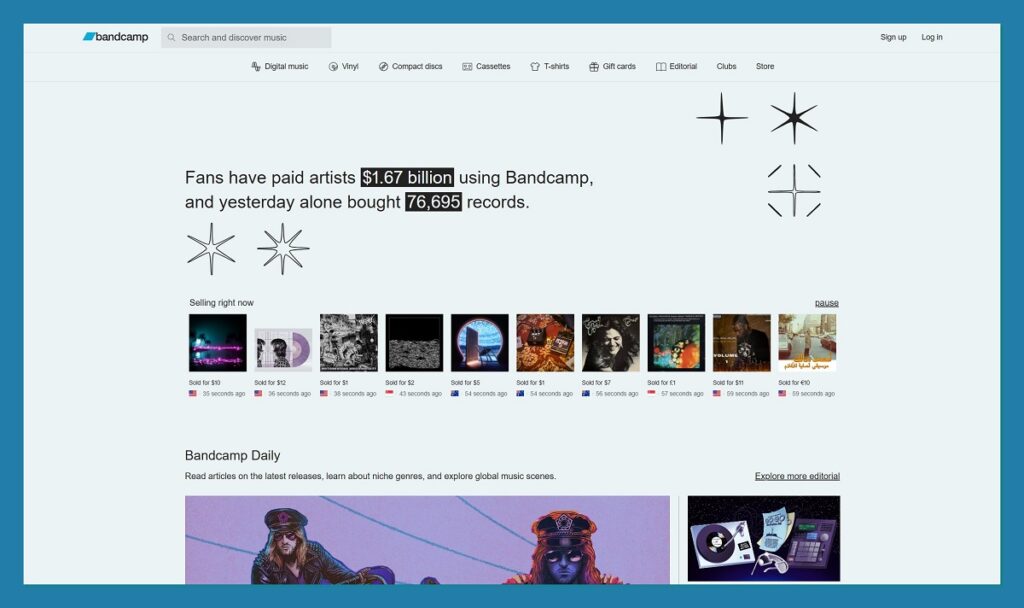
Bandcamp is the best platform I’ve used for selling music directly to fans, especially if digital downloads are your main offer. It’s artist-first, meaning everything from the interface to the fee structure is built with musicians in mind. You don’t pay a monthly fee, and Bandcamp only takes a percentage of your sales.
You can sell albums, singles, physical merch, and even offer discount codes or special bundles. The built-in fan-follow system also helps you stay connected with your audience, notifying them of new releases or messages. This makes it more than just a store, it’s part sales tool, part community.
✔️ Pros
- No monthly fees
- Digital and physical music sales
- Artist-friendly revenue share
- Direct-to-fan messaging built in
❌ Cons
- Limited branding and design control
- Not ideal for advanced ecommerce setups
- Discovery is limited to Bandcamp’s ecosystem
Recent updates:
- Bandcamp Live, the platform’s ticketed livestream service, has expanded integrations with merch and music sales
- New playlist tools allow artists to create curated listening experiences
- Fan subscription tools now include more customization features for artists
During testing, I uploaded a short EP and was impressed with how fast the setup process was. Bandcamp handled digital delivery, pricing, and even allowed me to set “pay what you want” pricing for a few tracks. That flexibility, combined with no monthly cost, makes it a strong option for newer artists who want to keep things simple.
How Much Does Bandcamp Cost?
- No monthly fee to use
- Bandcamp takes 15 percent of digital sales, dropping to 10 percent after $5,000 in total sales
- Takes 10 percent of physical product sales
- Payment processing fees are additional (based on PayPal or Stripe)
Why Use Bandcamp in 2026?
If you’re focused on selling albums, singles, or digital content without needing a complex ecommerce platform, Bandcamp still leads the way. It’s purpose-built for musicians, supports both discovery and sales, and doesn’t require you to maintain a separate website or handle hosting.
Bandcamp is suitable for:
- Artists selling digital albums or tracks
- Independent musicians who want to connect directly with fans
- Sellers who don’t want to pay monthly fees
Bandcamp isn’t suitable for:
- Artists selling complex merch catalogs
- Musicians who want deep branding control
- Bands that need custom checkout or analytics features
4. Bandzoogle: Best All-in-One Musician Website
💰 Starting price: $11 per month (billed annually)
🤖 AI tools: No
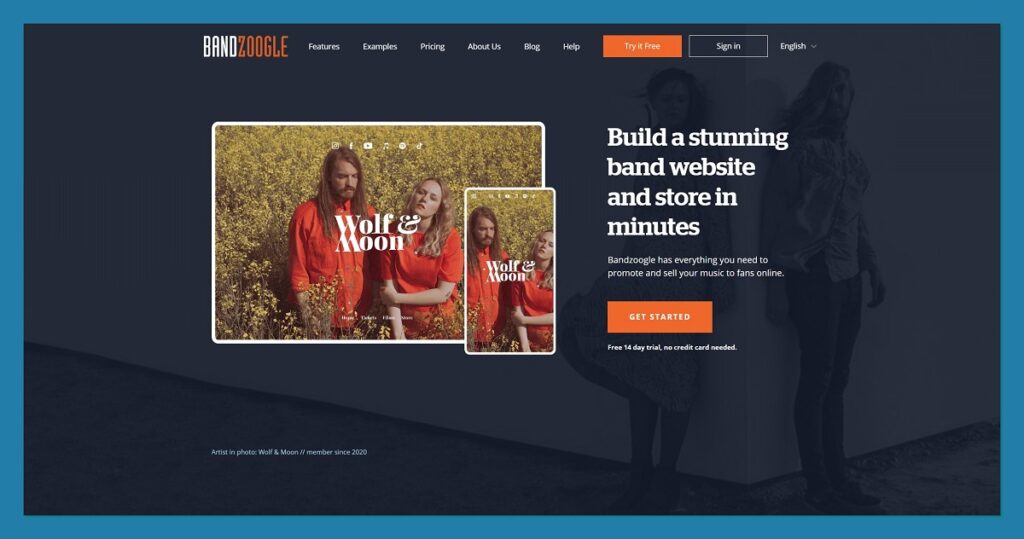
Bandzoogle is the only platform on this list designed specifically for musicians building a website. It bundles together everything an artist needs, an EPK, music players, ticketing tools, mailing lists, and a full ecommerce store. There are no platform fees on sales, which is rare for an all-in-one system.
What I liked most about Bandzoogle was how streamlined it felt for artists. I didn’t have to install any plugins or third-party apps. Everything, from adding tour dates to uploading tracks and managing orders, was built into the same dashboard.
✔️ Pros
- Made for musicians
- No sales commission on merch or music
- Built-in mailing list, EPK, and calendar tools
- Easy to manage without technical skills
❌ Cons
- Not as flexible as dedicated ecommerce platforms
- Fewer templates compared to mainstream builders
- Limited third-party app integrations
Recent updates:
- Integrated tipping options now allow fans to send donations alongside purchases
- New merch bundling tools allow for flexible product combos
- SEO and analytics features have been improved for independent promotion
Setting up a store with Bandzoogle was easy. I chose a theme, uploaded tracks, and added merch listings without needing extra tools or extensions. Everything worked right out of the box, which made it easy to focus on content rather than setup.
How Much Does Bandzoogle Cost?
- $11 to $22 per month (billed annually)
- No platform fees or transaction fees (you only pay Stripe or PayPal processing)
- 30-day free trial available
- All plans include access to music, merch, and ticketing tools
Why Use Bandzoogle in 2026?
Bandzoogle is ideal if you want your entire digital presence managed in one place. It’s not just about selling merch or music. It’s about maintaining a full artist hub, complete with tour dates, email marketing, and an EPK, without needing to hire a developer.
Bandzoogle is suitable for:
- Artists who want one place to manage music, merch, and marketing
- Musicians without technical experience
- Bands looking for a clean, professional artist website
Bandzoogle isn’t suitable for:
- Sellers who want advanced ecommerce automations
- Artists building complex stores with hundreds of products
- Those who need deep customization or integrations
5. Big Cartel: Best for Indie Merch Drops
💰 Starting price: Free for up to 5 products
🤖 AI tools: No
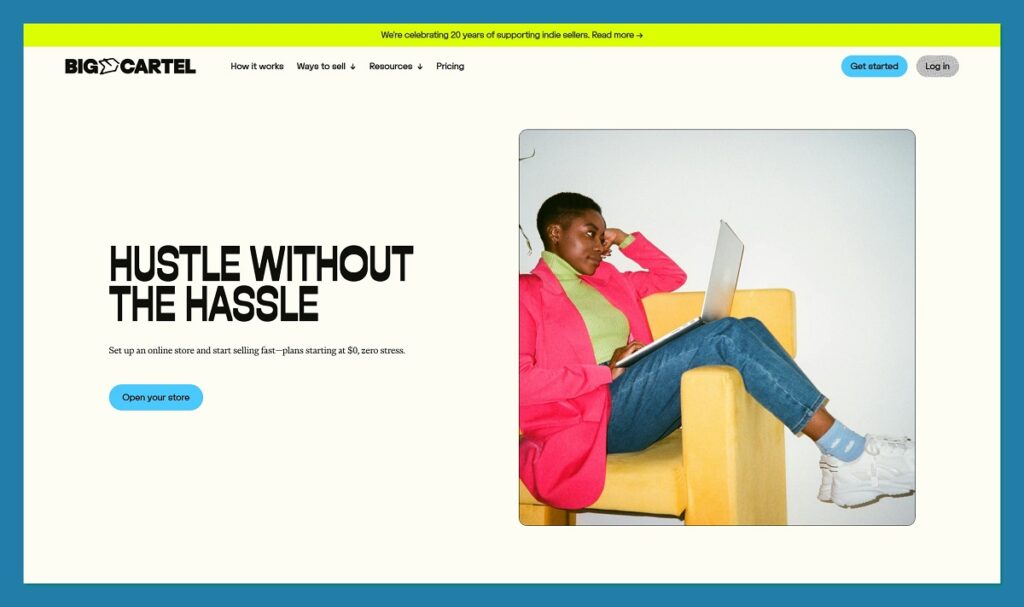
Big Cartel is designed for artists and creatives who want a quick and simple way to sell a handful of products. It’s not trying to be a full-blown ecommerce engine. Instead, it focuses on helping musicians launch and manage small-scale shops without tech headaches.
It’s especially useful for single-item drops or short-term campaigns. The interface is clean, the product editor is simple, and it integrates with Stripe and PayPal for easy payments.
✔️ Pros
- Free plan available
- No transaction fees from the platform
- Easy to use for beginners
- Mobile app for on-the-go updates
❌ Cons
- Very limited ecommerce features
- Lacks integrations or marketing tools
- No native support for digital downloads
Recent updates:
- New themes added to support product-focused designs
- Stripe integration now supports Apple Pay
- Inventory management features improved for small batches
I tried setting up a limited-edition vinyl drop on Big Cartel and had everything live within an hour. It’s a good match for artists who only want to sell a few items at a time, without the extra cost or features they’ll never use.
How Much Does Big Cartel Cost?
- Free plan supports up to 5 products
- Paid plans start at $15 per month
- No platform transaction fees
- Payment processor fees still apply
Why Use Big Cartel in 2026?
If you’re launching a quick merch drop or only sell occasionally, Big Cartel gives you everything you need without charging platform fees or locking you into a monthly contract. It’s simple, focused, and built for creative control.
Big Cartel is suitable for:
- Indie musicians running limited product drops
- Sellers who want a free, simple store
- Artists with basic needs and no ecommerce background
Big Cartel isn’t suitable for:
- Musicians planning to scale merchandise operations
- Artists who need digital download delivery
- Anyone requiring deep marketing features or automations
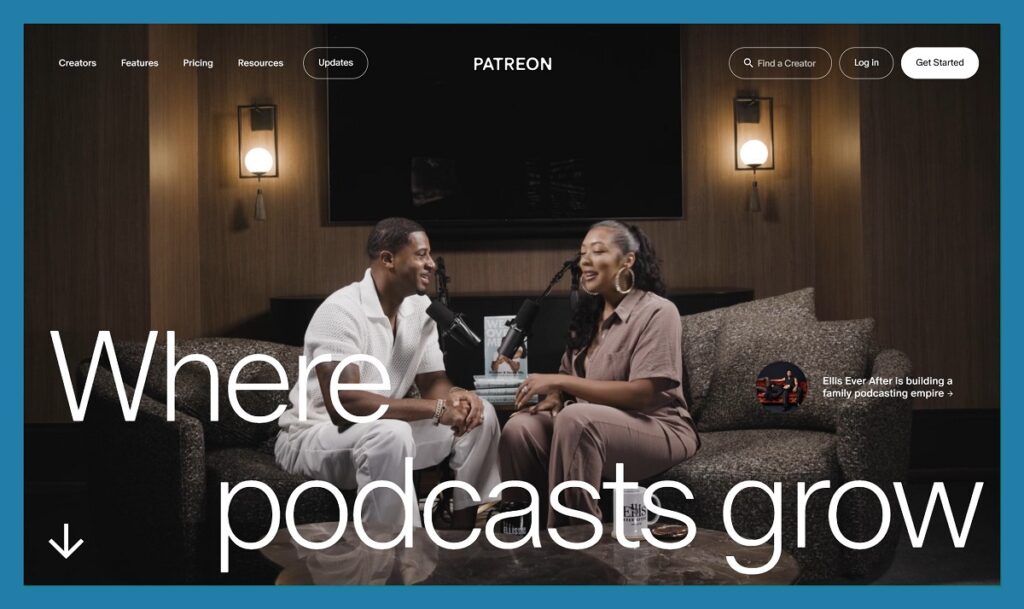
6. Patreon: Best for Recurring Fan Memberships
💰 Starting price: Free to start, 10 percent of earnings
🤖 AI tools: No
Patreon has become the go-to platform for creators offering exclusive content, fan clubs, and subscription-based communities. For musicians, it’s a chance to offer behind-the-scenes updates, unreleased music, early access to shows, and more, all through recurring monthly memberships.
The platform allows you to build membership tiers, offer gated content, and even communicate directly with your supporters via messages and chats. I found it especially useful for building a recurring income stream that supports long-term creative projects.
✔️ Pros
- Predictable monthly income
- Built-in community tools
- Easy tier management and content delivery
- No upfront cost
❌ Cons
- 10 percent fee plus processing costs
- Limited ecommerce functionality
- Requires consistent content to retain members
Recent updates:
- Patreon now supports native video hosting with no third-party links required
- Chat and community spaces added for better engagement
- Improved integration with Discord and YouTube for cross-platform perks
During setup, I created three membership tiers and added some exclusive audio content for top-tier fans. The process was easy, and Patreon provided tips to improve my messaging and fan outreach.
How Much Does Patreon Cost?
- No setup fee
- 10 percent of total earnings for creators on the Standard plan
- Processing fees typically 2.9 percent plus $0.30 per transaction
- Optional premium features for additional fees
Why Use Patreon in 2026?
For artists who want to build a true fan community and earn monthly support, Patreon remains the most established platform. It’s not designed for merch or complex ecommerce, but for exclusive access and recurring value, it does the job well.
Patreon is suitable for:
- Artists offering exclusive content or behind-the-scenes material
- Creators building community-based businesses
- Musicians looking for recurring income
Patreon isn’t suitable for:

- Merch-first stores
- Artists with inconsistent content schedules
- Sellers focused on digital product delivery
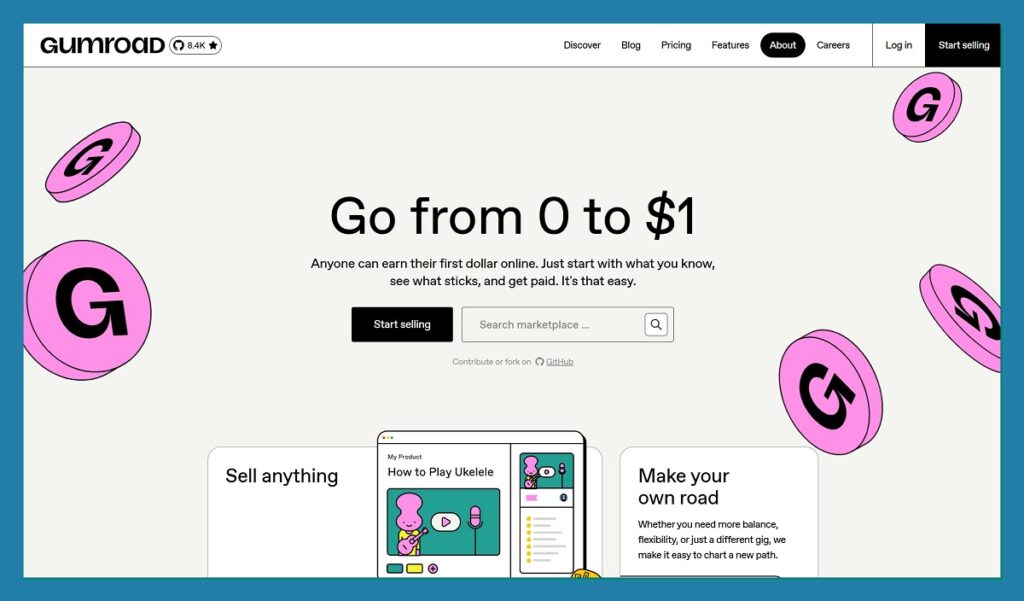
7. Gumroad: Best for Selling Digital Products Like Sample Packs and Lessons
💰 Starting price: Free to start
🤖 AI tools: No
Gumroad is a straightforward ecommerce platform that works best for musicians selling digital goods. Whether you’re offering sample packs, beat licenses, sheet music, or music lesson videos, Gumroad gives you a clean way to list and deliver products with minimal effort.
The platform doesn’t require a monthly subscription and has a simple pricing structure, which makes it accessible for newer artists or creators testing out offers. While you won’t find a built-in music player or deep fan engagement tools, Gumroad does a great job of getting digital content into buyers’ hands quickly.
✔️ Pros
- Easy setup and digital delivery
- No monthly fee
- Great for small digital catalogs
- Supports tipping and pay-what-you-want pricing
❌ Cons
- Higher fees than average if using Discover
- Not customizable for branding or design
- Limited community features
Recent updates:
- Gumroad now supports paywalls for blogs, video, and podcast content
- Upgraded analytics dashboard to show real-time sales performance
- Affiliate marketing feature added for creators who want to grow via referrals
I uploaded a drum kit and a short video series to test the process, and the experience was fast and seamless. Gumroad created a checkout link I could embed on my website or share directly with my audience.
How Much Does Gumroad Cost?
- 10 percent fee on direct sales
- 30 percent fee on Discover (if Gumroad brings you the sale)
- $0.50 flat fee per transaction
- Payment processing fees apply separately
Why Use Gumroad in 2026?
Gumroad is ideal if you want to sell simple digital products without the overhead of building a full store. Its lightweight setup and focus on creator-first tools make it a good fit for beatmakers, educators, or musicians offering downloadable content.
Gumroad is suitable for:
- Artists selling sample packs, digital downloads, or lesson videos
- Musicians who want a simple checkout link
- Creators without the need for a full store or brand presence
Gumroad isn’t suitable for:
- Merch stores
- Memberships or community building
- Advanced ecommerce features like bundling or upsells
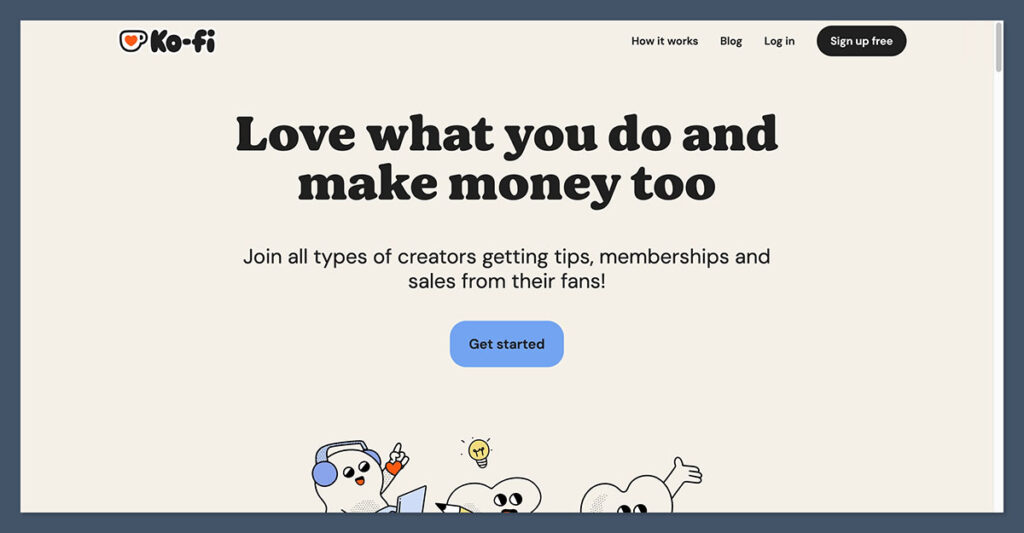
8. Ko-fi: Best for Tips, Light Memberships, and One-Off Digital Sales
💰 Starting price: Free
🤖 AI tools: No
Ko-fi offers a low-pressure way for fans to support creators with tips, small purchases, or lightweight memberships. For musicians, it works well as a complement to your main store or site, giving fans a way to contribute financially without expecting a full product in return.
Unlike Patreon, Ko-fi doesn’t require monthly commitments, and its zero-fee option makes it attractive for artists just getting started. You can also offer digital downloads, sell commissions (for example, custom jingles), or open up a basic membership tier.
✔️ Pros
- Free to use, with optional Gold plan
- Lightweight digital downloads supported
- Tip jar functionality
- Very easy to set up
❌ Cons
- Limited ecommerce or community features
- Not designed for high-volume product sales
- No complex integrations
Recent updates:
- Ko-fi Gold now includes advanced analytics and email tools
- Membership tiers now support Discord roles
- Digital storefront upgraded to support product bundles
I tested Ko-fi by uploading a few exclusive tracks and enabling donations. It’s not meant to be your main store, but it’s a great way to capture small, regular income from fans who appreciate your work.
How Much Does Ko-fi Cost?
- Free plan includes 5 percent fee on sales and tips
- Ko-fi Gold is $6 per month, removes platform fees
- Payment processing via PayPal or Stripe
- No setup or listing fees
Why Use Ko-fi in 2026?
Ko-fi is a no-fuss platform that helps musicians earn extra income without needing to build an online store. It works best alongside your existing website or social media presence, especially if your fans are eager to support your music in small but consistent ways.
Ko-fi is suitable for:
- Musicians offering small downloads, shout-outs, or exclusive content
- Artists accepting donations or tips
- Creators looking for a low-maintenance income channel
Ko-fi isn’t suitable for:
- Full-scale ecommerce
- Musicians needing complex digital delivery
- Sellers who want branding and customization
9. Squarespace: Best for Beautiful Artist Websites With Ecommerce Built In

💰 Starting price: $16 per month (billed annually)
🤖 AI tools: Yes
Squarespace is known for its design-first approach, and it continues to deliver some of the most polished templates available. For musicians who want their site to look and feel professional, Squarespace combines strong branding options with simple ecommerce functionality.
While it’s not as feature-rich as Shopify when it comes to selling at scale, Squarespace supports digital downloads, physical products, and even memberships. Its calendar and booking tools can also help musicians with tours, lessons, or coaching.
✔️ Pros
- Clean, modern design templates
- Easy to build and maintain
- Supports digital and physical product sales
- Integrated mailing list and marketing tools
❌ Cons
- Less flexible than some competitors
- Limited third-party integrations
- No free plan
Recent updates:
- Squarespace Blueprint now helps users build based on their brand tone
- Instant Payouts launched for sellers using Squarespace Payments
- Squarespace now supports selling digital albums and audio files with timed access
I used Squarespace to build a minimal artist website that included a press kit, bio, merch, and ticket links. Everything looked sharp and performed well, though ecommerce customizations were a little limited compared to other platforms.
How Much Does Squarespace Cost?
- Personal Plan: $16 per month
- Business Plan: $23 per month (adds ecommerce)
- Commerce Basic: $27 per month
- Free 14-day trial available
- Transaction fees only apply on Business Plan (3 percent)
Why Use Squarespace in 2026?
Squarespace is the best choice for musicians who care deeply about their online brand and want a clean, all-in-one website. It’s easy to build, includes marketing tools, and supports both physical and digital products, making it a good middle ground between artist site and online store.
Squarespace is suitable for:
- Musicians who want a visually branded site
- Artists selling a mix of products and content
- Creators offering booking or appointment-based services
Squarespace isn’t suitable for:
- Sellers who want full control over checkout or fulfillment
- Artists with large merch catalogs
- Users looking for free ecommerce tools
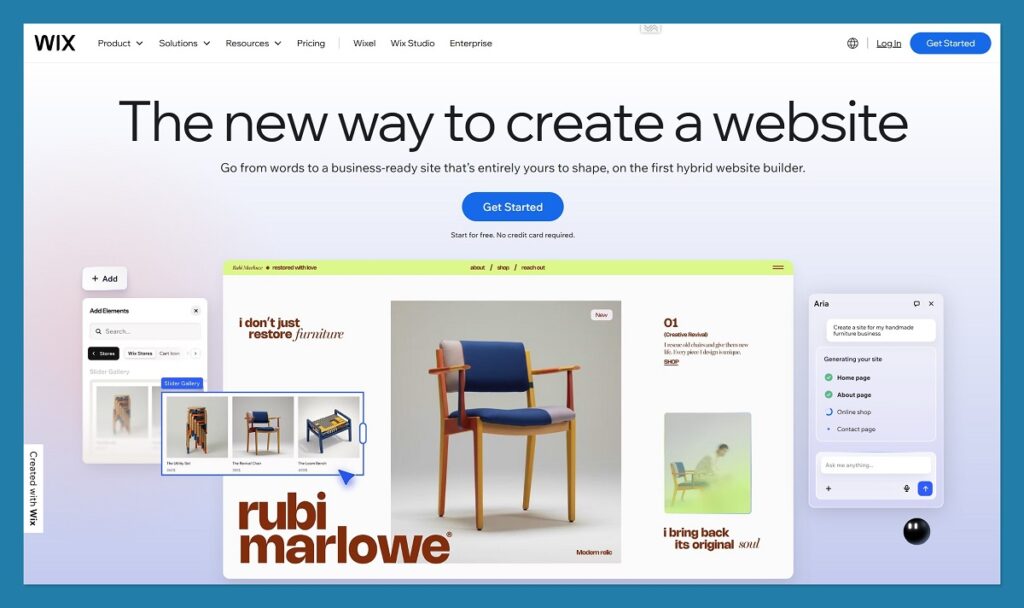
10. Wix: Best for Customizable Artist Sites With Marketing Tools
💰 Starting price: $17 per month (billed annually)
🤖 AI tools: Yes
Wix remains one of the most popular site builders thanks to its flexibility and ease of use. Musicians looking to build a site with full creative control, email marketing, ecommerce, and a wide template selection will find plenty to like here.
The drag-and-drop editor gives you total freedom over layout and design. Add to that a growing number of AI tools, including an automated site builder and content generator, and it becomes one of the more user-friendly platforms for artists who want to get online quickly.
✔️ Pros
- AI site setup and content tools
- 2,000+ free templates
- Supports digital and physical sales
- Built-in marketing and SEO tools
❌ Cons
- Can feel overwhelming for beginners
- Performance varies with complex designs
- Template can’t be changed once live
Recent updates:
- Wix Restaurant Events and Music Events tools launched
- Wix AI Editor now supports product descriptions and metadata
- Partnership with Stripe allows product sales via AI agents
I created a musician portfolio site using Wix’s AI builder, and the onboarding was quick and surprisingly accurate. The AI tool asked me about my goals, music genre, and sales setup, then built a site complete with products, blog, and email signup.
How Much Does Wix Cost?
- Free plan available (with Wix branding)
- Core plan with ecommerce starts at $29 per month
- Business and ecommerce plans range up to $159 per month
- 2.9 percent + $0.30 per transaction (US-based)
Why Use Wix in 2026?
Wix combines design freedom with built-in ecommerce and marketing tools, making it a great pick for musicians building a personal brand site. Its AI tools can speed up setup, while its editor gives enough power to grow a serious artist website without needing to code.
Wix is suitable for:
- Musicians wanting full creative control
- Artists who need a mix of ecommerce and content
- Beginners who want a guided site-building experience
Wix isn’t suitable for:
- Sellers who want to change themes after launch
- Artists with large catalogs or complex stores
- Users who need streamlined speed and performance
11. WooCommerce: Best for Advanced Users Who Want Full Control
💰 Starting price: Free plugin (plus hosting and extensions)
🤖 AI tools: Depends on theme or plugins used
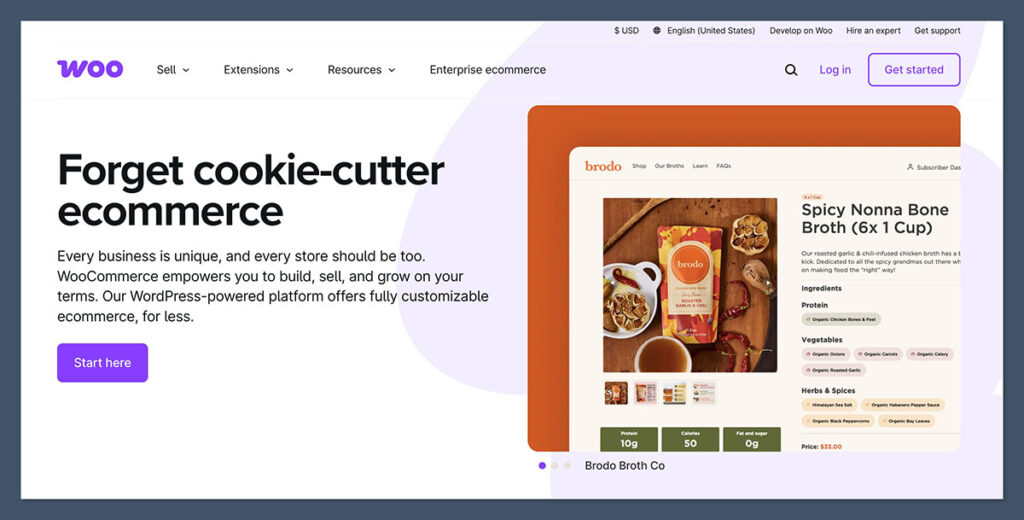
WooCommerce is the most flexible ecommerce option on this list, but it also requires the most setup. Built on WordPress, it turns any website into a fully functional store, giving musicians complete control over design, features, and SEO.
While this platform is powerful, it’s best suited for users who have some experience with web hosting or don’t mind hiring help. The trade-off is unmatched flexibility, you can build bundles, sell memberships, optimize SEO, and connect nearly any tool or plugin you need.
✔️ Pros
- Free core plugin
- Supports every type of product and workflow
- Full SEO control
- Integrates with nearly anything
❌ Cons
- Requires more setup and maintenance
- Hosting and plugins can add up
- Not beginner-friendly
Recent updates:
- New high-performance order storage for better speed
- Block-based product editing introduced for Gutenberg
- WooPayments expanded to support digital products and split payments
When I set up WooCommerce for a test artist store, I appreciated how much control I had, but also saw how much time it took. Custom themes, performance tweaks, and plugin installs are all part of the process, but if you want something custom and scalable, it’s worth it.
How Much Does WooCommerce Cost?
- Free core plugin
- Hosting: usually $5 to $25 per month
- Premium themes and plugins: varies ($0 to $200+)
- No platform fees
- Payment processor fees apply
Why Use WooCommerce in 2026?
If you want a highly optimized, fully custom store with built-in SEO, WooCommerce is the way to go. It’s a more complex setup, but it gives you control no other platform can match.
WooCommerce is suitable for:
- Artists with web or development experience
- Musicians building a custom store or fan club
- Sellers who want to fully own their platform
WooCommerce isn’t suitable for:
- Beginners or users with no web experience
- Artists who want fast setup and support
- Sellers who need an all-in-one dashboard
How to Choose the Right Platform for Your Music Career
Picking the right ecommerce platform is less about finding the “best” tool and more about matching what you sell to how you want to run your business. Before you commit to a platform, work through these questions.
1. What are you actually selling?
Your product mix is the single biggest factor. If you’re primarily releasing music, Bandcamp handles digital delivery better than any general-purpose builder. If merch is your main offer, Shopify gives you the product management tools to scale. If you sell sample packs, stems, or lessons, Gumroad is built around digital file delivery with almost no setup. And if your income is driven by a community of engaged fans, Patreon’s membership infrastructure is hard to beat.
2. How big is your catalog, and how fast is it growing?
A five-item merch drop doesn’t need the same infrastructure as a 200-SKU store with bundles and pre-orders. Big Cartel’s free plan works well if you’re selling a handful of items occasionally. Shopify and WooCommerce are better long-term bets if you plan to add variants, run bundles, or manage inventory across multiple channels.
3. Do you need a full website or just a checkout?
Some platforms are full website builders (Squarespace, Wix, Bandzoogle), while others are storefronts or checkout links you plug into an existing site (Gumroad, Ko-fi, Bandcamp). If you already have a website you like, you don’t need to replace it. If you’re starting from zero and want one place to manage everything, Bandzoogle or Squarespace will save you time.
4. What’s your technical comfort level?
WooCommerce offers the most control but expects you to manage hosting, updates, and plugins. Shopify sits in the middle with a managed platform and a steeper learning curve than beginner tools. Big Cartel, Ko-fi, and Bandcamp are the easiest to set up with no technical background. Be honest about how much time you want to spend on platform maintenance versus making music.
5. How do fees affect your margins?
Low monthly fees don’t always mean lower total costs. Bandcamp has no subscription but takes 10 to 15 percent of sales. Shopify charges a monthly fee but keeps transaction fees low if you use Shopify Payments. If you’re selling a few high-margin vinyl records a month, a revenue-share platform makes sense. If you’re moving volume, a fixed monthly fee will work out cheaper.
6. Do you tour or sell in person?
If you sell merch at shows, platforms with integrated point-of-sale tools (Shopify, Square-connected builders) make inventory and tax reporting much easier. Platforms without POS support mean you’ll be reconciling in-person sales manually, which gets painful fast once you’re on the road.
Methodology
To put this guide together, we spent several weeks testing each platform end to end. We set up real stores, uploaded products, processed test transactions where possible, and evaluated the experience from both the artist’s and the fan’s perspective. Here’s what we looked at:
| Criteria | What We Evaluated |
|---|---|
| Ease of setup | How long it takes to get a functional store live, with no prior platform experience. We measured time from signup to first published product. |
| Digital delivery | How reliably each platform handles digital downloads, file delivery, and access control for paid content. |
| Physical product support | Inventory management, shipping configuration, variants, and bundles for merch-based sellers. |
| Fees and pricing | Monthly subscription costs, transaction fees, and processor fees. We calculated total cost of ownership at different revenue levels. |
| Musician-specific features | Music players, EPKs, ticketing, fan messaging, tour tools, and membership tiers. |
| Design and branding | Template quality, customization flexibility, and how polished the final store looks without developer help. |
| Scalability | How well the platform handles catalog growth, international sales, and integrations with third-party tools. |
| Support and documentation | Help resources, response times, and community support for musicians specifically. |
We tested each platform with the same baseline product set: a digital EP, a vinyl record, a t-shirt variant, and a membership or tip option where supported. This kept comparisons consistent across very different tools. Pricing data was verified directly on each platform’s official website at the time of writing.
Final Verdict: Which Platform Should You Use?
The right ecommerce platform for your music career comes down to what you’re actually selling—and what you plan to grow into.
Here’s a final breakdown:
| Your Goal | Best Platform |
|---|---|
| Sell merch + memberships + digital in one place | Fourthwall |
| Sell digital albums and tracks | Bandcamp |
| Launch sample packs or lessons | Gumroad |
| Build a merch store with bundles | Shopify |
| Sell a few indie products | Big Cartel |
| Create a recurring fan community | Patreon |
| Build a branded artist website | Bandzoogle |
| Create a polished ecommerce site | Squarespace |
| Sell online with full control | WooCommerce |
Each of these platforms has its own strengths. If you’re just starting out, begin with what matches your most immediate goals. As your audience and product line grows, you can always move into more advanced systems like Shopify or WooCommerce.
Frequently Asked Questions
Do I need a website to sell music online?
No. Platforms like Bandcamp, Gumroad, and Ko-fi give you a hosted storefront and checkout link without requiring a separate website. That said, having your own site improves discoverability, gives you control over branding, and makes it easier to build an email list. Many artists start with a hosted storefront and add a full website later as they grow.
Can I use more than one ecommerce platform at the same time?
Yes, and most working musicians do. A common setup is Bandcamp for music sales, Shopify or Big Cartel for physical merch, and Patreon or Ko-fi for memberships and fan support. The platforms don’t conflict with each other, and each handles a specific revenue stream better than a single all-in-one tool would.
What’s the cheapest way to sell music online?
Bandcamp is the most cost-effective option for selling digital music directly to fans. There’s no monthly fee, and the platform takes 15 percent of digital sales, dropping to 10 percent after you pass $5,000 in total sales. For physical products, Big Cartel’s free plan supports up to five products with no platform transaction fees.
Which platform has the lowest fees overall?
Bandzoogle and Big Cartel charge zero platform fees on sales, though Bandzoogle requires a monthly subscription. WooCommerce is technically the lowest-fee option since the core plugin is free and you only pay hosting plus payment processing, but the setup and maintenance costs in time are significant. For most musicians, the “cheapest” platform is the one that matches your catalog size without paying for features you won’t use.
Do I need an LLC or business license to sell merch as a musician?
Requirements vary by country, state, and sales volume. In the US, you generally don’t need an LLC to start selling, but you may need a sales tax permit once you pass certain thresholds. An LLC becomes more useful as your revenue grows, mainly for liability protection and tax flexibility. Check with a local accountant or small business advisor before making that decision.
How do I handle shipping for physical merch?
You have three main options. Self-fulfillment gives you the highest margins but eats up your time, especially on tour. Print-on-demand services like Printful handle production and shipping for you but reduce per-unit profit. Third-party logistics (3PL) providers store and ship your inventory for a monthly fee, which works well once you’re doing consistent volume. Shopify and WooCommerce both integrate with all three models.
Can I sell tickets to my shows through these platforms?
Bandzoogle has built-in ticketing tools designed for musicians. Shopify supports ticket sales through apps and bundles. For most other platforms, you’ll need a dedicated ticketing service like DICE, Eventbrite, or Seated, which you can then link from your store or website.
What’s the difference between Patreon and a Shopify subscription?
Patreon is built around community, exclusive content, and tier-based memberships with built-in messaging and content delivery. A Shopify subscription is a recurring product purchase, like a monthly vinyl club or merch box. Patreon is better when the value is access and community. Shopify is better when the value is a physical product delivered on a schedule.
Do these platforms handle sales tax and international orders?
Shopify, Squarespace, and Wix all offer built-in tax calculation tools, and Shopify Markets Pro handles international compliance for cross-border sales. Bandcamp and Gumroad act as the merchant of record for digital sales in many regions, meaning they collect and remit VAT on your behalf. WooCommerce requires plugins like TaxJar or Avalara to handle tax automation.
Can I move my store to a different platform later?
Yes, though the process varies. Product data, customer lists, and order history can usually be exported as CSV files and imported elsewhere. Design and custom code rarely transfer cleanly. If you think you’ll scale, it’s often easier to start on a platform that grows with you (like Shopify or WooCommerce) than to migrate a high-traffic store later.


Comments 0 Responses