

Whether you’re selling digital downloads, offering memberships, launching courses, or building a full ecommerce brand, picking the right platform is one of the most important business decisions you’ll make as a content creator.
The creator economy has evolved far beyond tips and support buttons. Today, creators are building real businesses, with scalable product models, automated sales funnels, and recurring revenue. But with dozens of tools to choose from, each with its own strengths, pricing models, and limitations, finding the right fit can be time-consuming.
Best Platforms for Creators in 2026
- Fourthwall – Selloing Merch and Memebrships
- Patreon – Recurring Memberships
- Substack – Writers and Newsletters
- Kajabi – Courses and High-Ticket Offers
- Gumroad – Digital Products
- Shopify – Full Ecommerce Brands
- Squarespace – Branded Storefronts
- Podia – Courses and Digital Products
- Ko-fi – Flexible Monetization
- Buy Me a Coffee – Support-First Monetization
- Teachable – Education and Course Building
I’ve researched and tested the top content creator platforms across the key monetization categories. Below, you’ll find a detailed look at which platforms offer the best options based on what you’re selling. Whether you’re just getting started or looking to scale, there’s a solution here for every type of creator.
Quick Comparison: Best Content Creator Platforms by Product Type
| Product Type | Best Platform(s) |
|---|---|
| Memberships and Community | Patreon |
| Paid Newsletters | Substack |
| Courses and Coaching | Kajabi, Teachable, Podia |
| Digital Downloads | Gumroad, Ko-fi, Buy Me a Coffee |
| Merch + Digital Storefront | Shopify, Gumroad |
| Full Ecommerce Brand | Shopify, Squarespace |
Each of these platforms comes with its own benefits and drawbacks, especially when it comes to pricing, user experience, and scalability. Let’s walk through each one.
1. Fourthwall: The Easiest Way to Launch a Premium Creator Brand
Why I Recommend Fourthwall
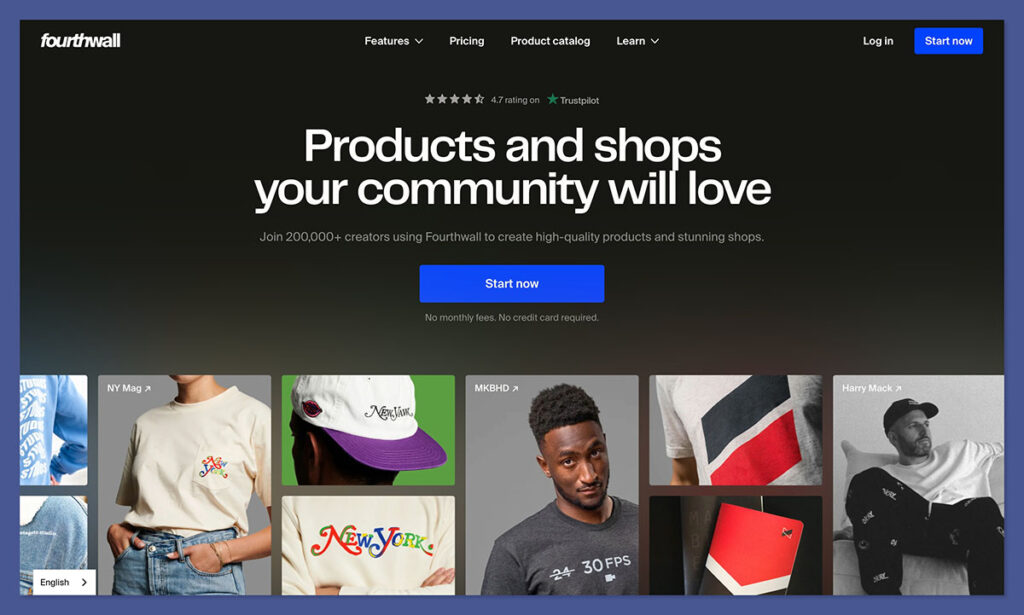
Of all the platforms I’ve tried that claim to be designed for content creators, Fourthwall is probably the most helpful. A lot of other tools give you a pile of other jobs you need to manage just to launch merch or run a store. Fourthwall gives you everything you need to monetize a brand, without the extra work. It’s an all-in-one system.
You get a real storefront, built-in merch production with premium print on demand, and support for selling digital products, memberships and your own physical products too. The most impressive part, though, is that this brand platform handles the stuff that most creators don’t want to deal with. Fourthwall acts as the Merchant of Record for your business, so tax compliance is done for you.
Plus, if you sell products from Fourthwall’s catalog, the team deals with customer support. You’re not forced to be stacking tools together or panicking about admin work. You’re launching something cohesive with just the right amount of handholding to make life easier.
Pros
- No monthly fee to get started
- Built-in storefront (custom domain supported)
- Merch, digital downloads, memberships, and donations in one place
- Premium-quality, curated merch catalog
- Merchant of Record support, so sales tax and VAT is handled automatically
- Customer support handled for catalog orders
- Native integrations with YouTube, Twitch, TikTok, Discord, Instagram & Facebook
Cons
- Not built for advanced ecommerce operators who want full control (control over manufacturing, etc.)
- Smaller catalog than massive POD marketplaces
- Premium-quality products mean you won’t compete on “cheapest shirt online”
Pricing
Fourthwall is free to use. You can build your storefront, upload designs, sell digital products, offer memberships, and go live without committing to a subscription. If you want sample credits, more customer support (quarterly success calls), more storage, and seats for unlimited team members, the paid plan starts at $15 per month.
For physical products, Fourthwall sets a base cost. You choose your retail price and keep the margin when something sells. That base cost includes production, fulfillment, packaging coordination, tax handling (since Fourthwall is the Merchant of Record), and customer support for those catalog items. Digital products and memberships carry a small platform fee (5% on the free plan, reduced or removed on Pro), plus standard payment processing fees.
Best For
Fourthwall is best for creators who want to monetize an audience without turning into full-time store operators. If you’re a YouTuber, podcaster, streamer, musician, nonprofit, startup founder, or anyone who wants premium merch, digital products, and/or memberships in one place, without managing fulfillment, tax compliance, or customer service, Fourthwall makes a lot of sense.
2. Patreon – Best for Recurring Memberships

Starting from: Free
Platform fee: 10 percent of revenue
Use cases: Fan memberships, recurring content, creator community access
Why I Recommend Patreon
Patreon is still one of the most creator-friendly options for turning an audience into reliable monthly income. If your fans want to support your work directly, this platform makes it simple to offer exclusive content, community perks, or behind-the-scenes access. From newsletters to video content, everything is organized under membership tiers.
It’s especially useful for creators who don’t want to worry about setting up payments or email systems. The only tradeoff is control. Everything lives on Patreon’s platform, and branding options are minimal. But for many creators, the simplicity outweighs the limitations.
Pros
- Built specifically for creators with fan communities
- Membership tiers are easy to configure
- Built-in communication tools
- Zero upfront cost
Cons
- Platform fee is high compared to others
- Less flexibility in site design and checkout
- Limited integrations with external tools
Pricing
| Tier | Monthly Cost | Platform Fee | Features |
|---|---|---|---|
| Free | $0 | 10% of income | Unlimited tiers, member-only content, mobile app, analytics, payments |
Patreon keeps pricing simple. There’s only one standard tier for new creators, and you pay a flat 10 percent fee on the income you earn, plus card processing. You don’t pay a monthly fee unless you opt into more advanced tools like team accounts or premium support, which are offered through legacy plans.
You can start monetizing from day one with no upfront costs, but the fee structure makes more sense for small to medium audiences. Once your income grows, you may want to evaluate whether you’re losing too much to platform cuts.
Best For
Patreon is best for creators with highly engaged audiences who want to support them monthly. It’s ideal if you create recurring content, whether that’s podcast episodes, behind-the-scenes videos, or weekly updates, and don’t need a custom-branded website.
3. Substack – Best for Writers and Newsletter Creators
Starting from: Free
Platform fee: 10 percent of paid subscriptions
Use cases: Paid newsletters, serialized content, direct audience engagement
Why I Recommend Substack
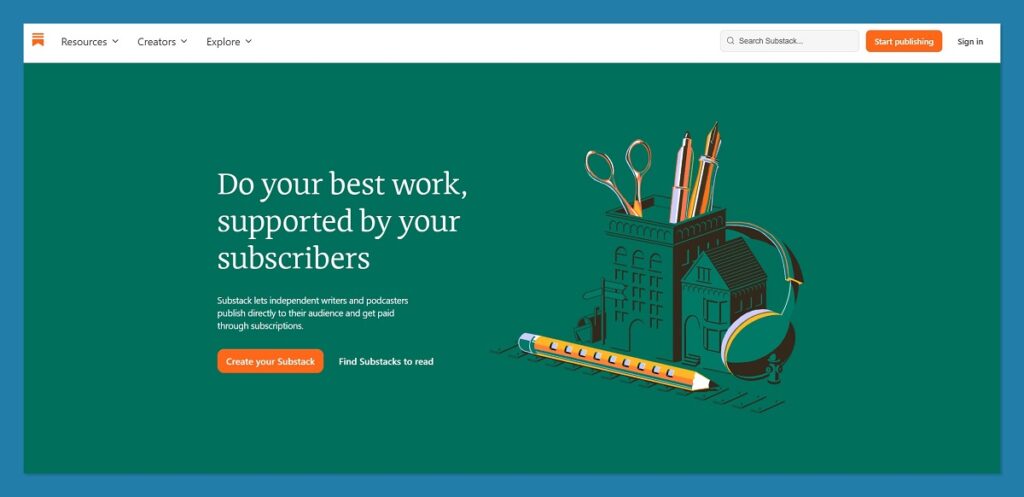
Substack’s strength is in its clarity. It’s not trying to be an ecommerce platform or a complex CRM. It’s a publishing tool with payments built in, and it works best when your content is centered around long-form writing. Substack lets you send free and paid newsletters with a few clicks, and it takes care of the delivery, payments, and subscriber management.
It also comes with community features like comments, recommendations, and podcast hosting. What you won’t find are ecommerce workflows or deep design customization, but for writers and solo publishers, the friction is close to zero.
Pros
- Simple interface for publishing
- Built-in email and payment processing
- Community features like comments and replies
- No monthly cost until you monetize
Cons
- Limited branding and customization
- No standalone storefront or sales funnels
- High fees for larger newsletters
Pricing
| Tier | Monthly Cost | Platform Fee | Features |
|---|---|---|---|
| Free | $0 | 10% of paid revenue | Unlimited free posts, free email list growth tools, optional paid newsletters, podcast hosting |
Substack doesn’t offer multiple pricing plans. Instead, you start for free and only pay a 10 percent cut if you choose to turn on paid subscriptions. Stripe’s card processing fees apply on top of that. Substack hosts your newsletter, offers analytics, and gives you access to discoverability features like cross-promotions.
If you want full design freedom or plan to offer more than writing, Substack may not fit long-term. But if you’re a writer with a message and an audience, it’s a strong, minimalist choice.
Best For
Substack is best for writers, journalists, and creators who focus on email-first relationships. If your product is the newsletter itself, and you’re not interested in building a brand website or store, Substack is a quick, clean way to monetize.
4. Kajabi – Best for Courses and High-Ticket Offers
Starting from: $89 per month
Platform fee: None
Use cases: Online courses, coaching, webinars, evergreen funnels
Why I Recommend Kajabi
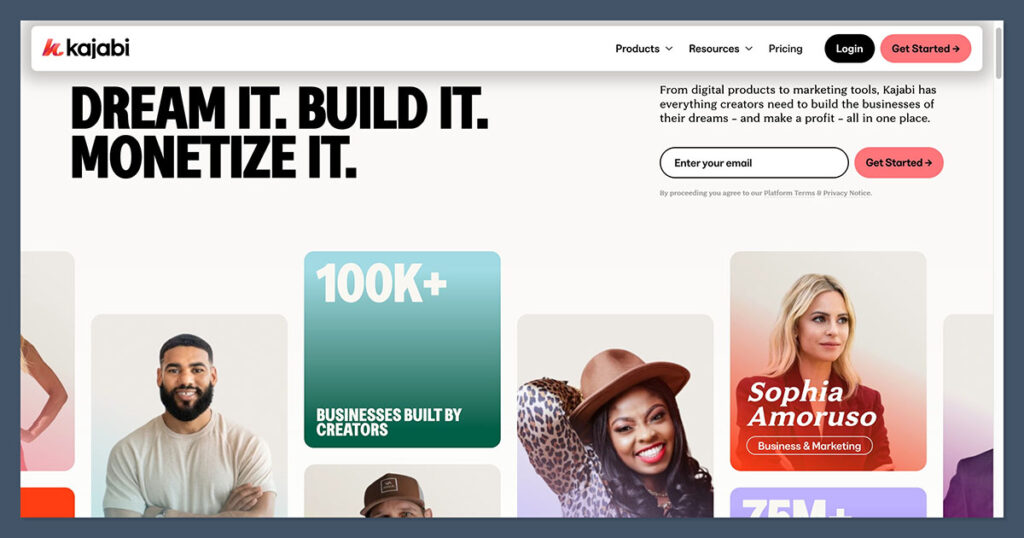
Kajabi gives creators a full business backend. It’s not just about hosting your course or collecting payments, it’s about automation, growth, and scaling. You can build sales pages, create funnels, segment your audience, and manage all your content in one place. For entrepreneurs who want control without coding, Kajabi offers a polished experience.
It’s particularly well-suited to people selling mid to high-ticket offers. Whether that’s coaching packages, group programs, or multi-module courses, Kajabi handles the entire customer journey, from landing page to upsell.
It’s not a budget tool, but it replaces so many apps that the cost is often justified.
Pros
- All-in-one solution for course-based businesses
- Includes email marketing and landing pages
- Strong automation and CRM features
- No transaction fees on sales
Cons
- Expensive compared to simpler tools
- Might overwhelm beginners
- Limited design flexibility compared to standalone CMS
Pricing
| Plan | Monthly Cost | Transaction Fees | Features |
|---|---|---|---|
| Kickstarter | $89 | None | Courses, coaching, 1 website, email marketing, landing pages, automation, 1,000 contacts |
| Basic | $149 | None | Higher contact limits, affiliate program, custom domains, more products |
| Pro | $399 | None | Advanced automation, 3 websites, 25 admin users, 100,000 contacts |
Kajabi pricing is designed for growth. While the $89 per month Kickstarter plan covers most features solo creators need, you’ll want to upgrade for advanced automation or multiple site brands. There are no transaction fees, so creators at higher revenue levels may actually save money versus revenue-share platforms.
Best For
Kajabi is best for professional educators, coaches, or entrepreneurs with multiple digital products and a focus on automated growth. If you want a business platform, not just a course host, Kajabi gives you the tools to scale.
5. Gumroad – Best for Selling Digital Products
Starting from: Free
Platform fee: 10 percent + $0.50 per transaction
Use cases: Templates, downloads, PDFs, creative tools
Why I Recommend Gumroad
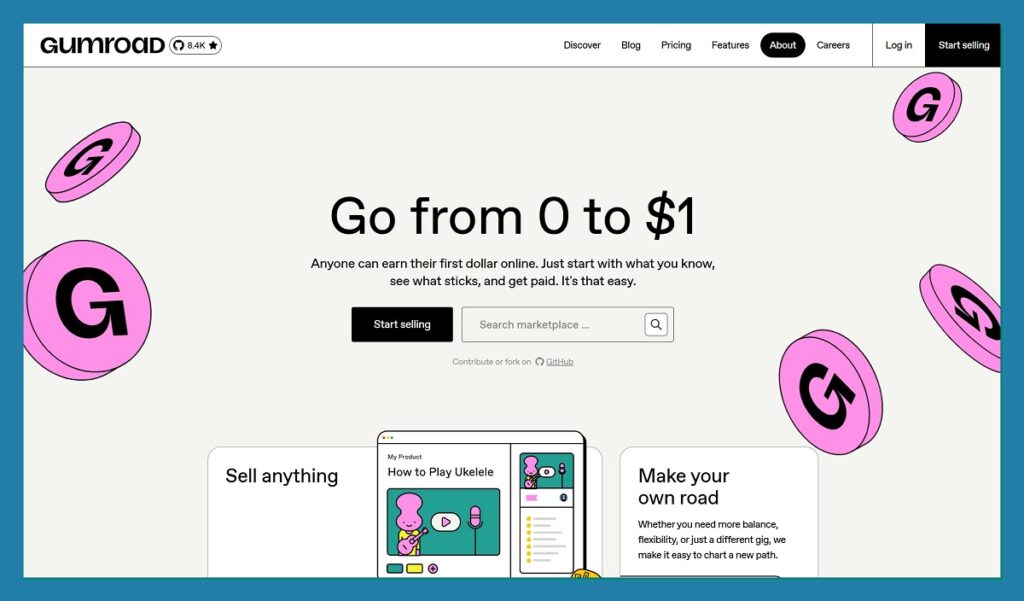
Gumroad is still one of the easiest platforms for selling digital goods. You don’t need to build a website, and your store page can be launched in minutes. You upload your product, set the price, and you’re live. It’s perfect for selling templates, music, guides, or art packs without needing ecommerce experience.
The only challenge with Gumroad is the cost. While there’s no upfront fee, the percentage cuts can be steep, especially if you’re making high volumes or if sales come through Gumroad’s marketplace, which triggers a 30 percent commission.
Pros
- Very fast to launch
- Built for digital creators
- Supports pay-what-you-want pricing
- Marketplace exposure built in
Cons
- High transaction fees, especially on marketplace sales
- Limited branding and design options
- No real control over the customer experience
Pricing
| Tier | Monthly Cost | Platform Fee | Features |
|---|---|---|---|
| Free | $0 | 10% + $0.50 per sale | Unlimited products, analytics, file delivery, email tools |
| Marketplace Sale | $0 | 30% | Applies if customer finds your product via Gumroad Discover |
Gumroad only charges when you make a sale. The standard 10 percent plus transaction fees apply to direct sales, while sales through their Discover marketplace cost 30 percent. While this might be manageable early on, it can become expensive as your volume grows.
For small launches or creators with limited technical resources, the trade-off is often worth it.
Best For
Gumroad is best for solo creators offering low-cost digital products. If your priority is speed and ease of setup, and you don’t need a full ecommerce experience, Gumroad is a reliable option.
6. Shopify – Best for Full Ecommerce Brands

Starting from: $39 per month
Platform fee: Varies by plan, plus app costs
Use cases: Ecommerce brands, physical and digital products, scaling stores
Why I Recommend Shopify
If you’re a content creator building toward a serious ecommerce brand, or already have one, Shopify gives you a commercial-grade toolkit. From inventory management and abandoned cart recovery to multi-channel sales and shipping integrations, everything is built for selling at scale.
What sets Shopify apart is how deep it goes. You can sell physical products, digital downloads, subscriptions, and even services, all while managing analytics, customer profiles, and marketing automation. It’s not a platform you outgrow easily, which is why so many creators switch to Shopify once their side hustle becomes a business.
That said, Shopify isn’t the fastest or cheapest platform to get started. It assumes you’re ready to build a proper store, and while that’s great for growth, there’s more setup involved than most creator-first tools.

Pros
- Industry-leading ecommerce features
- Supports digital and physical product catalogs
- Integrations with Amazon, Facebook, Instagram
- Built for long-term business growth
Cons
- Monthly cost rises with apps and add-ons
- Not as beginner-friendly as other platforms
- Design editor can feel restrictive compared to site builders
Pricing
| Plan | Monthly Cost | Platform Fee | Features |
|---|---|---|---|
| Basic | $39 | 2% transaction fee | Online store, unlimited products, sales channels, shipping discounts |
| Shopify | $105 | 1% transaction fee | Professional reports, international domains, advanced automation |
| Advanced | $399 | 0.5% transaction fee | Advanced reports, custom pricing, 15 staff accounts |
| Starter | $5 | 5% | Sell via social or link-in-bio, no full store |
Shopify’s pricing depends on your plan and usage. The Basic plan is enough to launch a store and access all core features. As your business scales, you can move up tiers to reduce transaction fees and unlock more analytics and automation. App costs are not included in the base plans, so your real monthly cost often ends up higher.
For creators with large product lines or specific workflows (like preorders, bundles, or subscriptions), Shopify’s app ecosystem fills in the gaps.
Best For
Shopify is best for content creators turning their personal brand into a full ecommerce business. If you sell physical or digital products at scale, want access to powerful tools, and expect to grow over time, Shopify is a solid long-term choice.
7. Squarespace – Best for Branded Storefronts and Simplicity

Starting from: $25 per month (month-to-month)
Platform fee: None (payment processing only)
Use cases: Creative businesses, digital and physical products, service-based brands
Why I Recommend Squarespace
Squarespace is one of the most polished platforms I’ve used. Its templates are modern and beautifully designed, which makes it ideal for creators whose brand identity is highly visual. You can create a site that looks custom, without needing to hire a designer or developer.
From an ecommerce perspective, Squarespace offers enough to support a growing creator brand, product pages, discount codes, email marketing, and even booking tools. For a small to mid-size product catalog, it works well. But it’s not built for complex storefronts or advanced shipping logistics like Shopify.
Still, for creators looking to sell digital products, offer services, or combine content with a storefront, Squarespace offers a good balance of design, ecommerce, and ease of use.
Pros
- Stunning templates for brand-forward creators
- Includes email campaigns, scheduling tools, and memberships
- Mobile-friendly editor
- No transaction fees on Commerce plans
Cons
- Limited scalability for complex stores
- Fewer third-party apps compared to Shopify
- Less flexibility in checkout customization
Pricing
| Plan | Monthly Cost | Transaction Fees | Features |
|---|---|---|---|
| Business | $25 | 3% | Website, unlimited contributors, basic ecommerce tools |
| Commerce Basic | $36 | None | No fees, checkout on domain, analytics, inventory |
| Commerce Advanced | $65 | None | Abandoned cart recovery, subscriptions, advanced discounts |
Squarespace’s pricing is simple. The Business plan lets you sell online but includes a 3 percent fee per transaction. The Commerce plans remove this fee and unlock stronger sales tools like customer accounts and analytics.
For digital-only creators, the Business plan can work fine. If you’re selling more consistently or want to access advanced features like subscriptions, Commerce Advanced is worth the upgrade.
Best For
Squarespace is best for creators who prioritize brand design and want a clean, all-in-one platform that includes ecommerce. It’s especially useful for portfolios, personal brands, digital products, or selling services with strong visual presentation.
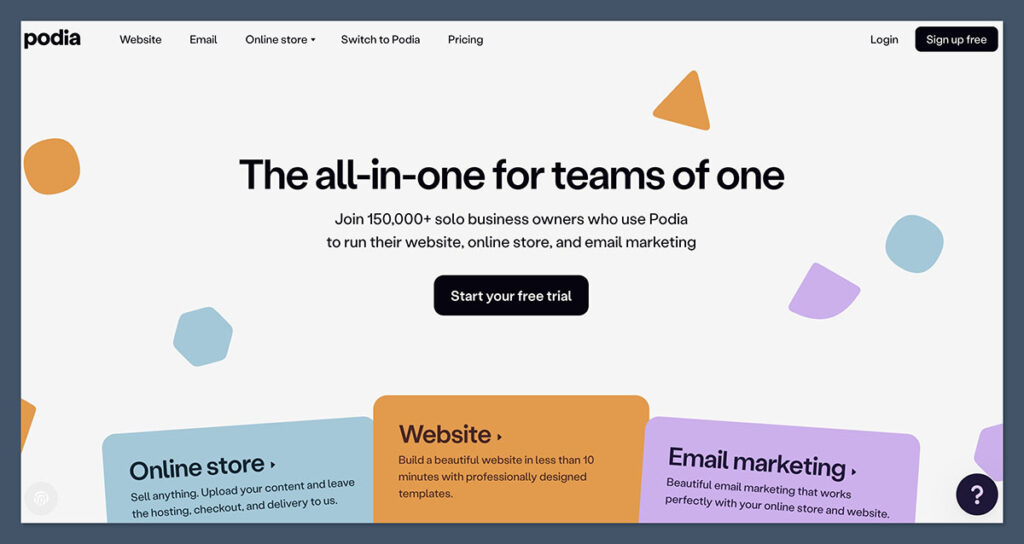
8. Podia – Best for Selling Courses and Digital Products Without Complexity
Starting from: $39 per month
Platform fee: 5 percent on entry plan
Use cases: Courses, webinars, coaching, digital downloads
Why I Recommend Podia
Podia gives you many of the same features as Kajabi, course hosting, product pages, email marketing, checkout tools, but in a simpler, more affordable package. If you’re a solo creator and want a clean interface to sell a few products or build a mini-course, Podia feels intuitive from the start.
Where Podia shines is its balance. You don’t need a technical background, and you won’t feel locked into any one product type. You can create courses, launch coaching offers, or sell digital files all from the same dashboard.
The downside is that some features are only available on higher tiers, like embedded checkout or affiliate marketing. But for most creators, the tradeoff is worth it.
Pros
- Easy to use without setup headaches
- Built-in email marketing
- Clean product landing pages
- No additional plugins or tools needed
Cons
- Entry plan includes 5 percent transaction fee
- Limited customization options
- Some automation features require upgrades
Pricing
| Plan | Monthly Cost | Transaction Fees | Features |
|---|---|---|---|
| Mover | $39 | 5% | Courses, digital downloads, email marketing, website |
| Shaker | $89 | None | Affiliate program, embedded checkout, memberships |
| Earthquaker | $199 | None | Advanced reporting, onboarding calls, priority support |
The Mover plan offers a generous set of features for the price, but does include a 5 percent transaction fee. Upgrading to Shaker removes that fee and gives you access to more marketing tools, including affiliate support and additional product flexibility.
If you’re generating consistent income, the Shaker tier typically pays for itself in saved fees alone.
Best For
Podia is best for creators who want to sell digital products or courses without getting buried in complexity. It’s especially useful for people launching their first offer, or anyone looking to consolidate products, email, and checkout in one place.
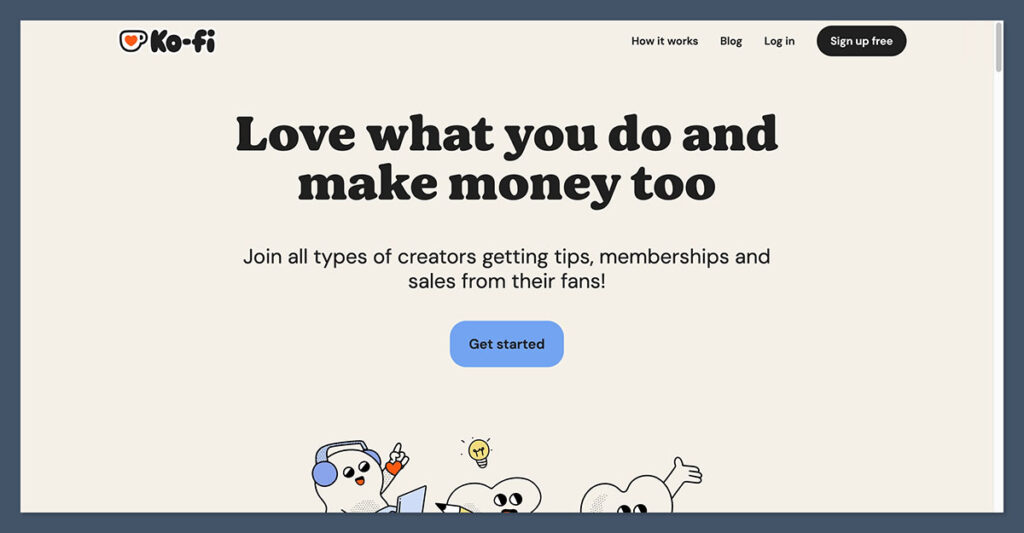
9. Ko-fi – Best for Flexible Monetization with Low Fees
Starting from: Free
Platform fee: 0 to 5 percent depending on plan and product type
Use cases: Donations, small digital product sales, commissions, memberships
Why I Recommend Ko-fi
Ko-fi is a lightweight and creator-friendly platform that gives you a flexible way to earn income from your audience. Whether it’s through one-time donations, memberships, digital downloads, or even commissions, Ko-fi supports a broad mix of monetization types without locking you into a specific format.
One of the standout features is the no-fee model on basic donations and tips. If you’re using Ko-fi as a tip jar or casual storefront, you won’t pay any platform fees. For more advanced features, like selling digital files, creating membership tiers, or setting up commissions, the platform charges a small fee or encourages you to upgrade to Ko-fi Gold, which eliminates platform fees entirely.
Ko-fi also lets you build a creator page without needing to design a full website. This page acts as your storefront, blog, and portfolio all in one, with support for video embeds, shop listings, and more.
Pros
- No platform fees on donations or tips
- Multiple income streams in one place
- Fast setup, no coding required
- Optional upgrade removes all fees
Cons
- Not a full ecommerce platform
- Limited automation and integrations
- Branding options are basic
Pricing
| Plan | Monthly Cost | Platform Fee | Features |
|---|---|---|---|
| Free | $0 | 5% on shop sales, 0% on tips | Tips, commissions, shop, membership tiers, blog |
| Ko-fi Gold | $6 | 0% | Removes platform fees, advanced shop features, analytics, custom branding options |
Ko-fi’s pricing is refreshingly straightforward. The free plan offers access to almost everything, including digital product sales and basic storefront tools. If you’re selling products regularly or want access to full branding customization, upgrading to Ko-fi Gold at $6 per month removes all platform fees and unlocks extra features like higher file sizes, premium posts, and full analytics.
The value here is strong, especially for early-stage creators who want to keep their overhead low while exploring different ways to monetize.
Best For
Ko-fi is best for creators who want to combine small product sales, donations, and memberships in one place, without committing to a full ecommerce build. It’s especially helpful for artists, writers, musicians, or anyone with a casual creator brand and a loyal audience.
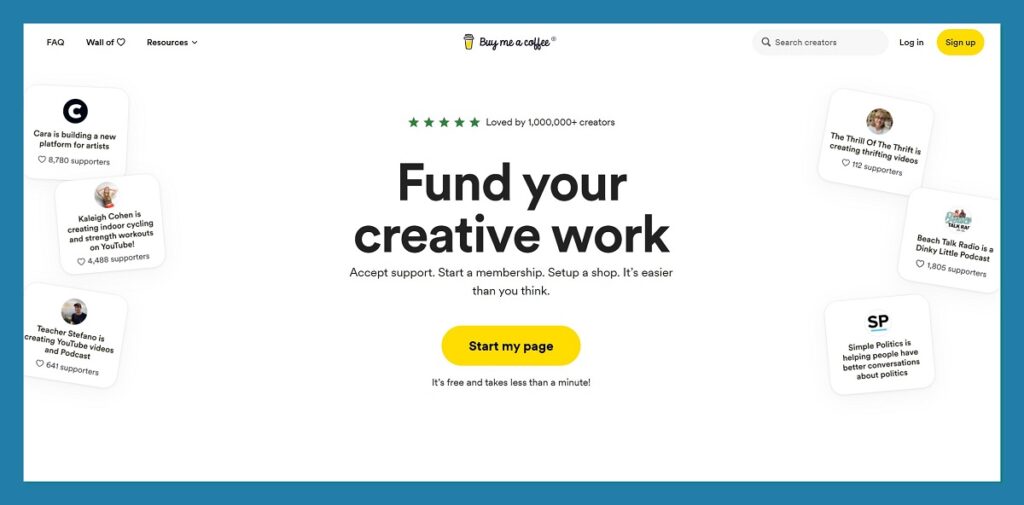
10. Buy Me a Coffee – Best for Simplicity and Support-First Monetization
Starting from: Free
Platform fee: 5 percent of all transactions
Use cases: Donations, memberships, digital products
Why I Recommend Buy Me a Coffee
Buy Me a Coffee is one of the most accessible platforms for creators who want to monetize quickly without dealing with tech or setup hassles. It’s primarily known as a tip jar tool, but it now supports a broader set of features, including memberships, digital product sales, and even email newsletters.
What makes it so appealing is the simplicity. You can set up your creator page in minutes, connect Stripe or PayPal, and start receiving payments. The interface is clean and focused, and you don’t need to worry about building a website or understanding sales funnels.
While it doesn’t offer the depth of a full ecommerce or education platform, it’s ideal for casual creators or those looking to validate an idea before investing in more robust tools.
Pros
- Very easy to set up
- Supports tips, memberships, and product sales
- Minimal learning curve
- No monthly fee
Cons
- Limited scalability
- No built-in email list tools or complex funnels
- Flat 5% fee on all transactions
Pricing
| Plan | Monthly Cost | Platform Fee | Features |
|---|---|---|---|
| Free | $0 | 5% | Donations, memberships, digital downloads, email notifications, creator dashboard |
Buy Me a Coffee only has one pricing model. You don’t pay a monthly fee, but every transaction comes with a 5 percent cut, plus payment processor fees. In return, you get a ready-to-use creator page, the ability to sell digital products, accept monthly memberships, and post updates for your supporters.
For creators who just want to get paid quickly, without designing a site or learning email automation, the value here is hard to beat.
Best For
Buy Me a Coffee is best for creators looking for a minimalist, support-first platform with no learning curve. It’s ideal for tipping, lightweight product sales, and small-scale memberships, especially for creators focused on community and fan interaction.
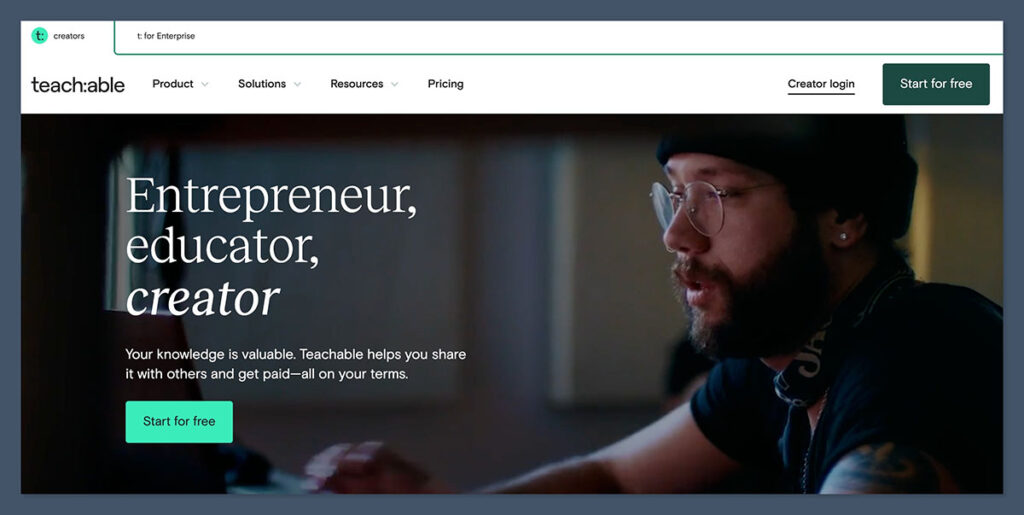
11. Teachable – Best for Education-First Creators and Course Builders
Starting from: $39 per month
Platform fee: 0% to 5%, depending on plan
Use cases: Courses, digital programs, coaching, downloadable resources
Why I Recommend Teachable
Teachable is one of the strongest platforms for content creators who lead with teaching. If your business revolves around structured content, like lessons, modules, quizzes, and coaching, Teachable offers a refined experience both for you and your students.
The platform’s layout is intuitive. You can easily build a course curriculum, upload video content, add downloadable files, and even offer coaching services through native scheduling tools. Unlike more complex platforms, Teachable focuses on delivering a clean, guided learning experience.
One of the biggest benefits is the depth of student-facing tools. Certificates, student progress tracking, and course compliance features are all built in. It’s less suited to ecommerce-style product launches, but for courses and coaching, it does the job well.
Pros
- Education-first feature set
- Strong course delivery tools
- Coaching and scheduling built in
- Supports digital downloads and bundles
Cons
- Interface isn’t ideal for non-educational products
- Pricing tiers and features can be confusing
- Transaction fees on lower plans
Pricing
| Plan | Monthly Cost | Transaction Fees | Features |
|---|---|---|---|
| Basic | $39 | 5% | Courses, coaching, custom domain, unlimited students |
| Pro | $119 | None | Course certificates, no fees, affiliate program, advanced analytics |
| Business | $199 | None | 20 admin users, custom roles, bulk student import, live onboarding |
Teachable’s Basic plan gets you started with essential tools, but you’ll pay a 5 percent transaction fee. The Pro plan removes that fee and unlocks key features like certificates, unbranded sites, and advanced analytics. For educators managing multiple contributors or teams, the Business plan adds support for multiple admin users and advanced roles.
Teachable also allows standalone sales of digital files and bundles, but its primary strength remains structured learning experiences.
Best For
Teachable is best for creators building a business around teaching, coaching, or digital curriculum. It’s ideal for education-focused content, whether that’s long-form courses, small group programs, or individual coaching offers.
Final Verdict: What Should You Choose?
Here’s how I would personally recommend these platforms based on what you sell:
| If You Sell… | Try… |
|---|---|
| Monthly memberships | Patreon or Fourthwall |
| Writing and newsletters | Substack |
| Courses or coaching | Kajabi for power, Podia for value |
| Templates, PDFs, downloads | Gumroad, Ko-fi, Buy Me a Coffee |
| Digital and merch in one shop | Fourthwall |
| A scalable ecommerce brand | Shopify or Squarespace |
Most creators start with one monetization stream but grow into others over time. If you can, pick a platform that gives you room to expand without needing to rebuild everything from scratch.
And remember, platform fees, branding control, and ownership of customer data all play a role. Choose the platform that works for the stage you’re in, not just the one with the flashiest features.


Comments 0 Responses