

If you've used Ko-fi before, you'll know it offers a simple way to collect tips, sell digital downloads, and offer memberships without needing a full-blown online store. It’s straightforward and low-pressure, which is exactly why so many creators choose it to start monetizing their audience. But as your business or creative practice grows, you might begin to feel like Ko-fi isn’t offering quite enough.
Whether you’re an artist looking to sell prints, a podcaster offering bonus content, or an ecommerce seller with digital downloads and merchandise to move, there are tools out there that do more.
Ko-fi is still great for what it does, but if you’ve outgrown the platform, I’ve put together this list of top-rated alternatives that give you more control, customization, or features tailored to specific types of creators.
Below, you’ll find eight carefully reviewed platforms that go beyond Ko-fi, along with an honorable mention. Each one has its own strengths depending on what you sell, how often you release content, and how you want to build your business online.
Quick Comparison
Quick Comparison
| Platform | Best For | Starting Price | Platform Fee | Standout Feature |
|---|---|---|---|---|
| Fourthwall | Merchandise and digital products | Free | 5% (digital) | Merch fulfillment built-in |
| Patreon | Membership content | Free | 10% | Built-in community tools |
| Buy Me a Coffee | Simple donations | Free | 5% | One-time tips and memberships |
| Gumroad | Digital product sales | Free | 10% + $0.50 | Simple checkout and delivery |
| Payhip | Digital storefronts | Free | 5% (on Free plan) | Flexible pricing as you scale |
| Substack | Writing and newsletters | Free | 10% | Built-in email delivery |
| Memberful | Memberships on your own site | Custom | 4.9% | Site integration |
| Podia | Courses and all-in-one stores | $33 per month | 5% (lower plan) | Combines email, courses, and sales |
| Liberapay | Recurring donations | Free | None | Zero platform fees |
1. Fourthwall: Best for Creators Selling Merchandise
💰 Starting price: Free to use
📦 Platform fee: 5% on digital and membership sales
🧢 Merchandise fulfillment: Yes, with self-shipping or on-demand options
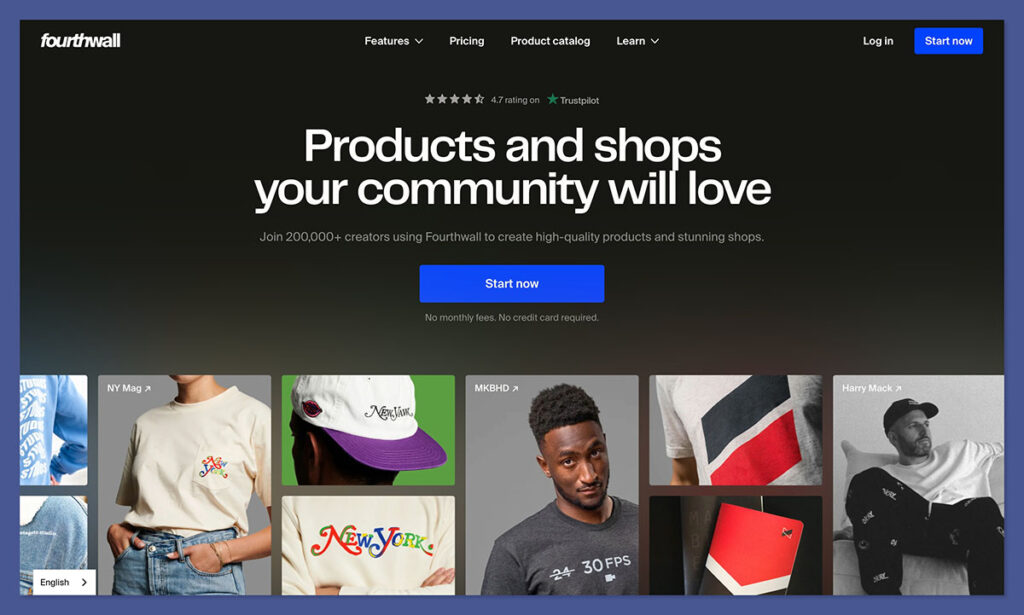
Fourthwall is the only Ko-fi alternative on this list specifically designed with physical merchandise in mind. It combines merch fulfillment, digital product sales, and memberships in a platform that’s built to serve creators on YouTube, TikTok, and beyond.
During testing, I was impressed by how easy it was to create a storefront and upload designs for merch. Fourthwall handles the fulfillment automatically if you use their catalog, or you can manage shipping yourself if you want full control over packaging and delivery.
What really makes Fourthwall stand out is how it blends ecommerce tools with creator monetization. You’re not stuck choosing between “tip jar” and “full shop”, it does both, and it does them well.
✔️ Pros
- Combines digital, physical, and membership products in one system
- No platform fee for self-shipped items
- Integrates with YouTube Merch Shelf and TikTok Shop
- Fully branded storefront with custom domain support
❌ Cons
- Setup may be overwhelming for creators looking for simplicity
- Merch margins depend on base cost and product pricing
Recent updates:
- New analytics tools for merch performance and order tracking
- TikTok Shop integration for creator-branded storefronts
- Improved customization for product pages and storefront layout
How Much Does Fourthwall Cost?
- Free to sign up
- 5% fee on digital products and memberships
- No fee on self-fulfilled physical products
- Product base costs apply for merch with print-on-demand
Why Use Fourthwall in 2026?
If your audience wants physical products and you want to keep everything in one place, Fourthwall is the strongest platform available. It gives you complete flexibility, without locking you into high monthly costs or unnecessary features.
Fourthwall is suitable for:
- Creators selling t-shirts, posters, or other physical products
- Users offering a combination of merch, memberships, and downloads
- Sellers who want full storefront control without monthly fees
Fourthwall isn't suitable for:
- Creators who only want tips or donations
- Users who need very minimal, no-maintenance setup
- Businesses focused solely on digital product sales
2. Patreon: Best for Membership Content and Community
💰 Starting price: Free to sign up, 10% fee on earnings
📱 Mobile support: Yes, through the Patreon app
📦 Membership tools: Yes – includes tiers, gated content, and DMs
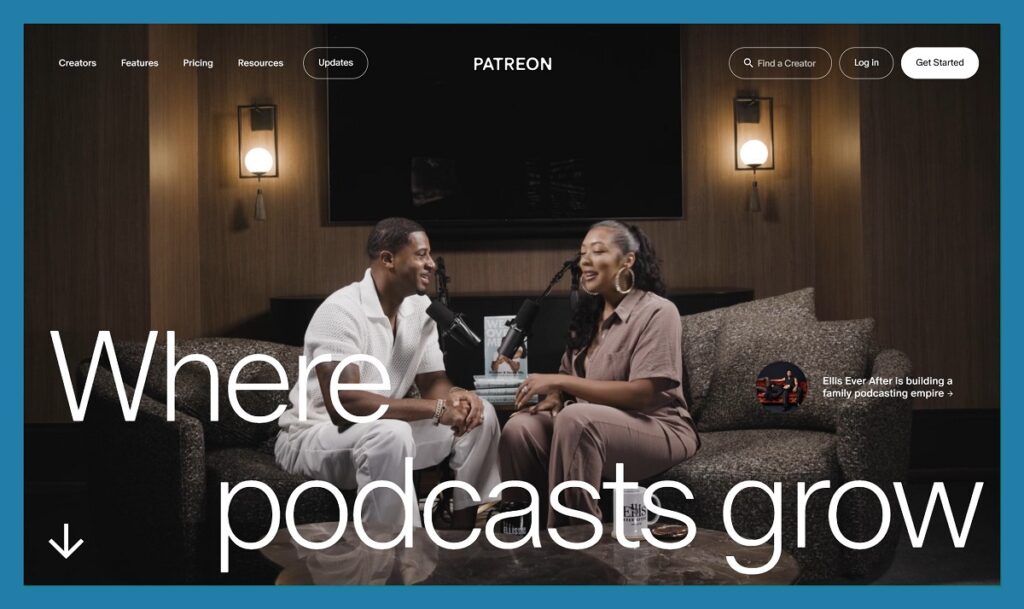
Patreon is the most recognizable membership platform in the creator economy, and after testing it against other options, it still holds up in 2026 as the best choice for ongoing content delivery and fan community building. Whether you’re a podcaster, artist, writer, or educator, Patreon gives you the tools to turn your audience into reliable monthly revenue.
You can create multiple membership tiers, publish gated content, and offer perks like livestreams, newsletters, or exclusive downloads. The platform also includes native video hosting and direct messaging, making it much more than a payment processor. Fans understand how it works and trust the process, which helps reduce friction when you ask them to subscribe.
Patreon recently introduced tighter Apple/iOS subscription policies, which have complicated things for some creators who rely on mobile. Despite that, it continues to offer one of the most flexible and familiar setups for creators looking to go beyond tips and build a recurring income model.
✔️ Pros
- Strong built-in community and content delivery tools
- Easy to create tiered memberships
- Email newsletters and native video support
- Established user base with brand recognition
❌ Cons
- 10% platform fee takes a big cut at scale
- Mobile checkout can be impacted by iOS rules
- Limited customization or storefront control
Recent updates:
- Patreon now supports native video uploads and scheduled post releases
- Enhanced tools for managing fan communities, including direct messaging and member tagging
- Improved analytics dashboard for revenue and engagement tracking
I tested Patreon by setting up a three-tier membership for a digital writing project. The setup was fast, and I was able to upload private content, add custom perks to each tier, and schedule posts in advance. The interface was easy to navigate, but I did find it restrictive in terms of branding. You’re working within Patreon’s design, not your own. However, the direct communication with fans made it feel more like a private community than just a storefront.
How Much Does Patreon Cost?
- Free to join and start setting up your page
- Platform takes 10% of monthly earnings
- Stripe and PayPal fees apply (usually around 2.9% + $0.30 per transaction)
- Additional tax and VAT handling fees may apply depending on region
Why Use Patreon in 2026?
If you want to offer your audience structured, recurring content and build a real fan-based income stream, Patreon remains the top choice. Its content tools and familiar interface make it easy for both creators and supporters to engage consistently. It’s especially valuable if your business is built around community, behind-the-scenes access, or serialized content.
Patreon is suitable for:
- Creators offering exclusive or premium content on a recurring basis
- Artists and educators looking to build direct relationships with fans
- Users who want to monetize an existing audience through memberships
Patreon isn't suitable for:
- Creators selling one-off products or downloads
- Sellers who need full control over storefront design and branding
- Users who want a lightweight tip jar without recurring setup
3. Buy Me a Coffee: Best Ko-fi Alternative for One-Off Support
💰 Starting price: Free to use, 5% fee per transaction
📱 Mobile support: Yes, fully mobile-optimized
🛍️ Digital products and memberships: Yes, with a lightweight storefront
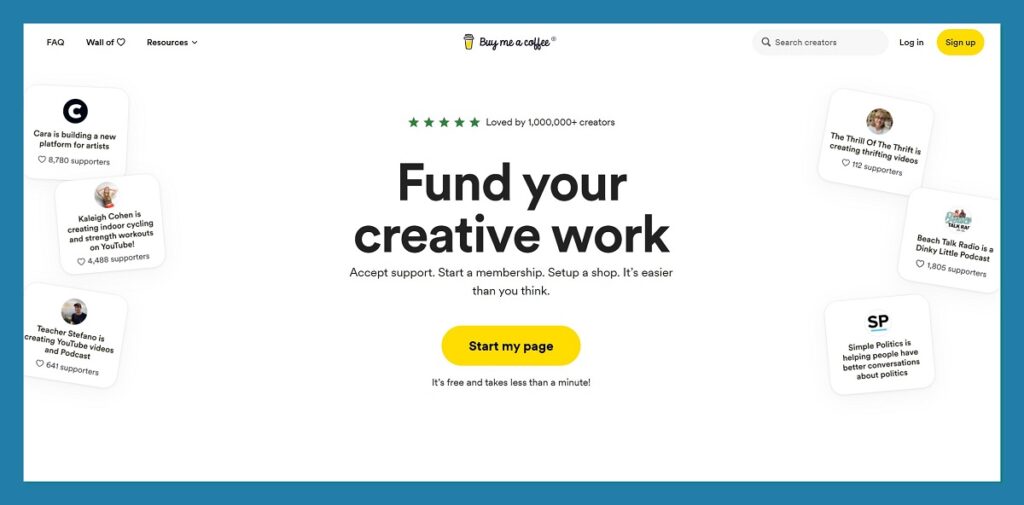
Buy Me a Coffee is one of the simplest and most intuitive alternatives to Ko-fi, and it does a great job at making monetization feel casual, fast, and accessible. It’s ideal for creators who just want to collect tips, accept small donations, or offer simple recurring memberships without needing a full ecommerce setup.
The interface is clean and minimal, which makes it a great fit for link-in-bio setups or creators who work across multiple platforms. There’s no complex branding to manage and no learning curve to worry about. Just connect your Stripe or PayPal account, add a few items or perks, and start sharing your link.
In my testing, I was able to set up a page and start accepting support within 10 minutes. Uploading digital files for sale was just as quick. While it doesn’t have the power of a full ecommerce platform, the simplicity here is the real appeal.
✔️ Pros
- Very quick to set up and start accepting support
- Great for casual or smaller-scale monetization
- Supports memberships and basic digital downloads
- Clean design that works well on all devices
❌ Cons
- Limited customization and branding options
- Not ideal for high-volume sales or storefront growth
Recent updates:
- New store layout option for memberships and digital files
- Improved analytics dashboard for earnings and supporter engagement
- Support for custom thank-you messages and automated replies
How Much Does Buy Me a Coffee Cost?
- Free to sign up and use
- Platform charges 5% per transaction
- Payment processing fees apply depending on provider (Stripe or PayPal)
- No monthly plans or subscriptions required
Why Use Buy Me a Coffee in 2026?
This is the best option if you want a minimal setup for supporter donations or simple digital products. It’s great for creators who don’t need a full storefront and just want a clean, no-pressure way to earn from their audience.
Buy Me a Coffee is suitable for:
- Artists, writers, and indie creators taking tips or offering small downloads
- Creators who want a tip jar with optional upgrades
- Users looking for a fast and frictionless monetization platform
Buy Me a Coffee isn't suitable for:
- Ecommerce sellers with larger product catalogs
- Creators needing advanced branding or design control
- Users building a long-term digital product business
4. Gumroad: Best for Fast Digital Product Sales
💰 Starting price: Free
💵 Fees: 10% platform fee plus $0.50 per transaction
🖥️ Use case: Digital downloads, pre-orders, and subscriptions
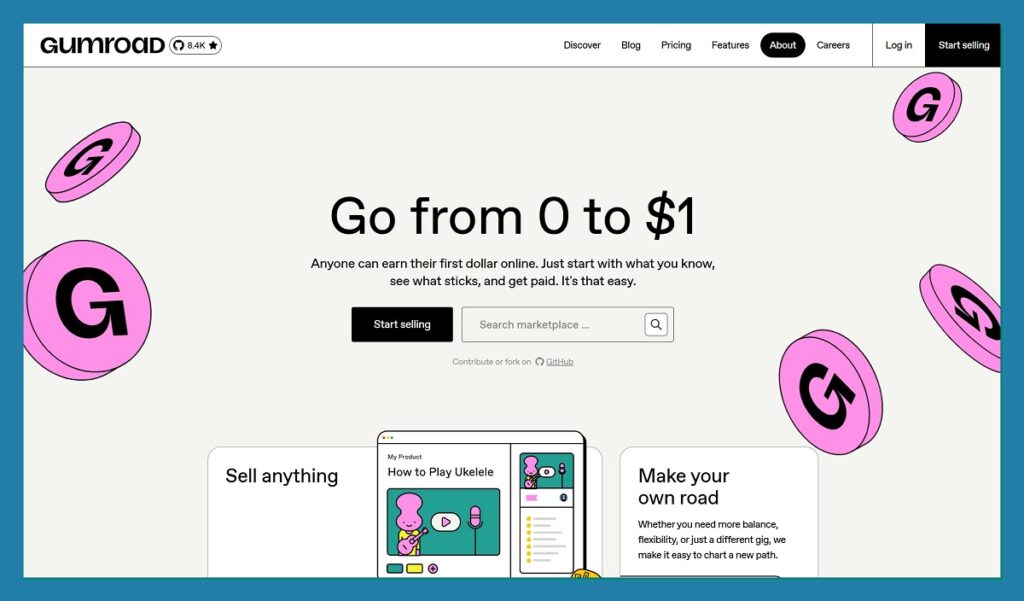
Gumroad has long been one of the most popular tools for creators selling digital goods. Whether you’re offering ebooks, music, software, templates, or courses, it provides one of the simplest paths to start selling online. It’s not focused on community or memberships like some other platforms, it’s all about clean, fast ecommerce.
One thing I noticed during testing was how quickly you can launch a new product. Within five minutes, I had a product page ready, a file uploaded, and a checkout link live. You can also embed Gumroad links into your site or email list, making it easy to distribute content across channels.
While the platform offers very little in terms of customization, its strength lies in its speed and reliability. The built-in marketplace also gives you the option of getting discovered by new customers, though higher fees apply for those sales.
✔️ Pros
- One of the fastest platforms for launching digital products
- Built-in marketplace and affiliate options
- Supports license keys, subscriptions, and variants
- Handles tax and VAT automatically
❌ Cons
- Higher platform fees compared to other tools
- Limited storefront design and branding options
Recent updates:
- New UI improvements for product page customization
- Enhanced payout options and faster Stripe processing
- Discover marketplace now includes trending product categories
How Much Does Gumroad Cost?
- Free to start
- 10% platform fee + $0.50 per transaction
- 30% fee on marketplace sales via Gumroad Discover
- Processing fees and taxes included automatically
Why Use Gumroad in 2026?
Gumroad is the go-to for digital product sellers who want speed and simplicity. It’s especially popular with artists, developers, and writers who don’t need a full store but still want a reliable platform to sell files and accept payments.
Gumroad is suitable for:
- Creators with ready-to-sell digital products
- Users who want a minimal setup and no monthly fees
- Sellers who don’t need full storefront control
Gumroad isn't suitable for:
- Membership-based businesses or community platforms
- Creators who need advanced design or layout features
- Sellers looking to scale into a branded ecommerce presence
5. Payhip: Best for Scalable Creator Storefronts
💰 Starting price: Free plan with 5% fee, or flat monthly pricing
🛍️ Product types: Digital, physical, coaching, subscriptions
📈 Scaling model: Choose between percentage-based or flat-fee plans
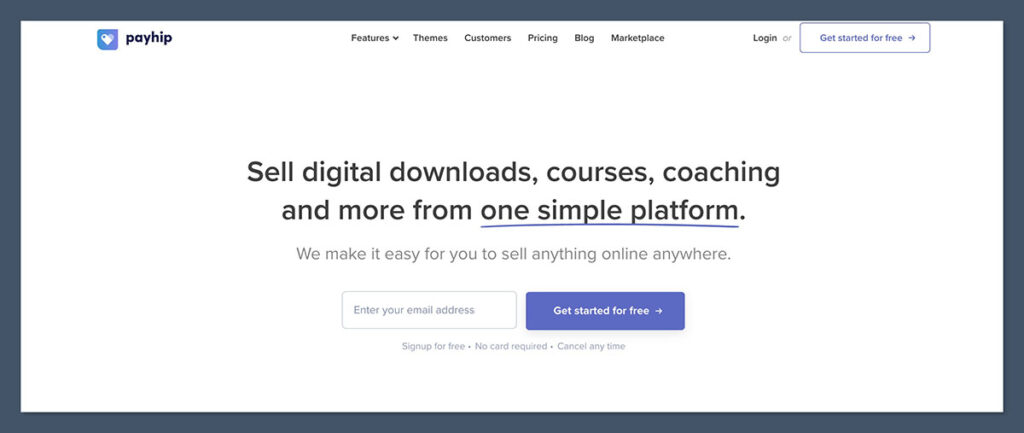
Payhip gives creators a flexible and professional storefront without needing to learn ecommerce from scratch. It supports digital downloads, coaching services, physical products, and memberships, making it one of the most well-rounded options in this list. And unlike other platforms, Payhip gives you control over how you want to pay, either a percentage per sale or a flat monthly rate.
When testing, I found the backend dashboard easy to use, with detailed sales analytics, automatic EU VAT calculation, and a solid drag-and-drop page editor. It’s not as social as Ko-fi or Patreon, but if your goal is to build a standalone store and scale over time, it’s an excellent foundation.

✔️ Pros
- Works for almost any kind of product, digital or physical
- Built-in EU VAT handling
- Flexible pricing based on revenue and growth
- Custom domain support and storefront branding
❌ Cons
- No built-in discovery or audience tools
- May be overkill if you only want tips or donations
Recent updates:
- New page layout editor with theme presets
- Updated integrations for Stripe and PayPal
- Improved analytics dashboard for membership tracking
How Much Does Payhip Cost?
| Plan | Monthly Price | Platform Fee |
|---|---|---|
| Free | $0 | 5% per sale |
| Plus | $29 | 2% per sale |
| Pro | $99 | 0% per sale |
- Additional processing fees via Stripe/PayPal apply
- Includes unlimited products on all plans
Why Use Payhip in 2026?
Payhip gives you control, scale, and professional tools without locking you into a high fee structure. It’s an especially strong choice for creators selling multiple products or who plan to grow a product-based business over time.
Payhip is suitable for:
- Creators and sellers with multiple digital products
- Users who want control over pricing and margins
- Coaches, consultants, or service-based creators
Payhip isn't suitable for:
- Creators looking for discovery or social features
- Casual users who want a basic tip jar
- Beginners with no interest in store customization
6. Substack: Best for Writers and Email Newsletters
💰 Starting price: Free to publish
✉️ Revenue model: 10% fee on paid subscriptions
📚 Best for: Long-form writing, essays, journalism, serialized fiction
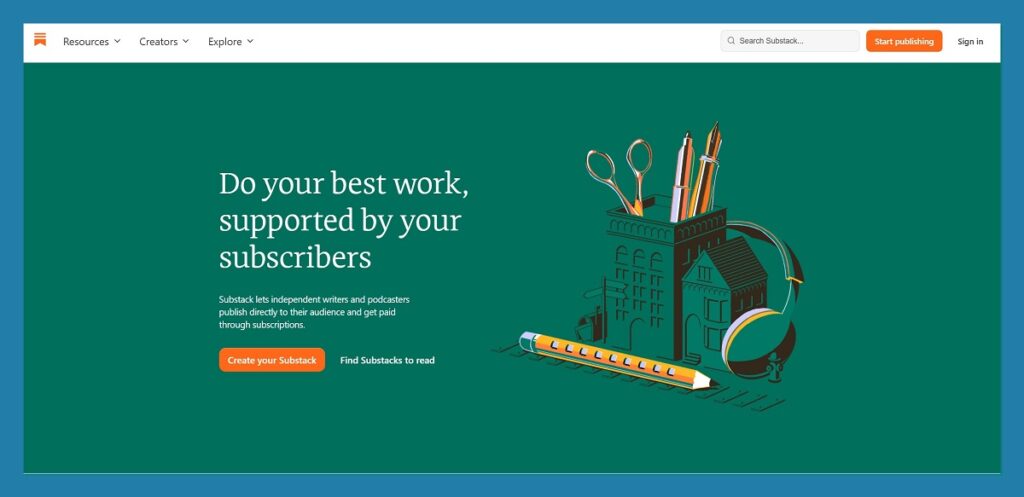
Substack is built for writers, plain and simple. It’s one of the fastest ways to start a newsletter that people can read in their inbox or on the web. Unlike other platforms focused on products or memberships, Substack is about content first, and more specifically, written content.
From the moment you sign up, Substack walks you through creating your first post and setting up free and paid subscription tiers. The interface feels like a blog crossed with an email platform. You publish posts, and they’re automatically sent out to your readers.
In my testing, what stood out most was how little I needed to think about tech. There’s no need for email tools, integrations, or plugins, everything is baked in. That said, it does come at the cost of design flexibility and branding control, which are very limited.
✔️ Pros
- Fast setup for email-based publishing
- No need for third-party email tools
- Built-in discovery and cross-promotion with other writers
- Subscription and payment systems handled for you
❌ Cons
- Almost no customization or branding options
- Not designed for non-writing products like merch or downloads
Recent updates:
- Improved discovery algorithm for newsletters in similar niches
- New mobile app features for managing posts and comments
- Enhanced support for free-to-paid subscriber upgrades
How Much Does Substack Cost?
- Free to start and publish
- Substack takes 10% of paid subscription revenue
- Stripe fees also apply (approximately 2.9% + $0.30 per charge)
- No costs for free newsletters
Why Use Substack in 2026?
If your work is writing-focused and you want a platform that handles everything from publishing to monetization, Substack remains the most straightforward option. It’s particularly effective if you’re growing a reader base from scratch, thanks to its recommendation network.
Substack is suitable for:
- Writers offering free and paid content
- Journalists and independent publishers
- Creators who want to build an email-first business
Substack isn't suitable for:
- Creators selling physical or digital products
- Users who want design control or branding options
- Creators offering coaching, memberships, or services
7. Memberful: Best for Memberships on Your Own Website
💰 Starting price: Custom, based on features and volume
🔐 Platform fee: 4.9% per transaction
🌐 Integration: Works with existing websites, especially WordPress
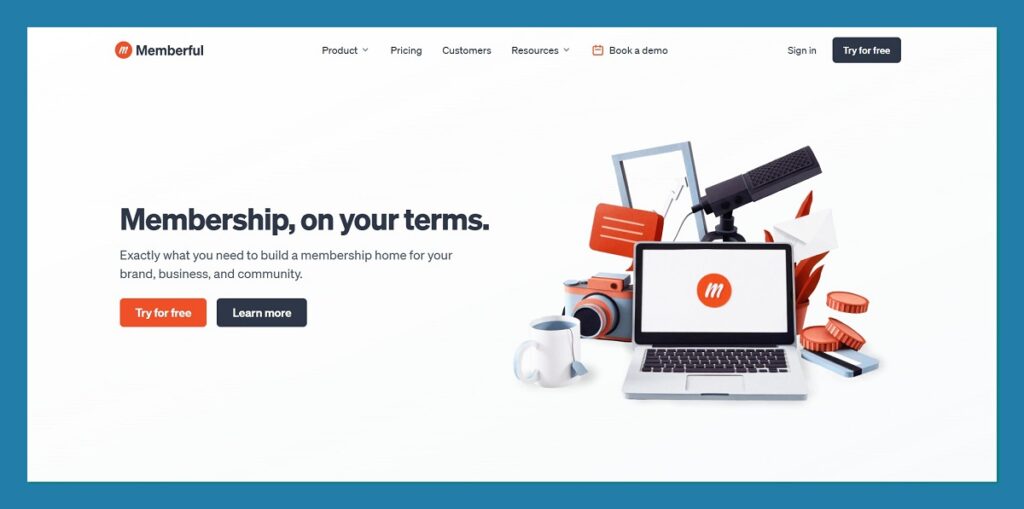
Memberful is a powerful option if you already have your own site and want to add membership features without giving up control or branding. It’s designed for creators and publishers who want to offer gated content, exclusive downloads, or members-only newsletters, all from their own domain.
What makes Memberful different from Patreon or Substack is that it doesn’t try to be a platform. Instead, it integrates behind the scenes, letting you run a membership program without ever directing users to a third-party profile. This is especially appealing if you’re building a long-term brand or need more ownership over your audience and content.
During testing, I connected Memberful to a basic WordPress site in less than an hour. While the setup took longer than most other platforms on this list, the level of control made it worth it. I was able to customize checkout, gate access to specific pages, and send automated emails using the integrations.
✔️ Pros
- Seamless integration with your own site
- Total control over branding, layout, and content delivery
- Supports Stripe payments, promo codes, and tiered plans
- Excellent for serious creators with a long-term audience
❌ Cons
- Requires technical setup or a CMS like WordPress
- No built-in discovery or network effects
- Slight learning curve for non-technical users
Recent updates:
- New Stripe revenue reporting and customer insights
- More flexible member tagging and segmentation options
- Enhanced email workflows and messaging tools
How Much Does Memberful Cost?
- Platform fee is 4.9% per transaction
- Stripe payment processing fees apply separately
- Optional premium features may carry additional monthly cost
- Designed to scale with business size and needs
Why Use Memberful in 2026?
Memberful is ideal for creators who already own their platform and want to keep it that way. It’s not trying to build a community for you, it gives you the tools to do it on your own terms.
Memberful is suitable for:
- Creators running a personal or business website
- Publishers looking for full audience ownership
- Users who want to offer memberships with their own branding
Memberful isn't suitable for:
- Beginners without a website or tech setup
- Creators who want fast, out-of-the-box monetization
- Users who prefer marketplace platforms like Patreon
8. Podia: Best All-in-One Platform for Digital Products and Courses
💰 Starting price: $33 per month (Mover Plan)
🛠️ Core features: Online courses, coaching, digital products, email marketing
🔎 Read our Podia review for more information
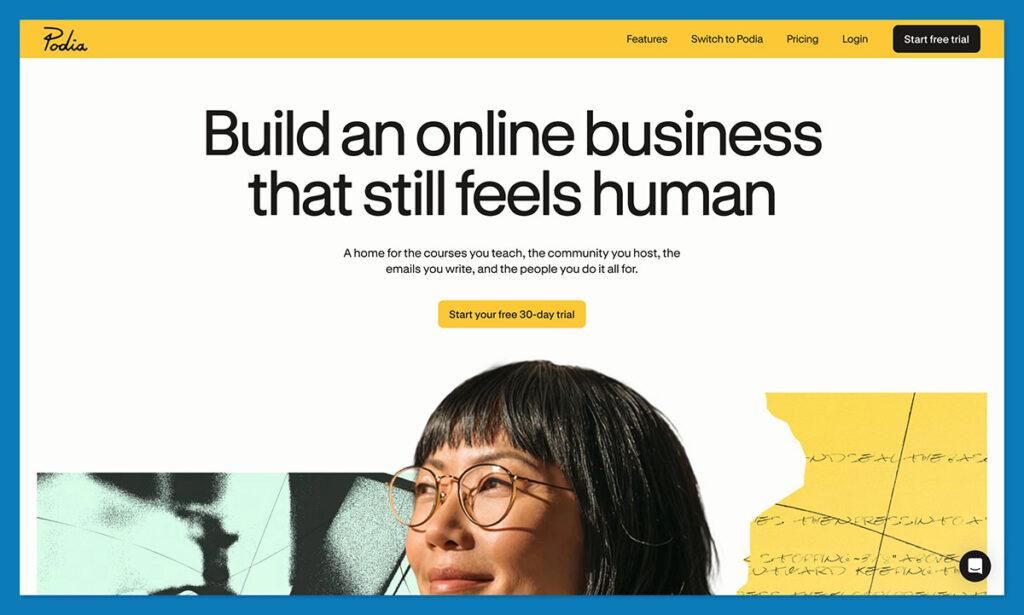
Podia is a full-stack creator platform built for selling digital products, courses, and memberships, all under one roof. If you’re an educator, coach, or creator with multiple offers to manage, Podia is one of the strongest Ko-fi alternatives when it comes to functionality and flexibility.
Right from the start, Podia walks you through setting up a storefront, creating a product, and customizing your page design. In my experience, I appreciated how many tools were included: I could send email campaigns, create landing pages, set up automated product deliveries, and manage customer messages, all from a single dashboard.
The interface is polished, and the learning curve is low. It’s not just for selling PDFs or courses, Podia also supports free products, coupon codes, bundles, upsells, and affiliate programs. Compared to Ko-fi, it’s a far more business-focused platform, but without the overwhelming complexity of a full ecommerce builder.
✔️ Pros
- Combines storefront, email, and products in one system
- Unlimited product uploads on all plans
- Easy-to-use course builder and coaching tools
- Affiliate management and automation options included
❌ Cons
- Monthly cost may be hard to justify for casual creators
- Not ideal if you only want a tip jar or one-time payments
Recent updates:
- Podia acquired a course platform to expand its education features
- New website themes and design tools launched in late 2025
- Email marketing automation now includes segmentation and tagging
How Much Does Podia Cost?
| Plan | Monthly Price | Platform Fee |
|---|---|---|
| Mover | $33/month | 5% per sale |
| Shaker | $75/month | 0% per sale |
- No transaction fees on the higher-tier plan
- Unlimited hosting and product creation on both plans
Why Use Podia in 2026?
Podia is a great choice if you’re looking for a clean, all-in-one platform that lets you scale a digital business. From courses to ebooks to coaching, it’s built to help creators earn more without juggling multiple tools.
Podia is suitable for:
- Course creators, coaches, and educators
- Creators with multiple digital products or services
- Users who want integrated email marketing
Podia isn't suitable for:
- Creators who only need basic donation tools
- Users who aren’t ready to commit to a monthly cost
- Sellers looking for free or very low-fee platforms
9. Liberapay: Best for Zero-Fee Donations
💰 Starting price: Free
💸 Platform fee: None – only payment processing costs
🌍 Best for: Recurring donations and minimalist support
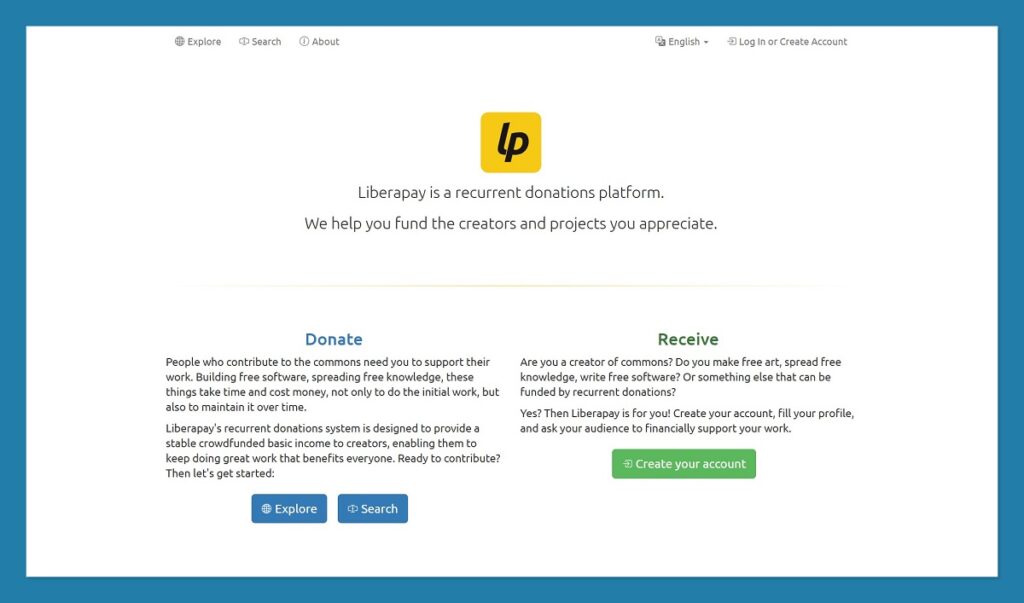
Liberapay is a nonprofit platform built to help creators receive recurring donations without any platform fees. Unlike most tools on this list, it doesn’t offer a storefront, product listings, or membership perks. It’s simply a donation system for creators with dedicated audiences.
The platform is open-source and used mostly by developers, open knowledge projects, and creators working in public interest spaces. There’s no marketing, no upselling, and no bloat, just a way for people to support your work with weekly, monthly, or yearly contributions.
I found the setup process basic but effective. Liberapay lets you share your page, set up a suggested contribution, and accept payments without any distractions. That said, there are no extras, it’s a utility, not a marketing tool.
✔️ Pros
- No platform fees at all
- Ideal for regular donations from loyal fans
- Great for transparency and open-source ethos
- Very low maintenance
❌ Cons
- No product sales or storefront functionality
- Limited appeal outside of niche communities
- No custom branding or engagement tools
Recent updates:
- Platform maintenance and donation infrastructure improved
- More language and currency support for international donors
- Enhanced user privacy tools
How Much Does Liberapay Cost?
- Zero platform fee
- Only processing fees from payment gateways apply
- No limits on donations or number of supporters
Why Use Liberapay in 2026?
If your audience is committed to supporting your work, and you don’t want to lose a percentage to a platform, Liberapay offers one of the most ethical and low-cost models out there.
Liberapay is suitable for:
- Developers, researchers, and indie creators with loyal supporters
- Open-source projects looking for sustainable backing
- Creators who prefer minimalism and transparency
Liberapay isn't suitable for:
- Creators selling products, coaching, or content
- Users who need discovery, tools, or storefront features
- Businesses that want to build a brand presence
Final Thoughts: Choosing the Right Ko-fi Alternative in 2026
Ko-fi remains a solid option for creators who need something quick, low-commitment, and easy to manage. But if you’re starting to outgrow its limited feature set, or you’re ready to treat your creative work more like a business, the alternatives we’ve covered offer real opportunities to scale, customize, and diversify your income.
Whether you're building a paid newsletter, launching a storefront, or setting up memberships for exclusive content, there’s a tool here that fits the way you work, and the way your audience supports you.
Here's a recap of the platforms covered and what they're best suited for:
| Platform | Best For |
|---|---|
| Fourthwall | Selling merch with digital and membership tools |
| Patreon | Recurring memberships and community engagement |
| Buy Me a Coffee | One-off tips and lightweight memberships |
| Gumroad | Selling digital products with minimal setup |
| Payhip | Running a flexible storefront with growth in mind |
| Substack | Publishing paid and free writing via email |
| Memberful | Hosting memberships on your own website |
| Podia | Managing digital products, courses, and email in one place |
| Liberapay | Accepting recurring donations with zero platform fees |
What matters most when choosing is understanding what you're really selling, and how your audience wants to support you. For some, a simple tip jar is enough. For others, building a branded business with recurring subscriptions or a full product catalog is the next step.
Each of these platforms comes with trade-offs in cost, customization, and time investment. But the good news is that many of them are free to start and low-risk to try. You don’t need to commit long-term just to explore what works best.
If you’re unsure which option fits your next stage, start with what your audience is already asking for, whether that’s exclusive content, digital downloads, coaching, or even physical merch, and match that to the platform that supports it best.
You can also use more than one. Many successful creators run a mix of tools, for example, using Patreon for exclusive content and Payhip for selling ebooks, and build a more resilient income stream by not relying on a single platform.
Whatever direction you take, the key is choosing a platform that helps you grow, without getting in the way


Comments 0 Responses