

Podia and Teachable are two of the most well-known platforms for selling online courses and digital products — but which is better for ecommerce sellers?
After analyzing both platforms in depth and testing their features, pricing, and sales tools, Podia stands out as the better all-in-one choice for creators who want to sell digital products, manage email marketing, and launch quickly with minimal setup.
Teachable, on the other hand, is better suited to structured course-based businesses that prioritize learning tools like quizzes, certificates, and detailed student progress tracking.
In this review, I’ll break down how Podia and Teachable compare across pricing, features, email tools, sales functionality, and more — helping you decide which one fits your ecommerce business best.
Podia vs Teachable: Quick Comparison
Use the table below to get a quick overview of how Podia and Teachable compare on key features for ecommerce sellers:
| Feature | Podia | Teachable |
|---|---|---|
| Best For | Selling multiple digital products and courses with built-in marketing | Structured courses and certifications |
| Pricing | Starts at $0 (free) / $39 (paid) | Starts at $0 (free) / $59 (paid) |
| Transaction Fees | None on paid plans | 5% on Basic plan |
| Email Marketing | Built-in | Requires third-party tools |
| Upsells | Included on all plans | Only on Pro plan and up |
| Affiliate Marketing | Included on all paid plans | Pro plan and higher |
| Learning Tools | Basic (no quizzes or compliance tools) | Advanced features including quizzes, certificates |
| Ideal User | Solo creators and digital product sellers | Educators and course-based businesses |
Best for Pricing: Podia Offers Better Value with Fewer Hidden Fees
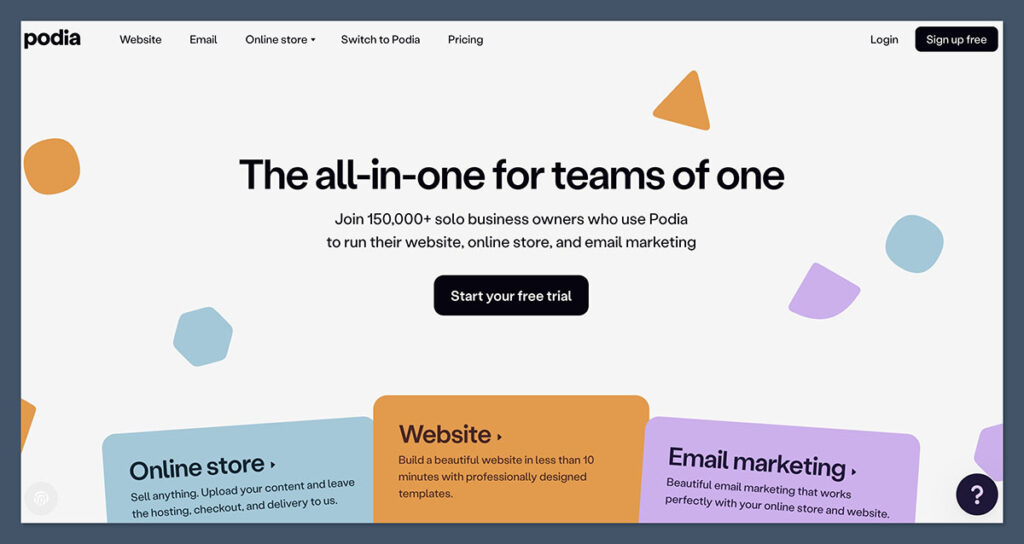
If you’re launching or scaling a digital product business, predictable pricing is important — especially when dealing with volume-based sales.
Pricing Breakdown
| Plan | Podia | Teachable |
|---|---|---|
| Free Plan | Yes (8% transaction fee) | Yes ($1 + 10% transaction fee) |
| Starter Plan | $39/month (0% fee) | $59/month (5% fee) |
| Growth Plan | $89/month | $159/month |
| Transaction Fees (Paid Plans) | 0% | 0% on Pro+, 5% on Basic |
| Email Marketing | Included | Not included |
| Upsells | All plans | Pro plan only |
Verdict
Podia is the more affordable and transparent option.
While both platforms offer free tiers, Teachable’s free plan comes with higher transaction fees and limited monetization tools.
On Podia’s $39/month plan, you pay no transaction fees and gain access to key sales and marketing features like email campaigns, upsells, and affiliates — all without needing extra tools.
If you’re selling multiple digital products or want to test pricing flexibility, Podia’s all-in-one pricing structure is better suited to budget-conscious ecommerce businesses.
Best for Selling Products: Podia Wins on Built-In Sales Features
When it comes to actual sales tools — like checkout customization, upsells, discount codes, and affiliate marketing — Podia delivers more out of the box.
Podia’s Sales Features
- One-page checkout
- Product upsells and cross-sells
- Bundling of courses, ebooks, and webinars
- Integrated email marketing for automated follow-ups
- Affiliate program management on all paid plans
- Membership and subscription product options
Teachable’s Sales Features
- Checkout with order bumps (Pro plan only)
- Basic coupons and promotions
- Affiliate program only available on Pro plan
- Requires external tools for email marketing
- Product bundles limited to courses and coaching
Verdict
Podia has a much more ecommerce-friendly setup, especially for creators selling a range of digital products.
Whether it’s a course, template pack, eBook, or workshop, Podia handles it all from the same dashboard — without needing third-party plugins.
Teachable is better suited for structured, education-first course programs where the focus is on curriculum delivery more than sales funnels.
Best for Email Marketing: Podia Provides Native Tools
Email marketing is one of the most effective ways to drive sales — especially for digital product creators.
Podia Email Tools
- Send broadcast emails or schedule drip sequences
- Segment audience based on product behavior
- Track open rates and clicks within the platform
- No need for a third-party provider
Teachable Email Tools
- Email limited to course-related notifications (e.g. enrollment confirmations)
- No built-in broadcast or automation features
- Requires integration with ConvertKit, Mailchimp, or similar tools
Verdict
Podia eliminates the need for an external email platform entirely. This makes it a strong option for ecommerce businesses wanting to streamline their tech stack while still nurturing leads and automating product sales.
Teachable requires more setup, which can increase monthly costs and technical complexity.
Best for Course Delivery and Student Engagement: Teachable Wins
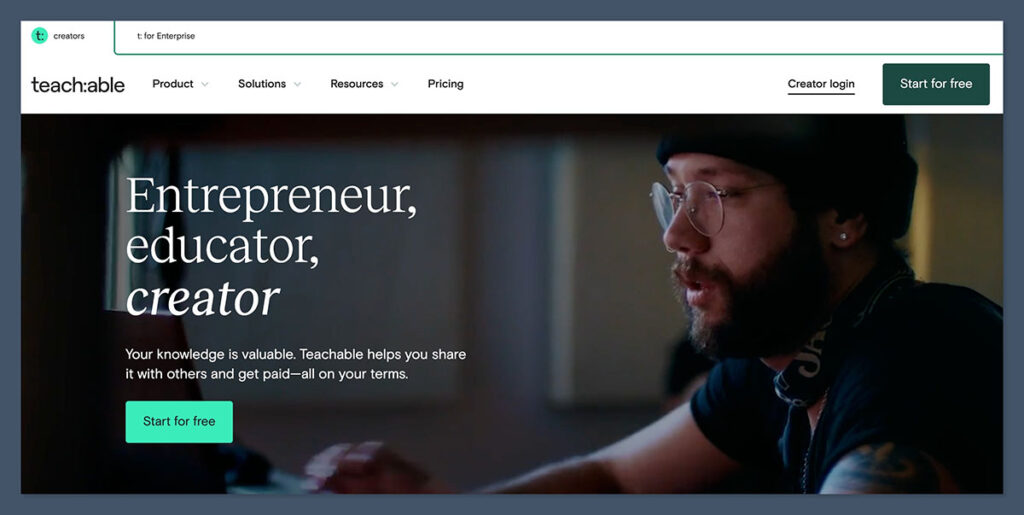
If your ecommerce brand relies on structured course content — like video modules, quizzes, and certificates — Teachable is the stronger option.
Teachable’s Learning Tools
- Quizzes and course compliance settings
- Certificates of completion
- Student progress tracking
- Custom course structure and lesson types
- Mobile app for students
Podia’s Learning Features
- Clean course layout
- Supports video, audio, and PDF files
- No quizzes, compliance tools, or certificates
- No mobile app
Verdict
Teachable is designed for education-first experiences.

Its built-in quizzes, certification, and compliance tools are ideal for teachers and instructors managing academic programs or certification-based learning.
Podia delivers a more streamlined, content-first experience — better for sellers offering value-packed products that don’t need structured testing or progression tracking.
Best for Design and Branding: It’s a Tie
Both Podia and Teachable offer clean, minimal templates, but branding flexibility is somewhat limited compared to traditional ecommerce builders.
Podia Design
- Pre-designed templates
- Easy to add logo, brand colors, fonts
- Limited access to advanced custom code (unless on higher-tier plans)
- Simple drag-and-drop sections
Teachable Design
- More flexibility with themes and layout customization
- Custom code injection on Pro plans
- More visual control for branding
Verdict
Teachable offers more control for businesses that want a highly branded, polished experience — but at the cost of simplicity.
Podia works well for creators who want to launch fast without dealing with too many design decisions. Neither platform is as flexible as Webflow, Shopify, or WordPress, but both are solid for digital product businesses.
Best for Payment and Checkout: Podia Has Fewer Restrictions
Fast, secure checkouts matter — especially for digital product sales.
Both Podia and Teachable allow you to connect Stripe and PayPal, but Podia’s checkout process is more flexible on lower plans.
Payment Gateways
| Feature | Podia | Teachable |
|---|---|---|
| Stripe Integration | Yes | Yes |
| PayPal Integration | Yes | Yes |
| Multi-currency Support | Limited | Yes |
| Checkout Customization | All plans | Pro plan only |
| Transaction Fees | None on paid plans | 5% on Basic plan |
Verdict
Podia’s checkout setup is clean, fast, and doesn’t penalize you for being on a lower-tier plan.
Teachable limits key features like upsells and order bumps to its higher-priced plans, which can be restrictive for small ecommerce sellers.
If seamless checkout and pricing control are priorities, Podia is more flexible.
Best for Affiliate Marketing: Podia Offers It on Every Paid Plan
Affiliate marketing can be a powerful way to boost sales, and both platforms offer affiliate management features — but access and ease vary.
Affiliate Features
| Feature | Podia | Teachable |
|---|---|---|
| Available On | All paid plans | Pro and higher |
| Dashboard for Affiliates | Yes | Yes |
| Commission Tracking | Yes | Yes |
| Manual Payouts | Yes | Yes |
| Third-Party Tools Required | No | No |
Verdict
Both platforms offer solid affiliate systems, but Podia includes these features starting at $39/month.
With Teachable, you need to upgrade to the $159/month Pro plan to access affiliate marketing.
If you’re running a referral-based sales strategy, Podia provides more value without the extra cost.
Best for Customer Support: Teachable Offers More Channels
Support access can make a real difference during setup or troubleshooting.
Podia Support
- Live chat (Mon–Fri)
- Email support
- Extensive help articles
- Community forum
Teachable Support
- Live chat support (on higher plans)
- Email support for all users
- Phone support for Pro+ users
- Help Center with guides and video tutorials
Verdict
Teachable offers broader support options, including live chat and phone support on higher tiers.
Podia’s support is responsive and friendly, but only available on weekdays.
If 24/7 support or real-time help is critical to your business, Teachable may have the edge.
Final Verdict: Which Platform Should You Choose?
Both Podia and Teachable are excellent platforms, but they serve slightly different goals and user types.
Choose Podia if:
- You sell multiple types of digital products (not just courses)
- You want built-in email marketing and upsells
- You prefer a simple, all-in-one tool without plugins
- You’re budget-conscious and want to avoid transaction fees
Choose Teachable if:
- You run a structured course business with quizzes and certificates
- You need advanced student tracking
- You already use external tools for email and marketing
- You want more branding and customization control
For most ecommerce creators selling digital products, Podia is the better all-in-one option. It covers everything from email to affiliates to checkout, with no extra software or high-tier upgrades required.
The simplicity of its interface, combined with robust built-in tools, makes it a practical choice for digital entrepreneurs who want to focus on content and marketing rather than piecing together multiple tools.
That said, Teachable wins if you’re focused on education and need more depth in curriculum delivery.
Its structured approach to student learning, along with tools like quizzes, progress tracking, and certification, gives it a clear edge for those running formal learning programs, bootcamps, or coaching businesses.
If you’re still undecided, the best move is to try both. Each platform offers a free plan, which gives you enough flexibility to explore the dashboard, build a test product, and get a feel for the user experience.



Hola, me gustaría saber si, a través del uso de código, podría insertarse Teachable en una web de Squarespace, de manera que todo el acceso a cursos y perfil de usuario se haga desde Squarespace, que ofrece una muy buena personalización.
Gracias por tan buen contenido! Saludos!
I’m not 100% sure, but it is possible to do this using Zapier.