

We tested and reviewed the top platforms artists use to sell work online.
Whether you’re selling digital downloads, prints, original pieces, or commissions, this guide helps you choose the best tool for your goals and experience level.
Quick Verdict: Which Platform Is Right for You?
- Wix – Best for artists who want full design control with integrated selling tools
- Shopify – Best for artists building a full brand, selling physical and digital products
- Squarespace – Best for visual artists who want a beautiful portfolio and a light store
- Big Cartel – Best for artists with small product lines or one-off drops
- Gumroad – Best for creators selling digital art, downloads, or courses
- Etsy – Best for artists who want built-in search traffic and marketplace discovery
- Ko-fi – Best for artists seeking tips, memberships, or offering commissions casually
If you’re unsure where to start, use this quick guide to match your goals to the right platform. Each one excels at different things, so the best platform depends on what you sell and how much time you want to spend managing your store.
Top 7 Platforms for Artists Selling Online
| Platform | Best For | Starting Price (USD) | Trial | Key Features |
|---|---|---|---|---|
| Wix | Custom site design and selling | Free or $17/month | Free plan | Full customization, ecommerce tools, AI builder |
| Shopify | Building a full art brand | $29/month | 3 days | Scalable store, custom domain, print-on-demand |
| Squarespace | Portfolio-style selling | $16/month | 14 days | Polished templates, beginner-friendly editor |
| Big Cartel | Simple shops, small catalogs | Free or $15/month | None | Minimal setup, made for artists |
| Gumroad | Digital products and downloads | Free + 10% per sale | None | Tax handling, great for passive income |
| Etsy | Getting discovered quickly | Pay-per-sale | None | Built-in traffic, great for small items and prints |
| Ko-fi | Tips, memberships, light selling | Free or $6/month | None | Supporter features, digital sales, commissions |
What Artists Should Prioritize When Choosing a Platform
Choosing the right platform doesn’t have to be complicated, but you do need to know your priorities. Here’s a breakdown of the five areas that matter most when you’re making your decision.
1. Brand Control
- Do you want a fully branded storefront (your domain, your design)?
- Or are you okay with being one of many sellers in a marketplace?
Platforms like Shopify, Wix, and Squarespace give you complete control over the look, feel, and branding. Etsy and Ko-fi are faster to set up but limit how much you can customize.
2. Fees
- Are you paying monthly for access to the platform?
- Are there transaction fees or hidden costs?
Big Cartel and Ko-fi offer low or no monthly costs. Etsy has lower upfront costs but higher transaction and listing fees. Gumroad charges per transaction, which is great if you’re unsure about monthly revenue.
3. Discoverability
- Do you need new buyers to find you?
- Or do you already have an audience and email list?
If you need exposure, Etsy is the best for marketplace search. If you already have traffic from Instagram, YouTube, or email, a branded store on Shopify, Wix, or Squarespace is a better long-term move.
4. Fulfillment and Delivery
- Are you handling your own shipping?
- Do you sell digital products or use print-on-demand services?
For physical art you ship yourself, any platform works. If you’re using Printful or Printify, choose Shopify or Wix. For digital-only stores, Gumroad and Ko-fi are much easier to manage.
5. Time to Set Up
- How fast do you want to launch?
- Are you okay spending time customizing?
Etsy, Ko-fi, and Big Cartel are quickest to launch. Shopify and Wix take more time but give you more power. Squarespace sits somewhere in between — a good balance for those who want a site that looks polished without much effort.
#1. Wix: Best for Customization and All-in-One Selling
Starting from $29/month
Free trial: Yes
Merchant tools: Yes
Digital products: Yes
Print-on-demand: Yes
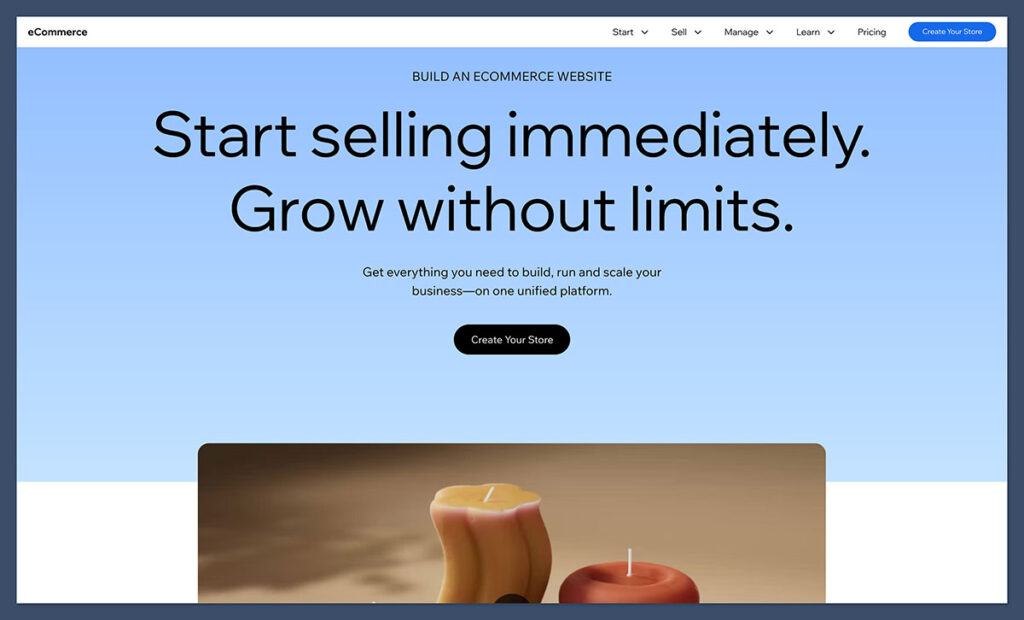
Wix takes the gold medal in 2026 because it makes it easier for creators to build and manage an attractive site without taking on too much extra work. You can build portfolio pages with beautiful images and videos, add exhibition details, take commission inquiries, and sell your products from the same site without too many add-ons.
Wix Stores can handle original sales, prints through print-on-demand providers, and digital downloads with a range of file types. You also get plenty of help when you’re just starting out thanks to the Harmony editor. It includes the Aria AI assistant that can draft your site design, add gallery sections, or change layouts from a prompt.
Plus, Wix has a bundle of tools that can help artists grow too, such as built in email marketing capabilities, booking tools, and even an AI app builder.
Pros:
- Better portfolio management features than most alternatives
- Options to sell original pieces, downloads, and POD products together
- Printful product creation straight inside of the Wix dashboard
- Excellent AI assistance from a useful building tool
- Free plan so you can build and test a site before you pay
Cons:
- Difficult to change templates after you’ve chosen one
- You need at least the $29 per month Core plan to accept payments
- Fewer POD apps than Shopify
Wix Pricing
| Plan | Price per month, billed annually | Features Included |
| Free | $0 | Limited Wix-branded website |
| Light | $17 | Portfolio site, custom domain, no payments |
| Core | $29 | Payments, ecommerce, 50GB storage |
| Business | $39 | More storage and stronger selling tools |
| Business Elite | $159 | Advanced ecommerce and unlimited storage |
The Light plan is fine if you just want to show your portfolio to the world. If you need to actually sell products, you’ll want the Core plan to begin with, followed by the Business plan when you want to upgrade storage and access more advanced selling tools. The Business Elite plan will probably be too much for most independent artists.
Best for: Artists looking for an easy way to sell af range of products while promoting their skills through an attractive portfolio-first website.
#2. Shopify: Best for Artists Growing a Full Brand

Starting from $29/month
Free trial: 3 days
Merchant tools: Yes
Digital products: Yes
Print-on-demand: Yes
Shopify is the best platform if you want to build a full art business. It gives you a custom domain, fully branded storefront, and access to powerful ecommerce tools.
You can sell everything from original paintings to merch and digital downloads. If you plan to scale your store, build an email list, and invest in SEO or content marketing, this is where to start.
Shopify integrates with print-on-demand services like Printful and Printify. You can also sell memberships or run email campaigns using Klaviyo or Drip.
The store editor takes a little getting used to, but Shopify’s new Horizon theme editor and Sidekick AI assistant help speed up the process.
Pros
- Full ecommerce features from day one
- Great for digital, physical, and print-on-demand products
- Massive app ecosystem to extend functionality
Cons
- Learning curve for beginners
- Fewer free templates available
| Plan | Price (per month, billed annually) | Features Included |
|---|---|---|
| Basic | $29 | Storefront, products, reports, support |
| Shopify | $79 | Standard reports, better shipping discounts |
| Advanced | $299 | Custom reporting, lower transaction fees |
| Starter Plan | $5 | No storefront, sell via links and socials only |
Shopify also runs frequent promos like $1/month for the first three months. Transaction fees range from 2.9% + $0.30 (using Shopify Payments) to higher if you use an external payment processor.
Shopify’s pricing reflects its capabilities. It’s not the cheapest option, but you get professional tools to grow your art business with everything from email marketing to SEO apps.
Best for: Professional artists and creators ready to invest in a scalable platform that grows with their business.
Try Shopify with $1 per month for the first 3 months!
Shopify has begun offering a special deal for sellers who sign up for a new Shopify plan. That deal? Pay Shopify $1/month for 3 months of full access to the platform! Learn more about the trial here.
This offer is is now available on all standard plans: Starter, Basic, Shopify, and Advanced.
#3. Squarespace: Best for Visual Artists and Portfolios
Starting from $16/month (billed annually)
Free trial: 14 days
Portfolio templates: Yes
Sell services and commissions: Yes
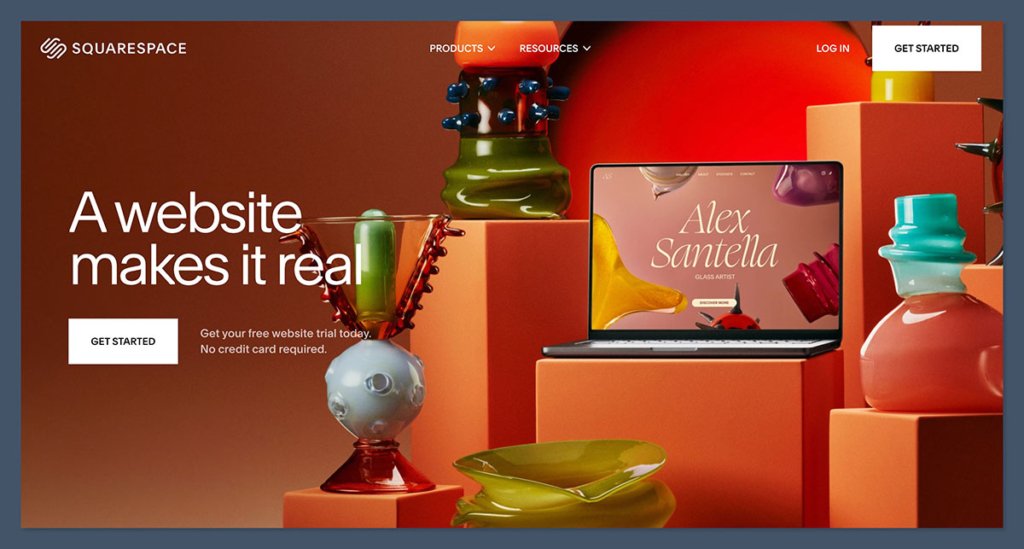
Squarespace is one of the most design-focused platforms on the market. If the way your site looks is just as important as what you’re selling, Squarespace stands out. Artists can easily create a polished site that works as both a portfolio and a shop.
It includes built-in ecommerce tools, so you can sell prints, originals, or even commissions.
Squarespace also supports scheduling and service-based products, which is great for artists offering consultations or custom pieces.
With drag-and-drop tools and AI design assistants like Blueprint, setting up is smooth for beginners.
Pros
- Clean and creative design templates
- Easy to manage products and services
- Includes built-in booking tools
Cons
- No autosave feature
- Slightly limited customization options compared to other builders
Squarespace Pricing
| Plan | Price (per month, billed annually) | Ecommerce Features |
|---|---|---|
| Personal | $16 | No ecommerce |
| Business | $23 | Basic ecommerce, 3% transaction fee |
| Basic Commerce | $27 | Full ecommerce, no transaction fees |
| Advanced Commerce | $36 | Abandoned cart recovery, subscriptions |
All Squarespace plans come with unlimited bandwidth and mobile-optimized templates. The Business plan adds ecommerce, but only Commerce plans waive transaction fees.

Squarespace offers strong value, especially for creators who want a beautiful, all-in-one site. If you want full ecommerce features, go for the Basic or Advanced Commerce plans.
Best for: Artists who want their store to double as a portfolio and care about aesthetics and layout.
#4. Big Cartel: Best for Small Catalogs and Simple Shops
Free plan available
Paid plans: $15 and $30/month
Trial: Not required
Product limit: Yes
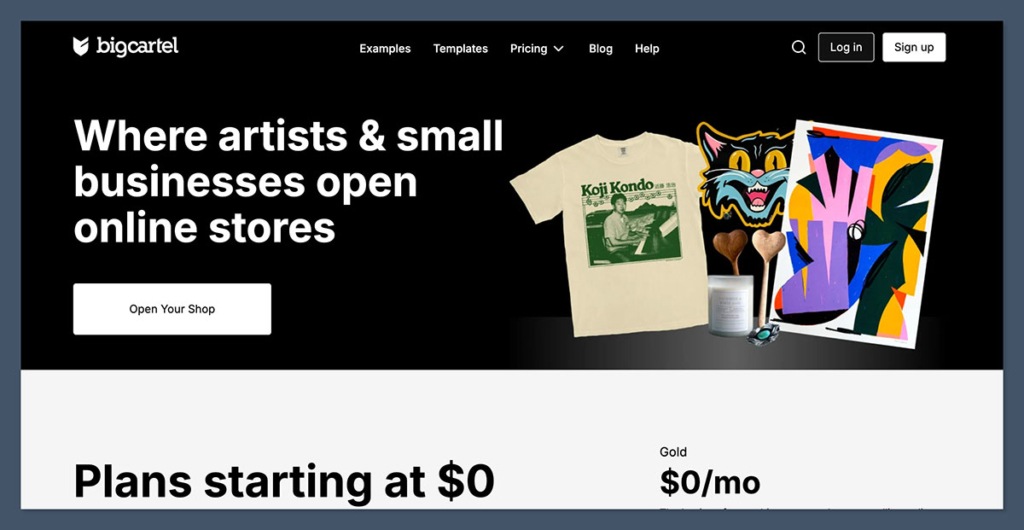
Big Cartel is one of the simplest ecommerce platforms out there. It’s built for artists and independent makers who don’t need a complicated setup.
You can start selling with just a few clicks, and the platform includes essential features like inventory management, coupons, and product pages.
The free plan allows up to five products. If you need more, the Platinum plan ($15/month) lets you sell up to 50 items. Big Cartel doesn’t overwhelm you with features and is easy to manage without technical experience.
Pros
- Extremely beginner-friendly
- Free plan available with no transaction fees
- Built specifically with artists in mind
Cons
- Not built for large shops or advanced marketing
- Limited customization options
Big Cartel Pricing
| Plan | Price (per month) | Product Limit | Features |
|---|---|---|---|
| Free | $0 | Up to 5 items | Basic customization, limited features |
| Platinum | $15 | Up to 50 items | Custom domains, tracking, discounts |
| Diamond | $30 | Up to 500 items | Inventory tracking, theme code editing |
There are no transaction fees from Big Cartel itself, but standard payment processing fees from Stripe or PayPal still apply.
Big Cartel gives you just what you need without overcomplicating things. The free plan is perfect for artists testing the waters, and the paid plans stay affordable even if you scale up.
Best for: Artists with a limited product line who want a clean, low-cost storefront.
#5. Gumroad: Best for Selling Digital Downloads
Pricing: 10% + $0.50 per direct sale
Discover marketplace fee: 30%
Monthly fee: None
Tax handling: Yes (Merchant of Record)
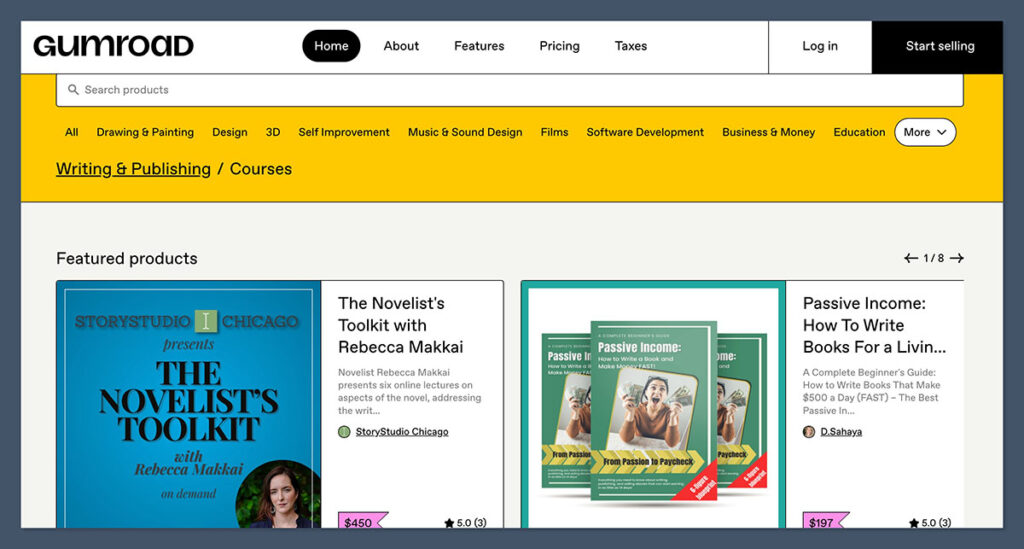
Gumroad is a favorite among artists who sell digital art, printables, zines, or online courses. It allows for instant digital delivery, and you can set up a page and start selling in minutes.
There’s no monthly fee, but Gumroad takes a percentage of each sale.
What really makes Gumroad shine is its handling of taxes. As of January 2025, Gumroad acts as the Merchant of Record, meaning it calculates, collects, and remits sales tax or VAT for you. This is a big plus for creators selling globally.
Pros
- Great for digital-only products
- No monthly cost to start selling
- Handles taxes for international and domestic sales
Cons
- High per-sale fee
- Minimal design control for storefronts
Gumroad Pricing
| Sales Channel | Fee | Monthly Cost |
|---|---|---|
| Direct Sales | 10% + $0.50 per transaction | $0 |
| Gumroad Discover | 30% (includes all platform fees) | $0 |
You don’t pay a monthly subscription, which keeps the barrier to entry low. You only pay when you make a sale.
Gumroad is budget-friendly and ideal for digital artists or creators selling one-off files, courses, or printables. Keep in mind that while Discover offers exposure, the 30% fee is significantly higher.
Best for: Artists selling digital content who want hands-off delivery and tax handling.
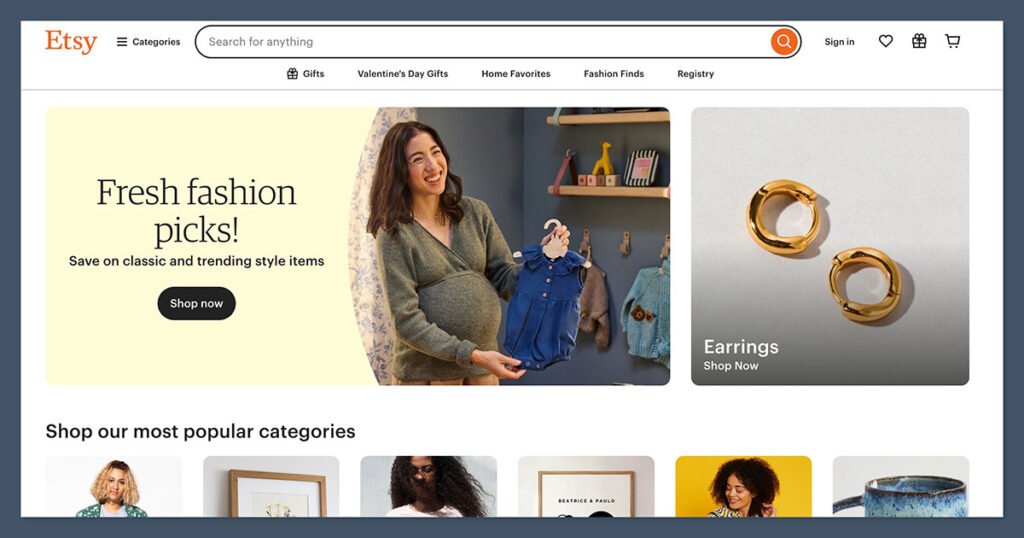
#6. Etsy: Best for Built-In Traffic and Discovery
Pay-per-sale pricing model
Free trial: Not applicable
Built-in audience: Yes
Listing fee: $0.20 per product
If you want to reach new buyers without marketing your site from scratch, Etsy is the easiest way to get discovered. It’s one of the most visited online marketplaces for art, handmade goods, and prints.
Artists can list products, set custom prices, and get exposure to millions of monthly shoppers.
Etsy does have several fees. There’s a 6.5% transaction fee on the total sale price including shipping. You also pay for each listing and any optional advertising you run. While the fees add up, the exposure makes it worthwhile for many creators.
Pros
- High-volume marketplace traffic
- Ideal for small items, prints, and gifts
- Built-in reviews and trust from shoppers
Cons
- Limited branding control
- Fees increase quickly with advertising and high sales volume
Etsy Pricing
| Fee Type | Amount | Notes |
|---|---|---|
| Listing Fee | $0.20 per item | Charged when listing and renewing items |
| Transaction Fee | 6.5% of sale price | Applies to item price plus shipping/gift wrap |
| Payment Processing Fee (US) | 3% + $0.25 | Varies by country |
| Offsite Ads Fee | 12%–15% (if opted in) | Charged only on sales made through Etsy’s ad clicks |
There is no monthly fee to sell on Etsy, but you pay fees on every sale, including transaction and processing charges. Optional advertising tools can add extra cost.
Etsy works well for testing new products and reaching buyers without building a separate site. Just remember that fees can eat into your profit margins, especially at scale.
Best for: New artists looking to test the market or sell products without building a full website.
#7. Ko-fi: Best for Tips, Memberships, and Commission Requests
Pricing: Free or $6/month (Ko-fi Gold)
Transaction fees: 0 to 5% depending on setup
Trial: Not needed
Membership features: Included
Ko-fi is a simple but powerful way for artists to earn support from fans and customers. It lets you collect tips, sell downloads, and offer memberships or commissions.
Unlike Patreon, Ko-fi gives creators more flexibility and doesn’t charge platform fees on tips for free users.
You can list products, offer custom commissions, and provide exclusive content to members. It’s not a full ecommerce platform, but it’s an excellent lightweight tool for monetizing your audience.
Pros
- No fees on donations (free plan)
- Great for light selling and community support
- Supports memberships and commissions
Cons
- Limited store customization
- Not built for large-scale sales
Ko-fi Pricing
| Plan | Monthly Fee | Platform Fees | Key Features |
|---|---|---|---|
| Free | $0 | 5% on sales | Donations, product sales, commissions |
| Ko-fi Gold | $6 | 0% platform fees | Memberships, premium downloads, paywall posts |
Standard payment processor fees still apply (via Stripe or PayPal).
Ko-fi’s pricing is transparent and low-risk. The Gold plan is affordable and removes the platform fee entirely, making it worth the upgrade if you sell regularly.
This is one of the most budget-friendly ways to monetize an audience, whether you’re accepting tips or offering custom digital products.
Best for: Artists with smaller audiences who want to offer casual ways to support their work.
Selling Art Online: Real Use Cases That Match Your Workflow
Most artists I’ve worked with fall into one or more of these categories. Your best ecommerce platform depends on how your process fits into one of these paths:
- Selling originals and limited pieces: You’ll want a site that feels like a gallery, with high-quality visuals and minimal distractions. Squarespace or Wix can give you that visual polish.
- Running a print-on-demand shop: Shopify or Wix are your best bets if you want strong integrations with Printful, Printify, or other POD services.
- Selling digital downloads (like zines, printables, or brushes): Gumroad is built for this and removes most of the tax headaches too.
- Offering commissions or custom work: Ko-fi or Squarespace work well, especially with their scheduling and service-based tools.
- Building a long-term brand with SEO, email, and customer retention: Shopify is the platform to grow with.
- Testing your products or launching fast: Etsy is a strong starting point with built-in traffic and quick listing setup.
Instead of choosing based on features alone, consider the actual flow of how you work and how customers buy your art.
Final Thoughts: Choosing the Best Platform for You
The right ecommerce platform depends on what kind of artist you are and how you plan to grow.
If you want to build a professional store with lots of room to scale, Shopify is the most complete option. If your focus is on displaying your work beautifully and selling a few pieces, Squarespace is a great fit.
Etsy is best for artists who want to get discovered quickly without building their own site, and Big Cartel is ideal for simple shops with a small product range.
Digital-first creators should look at Gumroad, especially with its tax handling advantage. Fourthwall makes life easier for artists selling merch, while Ko-fi is perfect for tips, small product sales, and community-driven support.



Comments 0 Responses