


Best Overall

Fourthwall
View Pricing Read Review →Free forever, no monthly fee
Pro from $19/month
- Print-on-demand merch with no minimums
- Digital products, memberships and tips
- Sales tax handled as Merchant of Record
Best all-round store

Square Online
View Pricing Read Review →Free plan, no monthly fee
Plus from $49/month
- Unlimited products on the free plan
- Pickup, local delivery and shipping
- Connects to Square POS
Best for makers

Big Cartel
View Pricing Read Review →Free for 5 products
Platinum from $15/month
- No Big Cartel transaction fees
- Automatic sales tax calculation
- PayPal and Venmo at checkout
When it comes to free ecommerce tools, it’s a jungle out there with hundreds of options all claiming to be the best. But which ones actually deliver and which are just fancy landing pages with hidden fees?
After digging into 30+ tools and putting the most popular free ecommerce platforms to the test, I’ve narrowed it down to the ones that’ll let you start selling without spending a single penny upfront.
Each of the picks below offers a genuine free plan or a permanently free tier, along with the basic features you need to get started selling, like product listings, secure checkout, and mobile-friendly storefronts.
Our Top 7 Free Ecommerce Platforms
We’ve compared and tested the features of various free ecommerce platforms to give you the best options.
| Platform | Best For | Starting Price | Free Plan Available | Transaction Fees |
| Fourthwall | Best for creators | $0/month | Yes | Base cost on merch, 5% on digital |
| Square Online | Best all-around free store | $0/month | Yes | 3.3% + 30¢ per online sale |
| Big Cartel | Best for makers | $0/month | Yes (5 products) | No platform fees |
| WooCommerce | Best for WordPress users | Free plugin | Yes (self-hosted) | None (self-managed) |
| Ko-fi | Best for tips and side sales | $0/month | Yes | 0% on tips, 5% on sales |
| Gumroad | Best for digital products | $0/month | Yes | 10% + 50¢ per sale |
| PrestaShop | Best open-source alternative | Free download | Yes (self-hosted) | None (self-managed) |
#1. Fourthwall: Best Free Platform for Creators

Fourthwall takes the top spot because it’s the only platform on this list where the free plan feels complete. There’s no monthly fee and no inventory to buy upfront, and you can sell merch, digital products, memberships and tips from one storefront.
What sealed it for me is that Fourthwall handles the jobs that usually trip up new sellers. It collects and pays sales tax as the Merchant of Record, and its team answers customer questions on catalog orders. So you can stay focused on making things and promoting them.
What You Get on the Free Plan
When I set up my test store, the free plan gave me far more than I expected:
- Up to 50 product listings. Hidden products count toward the limit too.
- Print-on-demand merch with no minimums. Fourthwall prints and ships from the US, UK, EU and Australia, and most orders arrive in 7 to 10 days.
- Self-sourced products with a 0% platform fee, if you already have your own stock.
- Digital downloads with 5 GB of storage, plus memberships and tips.
- Your own domain, connected on the free plan, which Square and Big Cartel don’t allow.
- Checkout options: cards, PayPal, Apple Pay, Google Pay and Amazon Pay.
- $10 a month in shop credit for ordering samples.
Merch pricing is simple. Every catalog item has a published base cost, and you keep whatever you charge above it. If a shirt’s base cost is $10 and you sell it for $22, you make $12 before card processing (2.9% + 30¢ in the US). Fourthwall doesn’t take a percentage on top.
Here’s how that looks at $1,000 a month. Sell 40 shirts at $25 with a $10 base cost, and you pay $400 in base costs plus about $41 in processing. You keep roughly $559, and you never touched a printer or a shipping label.
Where the Free Plan Runs Out
Fourthwall’s free plan doesn’t really cap your growth. The limits show up when you diversify:
- Digital products cost 5% per sale. On Pro that drops to 0%, so heavy digital sellers will feel it first.
- Memberships carry a 5% fee on both plans. Upgrading won’t remove it.
- 50 listings fills up quickly if you sell lots of colorways or run frequent drops.
- Only 2 team members. That’s tight once an editor or manager joins.
Key Features
- Native YouTube Shopping, so products show below and inside your videos
- Twitch integration, so viewers can gift products and memberships in chat
- TikTok Shop sync (US only)
- Sales tax collected and paid for you
- Customer support for catalog orders handled by Fourthwall
- Optional AI design tools that you can switch off
Fourthwall: Pros and Cons
Pros 👍
- No monthly fee, no inventory risk
- Tax and catalog customer support handled for you
- Custom domain on the free plan
- Merch, digital, memberships and tips in one store
Cons 👎
- Margins depend on catalog base costs
- 5% fee on digital products (free plan) and memberships (all plans)
- 50-listing cap on the free plan
- TikTok Shop sync is US-only
How Much Does It Cost to Upgrade?
Fourthwall Pro costs $19 a month, or $180 a year (about $15 a month). Pro gives you:
- 500 listings and unlimited team members
- 0% fees on digital products
- A free .store domain and $120 a year in shop credit
- Fourthwall’s 3PL service, which stores, packs and ships your own stock
- Priority 24/7 support
If you sell more than about $380 a month in digital products, Pro pays for itself on fees alone. That’s the point where 5% of your sales passes $19.
Best for: YouTubers, streamers and creators with an audience who want merch, digital products and memberships in one place.
Not great for: Traditional retailers selling large catalogs of their own physical stock.
#2. Square Online: Best All-Round Free Ecommerce Store
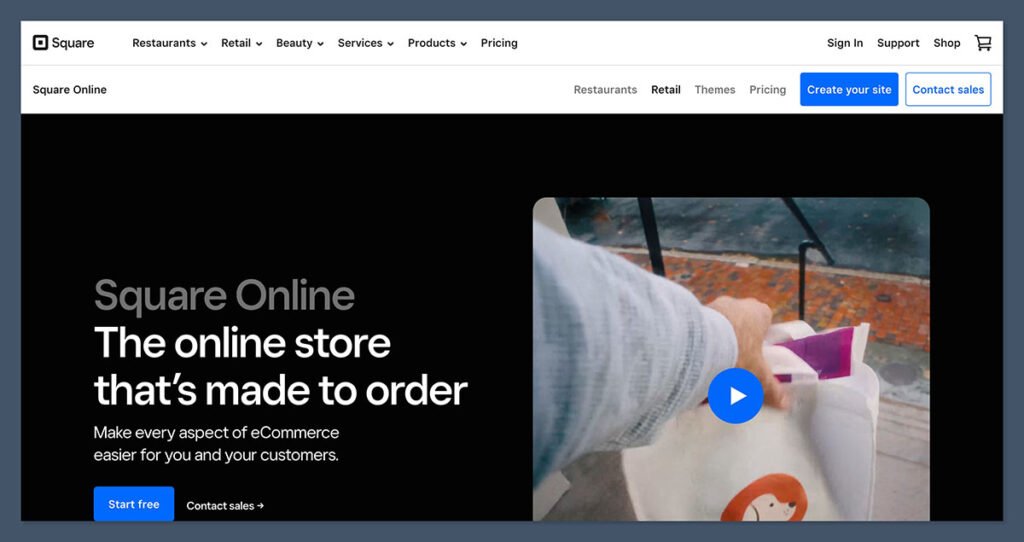
Square Online is still the best free option for a traditional store, because it lets you launch a fully functional online store without spending a single cent.
Built by the same team behind millions of in-person point-of-sale systems, Square’s online builder is designed to be fast, clean and connected to real business workflows.
Square’s plans changed in 2025. What used to be Square Online Free is now Square Free, part of a single bundle that covers your online store, the POS app, invoices and bookings. The good news is that the free tier still has no monthly fee and no time limit.
What You Get on the Free Plan
- Unlimited products, which is rare on a free plan
- A website builder with built-in SEO settings
- Pickup, local delivery and shipping options at checkout
- Selling through search and social channels
- The Square POS app, so online and in-person stock stay in one item library
- Invoicing and appointment booking
Square doesn’t charge platform fees, but the card rate on the free plan went up this year. Online payments now cost 3.3% + 30¢ per transaction, compared with 2.9% + 30¢ on the paid plans. In-person payments cost 2.6% + 15¢.
On $1,000 a month in online sales (say 40 orders of $25), that’s about $45 in fees. That’s still far less than a monthly subscription on most platforms.
Where the Free Plan Runs Out
The free plan gets you selling, but it doesn’t let you look established:
- No custom domain. Your store lives on a .square.site address.
- Square branding and ads stay on your site.
- No abandoned cart emails, subscriptions or QR ordering. These are all paid features.
- No real-time carrier shipping rates. Those need the top plan.
The higher card rate matters less than you’d think. At 0.4 percentage points, the gap only covers the cost of Plus once you’re selling about $12,000 a month online.
Key Features
- List an unlimited number of products
- Mobile-optimized checkout
- Automatic tax calculations
- Local delivery and pickup options
- Instagram integration
- Built-in payment processing
Square Online: Pros and Cons
Pros 👍
- Unlimited products
- Free hosting and SSL
- Connects to in-person POS
- Accepts donations & appointments
Cons 👎
- Can’t fully customize store design
- Online card fees are higher on the free plan (3.3% + 30¢)
- Basic SEO tools only on free plan
- Free plan shows Square branding
How Much Does It Cost to Upgrade?
Square Plus costs $49 a month per location. It unlocks a custom domain, removes Square’s ads, and adds abandoned cart emails, subscriptions, QR ordering and lower card rates. Square Premium costs $149 a month and adds real-time shipping rates, advanced reporting and 24/7 phone support. Both paid plans come with a 30-day free trial.
There’s no trial period on the free plan itself, because it’s available indefinitely!
Best for: Shops, cafés and local businesses that want an online store connected to in-person sales, with no upfront cost.
Not great for: Brands that need their own domain on day one, or full control over layout and SEO.
#3. Big Cartel: Best for Creators and Makers
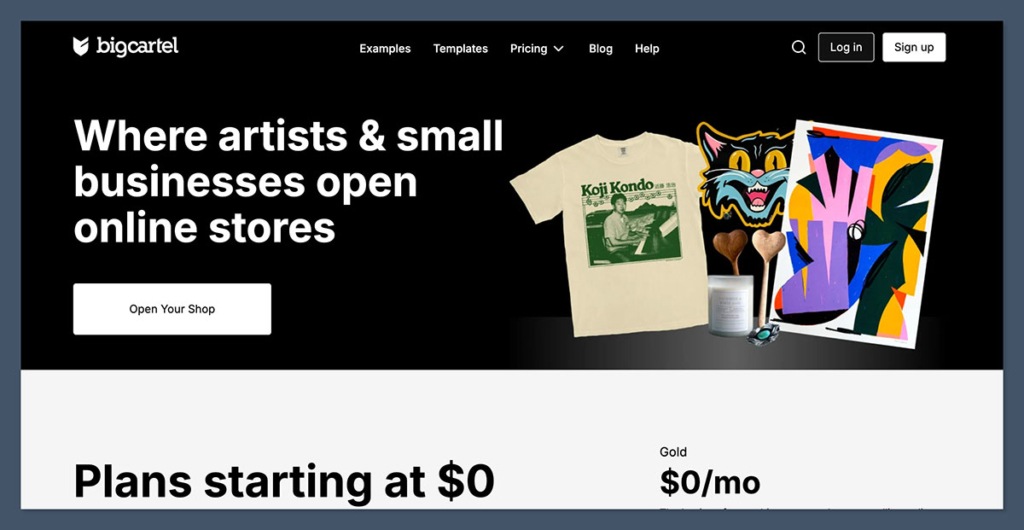
Big Cartel is built for artists, crafters and small-scale creators. It’s one of the few platforms that still offers a forever-free plan that’s genuinely functional – no credit card required, no sneaky trial ending after 14 days.
The free plan is called Gold, and it’s deliberately small. When I built my test shop, it felt like a tidy pop-up for a handful of prints or a limited run of shirts. It isn’t meant to be a full catalog store.
What You Get on the Free Plan
- Up to 5 products, with variants such as sizes and colors included
- 1 image per product
- Card and PayPal payments, including Venmo and PayPal Credit
- Automatic sales tax calculation
- Real-time stats on visits and sales
- One free template (Cosmos)
- Product imports from Etsy, Squarespace and Shopify
Big Cartel doesn’t take a cut of your sales, so you only pay Stripe or PayPal’s processing fees. On $1,000 a month across 40 orders, that’s roughly $41, and nothing goes to Big Cartel.
Where the Free Plan Runs Out
Gold hits its ceiling fast. Here’s what pushes you to upgrade:

- A sixth product, or a second photo of any product
- A custom domain. Gold stores live on a bigcartel.com address.
- Discount codes, in-person selling and digital downloads
- Inventory tracking. If you need proper inventory management, you’ll need a paid plan.
Key Features
- List up to 5 products
- Real-time stats and tracking
- Sales tax calculated automatically
- Simple product imports from other platforms
- Mobile-friendly checkout with PayPal and Venmo
Big Cartel: Pros and Cons
Pros 👍
- No transaction fees
- Great for artists and makers
- Simple, non-technical setup
- Free template included
Cons 👎
- 5 product limit on free plan
- Limited customization options
- Not scalable for growing stores
- No built-in blogging or marketing
How Much Does It Cost to Upgrade?
Platinum costs $15 a month ($144 a year) and raises the limit to 50 products with 5 images each. It also adds a custom domain, digital products, in-person sales, discounts, inventory tracking and print-on-demand apps like Printful.
Diamond costs $30 a month ($288 a year) for 500 products, 25 images each, abandoned cart recovery and scheduled product drops. You won’t have to worry about any transaction fees on any of the plans.
Best for: Creatives who just want to set up a quick, low-maintenance storefront for a few products.
Not great for: Sellers with more than 5 products or those with growing inventory needs.
#4. WooCommerce: Best Choice for WordPress Users
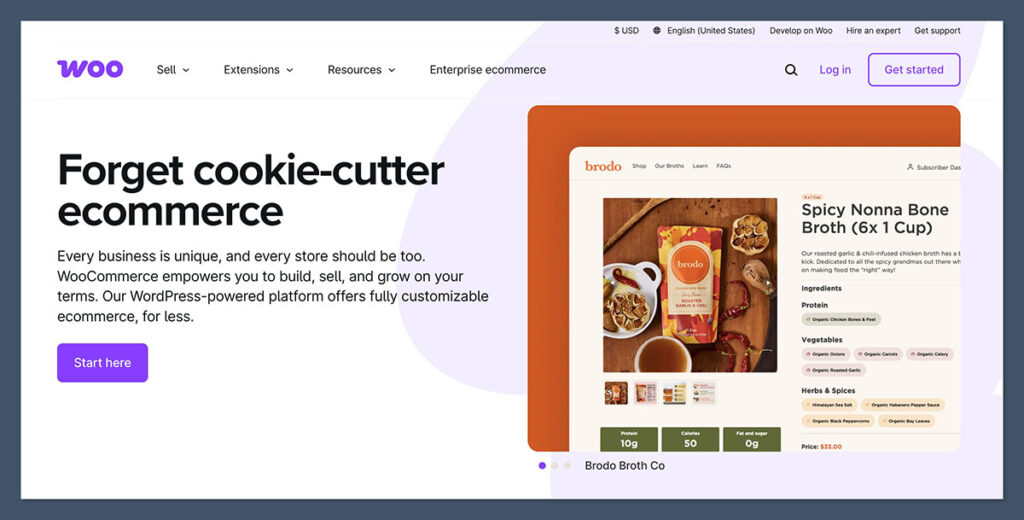
If you’re already using WordPress, then WooCommerce is the most flexible free ecommerce tool you’re going to find.
It’s a self-hosted plugin that lets you turn your WordPress site into a full ecommerce platform – complete with product pages, shopping carts, and payment integrations.
Of every platform here, WooCommerce gives you the most for nothing. The software is open source and Woo takes no share of your revenue. You own the store, the data and the code outright.
What You Get for Free
- Unlimited products, orders and categories
- Physical products, digital downloads and variable products in the core plugin
- Built-in shipping zones and tax settings
- Thousands of free and paid themes and extensions, including print-on-demand services like Printful and Printify
- Full control over URLs, SEO and site structure
Where “Free” Runs Out
The plugin is free, but running a store isn’t. Woo’s own estimates put hosting anywhere from $25 to $350 a month for a store with real traffic, and premium extensions cost roughly $29 to $299 a year each.
- Payment fees still apply. WooPayments charges 2.9% + 30¢ per US card transaction, with extra fees on international cards.
- Maintenance is on you. Updates, backups and security are your job.
- There’s no hosted version anymore. Woo Express has been discontinued, so you’ll need your own WordPress host.
Key Features
- You can sell an unlimited number of products, place an unlimited number of orders, and create an unlimited number of categories.
- You’ve got full control over your store, including customising themes and using plugins to add in extra features.
- You can tweak your SEO, URLs and site structure to get your store looking and performing just how you want it.
- It integrates with all the major payment gateways, so you can take payments from just about anywhere.
- There are no monthly fees, just the cost of hosting and the domain.
WooCommerce: Pros and Cons
Pros 👍
- No limits on products or sales
- SEO-friendly and scalable
- You can add all sorts of extensions to customise your store
- You own your platform and data
- You can take payments from just about anywhere
Cons 👎
- You need to cover the cost of hosting and the domain yourself
- You need some WordPress knowledge to get up and running
- You’ll need to update and maintain the plugin yourself
- While flexible, it can be a bit of a beast to manage
How Much Does WooCommerce Really Cost?
The WooCommerce plugin itself is free, but don’t forget you’ll need to cover the cost of hosting and the domain on top of that.
Typical costs include:
- Hosting: You can get this for anywhere from $5-$15 a month with providers like SiteGround or Bluehost
- Domain: You’ll pay around $10 a year for the domain name
- Optional plugins or themes: These can cost anywhere from free right up to a $199 one-off payment or $49 a year
You’ve got complete control over what you spend, but keep in mind that many extensions will be paid for, like product filters or membership payments.
In my experience, a small store can run on about $150 to $300 a year if you stick to free extensions. Add a premium theme and a couple of paid plugins, and $500 a year is more realistic.
Best for: WordPress users who want full ownership and scalability.
Not great for: Beginners with no tech experience or those who want a quick and easy setup.
#5. Ko-fi: Best Free Shop for Tips and Side Sales
Ko-fi started as a tip jar for creators, but it’s grown into a lightweight store that costs nothing to open. If your audience already supports you, it’s the quickest way I found to start selling to them.
Ko-fi has also simplified its pricing. You no longer need the Gold subscription to unlock features. Everything now runs on a 0 to 5% service fee, so Ko-fi only makes money when you do.
What You Get on the Free Plan
- A shop for digital downloads and physical products
- 0% fees on one-off and monthly tips
- Memberships with exclusive posts, gallery content and Discord roles
- Commissions for custom work
- Discount codes, polls and funding goals
- Stream alerts and overlays for Twitch and YouTube creators
- Widgets to embed your Ko-fi on your own website or WordPress blog
Ko-fi doesn’t process payments itself. You accept payments through your own PayPal or Stripe account, and the money lands there instantly instead of sitting in a payout queue.
Where the Free Plan Runs Out
There’s no plan to outgrow. Instead, the 5% fee on shop sales, memberships and commissions grows with you. On $1,000 a month in shop sales, that’s $50 to Ko-fi plus around $41 in PayPal or Stripe fees, so roughly $91 in total.
- Limited store design. Your shop lives on your Ko-fi page, so it can’t look like a standalone brand site.
- No print-on-demand catalog. You’ll need to source and ship physical products yourself.
- Basic store tools. It works for a handful of products, not hundreds.
Key Features
- Tips, memberships, shop and commissions in one page
- Payouts straight to PayPal or Stripe
- Discord integration for supporter roles
- Stream alerts and chat bot integrations
- Posts, gallery and exclusive content for supporters
Ko-fi: Pros and Cons
Pros 👍
- Free to start, no monthly fee
- 0% fee on tips
- Instant payouts to PayPal or Stripe
- Built for creators with an existing audience
Cons 👎
- 5% fee on shop sales, memberships and commissions
- Shop can’t look like a standalone store
- No print-on-demand catalog
- Not built for large product catalogs
How Much Does It Cost to Upgrade?
Nothing, because there’s nothing to upgrade to. Ko-fi has dropped the need for a paid plan, so your only cost is the service fee on what you sell, plus PayPal or Stripe processing.
Best for: Artists, writers and streamers who get tips and want to sell a few products alongside them.
Not great for: Brands that want a fully branded storefront or a large catalog.
#6. Gumroad: Best Free Platform for Digital Products
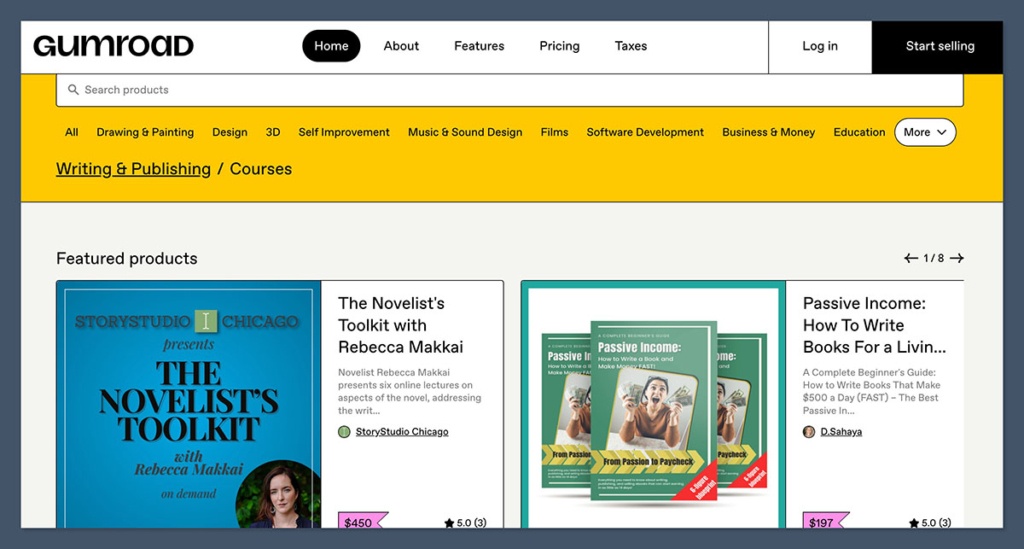
Gumroad is the simplest way I’ve found to sell an ebook, course, template or preset. You can sign up and publish a product page within minutes, and there’s no monthly fee at any point.
The big change is that Gumroad now handles all your sales tax. Since January 2025 it acts as the Merchant of Record, so it collects and pays VAT and sales tax for you. That alone takes a real headache off digital sellers, who otherwise owe tax in dozens of countries.
What You Get for Free
- Unlimited digital products: ebooks, courses, software, music, templates and more
- Memberships and recurring subscriptions
- Pay-what-you-want pricing and discount codes
- Built-in email marketing to message your customers and followers
- A listing in Gumroad’s Discover marketplace
- Sales tax and VAT handled for you
Where the Free Plan Runs Out
Gumroad has no paid plan. You pay a flat 10% + 50¢ on every sale made through your profile or your own links. If a buyer finds you through the Discover marketplace, the fee rises to 30%.
That’s the highest per-sale cost on this list. On $1,000 a month from 40 sales at $25, Gumroad keeps $120. On Ko-fi, the same sales would cost you $50 in platform fees.
- Fees never drop, however much you sell
- Limited storefront design compared with a full store builder
- Built mainly for digital products, not physical inventory
Key Features
- Product pages ready in minutes
- Courses, memberships and subscriptions
- Email broadcasts and automated workflows
- Discover marketplace for extra exposure
- Merchant of Record tax handling
- Open-source codebase
Gumroad: Pros and Cons
Pros 👍
- No monthly fee, ever
- Sales tax and VAT handled for you
- Very fast setup
- Built-in email tools and marketplace
Cons 👎
- 10% + 50¢ per sale is expensive
- 30% fee on marketplace sales
- Basic storefront design
- Not built for physical products
How Much Does It Cost to Upgrade?
There’s no upgrade, and that’s the catch. Gumroad’s fee stays the same whether you make $100 or $100,000 a month. Once you’re selling steadily, a platform with a monthly plan and lower fees usually works out cheaper.
Best for: First-time creators testing a digital product idea who want tax handled for them.
Not great for: Established sellers with steady volume, who’ll lose too much to fees.
#7. PrestaShop: Best Free Open-Source Alternative to WooCommerce
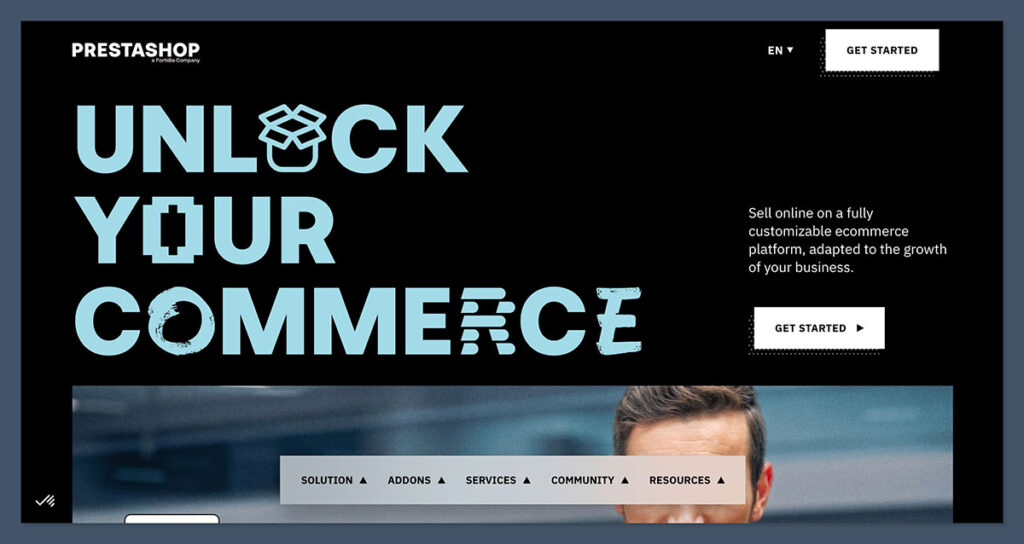
PrestaShop is a full ecommerce platform that you can download and install for free. Unlike WooCommerce, it isn’t a plugin. It’s a standalone store system, so you don’t need WordPress underneath it.
The latest major version, PrestaShop 9, arrived in 2025 with a faster back office and a new default theme called Hummingbird. When I set it up, it felt more like a dedicated retail system than a website with a shop attached.
What You Get for Free
- Unlimited products, orders and customers
- Multi-language and multi-currency selling built in
- Multi-store management from one back office
- Product variations, stock management and customer groups
- Access to the PrestaShop Addons marketplace for themes and modules
- Full control over the code and your data
Where “Free” Runs Out
Like WooCommerce, the software is free but the store isn’t. You’ll need:
- Hosting and a domain. A basic plan is enough to start, but busy stores need more.
- Paid modules. Many useful add-ons, like advanced SEO, marketplace connectors and premium themes, cost extra.
- Technical skills or a developer. Installation, updates and module conflicts are your responsibility.
- Patience with documentation. The community is strongest in Europe, so English-language help is thinner than WooCommerce’s.
If you’d rather not manage a server, PrestaShop also sells a hosted edition from around €24 a month.
Key Features
- Standalone open-source store, no WordPress needed
- Multi-store, multi-language and multi-currency
- Advanced product and stock management
- Large Addons marketplace
- Hummingbird default theme in PrestaShop 9
PrestaShop: Pros and Cons
Pros 👍
- Free and open source
- No platform transaction fees
- Strong international selling tools
- Multi-store from one dashboard
Cons 👎
- You pay for hosting and a domain
- Many useful modules are paid
- Needs technical skills to run
- Smaller English-speaking community
How Much Does PrestaShop Really Cost?
The software costs nothing, but expect to pay for hosting, a domain and a few modules. Budget around $150 to $300 a year for a small store, more if you buy a premium theme or hire a developer for setup.
Best for: Technical sellers who want a free, self-hosted store with strong international features and no WordPress.
Not great for: Beginners who want a store running in an afternoon.
Final Verdict: Which Free Ecommerce Platform Should You Use ?
Every free ecommerce platform on this list lets you get started without spending a single penny upfront – but they’re not all built for the same use case.
| Best For | Platform |
| Creators selling merch, digital products and memberships | Fourthwall |
| Physical products (full store) | Square Online |
| Creative sellers with small inventories | Big Cartel |
| WordPress users | WooCommerce |
| Tips plus a small shop | Ko-fi |
| Digital downloads with tax handled for you | Gumroad |
| Self-hosted stores without WordPress | PrestaShop |
How I Tested
I personally set up test stores on each platform to see how they would perform for real users starting out in 2026.
I tested for:
- Setup time
- Ease of use
- Design flexibility
- Checkout process
- Mobile experience
- Transaction fees
- Upgrade costs
This isn’t just about reading the pricing tables – this is based on real-world testing of the platforms.
The Bottom Line
If you’re a creator with an audience, start with Fourthwall.
If you’re launching a basic online store, try Square Online.
For a handful of handmade products, Big Cartel keeps things simple.
For digital goods, go with Gumroad, or Ko-fi if tips are part of the plan.
For full control and scalability, WooCommerce or PrestaShop is your best bet.



Comments 0 Responses