


SpotOn and Square are two of the biggest names in the POS space — but which one is the better choice for your business?
We’ve spent hours reviewing both platforms to compare pricing, features, integrations, support, and more — all to help you make the right call for your retail, ecommerce, or service-based setup.
After testing both systems, Square POS comes out on top for small, startup-focused businesses.
But if you’re scaling fast, run multiple locations, or operate in a high-volume service industry like restaurants or salons, SpotOn POS delivers more flexibility, support, and long-term value.
SpotOn vs Square: Quick Verdict
Square POS – Best for new or small businesses that want an easy, low-cost solution
SpotOn POS – Best for high-volume, multi-location businesses needing hands-on support and deeper features
In this review, we’ll walk you through everything — from ecommerce tools and sales features to customer support and pricing — to help you decide which system is the better fit.
Quick Comparison: SpotOn POS vs Square POS
Let’s start with a bird’s-eye view of how SpotOn and Square compare across key areas:
| Feature | Square POS | SpotOn POS |
|---|---|---|
| Monthly Fees | Free for basic use | $25–$195/month |
| Payment Processing | 2.6% + $0.10 | Custom rates (typically lower for high volume) |
| Ecommerce | Built-in store + third-party platforms | Syncs with Shopify, WooCommerce, custom APIs |
| Ideal Business Type | Small/startup, retail, pop-up | Restaurants, salons, multi-location retail |
| Hardware | Budget-friendly, plug-and-play | Enterprise-grade terminals & kits |
| Support | Chat, email, phone (limited) | Dedicated rep + full onboarding |
| Advanced Reporting | Paid add-ons | Built-in analytics & CRM |
| Contracts | No contract | Often requires a contract |
Best for Pricing: Square Wins for Simplicity
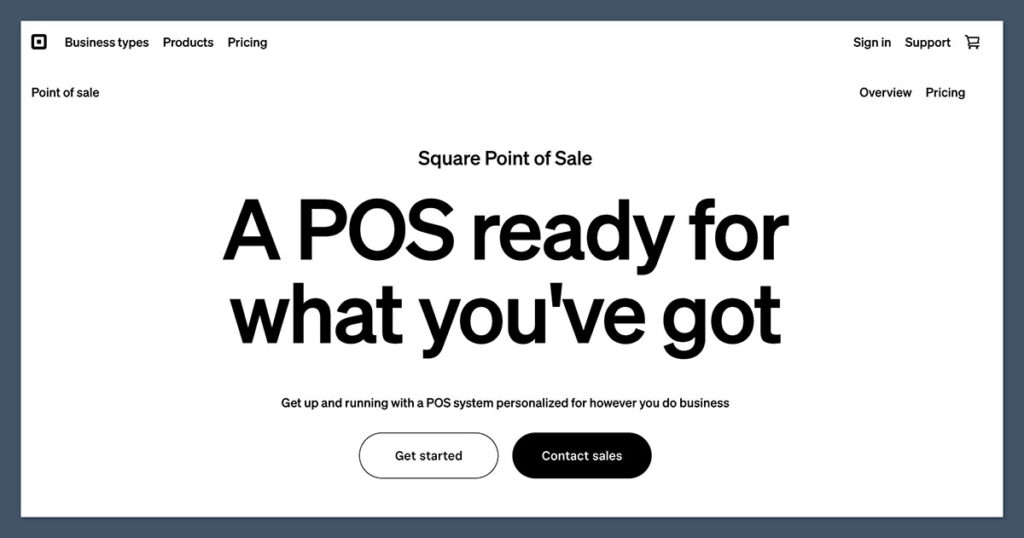
Choosing the right POS system often comes down to cost — not just the monthly subscription, but the processing fees, add-ons, and hardware expenses.
For small businesses or solo operators, every dollar counts. That’s why understanding the true cost of ownership is critical before making a decision.
Square and SpotOn take very different approaches to pricing, which can make one significantly more cost-effective depending on your business model and size.
When comparing SpotOn and Square, the pricing model is one of the biggest differentiators.
Square POS Pricing
Square keeps things simple with its core offer: free POS software. You only pay transaction fees:
- POS software: $0/month
- Processing fees: 2.6% + $0.10 per in-person payment
- Online transactions: 2.9% + $0.30
- Premium features (optional):
- Loyalty: $45/month
- Marketing: $15/month
- Advanced reports: $60/month
There’s no contract, no setup fees, and no hardware requirements beyond a basic reader.
SpotOn POS Pricing
SpotOn offers more flexibility and customization, but at a cost:
- POS software: Starts at $25/month, up to $195/month for premium tools
- Processing fees: Custom rates (usually lower than Square for high-volume sellers)
- Hardware bundles: From $799 and up
- Onboarding & support: Included with contract
Most SpotOn plans require a contract, and there may be cancellation fees. However, if your monthly volume is high, the savings on payment processing can offset the subscription fees.
The Winner: Square POS
Square’s free plan makes it the best choice if you’re starting out or running a lean business. SpotOn may end up cheaper long-term for high-volume stores, but you’ll need to commit.
Best for Selling In-Store and Online: SpotOn Offers More Flexibility
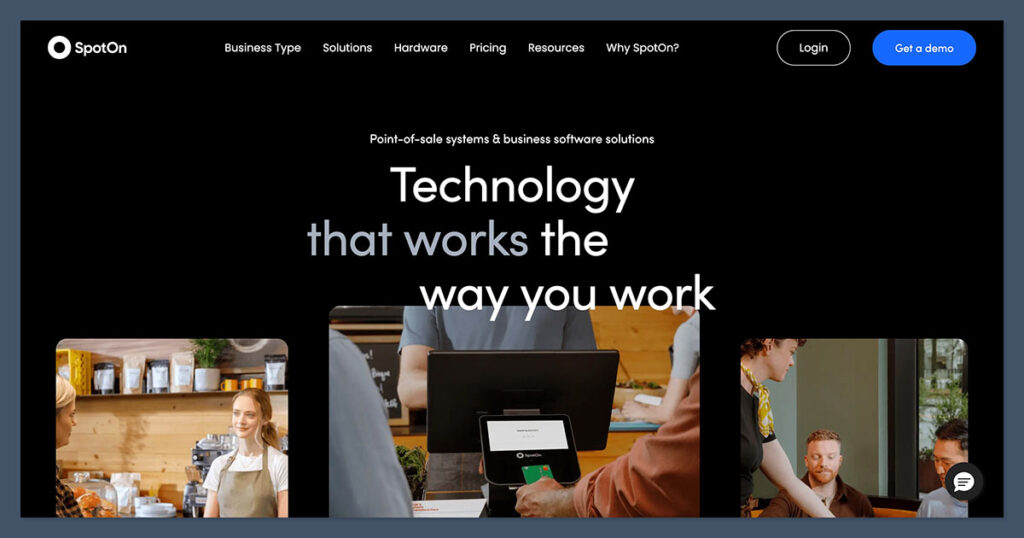
The modern retail environment demands that businesses sell everywhere — in-store, online, on social media, and even through local pickup or delivery. Having a POS system that supports true multichannel selling is a major advantage.
Both Square and SpotOn deliver in this area, but in different ways. Your choice will depend on whether you need a simple all-in-one solution or a more robust system to support an existing ecommerce setup.
Both POS systems let you sell in-person and online, but they take different approaches.
Square’s Sales Tools
Square’s ecosystem is extremely user-friendly. You can:
- Launch a free online store using Square Online
- Sync products between POS and ecommerce automatically
- Sell on Facebook, Instagram, TikTok, Google, and more
- Use built-in features like gift cards, discounts, and pickup/delivery
You can get selling the same day, with no coding or extra setup.
SpotOn’s Sales Tools
SpotOn doesn’t offer a standalone ecommerce store — instead, it integrates with:
- Shopify
- WooCommerce
- Custom APIs or existing platforms
It’s more focused on syncing your POS with your existing online setup, and it does this really well.
SpotOn also includes:
- Advanced order modifiers for restaurants
- Automated upsell tools
- Custom loyalty programs
- Customer feedback tools post-sale
The Winner: SpotOn POS
If you’re already running a proper ecommerce store and want a more powerful in-store setup that syncs seamlessly, SpotOn gives you more flexibility and integration options.
But if you want everything in one place and fast, Square will get you up and running quicker.
Best for Ecommerce Integration: Square Wins for Built-In Simplicity
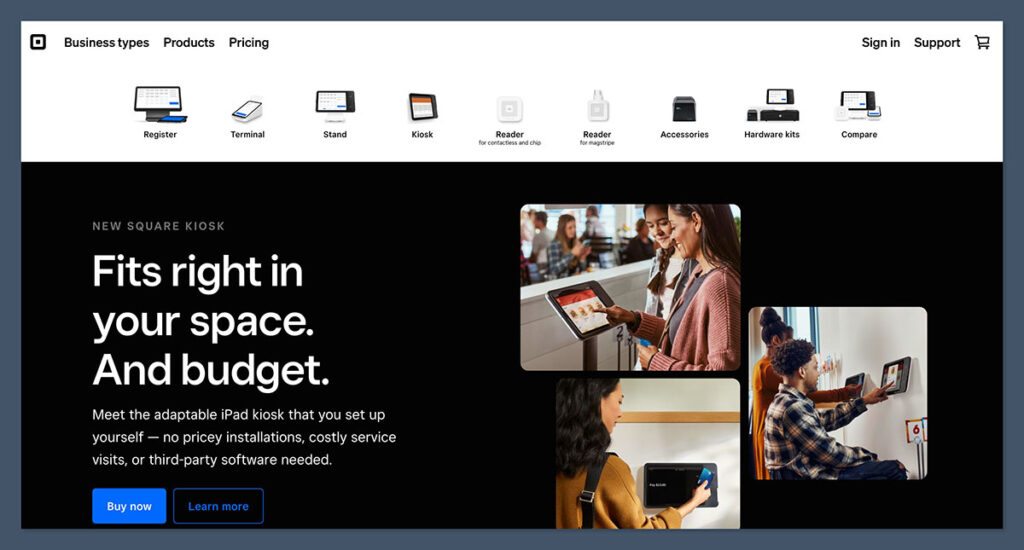
Square and SpotOn both support ecommerce in different ways, but if you want a platform that helps you launch and manage everything in one place, Square leads the way.
Square’s all-in-one model makes it appealing for businesses that don’t want to deal with multiple vendors or platforms.
For someone launching their first physical store or moving from Etsy to their own branded website, Square removes a lot of friction.
You can get a storefront, payments, inventory sync, and multichannel selling without writing a line of code or paying for third-party tools.
Square Ecommerce Features
Square includes a free website builder (powered by Weebly) that:
- Automatically links with your POS system
- Syncs inventory in real time
- Handles pickup, delivery, and local shipping
- Lets you sell across multiple channels
Third-party ecommerce integrations (like Wix, WooCommerce) are also supported.
You can run a full-fledged ecommerce site without needing another platform.
SpotOn Ecommerce Features
SpotOn doesn’t offer its own storefront — instead, it plugs into whatever you already use.
You’ll get:
- Real-time inventory and order syncing
- Advanced loyalty + CRM built-in
- API access for deeper customizations
SpotOn is designed more for businesses that already have an ecommerce presence.
If you’re using Shopify or WooCommerce and want a POS system that complements your current setup without forcing you to switch platforms, SpotOn makes a lot of sense.
It also helps you unify your physical and digital touchpoints. Your customers can earn and redeem loyalty rewards whether they shop online or in person.
That kind of flexibility matters for brands focused on lifetime value and retention across multiple channels.
The Winner: Square POS
For beginners or sellers looking for a complete out-of-the-box ecommerce solution, Square makes it simple. SpotOn works better if you’ve already built out your online store and just need a stronger in-person system.

Best Reporting & Analytics: SpotOn Gives You More Built-In Power
Whether it’s tracking which products drive repeat business or figuring out which employees are underperforming, both platforms offer reporting — but one clearly delivers more depth and control.
Square’s reporting is clean and easy to understand, but it’s fairly limited unless you subscribe to additional features.
You’ll need to upgrade for advanced metrics like customer lifetime value, sales by employee, or heatmaps by time of day. For lean operations, that might be fine, but larger or more complex businesses may outgrow it quickly.
Square Analytics
With the free plan, you’ll get:
- Basic sales reports
- Top product data
- Simple dashboard tracking
To unlock deeper analytics (like customer behavior, retention, and custom reports), you’ll need Square Plus or other paid add-ons.
SpotOn Analytics
SpotOn’s analytics are more advanced by default. You get:
- Real-time reports on sales, labor, and inventory
- Location-by-location comparisons
- Customer loyalty and repeat visit tracking
- Built-in review management
- Automated insights with visual dashboards
These tools are especially useful if you’re managing staff, marketing campaigns, or trying to optimize operations across multiple stores.
What stands out with SpotOn is how integrated the reporting is with other features like loyalty and marketing. You can see which promotions are generating return visits and directly tie customer activity to sales trends.
It saves you from jumping between different dashboards or tools just to understand what’s working.
If you’re a business that depends on data to make daily or weekly decisions — especially in environments like restaurants, service chains, or retail franchises — SpotOn gives you that visibility upfront, without having to layer on multiple subscriptions.
The Winner: SpotOn POS
If reporting matters to you — and especially if you have more than one location — SpotOn’s built-in tools save time and give clearer insight.
Best for Customer Support: SpotOn Offers Better Human Help
SpotOn and Square approach support differently — one with self-service efficiency, the other with hands-on guidance.
Square’s support works best for self-starters who prefer help centers and forums over talking to a rep. If you’re tech-savvy or running a low-risk business, this might not be a dealbreaker.
But if your POS is the backbone of your operations, you’ll feel the limits when something goes wrong at a critical moment.
Square Support
Square’s support includes:
- Help center and knowledge base
- Email and live chat
- Phone support (limited hours)
It works well if you’re tech-savvy and okay with self-service support. But if something breaks, it can be hard to reach a real person fast.
SpotOn Support
SpotOn shines with:
- Dedicated onboarding and training
- A local sales rep assigned to your account
- 24/7 support from real humans
- In-person help available in some regions
For restaurants or retail stores, this can make a big difference — especially if your POS is mission-critical.
Another key advantage is the continuity SpotOn offers. You’re usually assigned the same account manager from onboarding through to growth.
That means they learn how your business runs and can offer advice or troubleshooting that’s specific to your environment — not just generic support scripts.
If you’re scaling your business or relying on a POS system across multiple stores, having a real relationship with your provider saves time, reduces stress, and helps you stay focused on running the business — not chasing support tickets.
The Winner: SpotOn POS
The support from SpotOn is more personal, more available, and more helpful — especially for businesses with complex setups.
Best for Hardware: SpotOn for Scalability, Square for Simplicity
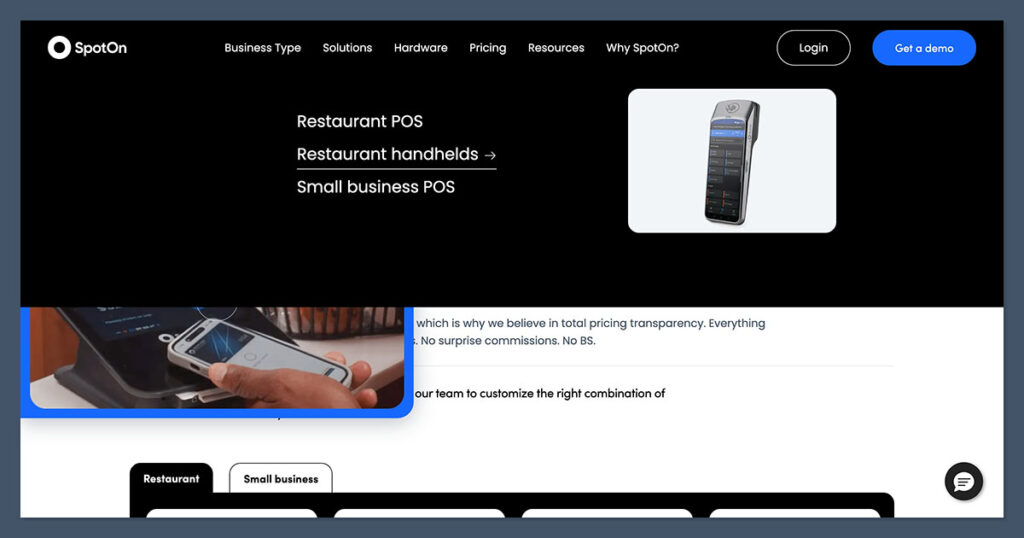
POS hardware can range from a simple card reader to an enterprise-level terminal setup with printers, barcode scanners, and multiple screens.
Choosing the right hardware setup matters — not just for functionality, but for branding and customer experience too. Square and SpotOn both offer solid hardware, but they cater to different needs.
Square is ideal if you need to get going quickly with minimal hardware investment. Everything is plug-and-play, and most setups can be built around an iPad or mobile device.
This is especially helpful for small businesses, mobile vendors, and pop-ups who don’t want to commit to high-cost hardware.
Square Hardware Options
- Square Reader: $49
- Square Stand (iPad-based): $149
- Square Terminal: $299
- Square Register: $799
Setup is plug-and-play, and most hardware is small enough for events, markets, or mobile setups.
SpotOn Hardware Options
- SpotOn Smart Terminal: $799+
- Kitchen Display Systems
- Integrated printer + display combos
- Custom countertop kits
Designed for restaurants, salons, and high-volume environments, SpotOn hardware looks and feels more premium — but it costs more.
What’s great about SpotOn’s hardware is that it scales. If you start with one location and grow into three or four, you don’t need to rethink your setup.
Everything from kitchen display systems to customer-facing screens is already designed to handle that next level.
It’s also worth noting that SpotOn pre-configures your hardware and offers in-person installation in many regions. That cuts down on onboarding time and ensures everything is wired correctly the first time — which isn’t always guaranteed with DIY solutions.
The Winner: Tie
Choose Square if you’re bootstrapping or selling on the go. SpotOn is the better long-term option if you want a robust, enterprise-level setup.
SpotOn vs Square: Summary Table
When you line up SpotOn and Square feature by feature, you’ll see they each excel in different areas.
The right choice depends heavily on your business type, how much support you need, and how quickly you expect to scale.
For lean, early-stage operations, Square’s simplicity and affordability make it an obvious starting point.
For more established or high-volume businesses, SpotOn’s power and flexibility become hard to beat.
This isn’t just about which platform has more bells and whistles. It’s about which system gives you the most usable value based on where your business is today — and where you plan to take it.
Whether you’re running a weekend pop-up or managing five storefronts and an ecommerce site, the decision you make here will affect your daily operations, your team’s efficiency, and your customer experience.
| Feature | Best Option |
|---|---|
| Pricing | Square |
| Sales Tools | SpotOn |
| Ecommerce | Square |
| Reporting | SpotOn |
| Support | SpotOn |
| Hardware | Tie |
If you’re a small retailer, just getting your business off the ground, or experimenting with your first physical store, Square POS is probably your best starting point.
It’s free to use, easy to set up, and doesn’t require a big investment in hardware. You can start small and expand as your business grows — especially if you’re already using Square’s other tools like Invoices or Online Checkout.
That said, SpotOn POS becomes the clear choice once your operations get more complex.
If you’re managing multiple employees, locations, or a mix of online and in-person sales, the platform’s built-in tools, flexible integrations, and hands-on support give you a serious edge.
You’re not just buying a POS — you’re getting a team behind you that understands your space.
Choose Square POS if:
- You’re just getting started
- You want a free, easy-to-use solution
- You need to launch fast and keep costs low
Choose SpotOn POS if:
- You have a physical store + an online store and need them synced
- You run a restaurant, salon, or service business with multiple locations
- You want more control, customization, and human support
If you’re not sure, both platforms offer demos. Square lets you start free and upgrade as you grow. SpotOn will give you a tailored walkthrough and pricing based on your business needs.



Comments 0 Responses