

Pirate Ship and Shippo are two of the most talked-about shipping solutions for ecommerce sellers. But which one actually saves you more money and time?
I’ve spent over 200 hours testing and comparing shipping tools for online stores. After running both platforms through real-world scenarios, I can confidently say:
- Pirate Ship is the best pick for small businesses looking for a free, fast, and simple tool.
- Shippo is the better fit if you’re scaling, selling internationally, or need multi-carrier flexibility.
Let’s break down how these two platforms stack up in pricing, carrier support, automation, integrations, and more.
Pirate Ship vs Shippo: Quick Verdict
Pirate Ship – Best for small businesses that need simple USPS/UPS shipping at no monthly cost
Shippo – Best for growing ecommerce stores that need automation, global carriers, and more advanced tools
Quick Comparison: Pirate Ship vs Shippo
Get a snapshot of how Pirate Ship and Shippo compare below:
| Feature | Pirate Ship | Shippo |
|---|---|---|
| Best For | Small US-based stores | Scaling businesses with multi-carrier needs |
| Monthly Cost | $0 | Free plan + Paid tiers (from $10/month) |
| Carrier Support | USPS, UPS only | 85+ carriers globally |
| Custom Carrier Accounts | No | Yes |
| Integrations | Limited | Extensive |
| Label Printing Fee | $0 | $0.05 per label (free plan) |
| Branded Tracking | No | Yes (Pro plan) |
| International Shipping | Basic | Full support |
| Automation Tools | Minimal | Advanced |
Best for Pricing: Pirate Ship Wins on Simplicity
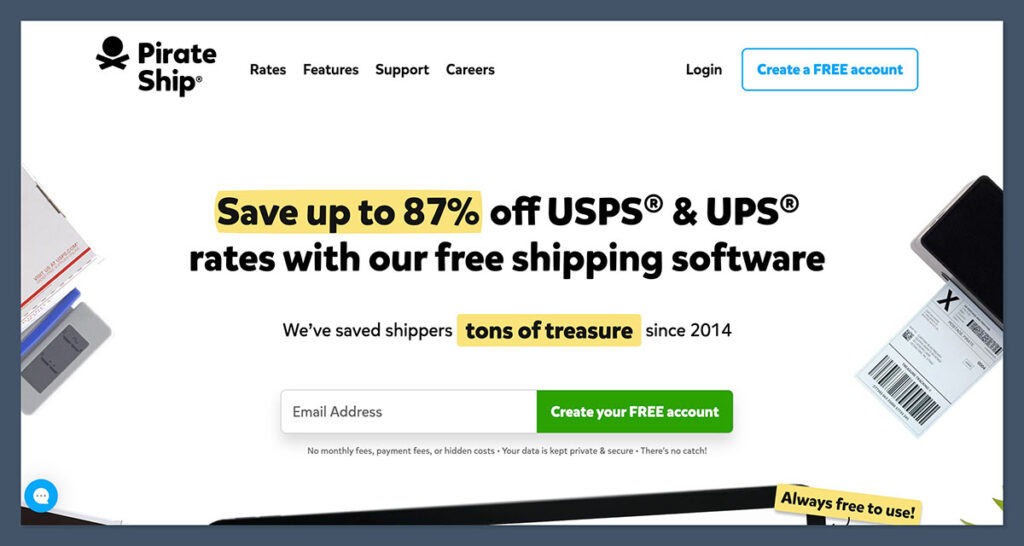
If you’re just getting started or watching your margins closely, Pirate Ship stands out for one reason: it’s completely free.
Pirate Ship Pricing
- No monthly fees
- No label printing fees
- Commercial USPS and UPS rates
- Free account, with no upsells
Shippo Pricing
- Free plan: $0/month + $0.05 per label
- Professional plan: Starts at $10/month (no per-label fees)
- Custom plans for high-volume shippers
Both platforms let you pay only for the postage you use. But Pirate Ship eliminates platform fees entirely, making it a better choice for small sellers or those with inconsistent order volumes.
The Winner
Pirate Ship wins for smaller operations thanks to its completely free pricing model and access to discounted rates.
Best for Carrier Support: Shippo Offers More Flexibility
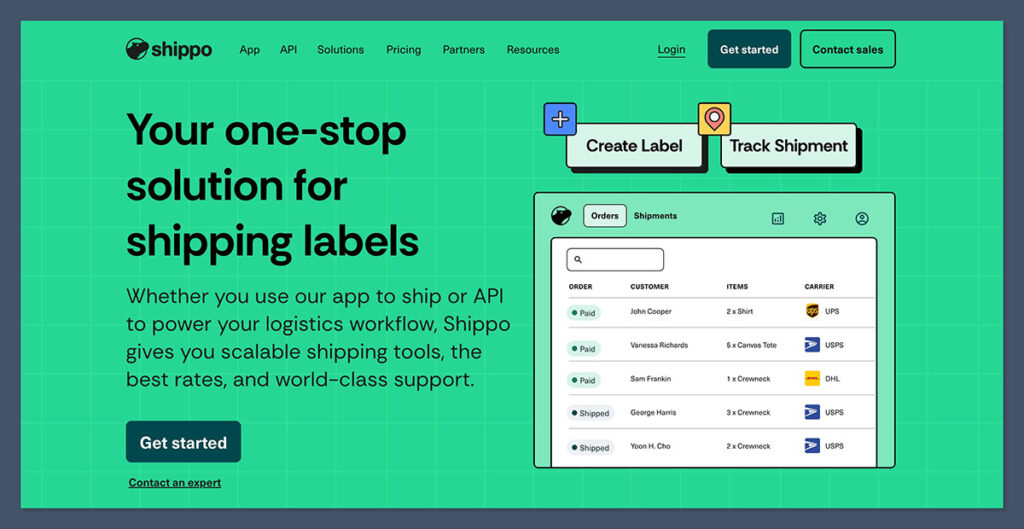
One of the biggest differences between these two tools is how many shipping carriers they work with.
Pirate Ship
- USPS and UPS (via Pirate Ship’s accounts)
- No international carriers beyond USPS
- No ability to connect your own carrier accounts
Shippo
- Integrates with over 85+ carriers worldwide
- Supports FedEx, DHL, Canada Post, Royal Mail, Hermes, and more
- Lets you connect your own negotiated rates with major carriers
If your store ships internationally or needs flexibility beyond USPS and UPS, Shippo offers significantly more options.
The Winner
Shippo wins this round with its global carrier access and ability to connect your own negotiated rates.
Best for Ecommerce Integrations: Shippo Covers More Platforms
Integrating your shipping software with your ecommerce platform is essential for smooth fulfillment.
Pirate Ship Integrations
- Shopify
- WooCommerce
- eBay
- Etsy
- CSV uploads only for unsupported platforms
Shippo Integrations
- Shopify
- BigCommerce
- Wix
- WooCommerce
- Squarespace
- Magento
- Amazon
- CSV + API access for custom connections
If you’re selling on multiple channels or marketplaces, Shippo’s integrations offer far more flexibility.
Plus, the Shippo API makes it easy to build custom workflows for more complex operations.
Shippo also tends to push regular updates to expand its integration library.
That includes newer platforms and niche tools that many growing businesses rely on as they scale operations. If you plan to diversify your sales channels, Shippo is more future-proof.
The Winner
Shippo leads with broader platform support and more advanced connectivity.
Best for Automation and Features: Shippo Is Built for Scale
When your order volume grows, automation becomes a major time-saver. This is where the gap between the two platforms really shows.
Pirate Ship
- Batch label printing
- Address validation
- Rate comparison for USPS/UPS only
- Basic reports and order history
- Simple UI, but limited automations
Shippo
- Shipping automation rules
- Branded tracking pages and packing slips
- International shipping forms and customs support
- Rate comparisons across all carriers
- Smart defaults based on weight, zone, etc.
- Detailed reporting dashboard
If you’re shipping 100+ orders a week, you’ll likely hit Pirate Ship’s feature limits.
Shippo, on the other hand, is built to scale with your business.

The automation tools in Shippo also help reduce common human errors — like selecting the wrong shipping service or forgetting to apply insurance. These may seem minor, but they can add up fast at higher volumes.
The Winner
Shippo wins on automation, customization, and scalability for growing ecommerce stores.
Best for Label Printing and Workflow: Pirate Ship Is Faster
Both platforms let you batch print shipping labels and import orders from connected stores. But they handle the process differently.
Pirate Ship
- Extremely fast and simple
- Clean interface with no clutter
- You can get a label in under 30 seconds
- Great for beginners or low-volume shippers
Shippo
- More features, but slightly more complex
- Label creation can involve more steps
- Better suited for teams and warehouses
- Allows more customizations per shipment
If speed and simplicity are your top priorities, Pirate Ship is tough to beat. But if you want more control over each shipment, Shippo gives you that.
Even though Shippo takes a bit longer to set up, once you’ve fine-tuned your shipping defaults, you can streamline most of the repetitive steps.
This makes a big difference when you’re handling dozens of labels a day.
The Winner
Pirate Ship wins for ease of use and quick label generation.
Best for International Shipping: Shippo Has the Edge
If your store serves global customers, you’ll need more than just USPS international shipping.
Pirate Ship
- Offers USPS international rates
- No customs automation
- No support for non-US carriers
Shippo
- DHL, FedEx, USPS international, and more
- Full customs declaration support
- International tracking and delivery time estimates
- Allows selection of fastest or cheapest global routes
Shippo handles all the moving parts of international ecommerce shipping far better than Pirate Ship. It’s also more transparent about costs, duties, and paperwork.
Shippo also makes it easier to comply with local regulations — especially in markets like the EU and UK. You can generate required customs forms directly from the dashboard, which cuts down on admin time.
The Winner
Shippo is the obvious choice for international shipping.
Customer Support: Shippo Paid Plans Offer More Access
Support quality can vary depending on whether you’re on a free or paid plan.
Pirate Ship
- Email-only support
- No live chat or phone options
- Self-serve help docs are easy to follow
Shippo
- Email support on free plan
- Live chat on Professional plan and higher
- Help Center with setup guides, webinars, and tutorials
While both platforms offer decent knowledge bases, Shippo’s live chat makes a difference when you’re under pressure and need answers quickly.
In addition to chat and help docs, Shippo also runs regular webinars and onboarding sessions. These are especially useful if you’re hiring new staff or trying to get your warehouse team up to speed.
The Winner
Shippo wins here, but only if you’re on a paid plan.
App Integrations and Ecosystem: Shippo Wins
Shippo is part of a larger ecosystem of apps and tools for ecommerce.
- Integrates with platforms like Zapier, Inventory management tools, and ERPs
- Developer-friendly API for custom use cases
- App partners for fulfillment, warehouse routing, and returns
Pirate Ship stays lean and simple — which works well for small shops but lacks options for more advanced operations.
Shippo’s ecosystem is also growing fast, especially in areas like automation, returns management, and inventory syncing. These tools can plug into your tech stack and save hours of manual work per week.
The Winner
Shippo is the better option for stores needing app flexibility and expansion:
Final Verdict: Which Shipping Tool Should You Choose?
After comparing Pirate Ship and Shippo across all major areas, here’s the bottom line:
| Category | Winner |
|---|---|
| Pricing | Pirate Ship |
| Carrier Support | Shippo |
| Ecommerce Integrations | Shippo |
| Automation | Shippo |
| Workflow Simplicity | Pirate Ship |
| International Shipping | Shippo |
| Support | Shippo (Paid) |
Use Pirate Ship if:
- You want a free, simple way to print labels
- You mainly use USPS and UPS
- You don’t need international or multi-carrier support
- You run a small ecommerce operation
Use Shippo if:
- You ship globally or want more carrier options
- You run a growing or high-volume store
- You need custom rates and automation tools
- You want branded labels and better tracking
Ultimately, both platforms have a place in ecommerce depending on your size and shipping complexity.
I recommend starting with Pirate Ship if you’re testing the waters and switching to Shippo as your business scales.
It’s also worth noting that many merchants use both platforms in different scenarios — Pirate Ship for lightweight, domestic shipments, and Shippo when they need flexibility, integrations, or to manage higher volumes.
You don’t always have to choose just one.


Comments 0 Responses