

Shipping and fulfillment are two of the most important logistics decisions ecommerce store owners need to make—especially as their order volume begins to grow.
After extensively reviewing and comparing both Pirate Ship and ShipBob, it’s clear that they serve very different purposes.
Pirate Ship is a cost-effective tool built for small stores handling their own shipping, while ShipBob is a full-service fulfillment provider ideal for growing brands ready to outsource operations.
In this comparison, I’ll break down pricing, features, integrations, support, and common use cases to help you decide which platform best fits the needs of your ecommerce business.
Pirate Ship vs ShipBob: Quick Verdict
Pirate Ship – Best for small ecommerce businesses shipping orders themselves
ShipBob – Best for scaling brands that want to outsource warehousing and fulfillment
In this review, I’ll walk you through why ShipBob is the better choice for scaling brands, and why Pirate Ship is still one of the top tools for solo ecommerce founders.
Quick Comparison: Pirate Ship vs ShipBob
Here’s a snapshot of how Pirate Ship and ShipBob compare across key areas:
| Feature | Pirate Ship | ShipBob |
|---|---|---|
| Type of Tool | Shipping label software | Full 3PL (third-party logistics provider) |
| Pricing | Free | Usage-based (fees for storage, pick/pack, shipping) |
| Fulfillment | You fulfill orders | ShipBob handles it all |
| Warehousing | No | Yes (multiple global locations) |
| Shipping Carriers | USPS, UPS | UPS, FedEx, DHL, USPS |
| Integrations | Shopify, WooCommerce, Etsy | Shopify, Amazon, Walmart, BigCommerce, WooCommerce |
| International Shipping | Limited | Yes |
| Customer Support | Chat & email | Onboarding team, ticket-based, account managers |
| Ideal For | Solo operators, early-stage brands | Scaling DTC brands, subscription boxes, global sellers |
Best for Pricing: Pirate Ship
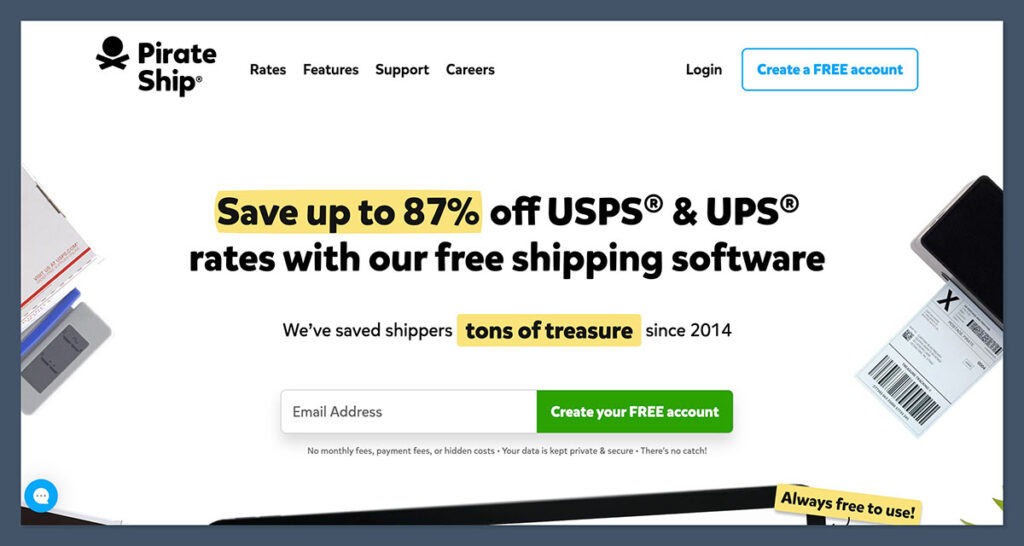
If cost is your top priority, Pirate Ship wins hands down. It’s completely free to use.
There are no platform fees, no monthly subscription, and no hidden charges.
Pirate Ship Pricing
- Free to use forever
- Access to deeply discounted USPS Commercial Pricing and UPS rates
- No minimum shipping volume required
- No fees for batch printing or integrations
Pirate Ship stands out because it offers a completely free way to access discounted USPS and UPS rates.
For ecommerce sellers looking to avoid monthly fees for shipping software, it’s an attractive option.
Pirate Ship provides lower shipping costs compared to buying postage directly through USPS or platforms like Shopify.
ShipBob Pricing
ShipBob doesn’t charge a monthly platform fee either, but you pay for:
- Receiving: Starting at $25 per hour (flat fees for pallets also available)
- Storage: Around $5 per bin/month
- Pick & Pack: First pick often free, $0.25 to $0.50 for additional picks
- Shipping: Based on carrier, zone, weight, and speed
- Custom projects: Extra fees for kitting, relabeling, returns processing
Getting started with ShipBob involves an onboarding process where merchants provide details like SKU counts, product dimensions, and projected order volume.
While the process is transparent and designed to tailor pricing to each business, it’s more complex and time-consuming compared to the simplicity of setting up Pirate Ship.
The Winner
Pirate Ship is ideal for businesses looking to minimize upfront costs.
ShipBob is an investment, best suited for stores with enough volume to justify outsourcing fulfillment.
Best for Fulfillment: ShipBob
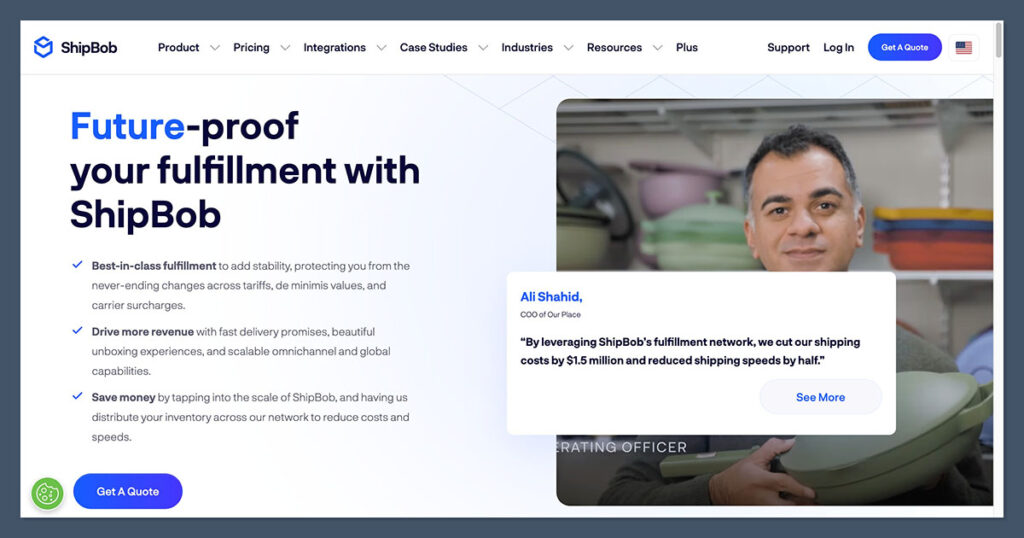
This is where the differences are most obvious.
Pirate Ship is a label printer, not a fulfillment partner. You’re still responsible for picking, packing, and storing inventory.
Pirate Ship
- You store your own products
- You pack every order yourself
- Pirate Ship helps with printing labels efficiently and affordably
- No automation for shipping or inventory
ShipBob
- You send inventory to ShipBob’s fulfillment centers
- They store, pick, pack, and ship your orders
- Orders are automatically synced with your ecommerce platform
- Offers 2-day shipping in most US regions
- Customizable packing options, returns handling, kitting, and more
For businesses that transition to ShipBob, fulfillment and shipping are fully handled by the provider.
This allows merchants to step away from day-to-day logistics, freeing up time to focus on growth while offering faster delivery speeds, including international shipping.
The Winner
If you’re a DIY shipper, Pirate Ship is excellent.
If you want to stop touching boxes and focus on growth, ShipBob wins easily.
Best for Integrations: ShipBob
Both platforms offer integrations with major ecommerce platforms, but ShipBob’s are more extensive and built for scaling across multiple channels.
Pirate Ship Integrations
- Shopify
- WooCommerce
- BigCommerce
- Squarespace
- Etsy
- CSV Upload
- Manual orders
Pirate Ship is well-suited for sellers on platforms like Etsy or those running smaller Shopify or WooCommerce stores.

The platform syncs orders reliably and integrates easily with supported ecommerce platforms, making it a straightforward choice for handling basic shipping needs.
ShipBob Integrations
- Shopify
- Amazon
- Walmart
- BigCommerce
- WooCommerce
- eBay
- Custom API
- EDI for retail
ShipBob integrates not only with ecommerce storefronts but also with marketplaces and retail channels, which becomes crucial once you’re distributing at scale.
The Winner
ShipBob has the edge if you’re selling across multiple sales channels or want to grow into wholesale or retail.
Best for Shipping Options and Speed: ShipBob
Speed matters—especially in a world where customers expect fast delivery as the norm.
Pirate Ship
- Relies on your location for all shipments
- Delivery speed depends on carrier and distance
- No built-in 2-day or express options
- Only supports USPS and UPS
Delays can occur during peak seasons when using Pirate Ship, since all orders are shipped from the seller’s own location and rely on local carrier performance.
ShipBob
- Offers 2-day delivery to most US zones
- International shipping with customs handled
- Smart inventory distribution to optimize shipping zones
- Partners with multiple carriers (FedEx, DHL, UPS, USPS)
Merchants using ShipBob often report significant reductions in average delivery times—sometimes by over 40%.
Offering guaranteed 2-day delivery through ShipBob can also help reduce cart abandonment by increasing customer confidence at checkout.
The Winner
ShipBob delivers faster and supports broader shipping coverage, both domestic and international.
Best for Support and Service: ShipBob
While both platforms provide support, ShipBob takes a more consultative, high-touch approach.
Pirate Ship Support
- Email and live chat
- Knowledge base
- Fast response times
- No phone support or onboarding
Pirate Ship’s support is responsive and user-friendly, but somewhat limited in scope. Most users will need to rely on the platform’s help documentation for troubleshooting and setup guidance.
ShipBob Support
- Dedicated account manager (for qualifying accounts)
- Onboarding team for setup and training
- Email, phone, and ticket-based support
- Analytics help and operational guidance
ShipBob’s support plays a key role for many businesses, particularly those looking for guidance beyond basic logistics.
The team can assist with inventory forecasting, seasonal planning, and managing unexpected challenges like carrier surcharges.
The Winner
ShipBob offers more robust, strategic support—especially helpful for scaling brands.
Use Cases
Here’s a breakdown of which platform works best in real-world scenarios:
| Scenario | Pirate Ship | ShipBob |
|---|---|---|
| Shipping from home | Yes | No |
| Small Etsy shop | Yes | No |
| High-volume DTC store | No | Yes |
| Dropshipping | No | Yes |
| International expansion | No | Yes |
| Wholesale orders | No | Yes |
| Subscription boxes | Yes | Yes |
This comparison shows just how different these two platforms are.
Pirate Ship is ideal for small businesses that want to manage fulfillment manually and keep overhead low. It’s simple, affordable, and does the job well for sellers handling their own shipping.
On the other hand, ShipBob is a much better fit for growing ecommerce brands that need a scalable logistics partner.
If your business relies on fast delivery, multi-channel sales, or international expansion, ShipBob offers the infrastructure and support to handle those needs efficiently.
Final Verdict: Pirate Ship vs ShipBob
After using both platforms extensively, here’s my take:
Use Pirate Ship if:
- You’re running a small or solo ecommerce operation
- You ship everything yourself and want the lowest shipping rates
- You need free software to streamline label printing
- You’re under 100 orders/month and don’t mind handling logistics
Use ShipBob if:
- You’re ready to scale and outsource fulfillment
- You want 2-day shipping, distributed inventory, and analytics
- You sell across multiple channels
- You need help with global shipping, B2B, or returns management
Both platforms are powerful in their own ways—but they serve different ecommerce stages. Pirate Ship is perfect for lean, scrappy brands. ShipBob is ideal once you hit real scale and need fulfillment off your plate.
Try Pirate Ship first if you’re starting out. But if you’re already doing 200+ orders a month, it’s probably time to give ShipBob a serious look.


Comments 0 Responses