

With thousands of WordPress ecommerce plugins available, narrowing it down to the most reliable options can be overwhelming.
After researching and testing dozens of ecommerce plugins first-hand, I’ve picked out the top performers for 2025.
Whether you’re running a full online store, selling digital downloads, managing subscriptions, or building a membership site, these are the WordPress plugins I trust to power your ecommerce business.
Our Top 5 Ecommerce Plugins
- WooCommerce – Best all-around ecommerce plugin for WordPress
- Easy Digital Downloads (EDD) – Best for digital products
- MemberPress – Best for subscriptions and memberships
- WP EasyCart – Best WooCommerce alternative
- BigCommerce for WordPress – Best for high-volume stores
Quick Comparison Table
| Plugin | Starting Price | Best For | AI Tools | Active Installs |
|---|---|---|---|---|
| WooCommerce | Free | General ecommerce | Limited | 6M+ |
| Easy Digital Downloads | Free / $199/yr | Digital goods | No | 50K+ |
| MemberPress | $359/yr | Memberships | No | N/A (premium only) |
| WP EasyCart | Free / $69/yr | Small shops | No | 20K+ |
| BigCommerce | $39/mo | Large stores | Some | N/A (hybrid model) |
#1. WooCommerce – Best All-Around Ecommerce Plugin
💰 Starting price: Free
🛒 Premium add-ons: $29–$249 per year
📦 Best for: Physical and digital products, flexible ecommerce setup
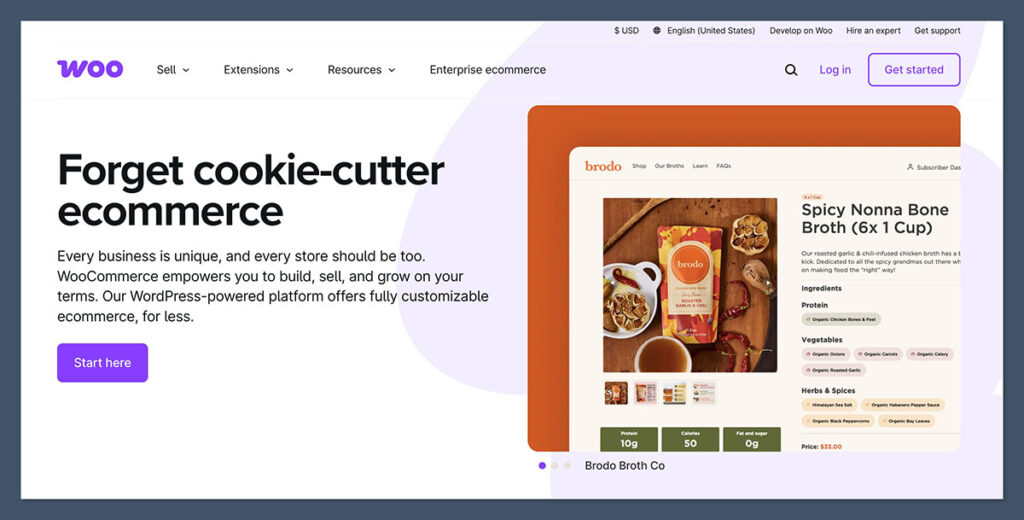
WooCommerce remains the top ecommerce plugin for WordPress in 2025, and for good reason.
It’s free, open-source, and backed by Automattic (the company behind WordPress.com).
It powers millions of stores globally and has the biggest library of extensions, themes, and integrations.
I’ve tested WooCommerce across a wide range of setups over the years-from basic online shops to complex, multilingual storefronts.
It’s consistently proven to be reliable, scalable, and compatible with most major WordPress themes and page builders.
Pros
- Free to install with essential ecommerce features included
- Massive extension marketplace
- Supports physical, digital, and subscription products
- Integrates with Stripe, PayPal, Square, Apple Pay, and more
- Strong SEO compatibility with plugins like Yoast and Rank Math
Cons
- You’ll likely need premium extensions for full functionality
- Can be heavy and affect page speed
- Complex backend for beginners
WooCommerce Pricing Snapshot
| Feature | Cost |
|---|---|
| Core plugin | Free |
| Subscriptions | $239/year |
| Bookings | $249/year |
| Stripe, PayPal gateways | Free |
| Hosting (recommended) | $25–$50/month |
Bottom Line:
WooCommerce is still the go-to choice for most online stores using WordPress. It’s not always the easiest to use, but once you get the hang of it, it’s incredibly powerful and flexible.
#2. Easy Digital Downloads – Best for Digital Products
💰 Starting price: Free
📦 Premium bundles: $199 to $599 per year
📁 Best for: Software, eBooks, digital downloads
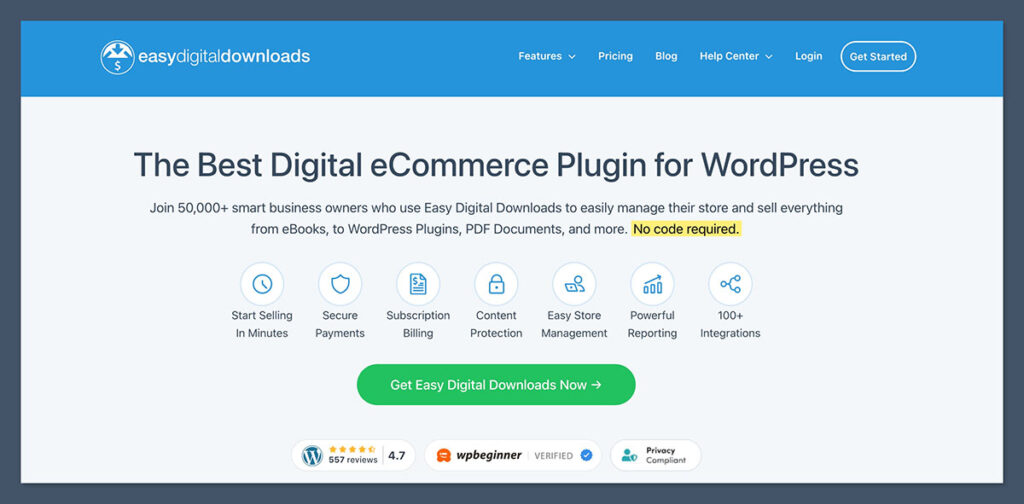
If you’re selling digital goods, Easy Digital Downloads (EDD) is a better fit than WooCommerce.
It’s designed specifically for digital products, which means it’s faster, cleaner, and more focused.
I’ve tested Easy Digital Downloads extensively for selling things like software, PDF files, audio products, and design templates.
Its digital-first approach makes the setup process much cleaner and more efficient compared to general-purpose ecommerce plugins..
Pros
- Clean and lightweight, optimized for speed
- Focused entirely on digital products
- Simple checkout experience
- Great reporting tools built in
- Works with Stripe, PayPal, and more
Cons
- Physical product support is limited
- Advanced features require paid extensions
- Smaller community and theme support than WooCommerce
EDD Pricing Snapshot
| Plan | Price/year | Features |
|---|---|---|
| Free | $0 | Basic digital store setup |
| Personal | $199 | Stripe Pro, email marketing |
| Extended | $399 | Recurring payments, software licensing |
| Professional | $599 | All features and add-ons |
Bottom Line:
EDD is purpose-built for selling digital products. If you’re not planning to ship physical items, this is the plugin I’d recommend every time.
#3. MemberPress – Best for Membership Sites
💰 Starting price: $359 per year
📦 Best for: Recurring payments, course sites, member-only content
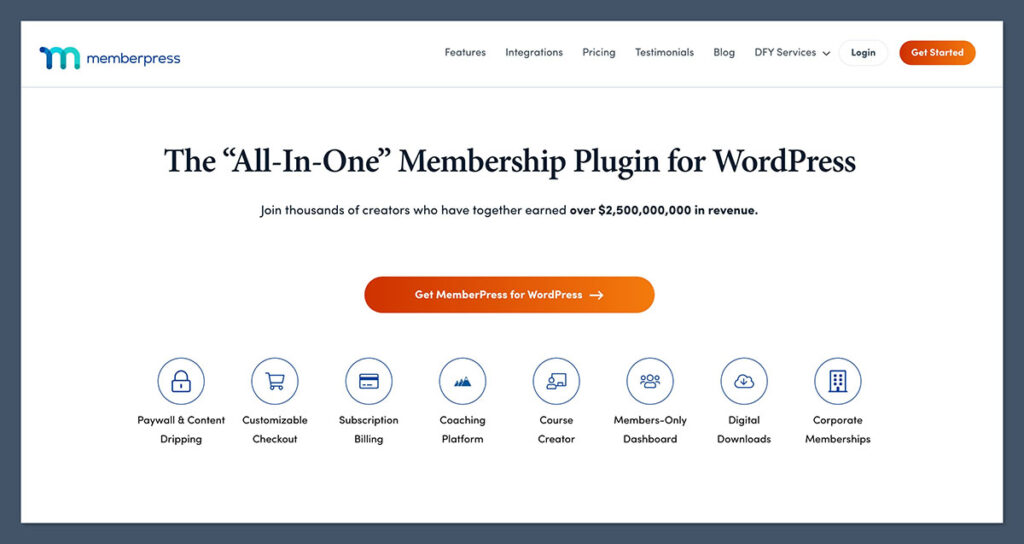
If you need to manage memberships, restrict content, or sell online courses, MemberPress is my go-to plugin.
It handles access rules, subscription billing, and even includes a built-in course builder.
MemberPress is well-suited for gated content communities, membership newsletters, and online academies.

It offers a comprehensive set of features for managing subscriptions and controlling access to content, though the interface can feel a bit dated in some areas.
Pros
- Built-in LMS features for online courses
- Supports Stripe, PayPal, and Authorize.net
- Content dripping and member management tools
- Integrates with ConvertKit, Mailchimp, Zapier, and more
Cons
- Expensive compared to other plugins
- Limited frontend design control
- Not ideal for physical product sales
MemberPress Pricing Snapshot
| Plan | Price/year | Features |
|---|---|---|
| Basic | $359 | 1 site, core features |
| Plus | $599 | 2 sites, quizzes, advanced reporting |
| Pro | $799 | 5 sites, corporate access controls |
Bottom Line:
MemberPress is excellent for membership and course sites. It’s pricey, but it saves hours you’d otherwise spend piecing together multiple tools.
#4. WP EasyCart – Best WooCommerce Alternative
💰 Starting price: Free
📦 Premium plans: $69–$99 per year
🛍️ Best for: Simpler stores, gift cards, subscriptions, POS
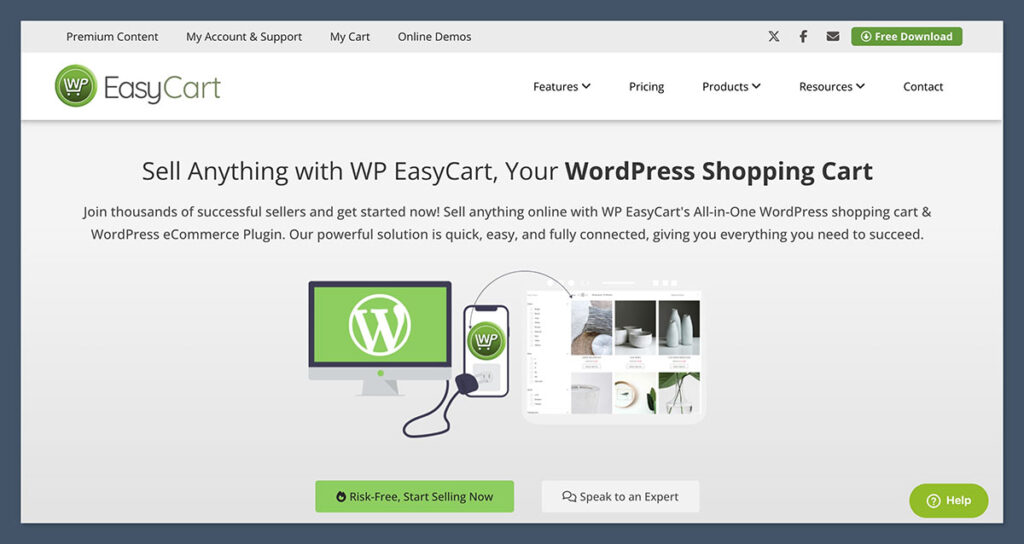
WP EasyCart doesn’t get as much attention as WooCommerce, but it’s a surprisingly full-featured ecommerce plugin.
It includes a built-in POS system, tax tools, digital and physical product support, and coupon functionality—all out of the box.
I recommend it for smaller shops or store owners who want fewer moving parts. It doesn’t require as many add-ons as WooCommerce, and the setup is much faster.
Pros
- All-in-one solution, minimal extensions needed
- Built-in support for subscriptions and gift cards
- Works with Stripe, Square, and PayPal
- Includes POS tools for physical stores
Cons
- Smaller user base and fewer integrations
- Not as customizable as WooCommerce
- Limited third-party theme support
WP EasyCart Pricing Snapshot
| Plan | Price/year | Features |
|---|---|---|
| Free | $0 | Basic cart and checkout |
| Professional | $69 | Coupons, tax, Google integration |
| Premium | $99 | Subscriptions, digital delivery, Mailchimp |
Bottom Line:
If you’re looking for an easier, less bloated alternative to WooCommerce, WP EasyCart is a great fit—especially for smaller stores or beginners.
#5. BigCommerce for WordPress – Best for High-Volume Stores
💰 Starting price: $39 per month
🖥️ Best for: Enterprise ecommerce using WordPress frontend
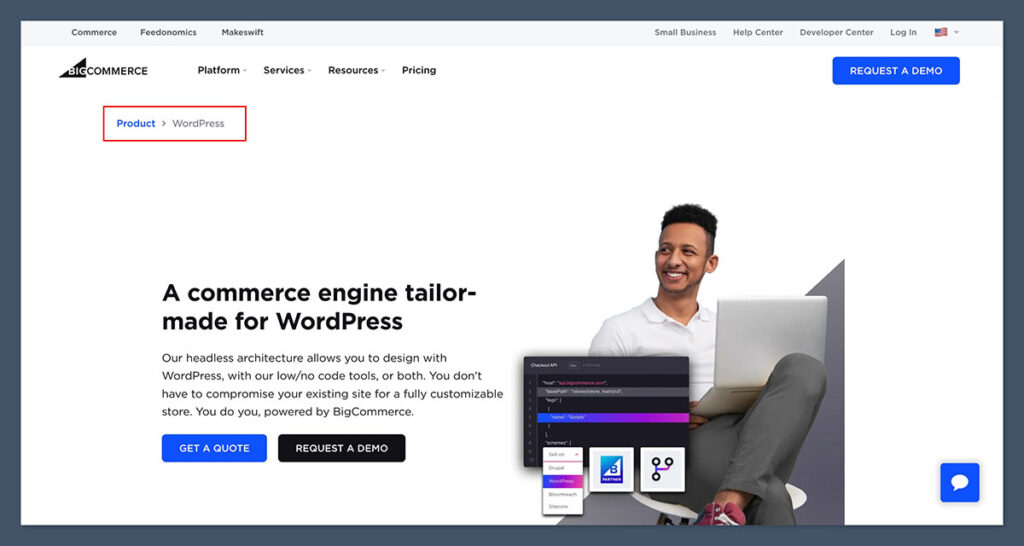
BigCommerce for WordPress takes a headless ecommerce approach.
Your WordPress site handles content and design, while BigCommerce runs the backend. That means you get scalability and security, without putting too much strain on your WordPress hosting.
BigCommerce is a strong choice for stores handling a high volume of orders.
Its separation of frontend (WordPress) and backend (BigCommerce) systems helps improve performance, reliability, and scalability-especially for larger operations.
Pros
- Scales easily for large stores
- PCI compliance and security handled by BigCommerce
- Supports multi-channel selling (Amazon, eBay, Facebook)
- WordPress remains your frontend
Cons
- Monthly cost is high compared to plugin-only solutions
- Less flexible design-wise than WooCommerce
- Requires connecting to BigCommerce platform
BigCommerce Pricing Snapshot
| Plan | Price/month | Features |
|---|---|---|
| Standard | $39 | Core ecommerce features |
| Plus | $105 | Customer groups, abandoned cart |
| Pro | $399 | Google Reviews, custom SSL |
| Enterprise | Custom | Tailored support & features |
Bottom Line:
BigCommerce is best suited for large ecommerce operations that want to keep WordPress for content. If performance, scalability, and integrations matter most, this is the plugin to use.
Final Thoughts: Which WordPress Ecommerce Plugin Should You Use?
Choosing the right ecommerce plugin comes down to your store’s needs.
Here’s my quick recommendation based on your use case:
| Store Type | Best Plugin |
|---|---|
| General products | WooCommerce |
| Digital-only | Easy Digital Downloads |
| Subscriptions | MemberPress |
| Small, simple shops | WP EasyCart |
| Enterprise | BigCommerce for WordPress |
No single plugin is perfect for every business. Some are built for speed and simplicity, while others offer extensive flexibility at the cost of a steeper learning curve.
That’s why it’s worth taking the time to understand your specific goals—what you’re selling, how you want to manage orders, and what integrations you’ll need long-term.
When choosing a plugin, consider factors like performance, support, scalability, and how well it fits into your existing WordPress setup.
Most of the options listed above offer free versions or trials, so you can test them out before committing to a premium plan. It’s a small step that can save you a lot of time—and money—down the line.


Comments 0 Responses