

I’ve tested and researched dozens of ecommerce platforms and found that while WooCommerce is powerful, it isn’t always the best fit for every business.
If you’re tired of plugin overload, constant updates, or the need for hosting know-how, you’re not alone. Many store owners want something simpler, faster, or more scalable.
In this guide, I’ll walk you through the top WooCommerce alternatives. I’ll show you their features, pricing, pros, and cons, so you can decide which one fits your store’s needs in 2026.
My Top Picks
| Platform | Best For | Starting Price |
|---|---|---|
| Shopify | All-in-one ecommerce | $29 per month |
| BigCommerce | Built-in features and scale | $39 per month |
| Wix | Simple stores with content and design tools | $29.77 per month |
| Squarespace | Curated product lines and branding | $16 per month |
| Square Online | In-person and online selling | Free |
| Ecwid | Adding ecommerce to existing sites | $5 per month |
| PrestaShop | Open-source with full control | Free |
| OpenCart | Lightweight self-hosted stores | Free |
1. Shopify: Best for All-in-One Ecommerce

Shopify is often the go-to platform for entrepreneurs who want a smooth, reliable experience without getting too technical. It comes with everything you need to build, run, and grow an online store, which makes it a favorite among users who don’t want to spend time managing updates or troubleshooting plugin conflicts. The ecosystem is huge, with thousands of apps and certified experts, so you’ll rarely run into a feature you can’t add.
In my experience, Shopify performs especially well for stores that are expanding or want to branch into multichannel sales. It integrates easily with social platforms, marketplaces, and shipping providers, and its backend is intuitive even for beginners. However, it’s important to be mindful of costs. Many popular features are locked behind third-party apps, and the extra transaction fees can eat into margins unless you use Shopify Payments.
Key Features
- Hosted store with built-in checkout, payments, and shipping tools
- Multichannel selling across social and marketplaces
- Thousands of apps for custom functionality
- 24/7 customer support
Pros
- Fast setup and minimal maintenance
- Huge app ecosystem for marketing, shipping, and more
- Reliable hosting and uptime
Cons
- Extra fees apply for using third-party payment gateways
- App costs can add up
Pricing
| Plan | Monthly Price | Key Features |
|---|---|---|
| Basic | $29 | – Online store with unlimited products – 2 staff accounts – Basic reports – Up to 77% shipping discount – Shopify POS Lite – Up to 4 inventory locations |
| Grow | $79 | – Everything in Basic, plus: – 5 staff accounts – Professional reports – Up to 88% shipping discount – Lower credit card & transaction fees – Up to 5 inventory locations |
| Advanced | $299 | – Everything in Shopify, plus: – 15 staff accounts – Advanced report builder – Third-party calculated shipping rates – Up to 88% shipping discount – Up to 8 inventory locations |
Shopify is ideal for sellers who want to avoid technical overhead and focus on growth. If you value simplicity and scale, this is a strong pick.
2. BigCommerce: Best for Built-in Features and Growth

BigCommerce stands out by offering more native ecommerce functionality than most platforms in its category. Unlike Shopify, many features like customer segmentation, real-time shipping quotes, and product filtering are already included. This means you spend less time hunting down plugins and more time focusing on your operations.
From a user perspective, BigCommerce feels more enterprise-ready out of the box. The learning curve is slightly higher due to the abundance of built-in options, but once you’re familiar with the dashboard, it’s easy to manage even a large catalog. I’ve also noticed that BigCommerce tends to appeal to teams with more technical expertise or those already scaling, making it ideal for businesses that expect to grow fast or deal with a high volume of orders.
Key Features
- No transaction fees
- Built-in SEO, coupons, and customer segmentation
- Support for multiple storefronts on higher tiers
- Advanced product options and payment gateway flexibility
Pros
- Strong native feature set
- Scales easily with your business
- Better SEO tools than most hosted platforms
Cons
- Learning curve for theme customization
- Price increases based on sales volume
Pricing
| Plan | Monthly Price | Key Features |
|---|---|---|
| Standard | $39 | – Unlimited products, file storage, and bandwidth – No transaction fees – Single storefront – Built-in blog and SEO features – Coupons, discounts, gift cards – Real-time shipping quotes – Up to $50k in annual sales |
| Plus | $105 | – Everything in Standard, plus: – Customer segmentation – Abandoned cart saver – Stored credit cards – Persistent cart across devices – Up to $180k in annual sales |
| Pro | $399 | – Everything in Plus, plus: – Google Customer Reviews – Custom SSL – Faceted search (product filtering) – API support for larger catalogs – Up to $400k in annual sales (extra cost for more) |
| Enterprise | Custom pricing | – Everything in Pro, plus: – Custom product filtering – Unlimited API calls – Dedicated account manager – Priority support and SLA – Custom annual revenue thresholds |
If you’re tired of relying on dozens of plugins to run your WooCommerce store, BigCommerce offers a great alternative with most features already built in.
3. Wix: Best for Small Stores That Want Simplicity
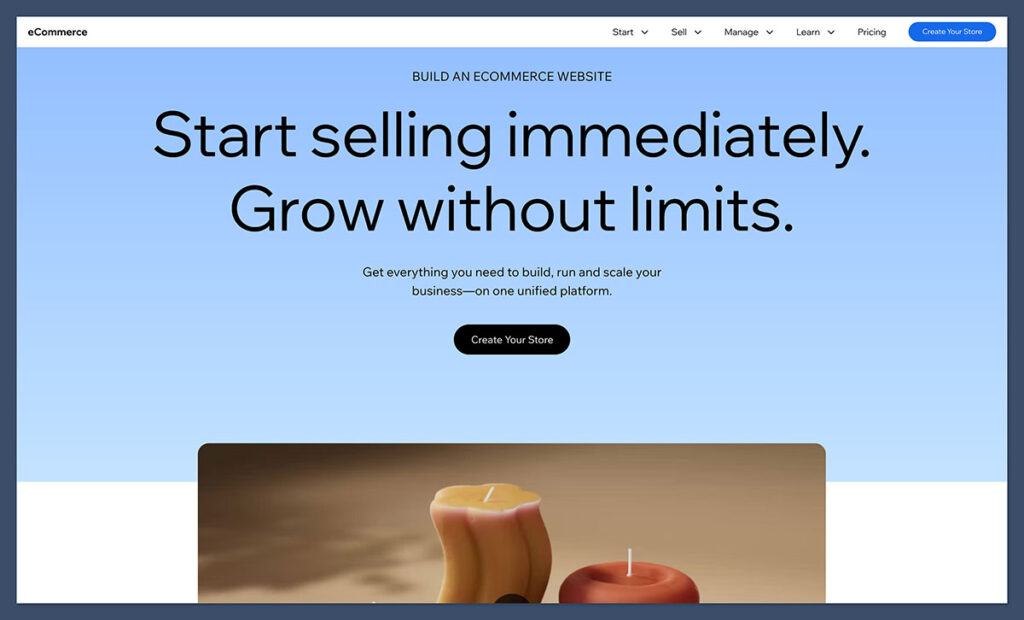
Wix blends creative freedom with basic ecommerce functionality, making it an attractive choice for businesses that value design but don’t need complex selling features. The visual editor is among the easiest I’ve used, and the built-in templates are modern, clean, and highly customizable. It’s well-suited for artists, service providers, and small product-based businesses.
I’ve found Wix to be a strong fit for users who want a mix of ecommerce, content, and marketing all in one place. Its tools for blogging, SEO, and automation help support a broader digital strategy, but the ecommerce features themselves have some limits. For example, managing larger inventories or complex shipping rules isn’t Wix’s strong suit, so this platform is better for sellers with a simpler product setup.
Key Features
- Drag-and-drop website builder
- 2,000+ templates and ecommerce themes
- Marketing automation tools and bookings
- Wix Payments or third-party integrations
Pros
- Very beginner-friendly
- Flexible for both ecommerce and content-driven sites
- Integrated tools for SEO and marketing
Cons
- Not ideal for large inventories or high-volume stores
- Pricing and features can vary by location
Pricing (Billed Annually)
| Plan | Monthly Price | Key Features |
|---|---|---|
| Core | $29.77 | – Custom domain connection – 50 GB storage – Unlimited bandwidth – Basic ecommerce features (sell online) – Customer accounts and product galleries – 24/7 customer care |
| Business | $39.77 | – Everything in Core, plus: – 100 GB storage – Advanced ecommerce features – Subscriptions and recurring payments – Multiple currencies and advanced tax management – Automated sales tax (limited transactions) |
| Business Elite | $159.77 | – Everything in Business, plus: – Unlimited storage – Priority customer support – Custom reports and advanced analytics – Full suite of ecommerce automation tools – Loyalty programs and advanced shipping options |
I recommend Wix if you’re starting out or need a well-designed site that’s easy to manage without a developer.
4. Squarespace: Best for Design and Brand Identity

Squarespace is often praised for its design quality, and for good reason. The templates are some of the best I’ve come across in terms of visual polish and layout flexibility. For brands where storytelling, photography, and product presentation matter, Squarespace is a top contender. It’s particularly popular among lifestyle, fashion, and creative businesses that want their website to reflect their brand identity.
On the ecommerce side, Squarespace includes enough tools to support most small to mid-sized product businesses. You can sell digital and physical goods, manage subscriptions, and integrate with a few payment providers. That said, it’s not the best choice for advanced ecommerce workflows. If you rely on deep customizations or need access to a broad app store, you might run into limitations. But for clean, professional branding with minimal hassle, it delivers.
Key Features
- Beautiful templates optimized for mobile
- Ecommerce tools for physical and digital products
- Subscription and member-based selling
- Built-in blog and marketing tools
Pros
- Polished and professional designs
- All-in-one platform for content and commerce
- Easy to manage store backend
Cons
- Limited third-party integrations
- More expensive for advanced ecommerce tools
Pricing

| Plan | Monthly Price | Key Features |
|---|---|---|
| Basic | $16 | – Custom domain (free for first year) – SSL security and mobile optimization – Unlimited bandwidth and storage – Basic website metrics – No ecommerce features – 2 contributors |
| Core | $23 | – Everything in Basic, plus: – Sell unlimited products – Integrated ecommerce features (checkout, inventory) – Customer accounts – 3% transaction fee – Basic merchandising tools |
| Plus | $39 | – Everything in Core, with: – 0% transaction fees – Abandoned cart recovery – Advanced shipping and discounts – Subscriptions and gift cards – Advanced analytics |
| Advanced | $99 | – Everything in Plus, plus: – Commerce APIs – Advanced shipping integrations – Premium customer support – Enhanced merchandising and promotional tools – Custom checkout with limited flexibility |
Squarespace works best for curated product lines, lifestyle brands, or creative businesses that want to make a strong visual impression.
5. Square Online: Best for In-Person and Online Selling

Square Online is a natural fit if you’re already using Square POS to process in-person payments. The platform syncs your inventory and order data between your physical and online store, which is a huge time-saver. For small retail businesses or service providers, this unified experience removes a lot of friction when expanding online.
Square Online is also one of the easiest to get started with. I like how Square offers a completely free plan that still lets you sell unlimited products. It’s a great option for testing the waters without any upfront cost. However, the design tools are more limited than what you’ll find on Wix or Squarespace, and the feature set, while functional, can feel basic if you’re planning to scale up quickly.
Key Features
- Seamless integration with Square POS
- Accepts Square payments and syncs online and offline orders
- Shipping and pickup options
- Online catalog, mobile responsiveness, and coupons
Pros
- Easy for retail or event-based sellers to set up
- No monthly fee to start
- Good analytics and inventory tools
Cons
- Fewer design and ecommerce customization options
- Features vary by region and plan
Pricing
| Plan | Monthly Price | Key Features |
|---|---|---|
| Free | $0 | – Sell unlimited products online – Sync with Square POS – Accept payments with Square only – Pickup, local delivery, and shipping options – Mobile-friendly store and basic SEO tools – Square branding on your site |
| Plus | $49 | – Everything in Free, plus: – Remove Square branding – Accept PayPal payments – Advanced item settings and inventory tools – Customer accounts and email marketing – Custom domain connection – Advanced site customization options |
| Premium | $149 | – Everything in Plus, plus: – Real-time shipping rates – Priority customer support – Lower payment processing fees – Advanced analytics and reporting – Promotional pop-ups and banners |
If you already sell in person and want to test ecommerce, Square Online makes the transition simple and cost-effective.
6. Ecwid: Best for Adding a Store to an Existing Site
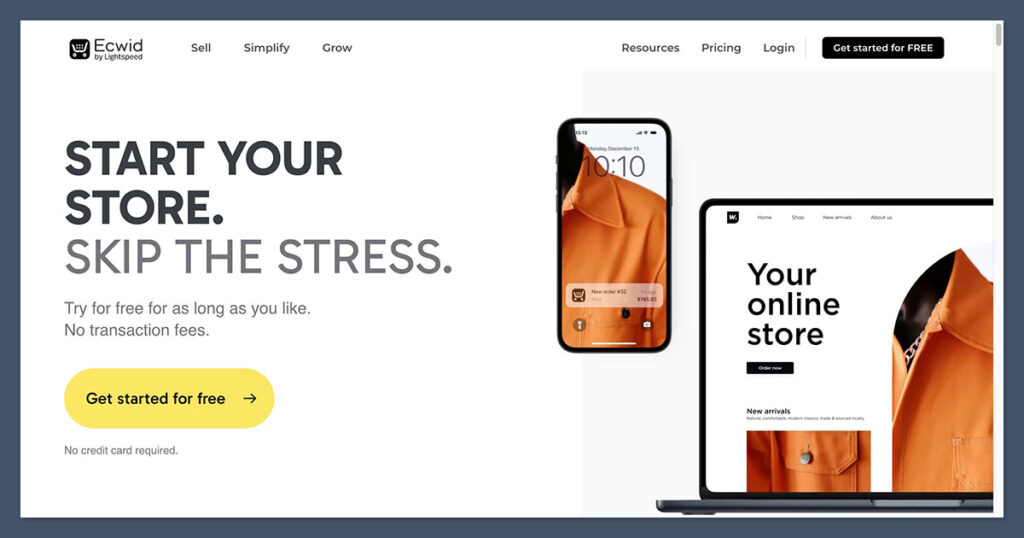
Ecwid shines in scenarios where you already have a website and just want to bolt on ecommerce functionality without a full rebuild. It works with platforms like WordPress, Wix, Weebly, and even custom HTML sites. Setup is quick, and the control panel is beginner-friendly, which makes it easy to manage your products and orders across different channels.
Where Ecwid really adds value is in its multichannel capabilities. You can sell directly on Facebook, Instagram, and marketplaces like Amazon, all from one backend. That said, Ecwid’s feature set is geared more toward smaller or medium-sized businesses. You won’t get the same level of extensibility or ecosystem that platforms like Shopify or BigCommerce provide, but if you want convenience and flexibility without leaving your existing site, Ecwid delivers.
Key Features
- Easily embeds into any website
- Multichannel selling across social and marketplaces
- Accepts multiple payment gateways
- Mobile-ready shopping cart
Pros
- Doesn’t require a full rebuild
- Great for selling across multiple channels
- Scales with your business
Cons
- Fewer site design tools
- Best features require higher tiers
Pricing:
| Plan | Monthly Price | Key Features |
|---|---|---|
| Starter | $5 | – Sell up to 5 products – Instant site (basic one-page store) – Facebook and Instagram selling – Mobile responsive design – Ecwid ads and branding on checkout |
| Venture | $35 | – Sell up to 100 products – Full-featured online store with shopping cart – Mobile app for store management – Discount coupons and automated tax calculations – Inventory tracking – Connect custom domain |
| Business | $65 | – Sell up to 2,500 products – Everything in Venture, plus: – Abandoned cart recovery – Product variations and filters – Wholesale pricing groups – eBay, Amazon, and other marketplace integrations |
| Unlimited | $149 | – Unlimited products – Everything in Business, plus: – Custom mobile app (iOS and Android) – Priority support – Point-of-sale integration – Multiple staff accounts and advanced automation |
I’ve used Ecwid on small business websites where ecommerce was a secondary feature. It worked great without having to switch platforms or hosting.
7. PrestaShop: Best for Open-Source and Flexibility
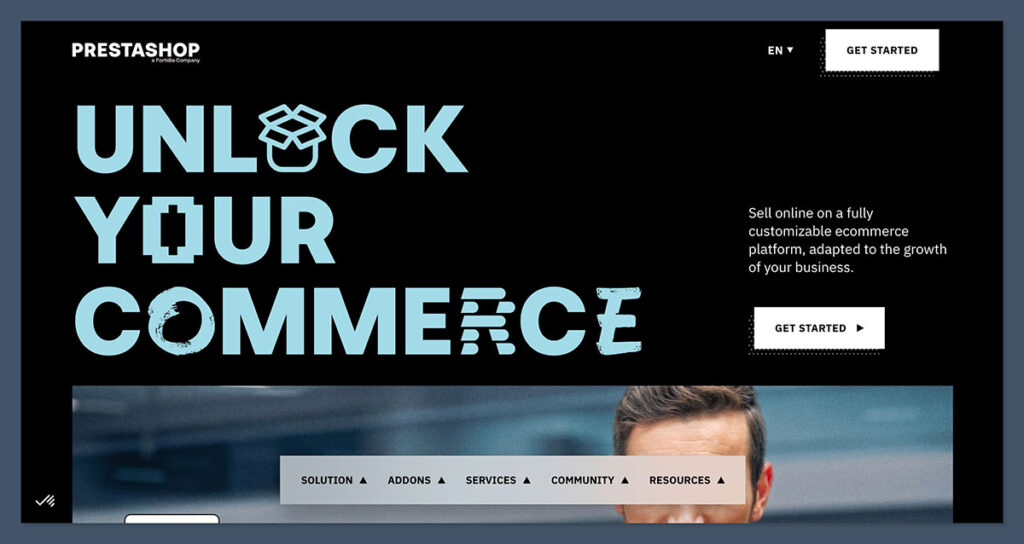
PrestaShop offers an open-source ecommerce solution that’s highly customizable and developer-friendly. If you’re comfortable managing your own hosting and have access to technical resources, PrestaShop gives you full control over how your store looks, performs, and scales. It’s a strong WooCommerce alternative for businesses that want to stay open-source but move beyond WordPress.
One thing I appreciate about PrestaShop is its international readiness. You can run a multilingual, multi-currency store out of the box, which makes it a solid choice for global sellers. However, running PrestaShop isn’t as hands-off as a hosted solution. You’ll need to handle updates, security, and performance optimizations yourself or with a developer’s help, and many core features are gated behind premium modules in the PrestaShop Addons Marketplace.
Key Features
- Unlimited product support
- Customizable templates and modules
- Multilingual and multi-currency support
- Developer-friendly backend
Pros
- High level of customization
- No recurring software subscription
- Ideal for international or complex catalogs
Cons
- Requires hosting and technical upkeep
- Costs add up depending on features needed
Pricing
| Plan | Monthly Price | Key Features |
|---|---|---|
| Open Source | Free | – Download and use the core PrestaShop software – Full access to code for custom development – Sell unlimited products – Multilingual and multi-currency support – Access to PrestaShop Addons marketplace |
| Hosting | Varies based on provider | – You choose your own hosting provider – Hosting cost depends on traffic, storage, and performance needs – Recommended to use a PrestaShop-optimized host for better performance |
| Extensions and Modules | Paid add-ons available | – Themes, payment gateways, SEO tools, and integrations – One-time or recurring costs depending on the module – Many features require premium modules not included in the core software |
If you want to avoid platform fees and are ready to manage a self-hosted ecommerce site, PrestaShop is a flexible option.
8. OpenCart: Best for Lightweight Self-Hosted Stores
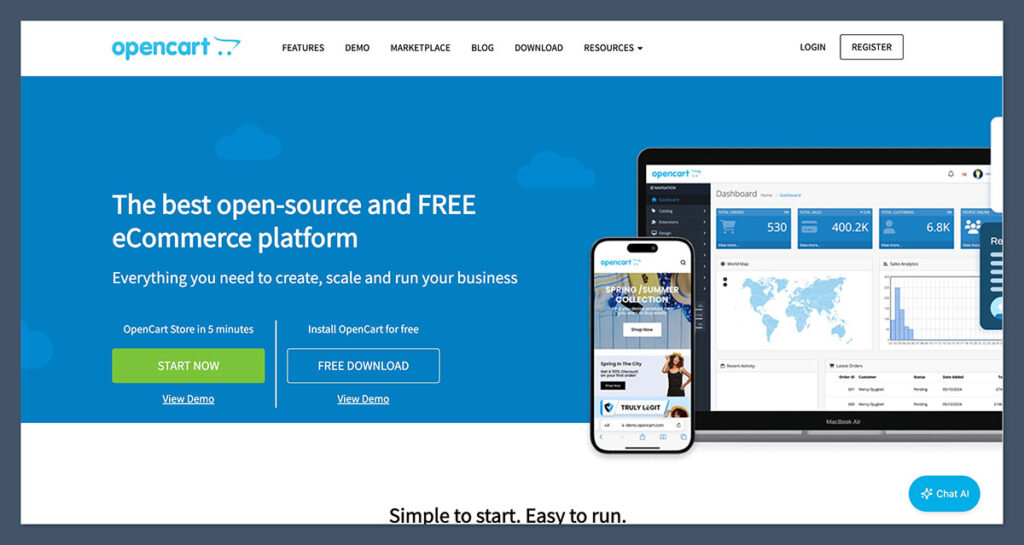
OpenCart is another open-source option, but with a lighter footprint than PrestaShop. It’s straightforward to install, easy to manage, and doesn’t require heavy server resources, making it ideal for smaller stores or sellers who want simplicity without going the hosted route. The admin dashboard is clean and easy to navigate, and the platform has a large library of themes and extensions.
While OpenCart works well for the basics, you’ll likely need to rely on third-party modules for things like advanced SEO, shipping integrations, or custom checkout flows. One issue I’ve run into is inconsistent extension quality, so it’s important to vet each one before installing. Still, if you’re looking for a no-cost ecommerce solution that keeps you in control and doesn’t feel bloated, OpenCart is worth considering.
Key Features
- Manage unlimited products and categories
- Built-in shipping, tax, and payment tools
- Multi-store and multi-language support
Pros
- Low-cost and straightforward setup
- Good for small to medium stores
- Active community support
Cons
- Limited design options compared to hosted platforms
- Plugin quality can vary
Pricing
| Plan | Monthly |
|---|---|
| Core software | Free |
| Hosting | Paid separately |
| Extensions | Paid modules available |
I recommend OpenCart if you want to self-host and are looking for something lighter than PrestaShop or Magento.
Final Thoughts
If WooCommerce no longer meets your needs, you’re not stuck. Whether you’re looking for a hosted platform with built-in features or want full control with an open-source system, there are great alternatives available in 2026.
I’d recommend Shopify or BigCommerce for most online stores, especially if you’re scaling. If you value design and want to keep things simple, Wix or Squarespace are excellent choices.
And if you want to keep control of everything from the server up, PrestaShop and OpenCart give you that flexibility.
Always think about what matters most to your business. Start by listing out your must-haves, compare pricing carefully, and take advantage of free trials before committing.



Good list. Keep in mind that when considering OpenCart, there is a fork of it called Avastta. There are some nice benefits of this version. In addition, many of the Open Source CMS have some eCommerce plugins. Such as Expression Engine, ProcessWire, Drupal, etc.