

Like most people, I have a love-hate relationship with branding toolkits.
Because the gap between “I’m launching a thing” and “my store looks like it belongs on the internet” can either be incredibly big, or pretty short, depending on the solutions you use. There are a lot of platforms that arguably speed things like logo and website design up, but you still end up with a generic asset just about any other company could use.
That’s why reviewing these systems is so tricky, because I’m not just looking at how many templates you get or how easy the editor is, I’m looking at whether you can design something that hits home.
I tested BrandCrowd like I’d test any ecommerce tool, asking: can I get to “this looks real” quickly… and does it still look real once I start exporting things?
What BrandCrowd is, and Who It Makes Sense For
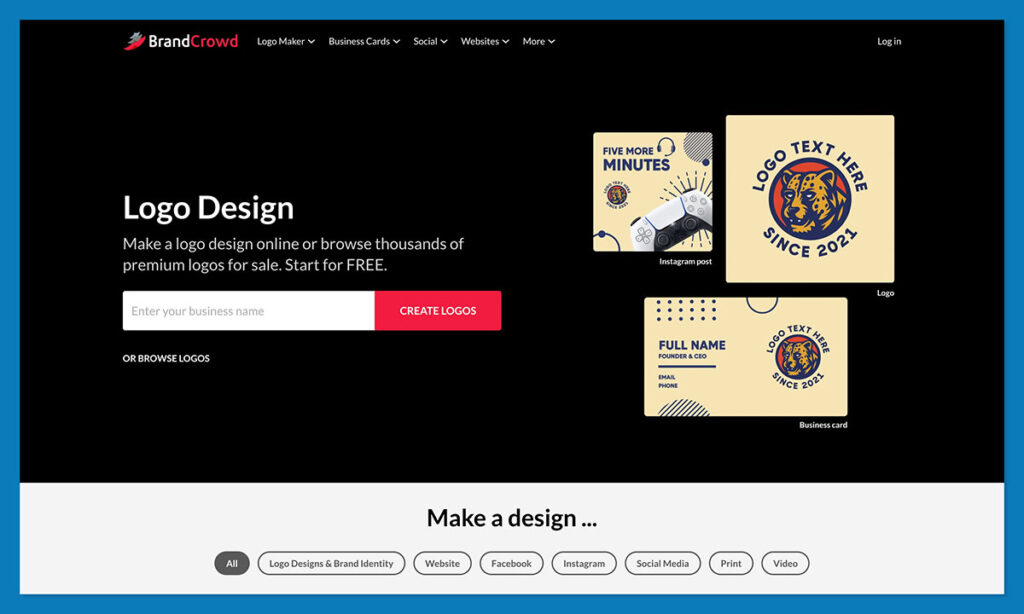
BrandCrowd is a logo maker that evolves into a branding system if you keep clicking.
You come in for the logo, typically. BrandCrowd leans hard on the size of its library (384,000+ logo designs, by their own count), and honestly, that is impressive. You’re not staring at a handful of recycled marks hoping one magically works. You scroll, you filter, you tweak, and pretty quickly you’ve got something that looks decent.
Where it feels more valuable is in the extra stuff around the logo, like business cards, social posts, flyers, even website options. You’re not getting the same results here that you’d get if you passed the whole “brand kit design” process to a professional team, but that’s true of anything, even Canva.
What you do get is a system that works pretty well for:
- Founders launching quickly who need to look legitimate before they feel legitimate
- Ecommerce teams juggling ads, socials, emails, packaging inserts, and landing pages
- Side hustles and local businesses that want to stop looking homemade
What BrandCrowd does well
- Sheer volume of starting points: with 384,000+ logos, and countless other templates.
- Way more than “just logos”: Business cards, social posts, flyers, postcards, presentations, videos, animations, QR codes and more.
- Consistency without discipline: You don’t need to be good at design systems. Once your colors and fonts are set, most tools reuse them automatically.
- Speed to something usable: The “create in 2 minutes” claims are marketing, but getting to a credible first version really is quick.
- Editor doesn’t punish beginners: Defaults are sensible. Alignment doesn’t explode. You can mess around without breaking everything.
Where it falls down
- Templates can feel familiar: If you don’t push past the first few options, there’s a real risk your logo looks like someone else’s.
- Website builder is shallow: Fine for a brand presence or landing page. Not built for selling products, managing inventory, or doing anything remotely complex.
- You’ll hit the paywall quickly: Browsing and editing are free, but downloads, vectors, and serious usage funnel you into a subscription pretty fast.
- Not made for teams: No real collaboration, approvals, or version control. It’s very much a solo operator tool.
BrandCrowd Review: My Hands-On Experience
I won’t lie and say I’ve made one of every asset BrandCrowd has to offer (that would have taken forever), but I used it enough to get a good sense of what’s probably going to matter to most people giving it a fair assessment. So, let’s get detailed.
The Logo Maker
The logo maker is the main thing that attracts anyone to BrandCrowd, so if that part’s useless, nothing else matters. Fortunately, it’s not. I already mentioned you get over 384,000 designs and templates, with options for every industry. The good part is that you can type the name of your business into the system, and it automatically suggests ideas that might work.
Then, you can filter by logo style, color, and extra keywords.
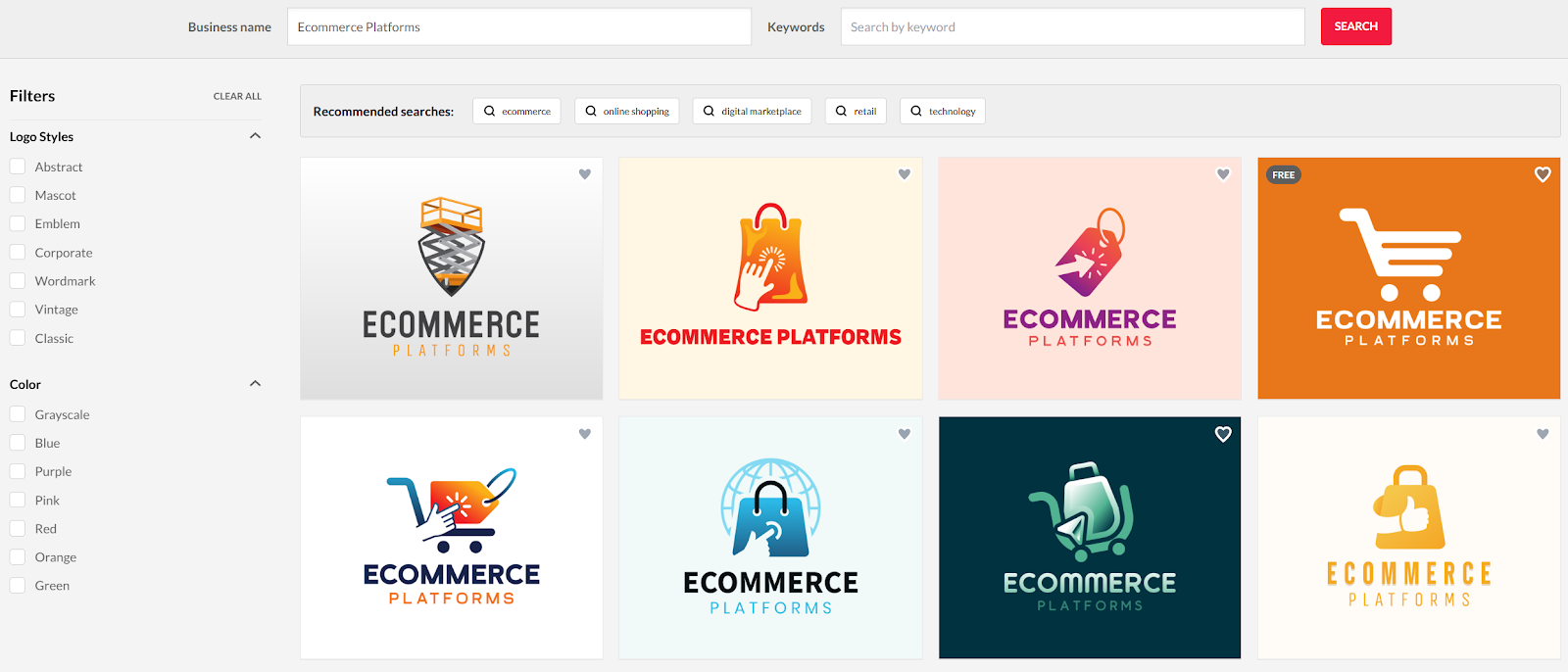
That really just saves you a lot of time scrolling.
Once you pick something you like, you log in, and head to the editor, where you can flip images, add layers, change colors, introduce new shapes, and more. You can even tweak the text, introduce new shapes, animate your logo, or ask AI to do something fun with it.
I spent a little time using the AI tool, and I can say it was straightforward, but not perfect, I had to tweak my prompts a lot to get something I felt happy with.
Still, overall, everything about this part of BrandCrowd works.
There’s real range across industries for templates, even if icons and layouts are reused a bit, the AI doesn’t slow you down (too much), and the editor isn’t asking for any real design knowledge.
The biggest problem teams will have is that customization isn’t limitless. That’s really to make things simple, but don’t go in expecting Photoshop-level editing.
The Website Builder: What It Really Is
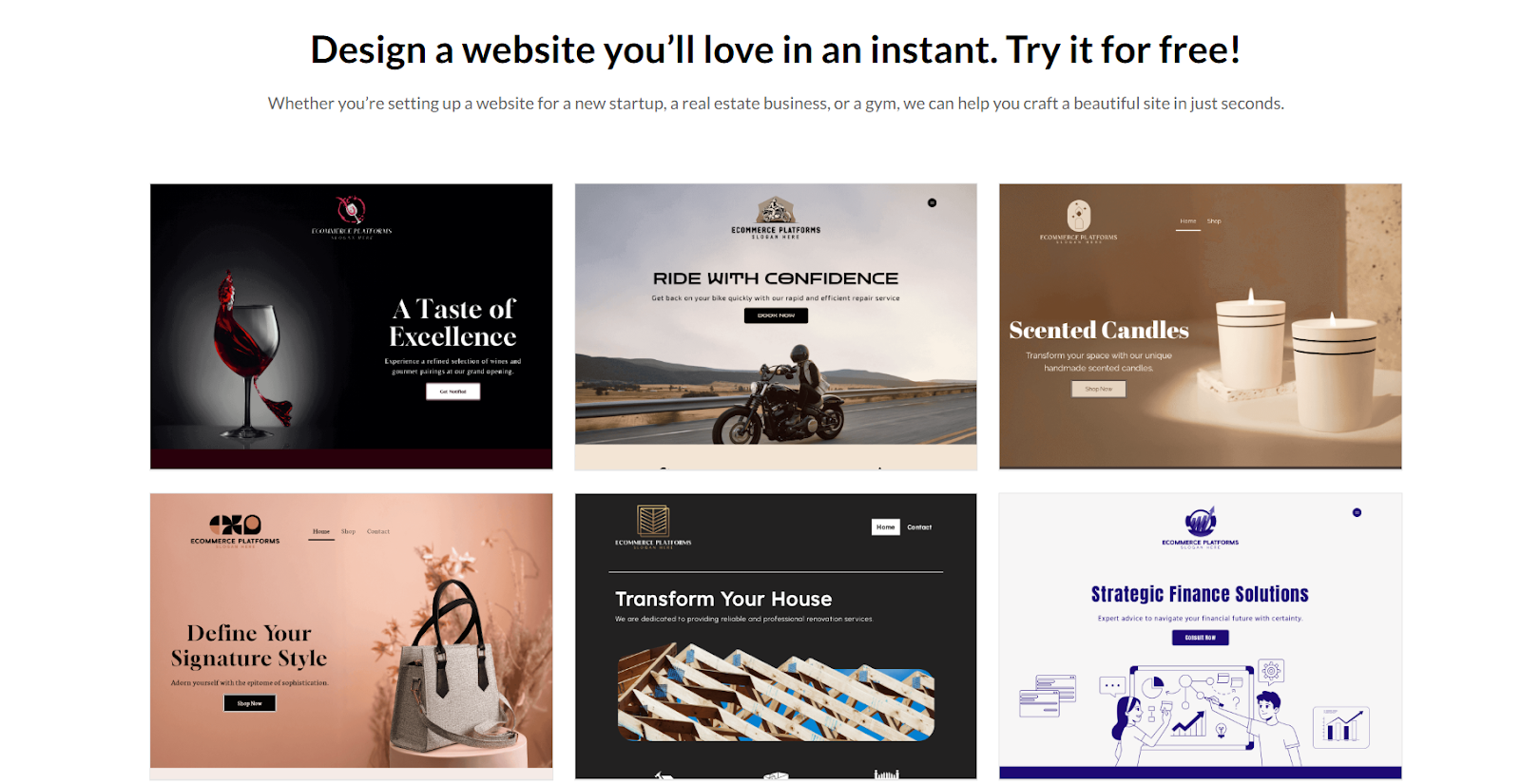
Using the website creator feels just like using the logo maker.
You can pick a design and then “effortlessly add a custom domain name, contact forms, online payments, and more.”
That “online payments” line is doing a lot of work there, so I’d want to be super careful how we frame it in this review because payments doesn’t equal full ecommerce.
It can mean anything from embedded payment buttons to basic checkout tooling. The important part is: BrandCrowd is positioning this as a lightweight small-business site builder, not a store platform.
You can definitely build a website fast here, without any technical knowledge, and you can “add” all the extra things you need. It’s just that most features don’t come built-in.
What you ultimately get is a basic one-page website. If you’re expecting Shopify-level ecommerce, this isn’t that. I’d still probably recommend it though, to founders who just want a place to point their domain, their socials, and QR codes.
BrandCrowd Review: Social Media Assets
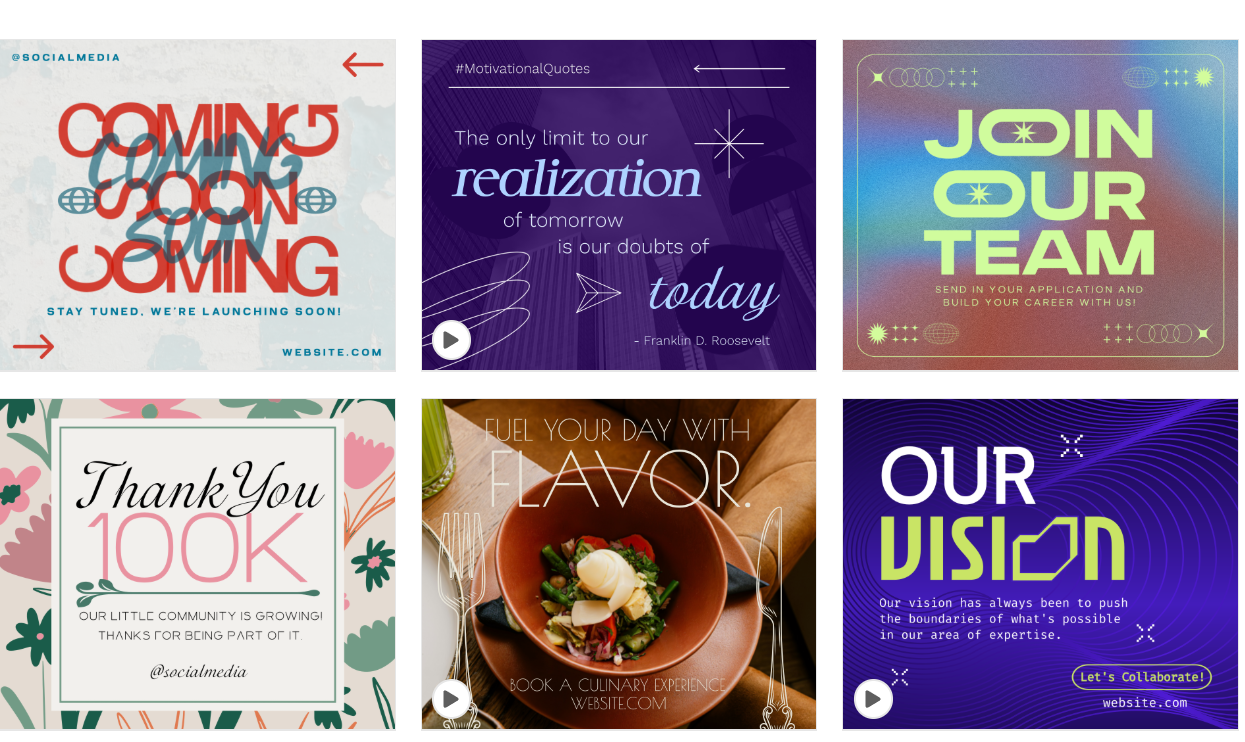
Social media assets are a bit “hidden away” on BrandCrowd’s website. That strikes me as odd, because there’s actually quite a lot of depth there. You can create posts, stories, covers, ads, profile pictures, banners, and events for all of the major platforms:
- Snapchat
- TikTok
- Tumblr
- Twitch
- YouTube
Even of a few of the not-so-usual options are there, like WhatsApp, Zoom, and Tumblr.
The variety isn’t the biggest selling point though. Most logo makers bolt on social templates as an afterthought. Like, “here’s a square image, go post it somewhere.” BrandCrowd’s stuff is more deliberate than that. It lets you automatically reuse all the assets you’ve already built across channels.

That’s fantastic if you don’t want to end up looking like a different company across channels.
The thing I like about this part of BrandCrowd is also the thing that can bite you: because it makes it easy to stay consistent, it also makes it easy to stay consistently bland.
The templates are a strong starting point, but you still need taste. Or at least a willingness to tweak fonts and spacing until it doesn’t scream “template.”
Business Cards: Still Worth Reviewing
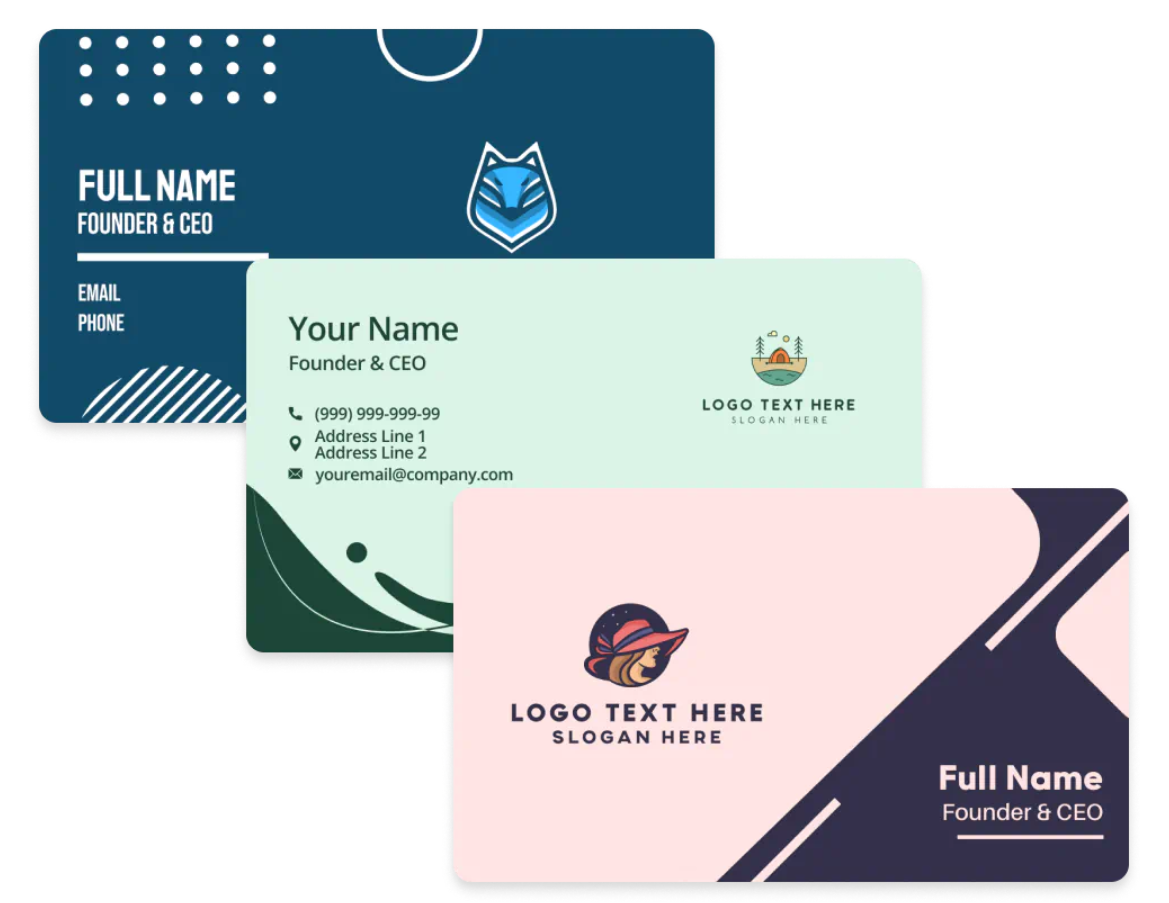
I didn’t go into BrandCrowd excited about business cards. I’d be surprised if anyone does. You only think about them when you suddenly need them and realise you don’t have anything you’d feel okay handing to another human.
BrandCrowd clearly knows this. Business cards aren’t hidden away as some minor feature. They’re treated as a main use case. The site leans on the number: 20,000+ business card designs, and keeps repeating that they’re created by professional designers.
The bigger deal, at least for me, is the files. BrandCrowd is very explicit about offering high-resolution downloads and vector formats (SVG, EPS, PDF) for business cards. That’s the line between “this looks okay on my laptop” and “a printer won’t email me back asking what on earth I’ve sent them.”
That’s where most DIY tools fall apart.
What I paid attention to wasn’t how pretty the cards were. It was whether they survived normal, annoying, real-world use.
Long names. Awkward job titles. Email addresses that don’t politely fit on one line. A phone number that pushes everything just slightly out of alignment.
Most of the layouts held together better than I expected. I deliberately messed with text length, resized things, nudged spacing. It didn’t explode. I didn’t have to constantly undo things.
One thing BrandCrowd makes easy, again, is tying business cards into the rest of your brand. Same colors, same fonts, same logo lockup. If you’re already using the platform for social posts or flyers, the card feels like it belongs.
The “Other Assets” Library
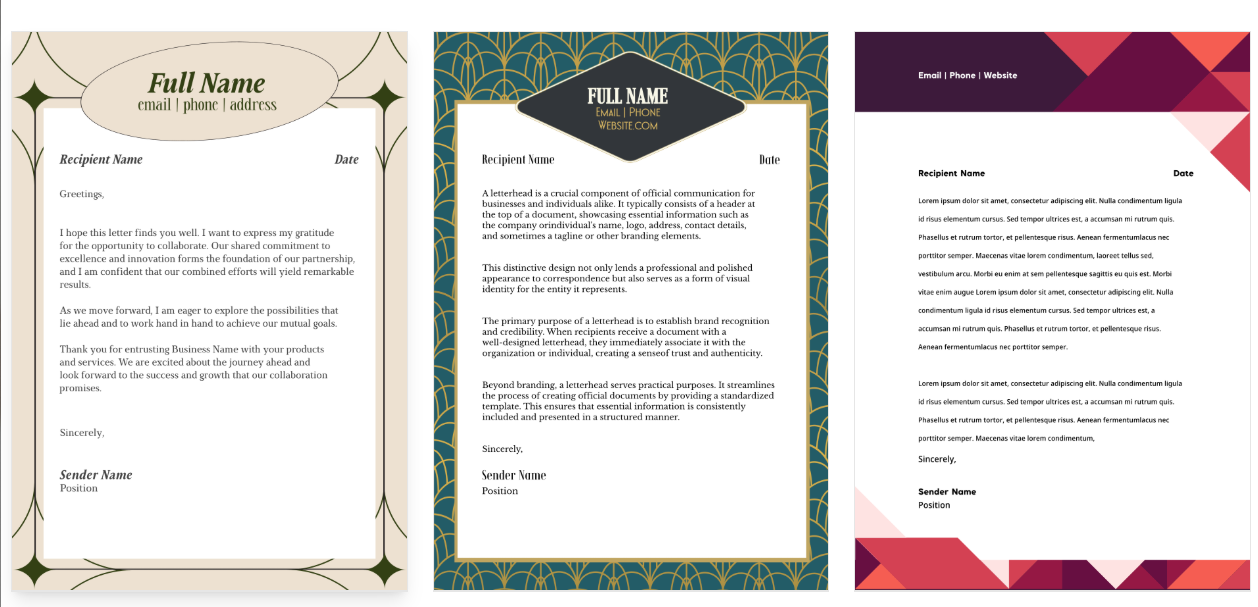
You don’t sign up to BrandCrowd thinking, “I can’t wait to design an invoice” or “Finally, a postcard tool.” You sign up for a logo. Maybe business cards. Then, a few days later, you’re staring at a list of things you suddenly need, and you realise BrandCrowd already has a button for all of them.
The list of extras is huge:
- Letterheads
- Email signatures
- Posters and flyers
- Menus
- Invoices
- Gift certificates
- Postcards
- Invitations
- Thank You Cards
- Videos
- Animations
- Presentations
- QR Codes
There’s also an option for T-shirts, just keep in mind that you’re creating a t-shirt design, not actually producing a product like you would be with a print-on-demand platform.
Once again, all of the assets you’ve already built for your brand carry across to everything you design, so consistency is a standard part of the parcel.
BrandCrowd Review: Pricing & Plans
BrandCrowd is free right up until you try to download something.
You can browse templates, mess with the editor, try out different logos, even build half a brand without paying a cent. The paywall only shows up when you want files you can actually use in the real world. That’s fair, as long as you know what you’re walking into.
Some assets are available to download in certain formats for free, others will cost you.
The slightly frustrating part is that you won’t see what you’re going to pay until you hit “download”. Then the price varies depending on what you’re asking for.
As an example, for a logo:
- Starter: $15 per month
- Value: $24 per month
- Premium: £29 per month
What changes with each package is the number of extra assets you can download alongside your logo. Every package gives you high-res and vector logo files, with unlimited changes. Value just gives you a website too, while Premium gives you a website, link-in-bio and digital business card.
Annual billing usually drops those numbers hard, often framed as something like $5 / $6 / $7 per month when paid upfront, with “save 75%” messaging. That math checks out, but I’d still tell anyone reading this to verify prices at checkout. Promotions change. Regions matter.
Who BrandCrowd Works for, and Who It Doesn’t
I kept asking myself one question while testing BrandCrowd: Who would I recommend this to without adding a long list of caveats?
Because tools like this are rarely “good” or “bad” in isolation. They’re good for a type of person, in a phase, with a certain tolerance for compromise.
BrandCrowd makes sense if…
- You’re launching something and momentum matters more than perfection: If you’re at the “I need to ship this” stage, BrandCrowd is genuinely helpful. You can go from nothing to logo, socials, print bits, and a basic site without context switching or decision fatigue.
- You don’t want to become the design person by accident: Some founders end up spending weeks fiddling with design because no one stops them. BrandCrowd quietly limits how deep you can go, which is sometimes a feature, not a flaw.
- You need lots of assets, not one precious logo: Ads, posts, flyers, inserts, presentations, QR codes; BrandCrowd shines when branding shows up everywhere and you don’t want to reinvent it each time.
- You’re fine starting with a template and pushing it a bit: If you’re willing to swap fonts, adjust spacing, try a few directions instead of grabbing the first option, you can get results that don’t scream “template.”
- You’re a solo operator or small team: No approvals, no handoffs, no politics. Just make the thing and move on.
BrandCrowd probably isn’t for you if…
- Originality is the product: If your brand lives or dies on being visually distinctive (fashion labels, design-led DTC, anything where sameness is a liability) you’ll outgrow this platform quickly.
- You want full control over every pixel: There’s a ceiling here. You’ll hit it. And when you do, you’ll start wishing for Illustrator or a designer who actually enjoys kerning.
- You need real collaboration or brand governance: No version history. No approvals. No “this is locked for everyone except design.” If you’re working across a team, that matters.
- You expect the website builder to replace your store: It won’t. It’s a presence, not a platform. Treating it like Shopify is a fast path to disappointment.
Is BrandCrowd worth paying for?
This is a tool built for people who want to stop thinking about branding and get back to building.
If you judge BrandCrowd on advanced features alone, it’ll disappoint you. The templates are real, the patterns repeat, and there’s a ceiling you can feel once you start pushing.
But if you judge it on what it actually promises: speed, consistency, and coverage, it does a lot right.
The logo maker gives you enough volume (384,000+ designs) that you’re not trapped in bad ideas. The editor doesn’t fight you. The social, print, and digital assets reuse your brand setup without asking you to babysit every detail. Business cards export in formats a printer won’t reject. The website builder does exactly what it says on the tin: gives you a clean place to exist online.
Would I use it forever? No. Would I recommend it to someone launching, testing, or juggling a dozen things at once? Absolutely.


Comments 0 Responses