

Every growing business hits a point when the sticky notes and shared spreadsheets stop keeping up. Leads slip through, the same customers get three emails from three different people, and someone says: “Maybe it’s time we picked a proper CRM.”
Most start with two names: HubSpot and Salesforce.
Quick Verdict
HubSpot has built its reputation on being friendly, fast, and genuinely unified. You get a single dashboard where marketing, sales, and service finally talk to each other.
Salesforce, on the other hand, is the bulldozer. Enterprise through and through. You can bend it to do almost anything, but you’ll need the time (and often the admin budget) to get there.
By 2032, analysts expect the CRM market to push past $262 billion. That kind of growth shows choosing the right system is more important than ever. So here, I’ll be putting years of reviewing skills into action, to help guide you towards the best choice.
HubSpot vs Salesforce: Quick Comparison Table
| Feature | HubSpot CRM | Salesforce CRM |
| Ease of Setup | Ready in under a day. The setup wizard does most of the heavy lifting. | Usually needs an admin or consultant to get it right. |
| Interface | Clean, modern, and forgiving. | Dense but powerful |
| Marketing Tools | Built-in: email, ads, SEO, social, automations – all in one. | Add-on only via Marketing Cloud (extra license). |
| Automation & AI | Breeze AI and new multi-agent workflows built in. | Einstein + Agentforce 360 – deeply customizable AI. |
| Customization | No-code or light-code tweaks anyone can handle. | Apex, Flow, and Code Builder – limitless but complex. |
| Integrations | ~2 K curated apps in the HubSpot Marketplace. | 7 K + on AppExchange; more breadth, more management. |
| Reporting | Visual, instant dashboards. | Enterprise-grade analytics via Tableau. |
| Pricing | Starts free; modular upgrades. | Add-on model; +6 % list-price rise announced for 2025. |
| Best For | SMBs, marketers, and growth-driven teams. | Large enterprises and data-heavy operations. |
If you just need a CRM that works out of the box, HubSpot wins the first impression. If you want to build something unique from the ground up, Salesforce’s flexibility still reigns, provided you’ve got someone to configure it.
HubSpot CRM in 2025: The Unified Growth Platform
HubSpot’s edge has always been how cohesive it feels. You don’t log into separate products; you move between tabs in one workspace. There’s plenty of scope, with hubs like:
- Marketing Hub: Email automation, SEO tools, ad tracking, and lead scoring built right in.
- Sales Hub: Drag-and-drop pipelines, quotes, and payments handled inside one screen.
- Service Hub: Shared inbox, ticketing, and automated follow-ups.
- Content Hub: SEO-ready sites and content tools that sync with your contact data
- Commerce Hub: Recurring billing and online payments tied directly to deals
The latest INBOUND updates also made HubSpot’s AI far more hands-on. Breeze AI and Breeze Agents now handle multi-agent workflows, voice commands, and instant lead qualification. The re-engineered Data Hub (formerly Ops Hub) also includes a spreadsheet-like Data Studio, AI-based duplicate detection, and automatic enrichment.
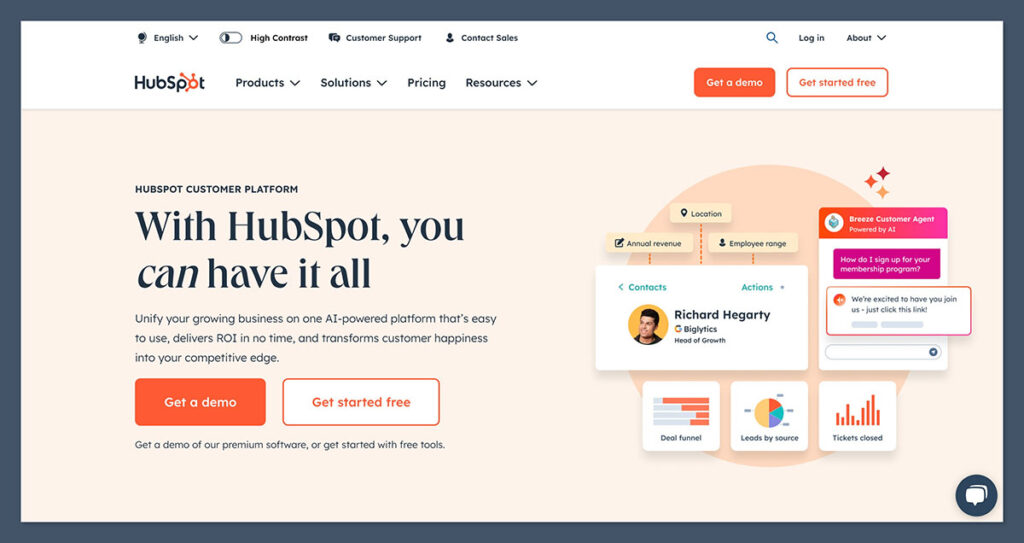
In plain terms: your CRM now cleans itself, learns from patterns, and saves you a lot more effort. Look at Reed UK, one of the top recruitment firms.
Once they pulled their marketing and sales data into HubSpot, results followed fast. They brought in over thirteen thousand qualified leads in a single year, converted roughly a quarter of them, and cut campaign setup time by around ninety-six percent.
Salesforce CRM in 2025: Enterprise Power and AI Scale
If HubSpot feels like a single, well-lit room, Salesforce is more like an entire office building.
Every floor has its own system, its own switches, its own maintenance manual. That scale is exactly what makes it brilliant, and sometimes exhausting.
Salesforce still leads the enterprise pack for sheer depth. You’ve got the Sales Cloud, Service Cloud, Marketing Cloud, Commerce Cloud, and now an expanding set of Industry Clouds for finance, healthcare, manufacturing, and retail. Each one plugs into the same foundation, but you decide how far you want to wire it.
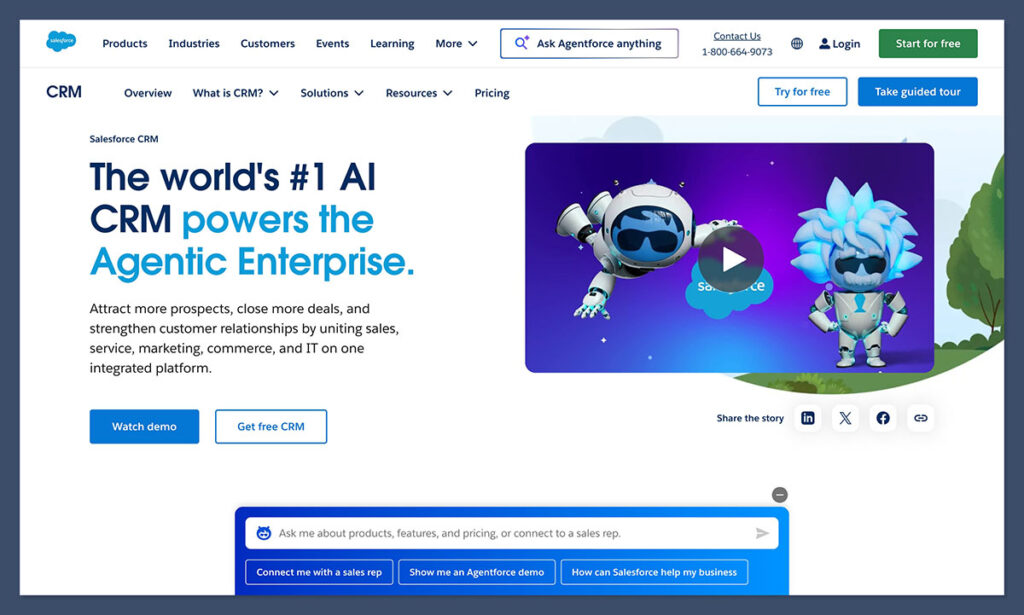
Behind everything is the Data Cloud, Salesforce’s customer data platform. It unifies customer activity across every touchpoint into a single profile that updates in real time. It’s the piece large companies use when they say they want a “360-degree view”.
Add to that the built-in Slack and Tableau integrations: collaboration and analytics without leaving the CRM. It’s easy to see why Salesforce remains the default for organizations managing thousands of users and terabytes of data.
On top of that, like HubSpot, Salesforce is diving deep into AI, with Agentforce – multimodal AI agents that can read emails, generate reports, and even interact with customers through natural-language prompts. They’re powered by OpenAI’s GPT-5 and Anthropic’s Claude, meaning responses sound less robotic and workflows adapt on the fly
There’s no denying the power here, but it comes with upkeep. Salesforce usually needs an administrator or a partner to configure automations, dashboards, and permissions. Once it’s running, though, it scales indefinitely. That’s why you’ll find it in global enterprises that can afford dedicated ops teams.
HubSpot vs Salesforce: Deep Dive
I’ve already looked at what each platform promises and how they’ve positioned themselves in the CRM space. But software isn’t won in marketing slides. It wins or loses in the details: the daily workflow, the onboarding pain, the way data moves between systems. That’s where we start seeing the real gap. So, let’s put them side by side.
Ease of Setup & Onboarding
If the CRM doesn’t get out of your way quickly, you’ll never fully commit. Features don’t matter if your team never uses them.
With HubSpot, the first hours after signup are surprisingly smooth. The system walks you through importing contacts, connecting email, and setting up your first pipeline. It gives you starter templates and sensible defaults. That’s intentional. In practice, small teams report being “CRM-live” within a day or two.

HubSpot’s setup guardrails reduce decision fatigue. You won’t need to abstract architecture meetings before sending your first automated email.
With Salesforce, you’re working with raw building blocks. The flexibility is remarkable, and you can assemble any workflow, object model, or data relation, but it requires design work. Most teams need a certified admin or a consultant for configuration. Out-of-the-box, you’ll land in setup mode for days, maybe weeks.

Before sending your first email, you’ll define objects, permission sets, field dependencies, validation rules, flows, and more. If you’ve worked with Salesforce before, that’s expected. But for teams without admins, that initial friction slows adoption.
The trade-off is longevity: once configured, the same architecture can support huge scale, multiple divisions, and complex data relationships that newer platforms struggle to maintain.
Marketing Automation & Content Tools
Marketing is where HubSpot originally made its name, and it still leads, especially for teams that want things working immediately.
HubSpot gives you unified marketing tools: email campaigns, ad tracking, landing pages, forms, social scheduling, and lead scoring under the same roof. Everything’s already wired to your CRM.
In recent updates, HubSpot strengthened that linkage. Their ContentS Hub now lets you deliver personalized content using CRM data. So, for example, a returning customer can see a different banner than a first-time visitor. Plus, you’ve got plenty of AI tools to make creating content and publishing it a lot simpler.
In Salesforce, marketing runs through Marketing Cloud. That’s a separate tool, which means another license, a different setup, and a bridge to the main CRM.

You can build great customer journeys and smart branching campaigns, but it takes time. Most teams need help from someone technical. The benefit is control. Once it’s working, it’s powerful and detailed.
Sales Management & Reporting
Sales is where most CRMs live or die. It’s the daily heartbeat of calls, follow-ups, deals, and dashboards. And here, HubSpot and Salesforce share the same mission but travel very different roads.
HubSpot’s Sales Hub is one of the cleanest, most intuitive pipelines on the market. You can drag deals between stages, automate follow-ups, and trigger workflows directly from pipeline actions. It’s the kind of setup where sales teams actually want to use the CRM.
In 2025, HubSpot added Smart Insights, a built-in AI tool that analyzes deal patterns, identifies which reps are most likely to close, and flags stalled opportunities. It’s powered by the same architecture that runs their Breeze AI system, meaning it just learns from your data.
What stands out most, for me, is HubSpot’s transparency. Reports and dashboards are visual and real-time. You can connect data from marketing, customer service, and even payment systems without an analyst’s help. It’s what gives mid-sized teams an edge: insight without dependency.
Salesforce’s Sales Cloud is still a giant when it comes to managing pipelines. It tracks territories, forecasts, and quotas down to the smallest detail. You can slice your data a hundred different ways. For global teams handling thousands of deals, it’s still the system everyone else measures against.
But you do need to handle the complexity. To make reporting truly useful, someone needs to build the dashboards. Out of the box, you’ll get the basics, but the gold-standard analytics come through Tableau integration, which can visualize cross-cloud data at massive scale.
AI & Automation: Breeze vs. Agentforce
In 2025, both companies doubled down on AI. No surprise there.
HubSpot’s new Breeze AI system introduced Breeze Agents, modular assistants that can handle tasks like lead scoring, workflow creation, and follow-up messaging without custom code. What makes it impressive isn’t just capability, but accessibility: it’s embedded everywhere.

You can ask Breeze to “summarize last week’s deals by source” or “draft a re-engagement email for inactive contacts” and it simply does it.
It’s fast, contextual, and requires no setup, so it’s clearly designed for small teams that don’t have a data science budget. Plus, with HubSpot’s Data Hub, those insights are grounded in clean, unified data, something smaller CRMs have historically struggled to maintain.
Salesforce’s answer to AI is Agentforce, a full-scale AI platform launched in late 2025. It builds on Einstein GPT, but pushes further by introducing autonomous agents that can generate reports, summarize calls, analyze deal risk, and even respond to customer emails.
Real deployments are already public: Reddit uses Agentforce to route inbound leads and pre-fill CRM fields automatically. OpenTable built an internal Agentforce bot to qualify enterprise restaurant partners, trimming manual data entry by over 40%. It’s powerful, but again, far more complex. HubSpot’s AI saves you time. Salesforce’s AI builds new workflows altogether, provided you can afford to train and manage it.
Integrations & Ecosystem
CRMs now usually sit in the middle of a dozen other tools, like email systems, ad platforms, accounting apps, analytics dashboards. The real test is how easily those connections actually work.
HubSpot’s App Marketplace offers roughly 2,000 curated integrations, from Shopify and Zapier to QuickBooks and Google Ads. What’s different about HubSpot’s ecosystem is curation, integrations go through tighter quality control, so fewer break with updates.
The API-first design means if you want to build your own link you can do it with straightforward REST endpoints. Plus, because the CRM, CMS, and marketing tools share the same database, data sync is immediate.
Salesforce’s AppExchange is enormous. It’s packed with thousands of add-ons, from Slack and MuleSoft integrations to tools for specific industries. You can lose an hour just scrolling through it. If there’s something you want your CRM to do, there’s probably already an app waiting.
Customization & Scalability
The real gap between HubSpot and Salesforce often comes down to how far you can bend each system. HubSpot’s changed a lot. Its Enterprise plan now lets you add custom objects, build internal apps, and test changes safely in a sandbox. You can shape workflows, create new deal types, and still keep everything connected under one shared database. It’s flexible but never feels too technical.
Salesforce goes further. You can rebuild the engine if you want, but it usually needs a team to manage that power. Every customization adds dependencies, which means maintenance. Many organizations end up with what admins jokingly call “org debt”: legacy automations that nobody wants to touch for fear of breaking something else.
HubSpot vs Salesforce: Pricing & Total Cost of Ownership
Both platforms can be affordable, or expensive, depending on how you scale and what you add on. But their pricing philosophies couldn’t be further apart.
HubSpot’s pricing still starts with a genuinely free CRM with up to 2 users, contact management, email tracking, and live chat. From there, you stack paid Hubs as you grow: Marketing, Sales, Service, Content, Commerce, and Data. Each can be used independently or bundled.

The key difference? Transparency. HubSpot’s pricing is public, with tiered options (Starter, Professional, Enterprise), and add-ons are clear upfront. That structure means smaller teams can start free, scale predictably, and avoid the budget surprises that often follow Salesforce implementations.
Salesforce’s model revolves around user licenses, with each cloud (Sales, Service, Marketing) priced separately. That means you pay per user and per product. Add Einstein AI, Marketing Cloud, or Tableau analytics, and costs climb quickly.
Also, in August 2025, Salesforce introduced a 6% list-price increase across Enterprise and Unlimited editions, its first major hike in seven years, citing rising AI development costs. For enterprise clients already deep into multi-cloud setups, Salesforce’s cost often justifies itself: the system can replace half a dozen standalone platforms if fully leveraged. But for smaller organizations, the “minimum viable Salesforce” can quickly exceed budget.
HubSpot vs Salesforce Which CRM Should You Choose?
Both HubSpot and Salesforce are remarkably capable systems.
But HubSpot wants to make marketing, sales, and customer operations work together in a single, cohesive platform. Salesforce wants to make everything possible, provided you’ve got the resources to configure it.
If you need results right away, HubSpot’s the easier win. It’s clear, fast, and ready from day one. You can start free, scale naturally, and grow into automation as you go. Salesforce is the heavyweight choice for complex setups. When your company spans countries or industries, it handles the hard stuff better than anyone else.
Salesforce remains the undisputed enterprise leader, and for good reason. If your organization runs multiple brands, regions, or compliance frameworks, no one handles data complexity better.
The trade-off is predictability. Salesforce is powerful but demanding. You’ll likely need admin support, budget for customization, and patience during rollout. But when it’s live, it’s unmatched in flexibility and visibility.
So the final call comes down to culture, not features. Do you want a CRM your entire team will use instinctively? Or one that can run your global operation, even if it takes a village to maintain?
For most growing businesses, HubSpot will be the ideal CRM: powerful, unified, and easy to love. You can start free, test AI features in minutes, and grow without outgrowing the platform.
FAQs
What is HubSpot CRM best for?
Running everything in one place. Sales, marketing, service: it’s built for that. HubSpot’s quick to start, easy to learn, and doesn’t need a full-time admin.
How does HubSpot’s AI compare to Salesforce’s?
HubSpot’s Breeze AI helps smaller teams move faster. Salesforce’s Agentforce runs deeper, built for enterprise setups. One’s instant and light; the other’s complex but powerful.
Is HubSpot really free?
Yes. The base CRM stays free forever. You can track contacts, send emails, and view reports without paying. Upgrades just add depth.
Can I use HubSpot and Salesforce together?
Sure. Many do. HubSpot handles marketing, Salesforce runs sales. They sync through Zapier or HubSpot’s connector, just watch your field mapping.
When should I upgrade HubSpot?
When reporting starts to feel tight. If you’re exporting data to Excel or juggling too many lists, step up to the next tier.
Which CRM fits AI-driven growth better?
Depends on scale. Salesforce automates whole departments. HubSpot builds smart tools for daily use. Most teams see faster wins with HubSpot’s simpler AI.
What’s the biggest mistake when choosing a CRM?
Choosing the famous name, not the right fit. Salesforce is brilliant if you can support it. HubSpot just works if you need results now.


Comments 0 Responses