

Are you a freelancer wanting to advertise your expertise and earn more money? Or, are you a business owner looking for new freelance talent?
Well, you’ve both come to the right place; because below, we’re listing ten of the best freelance platforms to help get you connected.
There’s lots to cover, so let’s hop straight to it!
What are the Best Freelance Companies?
MarketerHire

MarketerHire is a solid choice for anyone wishing to hire a professional and experienced marketer. It’s equally a great option for expert marketers looking for new clients.
MarketerHire connects businesses with freelancers with the exact skills and experience to meet their bespoke needs. Best of all, when a company submits their project application, they’ll be paired with a freelancer in no less than 48-hours. But, not only does MarketerHire massively streamline the hiring process, they only work with the highest quality marketers.
Each digital marketing professional is put through an extensive vetting process to ensure they boast the necessary experience, expertise, and skills to qualify as a member of the MarketerHire community. This process also digs into client reviews, work samples, and field knowledge. In addition, video interviews are also conducted to evaluate the candidate’s professionalism, critical thinking, and communication skills. This is a rigorous process – to say the least! So, rest assured, you, as a business owner, can be confident you have access to some of the highest quality talent.
The advantage for freelancers is that while they may go through what seems like a laborious screening process, they’re in good company. MarketerHire focuses on connecting professional marketers with first-rate businesses, so, in that sense, it’s less of a crowded marketplace, and you get access to a much higher quality of clientele.
Pricing
MarketerHire requests a soft sign-up fee of $1,500 per calendar month from businesses looking to hire a marketing professional to ensure fair pay for all freelancers. This cost also covers your recruitment and termination fees.
On top of that, the pricing of each marketer varies as they set their own rates. However, business owners should generally look to budget around $80-$160 an hour. I.e., a fair wage in return for exceptionally professional marketing advice and services.
MarketerHire Pros:
- MarketerHire adopts a heavy vetting process, with only 5% of the top marketing talent making it onto their books – this ensures clients get access to high-quality talent, and freelancers reap the benefits and the prestige of belonging to such an elite platform.
- Business owners can terminate their contract if the marketer they’re paired with isn’t a good fit and re-match with a new professional
- Clients benefit from expert matching within 48 hours from application
- Clients enjoy excellent and continuous customer service, including regular check-ups to ensure quality control
- MarketerHire works with top Fortune 500 companies, including eBay, Netflix, Forbes, and many more!
MarketerHire Cons:
- There’s a soft commitment fee of $1,500, making it an unaffordable option for those looking to fund smaller projects.
- Most of MarketerHire’s marketers are USA-based, so if you’re based elsewhere, this might not be the best platform for you.
- MarketerHire doesn’t offer an in-built messaging system
Who’s MarketerHire Best for?
MarketerHire is ideal for professional freelance marketers wishing to commit to lengthy projects. Data-driven testing, dominating existing channels, copywriting, and analysis are just a few of the many examples of the kind of freelance work up for grabs on this platform.
Unfortunately, due to the high startup fee, MarketerHire isn’t suited for small companies with tighter budgets or clients hiring marketers for small projects. Instead, MarketerHire is better suited to larger businesses with deeper pockets looking to recruit exceptional marketing talent for longer, more complex projects.
Further reading 📚
Toptal

According to Toptal, they aim to: “connect the world’s top talents with the world’s top organizations.”
Initially specializing in tech, Toptal has since expanded to offer software engineers and designers to empower businesses to hire entire teams with diverse skillsets.
Freelancers who apply to become Toptal professionals are put through an intense screening process, where you’re evaluated to get a sense of your: ethical values, education, communication, professionalism, proficiency in the English language, teamwork, and field-based knowledge. Those that meet the criteria join a pool of the top 3% of talent.
Pricing
Toptal doesn’t take a percentage cut from freelancers. Instead, freelancers set their rate, and that’s the amount they’re paid.
Toptal charges clients an initial deposit of $500 per freelancer hired, plus their hourly fee to ensure fair pay.
However, there’s a two-week trial period at the beginning of each Toptal contract to ensure the pro meets your exact needs. In the rare case that it doesn’t work out between you and your freelancer, Toptal offers a free termination fee. You also won’t be charged for the work completed during the trial. Whatsmore, any work completed within this timeframe remains the property of your company.
Toptal’s Pros:
- Toptal’s extensive vetting process ensures only the top 3% of freelancers make it onto their books. So like MarketerHire, clients can rest easy knowing they have access to the highest quality talent, and freelancers enjoy the benefits that come with working with such a prestigious platform.
- Clients can hire expertise on an hourly, full-time, or part-time basis
- Clients are connected to a Toptal expert in your industry who understands your specific project goals, team dynamics, and technical needs. As such, you’ll enjoy a highly bespoke recruitment experience.
- Toptal has worked with the following heavy hitters: Airbnb, Duolingo, Gucci, and Hewlett Packard Enterprise.
- Toptal provides access to free online and web-based tools for developers and designers. For instance, Gitignore text files, a sorting algorithms animated guide, and a data set sorting tool. That’s as well as a web developer checklist that provides a series of essential steps you need to undertake before launching a website.
Toptal’s Cons:
- Toptal asks that clients deposit an initial $500 per contract, which goes towards paying the freelancer. For smaller businesses, this might be way out of their price range.
- Freelancers can set their own hourly rates. However, Toptal states this has to reflect not only the skillset and experience but also market demand. While this is entirely logical, if a super-experienced freelancer is working in a saturated marketplace, it may be the case that they’re forced to work at lower rates because clients know they can pick and choose.
- There’s no option to pay less to hire marketers for smaller, more straightforward projects.
Who’s Toptal Best for?
Toptal is best for highly experienced freelancers looking to work on longer projects for first-rate clientele. It’s also an excellent option for freelancers looking for a platform to handle their marketing and sales needs.
On the flip side of the coin, Toptal is best for recruiters wishing to outsource the freelance vetting and recruitment process. It’s also better suited to larger companies with bigger budgets looking to hire professionals to work on longer, more complex projects.
Further reading 📚
Upwork
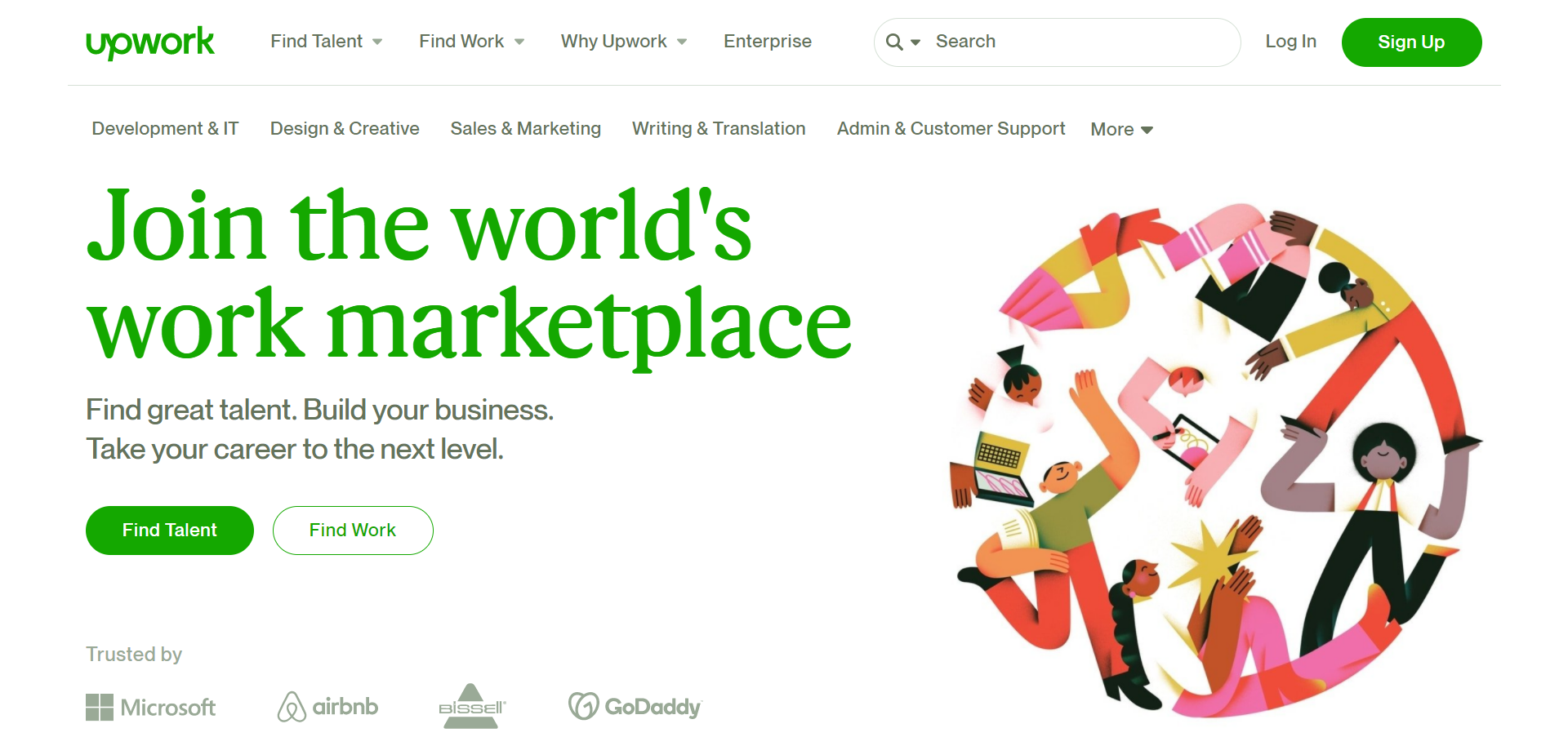
On the client-side of Upwork, a business can source a freelancer(s) for short-term projects, recurring engagements, and longer-term work. With this freelance marketplace, it’s possible to source freelancers from all around the world. Clients just need to post a job listing, and within 24 hours, clients should receive proposals from interested job seekers. From there, the client then picks the freelancer(s) most suited to the project, and work begins!
Unlike the two platforms previously outlined, Upwork enables freelancers to find their own work. This involves building an Upwork profile where potential clients can explore your portfolio, client reviews, and qualifications. Then, if a client’s interested in hiring your services, you may also have to undergo interviews.
On top of this, freelancers can also create jobs and sell them to clients, with some charging up to $250 for a blog post!
This, and submitting bids on projects, empower freelancers to take a more proactive approach rather than just waiting for relevant freelance gigs to be posted. For example, you can market specific projects clients may be interested in – like a block of customized social media posts or a logo design work. These products are then listed in what Upwork calls its Project Catalog™.
To bid on gigs, freelancers can search for projects in their discipline and read through the brief and the client’s requirements. They can then send an offer, including hourly rates or fixed pricing, a cover letter, and attachments – such as work samples. However, it’s common for tons of freelancers to all bid for the same work; as such, freelancers often end up slashing their prices just to secure the project.
Pricing
As a freelancer, Upwork is free to sign up to. However, Upwork takes a percentage of each project the freelancer completes (known as a ‘service fee’). The scope and cost of the job determine the rate Upwork charges. For example, anything $500 or below is capped at 20%, then between $500.01 to $10,000 is 10%, and anything over £10,000.01 is 5%.
However, Upwork’s freelancer fees on ‘featured jobs’ are significantly reduced, especially if the freelancer is ‘Top Rated’ or a ‘Rising Talent.’ This gives freelancers the incentive to work harder and more efficiently for financial gain. For the uninitiated ‘featured jobs’ are projects, clients pay extra to attract more proposals from highly skilled talent.
Freelancers with a Freelancer Basic account get ten free connects each month. You need a ‘connect’ to be able to bid on a project. As such, this severely limits how many projects you can bid on. In contrast, the Freelancer Plus account costs $14.99 per month and provides freelancers with 70 additional connects per month, and if you don’t use all your connects, you can roll them over (up to 200 connects) each month.
For clients, pricing is different. Posting a job is free, and you can either choose to pay a freelancer by their hourly or project rate to complete the project you’ve advertised. Alternatively, you can browse and purchase specific projects/services already listed by a freelancer.
Alternatively, if clients have little or no time to handle the hiring process themselves, they can use the Upwork Talent Scout service. Here an Upwork recruiter does all the recruitment leg work for you.
Upwork charges a 3% processing fee on all project payments. On top of all that, it’s also worth noting; there are two Upwork price plans:
- Basic
- Plus
The Basic Plan is free, while the Plus Plan costs $49.99 a month. On the Basic Plan, clients can only send three invitations to specific freelancers per job post. Whereas on the Plus plan, you unlock 15 invitations. In addition, Plus Plan customers get access to premium customer support and dedicated account management. However, all customers can view verified freelancer profiles, including reviews.
Upwork’s Pros:
- Setting up an Upwork profile is quick and easy
- Upwork provides hacking prevention and high-level encryption
- Freelancers enjoy prompt and reliable payment upon job completion.
- It’s free to sign up.
- Professional progression for freelancers is encouraged through an incentive system called ‘Talent Badges.’ These ‘badges’ earn them higher ratings such as ‘Top Rated’ and ‘Rising Talent.’ Thus, freelancers benefit from more exposure and can up their rates accordingly. In contrast, clients benefit from being able to identify and hire expert talent quicker.
Upwork’s Cons:
- Upwork’s 20% cut is pretty steep – especially if you’re taking on smaller jobs.
- Starting out can be difficult as there’s a tremendous amount of competition.
- Your freelancer rating depends on client feedback and completion rates. If clients vanish from your project, even if it’s not your fault, this might negatively impact your rating.
- Freelancers often have to slash their rates to stay competitive
- Freelancers basic accounts can only bid on ten proposals per month
- There’s no vetting process for the freelancers that sign up to Upwork. As such, clients will have to screen prospective freelancers themselves.
Who’s Upwork Best for?
On the freelance side of things, Upwork is suitable for all abilities. However, the competitiveness of this platform is challenging – to say the least. Upwork literally has millions of registered freelancers on its books, so standing out in such a vast crowd is incredibly tough, causing many new freelancers to accept pitifully low rates.
Alternatively, if you’re looking to hire a freelancer for more complex projects, paying to feature a job on Upwork might be worth your while, as this will secure some of the platform’s best talent. Equally, Upwork is also great for one-off jobs that require quick assistance with a minimal budget.
Further reading 📚
Freelancer.com
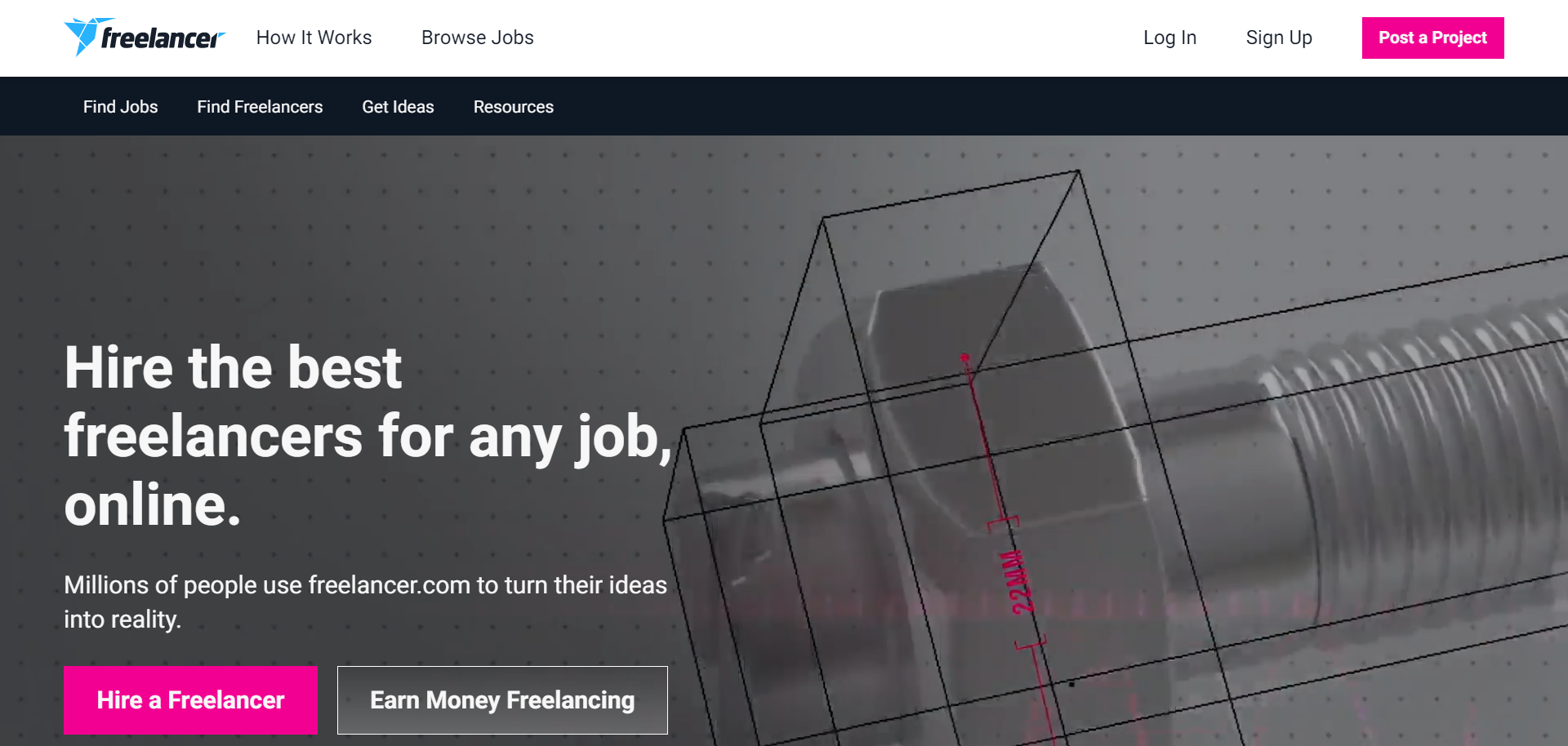
Freelancer.com enables freelancers and businesses to connect to create professional relationships. With experts in over 1,800 skill sets, it’s safe to say that Freelancer.com provides firms with a diverse range of talent.
On Freelancer.com, clients can upload any sized project for a fixed price or hourly pay. Then, freelancers can bid on the project, sometimes within minutes. From there, clients can chat with prospective freelancers in real-time and browse their profiles.
Alternatively, clients can post contests. However, they must provide funds for the prize when they post the competition, which will then be awarded to the winning submission. This is great for design-related projects, especially if you want to get lots of ideas for logos, illustration, posters, etc., from various freelancers. Refunds are available within 30 days if clients are not happy with the submissions they receive.
All projects run via a ‘Milestone Payment System,’ so money is only released when a milestone has been completed to a client’s satisfaction. This means both freelancers and clients know exactly what to expect and when payments will take place. There’s also a mobile app available, so you and your freelancer can stay connected even when you’re on the run.
In contrast, where the freelancer experience is concerned, Freelancer.com is similar to Upwork and other freelance bidding sites, and as such, freelancers face significant competition. However, if freelancers are lucky enough to secure work, they can set up their own milestones for payments and deliverables. This provides clients with a clear idea of what to expect from the collaboration.
Pricing
Freelancer.com is free to sign up, and it doesn’t cost you anything to:
- Post a project
- Receive bids from freelancers
- Review freelancer profiles
- Discuss your project with prospective freelancers to see if they match your criteria
Clients only pay once a project/freelancer is chosen. A fixed-price project incurs a 3% fee or $3, whichever is greater; 3% is also charged for hourly payments. The payment method selected will depend on how negotiations with your freelancer go.
But, suppose, for whatever reason, you wish to cancel the project or are unhappy with the work produced. In that case, you have seven days after the project’s been accepted to file for a refund.
However, there are various perks you can add to your job postings for an extra fee – such as featuring (to get more exposure), private job postings, NDAs, and receiving recommendations from a recruiter. You can browse Freelancer.com’s fees in detail here.
In contrast, where freelancers are concerned, you need to choose a membership plan. Free accounts only entitle you to six project bids per month. Up from that, premium plans range from $4.45 per month (which unlocks 50 bids) to $49.95 per month for 1,500 bids. Plans also come with other perks like highlighted contest entries, a custom cover photo, and more.
On top of that, freelancers face a 10% fee on fixed price projects, or $5 (whichever is greater). You’re also charged 10% on hourly projects, and there’s also a 10% fee charged on the prize money when a freelancer wins a contest. You also have the option of entering the ‘Preferred Freelancer Program,’ which gets you more exposure when you bid on new projects. However, on this scheme, project fees go up to 15%.
Freelancer.com Pros:
- There aren’t any subscription fees.
- It’s easy for clients to peruse freelancer profiles and their previous client reviews
- 80% of jobs receive a bid within a minute of posting.
- Jobs are free to post, and if you don’t find the right freelancer, there are no obligations to go ahead with the project.
- With over 50 million freelancers to choose from, Freelancer.com takes the title for the largest online freelancer community.
- Tools such as time trackers and the mobile app keep you up to date with freelancers and enable access across the globe. So wherever you are, they are there too.
Freelancer.com Cons:
- Freelancers aren’t assessed for their ability, professionalism, or talent, which means clients need to undertake their own vetting process.
- Fake/scam projects posted on Freelancer.com have proved a serious problem
- Internet browser extensions like the Freelancer Auto Bidder are available. These work wonders for automatically bidding on new jobs within the user’s chosen categories, ensuring the freelancer is amongst the quickest to apply.
- Freelancers potentially face monthly membership fees as well as a 10% project fee; as such, it’s often not worth a freelancer’s time to take on smaller jobs.
Who’s Freelancer.com Best for?
Freelancer.com is suitable for clients looking to hire freelancers across all manner of disciplines for big and small projects. It’s also great for clients wanting to host contests and pick ideas from a talented crowd.
In contrast, Freelancer.com might be an excellent solution for freelancers struggling to find their expertise represented elsewhere. With nearly every skill set finding a place on the site, there’s a good chance you can use Freelancer.com in some guise or another. Also, compared to Upwork, Freelancer.com’s membership plans grant freelancers more monthly bids at a more affordable price.
99designs
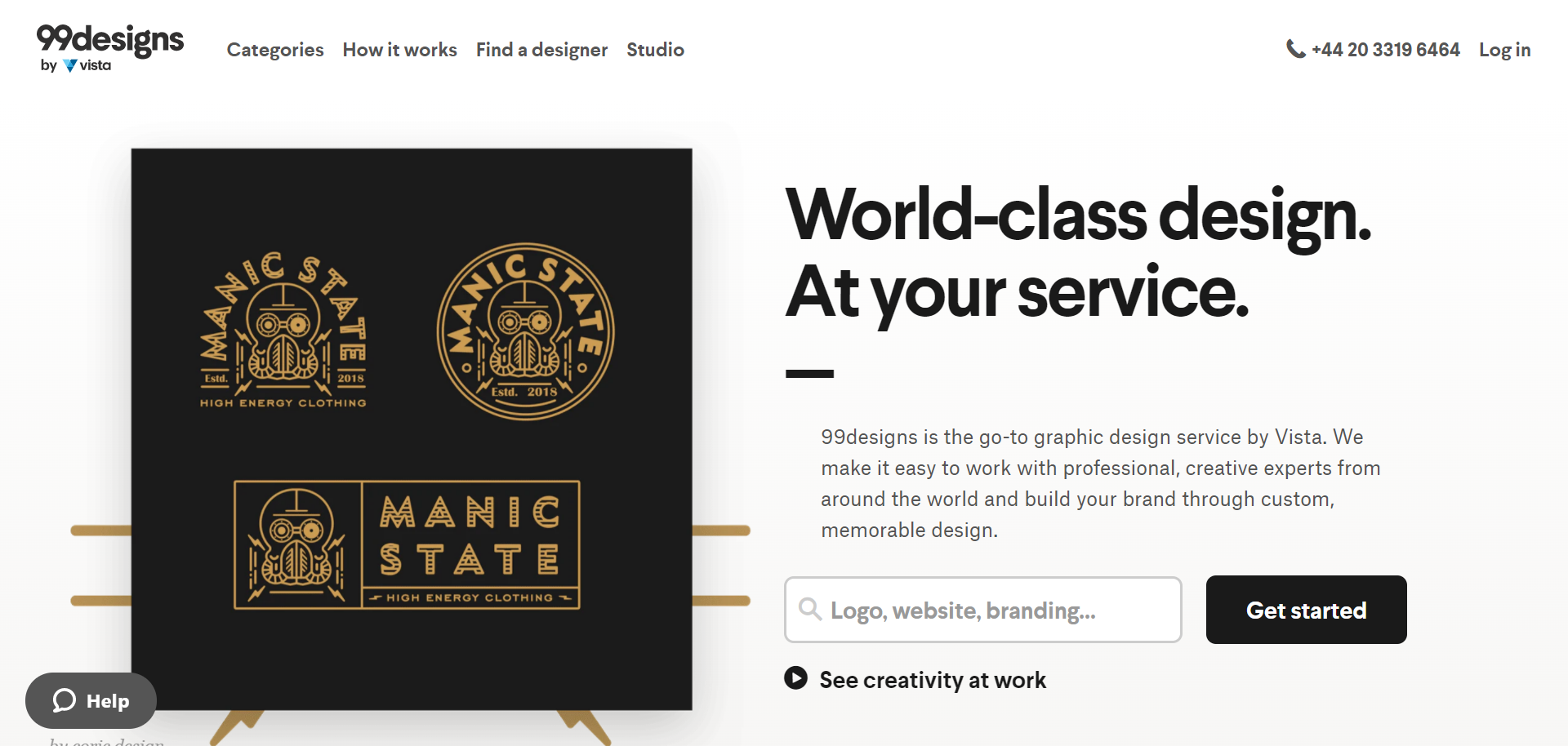
99designs is a graphic design service brought to you by Vista. This platform enables business owners looking for creative professionals from near and far to come together to work on custom-made designs. So whether you need a new logo, illustrations, website, marketing, or branding, 99designs has all the experts you need in one place.
99designs works two ways:
The first option is for freelance designers to work directly with clients on a specific brief.
Alternatively, prospective clients can host a contest where designers compete to win the commission. 99designs primarily works using this structure. Here, clients can post a project or design and, in some cases, literally receive thousands of design ideas to choose from. Of course, your budget will massively impact the number of responses you get from designers.
Pricing
Pricing fluctuates depending on the designer’s fee. However, each design category has a minimum fee to protect freelancers from underselling their work. For example, logo design starts at $239, web page design from $459, and social media pages from $59. However, these prices go up if you choose a package with more perks – for instance, several logo concept variations or access to higher-rated designers.
Freelancers pay a $100 introduction free when they start work with a new client. This fee is spread out over the first $500 charges within the project.
Freelancers also have to pay a fee for every project. This pays for support, secure payments, and the fraud protection 99designs offers. The fee varies depending on what level of designer you are. Top-level designers are charged 5%, mid-level, 10%, and entry-level designers, 15%.

99designs Pros:
- Clients can set their own budget or go with a fixed price package
- The contest format is excellent for clients looking to garner a massive range of designs and access talented artists without trawling through masses of portfolios and profiles.
- Many designers are quick to respond, so there’s a good chance you can start perusing contestant designs as early as 24-48hrs after your contest goes live.
- 99designs offers a 100% money-back guarantee for clients within 60 days of a contest if they aren’t satisfied with the submissions.
- You get access to a secure payment scheme.
99designs Cons:
- There’s a lack of contact with freelancers during design contests, as you can only review their submissions. You can’t request their portfolio or have more detailed conversations with designers, which could be a problem if you’re interested in hiring the winner for another project.
- When a designer loses a contest, they’re essentially working for no pay, and what’s more, they usually can’t sell these designs because they’re often specifically tailored towards the client’s brand.
- Between the $100 introduction fee and up to 15% in platform fees, 99designs is especially expensive for beginners.
Who’s 99designs Best for?
99designs is ideal for clients looking to hire high-quality graphic designers on a specific budget.
However, as 99designs doesn’t offer compensation to the artists who enter and lose competitions, this freelancing platform isn’t always the most lucrative of options. As such, it’s great for artists looking to dabble in graphic design as a hobby or side hustle.
Guru

Guru is another online freelancing platform that aims to connect freelancers with clients within a secure and flexible environment. Thousands of employers and freelancers from across the globe are already registered.
For clients, Guru is simple and easy to use, requiring minimal effort to get started. Just sign up for free, post your job and search for high-quality freelancers to get the job done. Some of the most popular skillsets on this platform include programming and software development, design and art, writing and translation, and administrative work. Clients can also specify their budget in their job ads.
Like many of the platforms we’ve already looked at in this article, freelancers can then send quotes to clients in response to their job ads and negotiate their own pricing.
Pricing
Like many clients .ther freelance platforms on this list, Guru has a pricing scheme for employers and a separate one for freelancers.
Employers are charged 2.9% on every invoice they pay. For this, they can commission unlimited jobs, receive limitless quotes, collaborate in digital workrooms with freelancers, and benefit from secure payment protection through SafePay. Compared to the 5% or even 10% charged by competing platforms like Upwork or Freelancer.com, Guru boasts one of the lowest handling fees in the industry. Not to mention, if you use eCheck or wire transfer your payments, Guru also offers 100% cashback on this 2.9% handling fee.
For freelancers, there are five membership packages with discounts up to 27% when billed annually.
Below, we’ve listed these plans (based on annual billing):
The basic level is free and, as such, has limited features. However, you can still find jobs within your categories and can make 120 bids a year. However, Guru takes 9% of every paid invoice.
For $8.95 a month (billed annually), the Basic+ package increases your bids to 600 a year and includes unlimited Job Q&A (which allows you to ask the employer questions about the job directly). It also unlocks a ‘Search Boost’ option and $1,000 worth of search boost credits which you can use to promote your profile and boost exposure.
For $15.95 a month, you get Professional membership. Here, Gurus’s ‘job fee’ decreases to 7%. In addition, any unused bids (up to 100) from the previous year can be rolled over. You also unlock ‘Premium Quotes’ – these help your profile stand out as ‘featured’ when you bid. However, this costs six bids instead of one. You’ll also be able to use Search Boost of up to $2000, the ability to send sales messages at the cost of five bids each, and you can include your website on your profile for direct contact with clients.
The Business membership at $24.95 a month reduces the job fee to 6%, and you can rollover up to 200 bids a year, and your search boost also increases to $4,000.
Lastly, at $39.95 a month, Executive membership reduces job fees to 5%, you can roll over up to 200 bids a year, and your search boost increases to $8,000!
Guru’s Pros:
- Guru supports multiple payment methods, including eCheck, wire transfers, and in-website cash funds, in addition to traditional electronic payment services and credit cards.
- Guru’s professional digital working environment makes it easy for users to communicate securely through online messages and attachments.
- Guru allows clients to work with and assign tasks to multiple freelancers to build an effective online team.
- Clients enjoy minimal handling fees.
- Guru comes with handy time tracking tools to help freelancers create accurate invoices
- There’s a good range of membership levels to ensure freelancers only pay for what they use
Guru’s Cons:
- Guru doesn’t have a mobile app
- Guru has reportedly had issues with ghost profiles and identity fraudsters
- Customer service for clients is reportedly problematic, with some users complaining about not being refunded when receiving lousy quality work.
Who’s Guru Best for?
Thanks to its secure virtual workplaces, Guru has the potential to facilitate highly effective collaborations. On the client side, Guru is especially suitable for those looking for more than one freelancer and/or wanting to collaborate as a team. Its low handling fees also make it one of the most attractive options where pricing is concerned.
However, when it comes to freelancers, many say Guru is on its way out. Freelancers in various categories have reportedly found it difficult to find jobs posted regularly; as such, monthly fees can sometimes add up with little pay-off.
PeoplePerHour
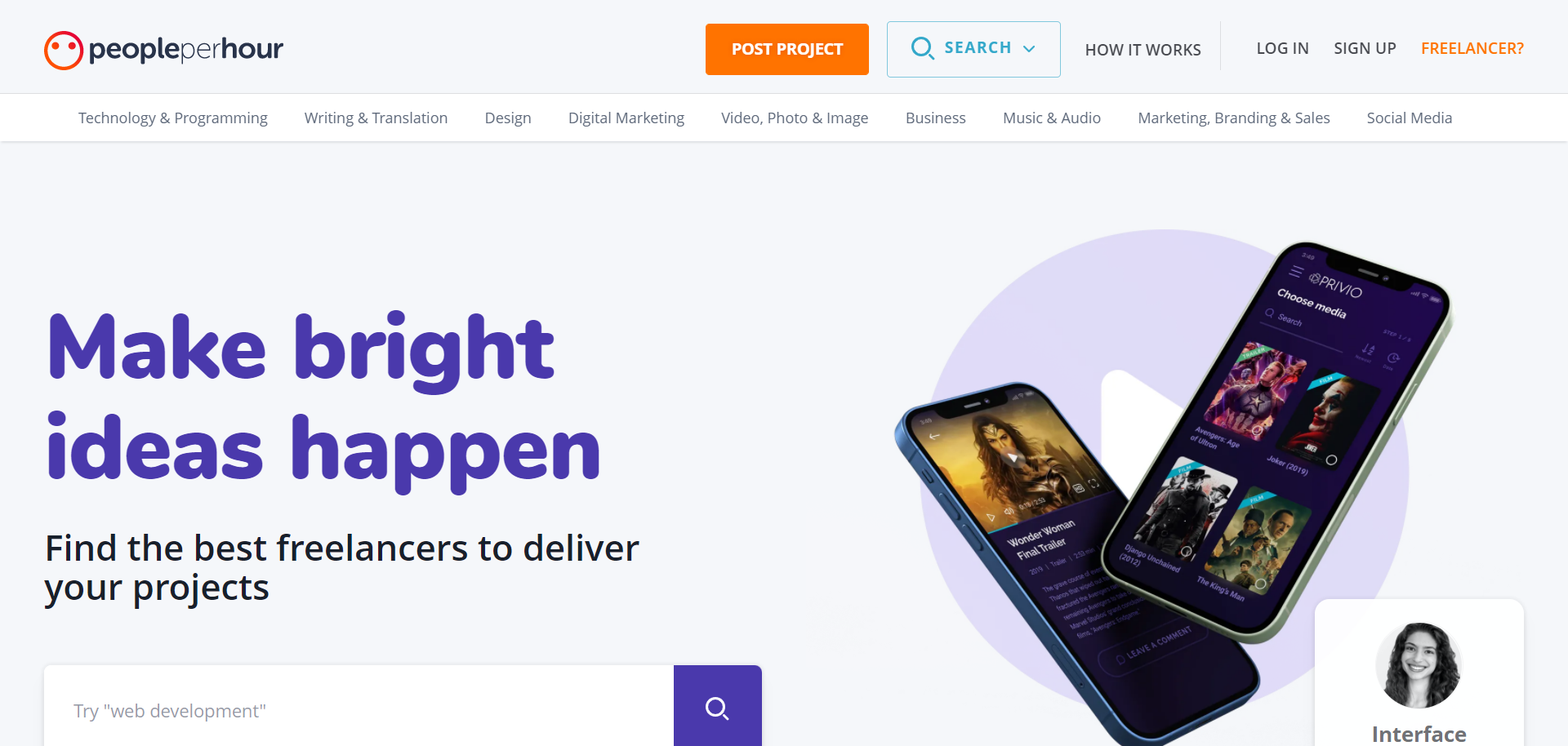
PeoplePerHour enables businesses to connect and hire professional freelancers either on a per-project or per hour basis.
As someone looking to recruit a freelancer, you just post your job via a quick and easy form where you’re prompted to describe your project in detail. Then, PeoplePerHour’s AI contacts relevant freelancers to encourage them to bid on your project. Often, this draws in hundreds of high-quality talents.
Alternatively, you can search for freelancers directly, browsing by skill, location, hourly rates, and more. You can then contact suitable freelancers and request a proposal for your project.
When you’re ready to start working, you pay a deposit for the work which PeoplePerHour holds in escrow until you’re satisfied and ready to release the funds.
On the freelancer side of things, freelancers apply to become certified talents via an online application. Every application is reviewed by a member of PeoplePerHour’s moderation team. Once accepted, you can start searching for jobs, sending out proposals, and flesh out your profile, hoping that clients will find you specifically. You can also accept recommendations from the platform’s AI search if and when they come your way.
On top of that, you can also create bespoke services packages and set your own pricing. For example, you can promote your logo creation services for $50 or offer social media management for a fixed price, for example, $70 per week. These are just a couple of examples, but you get the idea!
Pricing
For those looking to hire freelancers, pricing is dependent on the freelancer’s hourly rate or the project’s overall cost. Transactions occur through escrow.
In contrast, for freelancers, PeoplePerHour only charges a service fee when they accept a collaboration. The minimum service fee per invoice is $3.50. On projects below $350, the fee is 20%. On projects between $350 and $7,000, it’s 7.5%, and on projects above this price, the cost is 3.5%.
PeoplePerHour Pros:
- Freelancers can choose their own rate of pay and working hours
- PeoplePerHour’s website is easy to navigate
- The hiring process is pretty straightforward
- Invoicing is automatic, and each transaction is referenced.
- Each member is a certified professional needing to be approved by the admin.
- A mobile app is available.
- PeoplePerHour facilitates direct messaging between clients and freelancers
- It’s free to post a job
- Sharing files is secure and efficient
- PeoplePerHour offers a 24/7 customer support team to help resolve disputes between clients and freelancers.
- For high-paid projects above $7,000, the service fee is very affordable.
PeoplePerHour Cons:
- Competition amongst freelancers is high due to the vast number of professionals registered with the platform. As such, freelancers often drastically slash their rates to secure work.
- With PeoplePerHour taking 20% for projects up to $350, it’s not always worth the freelancer’s time to take on smaller projects.
- Spam accounts are easily missed.
Who’s PeoplePerHour Best for?
PeoplePerHour is an okay option for freelancers looking to develop their portfolios. However, it’s a fiercely competitive platform, and as such, lucrative contracts are hard to come by.
Thanks to the basic vetting process freelancers undergo, the platform is an excellent way for prospective clients to meet professional freelancers. The AI matching also comes in handy for attracting the right talent to your project.
Behance
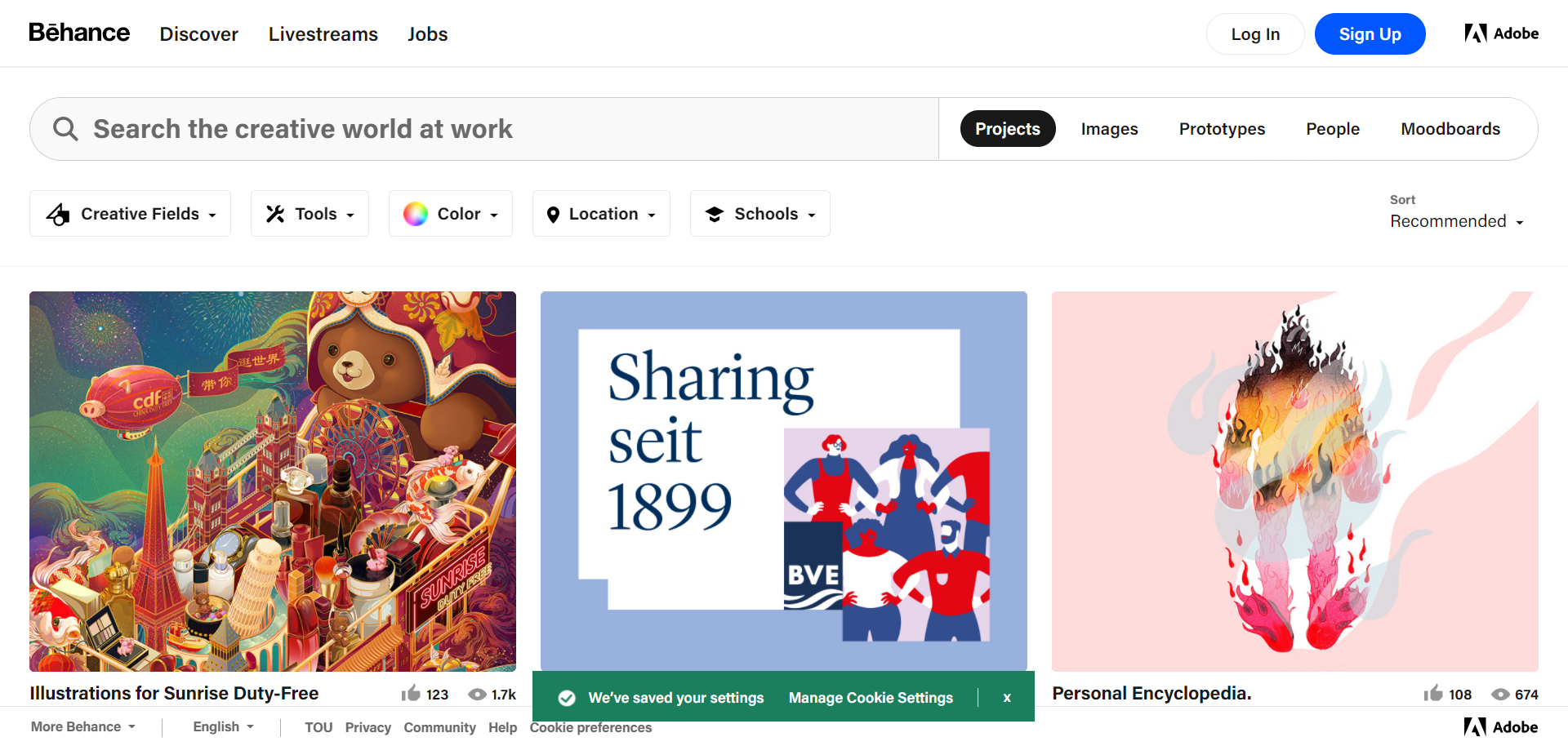
Behance focuses on artistic projects. Freelance artists can join the platform using their email address, social media log-in, or Adobe account. Above anything, Behance is a portfolio site where artists can display their professional work. They can outline their work process, define what tools they used for the job, elaborate on their teammates, and post images and videos to show off the end results. Additionally, artists can update their profile to act as an online resume, including information on prior work experience and contact details.
In that sense, Behance is a bit like a LinkedIn-Pinterest hybrid in that artists and clients can follow each other to keep up to date on projects and ‘Like’ each other’s work. As such, connecting freelancers with specific clients isn’t the platform’s primary focus.
But, in addition to exhibiting their portfolio of prior work, artists can also search for job ads posted by clients. These jobs are often full-time positions published by established brands looking for animators, graphic designers, illustrators, etc. While some short-term and remote job opportunities can be found, Behance’s job section is more like an official job board that requires a formal application process. Artists don’t apply on Behance, but instead, follow a link on the job listing to the brand’s own application process.
Pricing
For artists, Behance is entirely free to use.
Artists can request people to pay a subscription fee to access their work.
For clients, posting a job typically costs $399 or a subscription fee to Adobe’s Creative Cloud for $79.99 a month. However, at the time of writing, Adobe is offering a limited-time free job posting!
Behance Pros:
- It’s free for artists to find work
- Behance is easy to use
- Behance is a great portfolio website that allows artists to display their work professionally – for free!
- For clients, Behance offers a niche job board that attracts highly skilled creative talent.
- There are over 12 million artists and designers available, so clients are bound to find the talent they’re looking for.
Behance Cons:
- The whole working relationship, starting with the application, is handled off-site.
- For clients, the job posting fee is pretty steep.
- Applicants are unable to include cover letters or files to help their application.
Who’s Behance Best for?
Behance is the perfect platform for artists of all abilities wanting more exposure, and with its non-existent fees, it’s also excellent for those launching their business on a shoestring budget.
However, on the client-side of things, the steep job posting fees may be offputting. As such, it’s better suited to larger businesses with the budget to attract expert designers.
ProBlogger Jobs
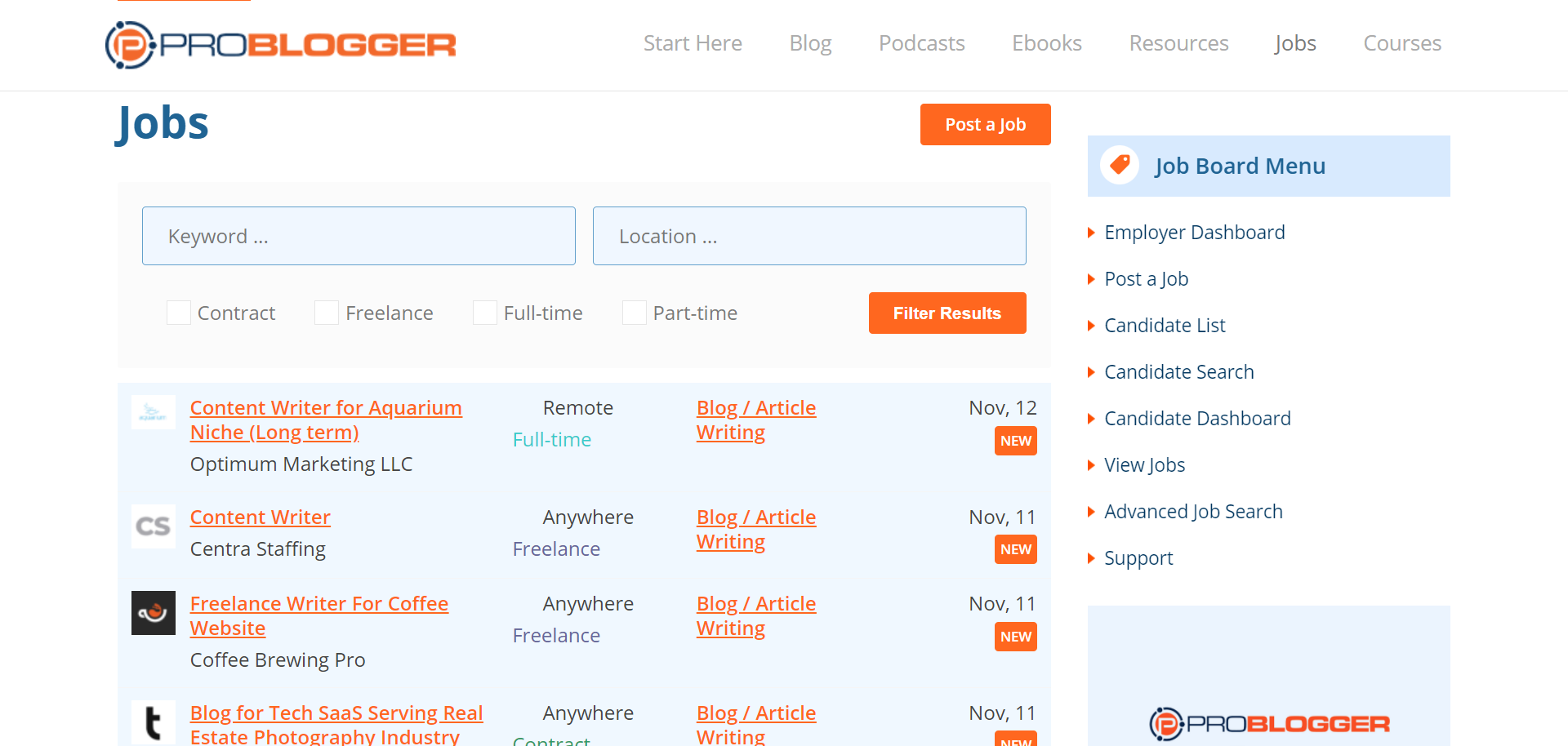
ProBlogger Jobs is one of the top job boards for freelance writers. As a job board, it doesn’t facilitate on-site project collaborations. Instead, companies can post job listings knowing that the site’s audience consists of writers and content marketers. These listings are categorized by type, including contracts, full-time, freelance, and part-time work.
Thousands of bloggers use this resource to find new freelance writing jobs across categories like influencer posts, blog administration, SEO consultation, web design, content marketing, and editing.
Because of its job-board-like nature, vetting both clients and freelancers is down to the parties involved. ProBlogger doesn’t secure the interactions. Instead, collaboration happens completely off-site.
Pricing
For those looking to recruit freelance writers, pricing is based on the duration of your job listing. For example, one posting listed for 15 days will set you back roughly $75. However, a featured listing highlighting your post at the top of the job board costs $150 (again, for 15 days).
For those wishing to post regular job listings, ProBlogger Jobs offers a range of membership packages. Here, five standard listings will set you back $300, and ten will cost $500. In contrast, three featured listings cost $360.
Freelancers can browse the job board and apply for positions utterly free of charge.
ProBlogger Pros:
- ProBlogger Jobs is free for freelancers
- Freelancers don’t have to create an account
- The dashboard is clear and straightforward, making it easy for clients to manage their job listings
- Clients get access to a niche audience of freelance writers with a wide range of skills.
ProBlogger Cons:
- Posting a job listing is expensive – even the discounted packages require a minimal fee of $50 per listing.
- There’s no screening process for bloggers; as such, clients will have to undertake their own vetting process.
- There’s no support for ongoing collaborations as all negotiations and discussions happen off-site. This means clients and freelancers need to set up their own contracts, milestones, and secure payment methods.
Who’s ProBlogger Jobs Best for?
ProBlogger Jobs is free and makes it easy for freelancers to search through listings. As such, it’s an ideal job board for beginner and veteran freelance writers alike.
However, on the client-side of things, ProBlogger Jobs isn’t suitable for small businesses on tight budgets or those wanting to list regular jobs, namely because the listing fees are pretty steep. In light of that, it’s better suited to larger organizations looking to take on a freelance writer.
Dribbble
Dribbble, similar to Behance, helps clients discover and connect with creative professionals. They boast high-flying clients such as Apple.Inc., Facebook, and Google, Dribbble is well-renowned for showcasing the work of talented designers.
Dribbble features a job board where clients can list graphic design jobs, complete with a brief and a budget. From there, artists can apply off-site via the links provided by the companies.
Dribbble works on an ‘Invite Only’ basis, where freelancers can share work or ‘shots’ to others and receive feedback. It’s an exclusive portfolio website that ensures only graphic designers with actual industry experience and noticeable skills display their work on the platform. Existing graphic designers can occasionally issue invitations to promising prospects.
Pricing
Posting a job listing costs $340 a month. For the same price, you can alternatively search through the talent pool of creatives. This is aided by powerful search and filtering tools, and you can send unlimited messages to prospective freelancers.
Dribbble also offers a package of $501 per month that allows you to post on the job board and use the designer search features.
Once you’ve found a designer, you’ll have to negotiate fees off-site.
Designers, for the most part, get Dribbble for free. However, DribbblePro, at $12 a month or $60 a year, includes all the features you need to get your freelancing venture off the ground, including an upgraded profile that lets you display “hire me” buttons on your projects. You’ll also get daily email notifications sent to you about freelance jobs. You can also introduce yourself with a pitch video and create team profiles with multiple members if you’re part of a design team or agency.
Dribbble Pros:
- Dribbble boasts an excellent user interface, making it simple and easy to use.
- Dribbble’s job board and designer search provide a double-layered approach to hiring.
- With designer search, clients can see which designers are available for hire.
- Dribbble has online and offline communities, with designers meeting outside the Dribbble platform to collaborate on projects.
- Dribbble has a comments section and likes functionality on every project so designers can get feedback from members of one of the most professional graphic design communities on the web.
Dribbble Cons:
- Some freelancers complain there’s a lack of profile customization
- All projects get attention from other designers, and those that have been on the platform or in the industry for a long time naturally gain more attention, making it hard for new members to attract clients.
- Uploads are limited to 400 x 300-pixels and 10MB, meaning that portfolio quality can be lacking.
Who’s Dribbble Best for?
Dribbble is a great portfolio platform for designers that allows them to connect with leads, explicitly looking for people in their niche. The site is exclusive and hosts top industry talent, making it a great place to get inspiration from other professionals and receive feedback.
For clients, Dribbble works like Behance by offering a niche job board with access to the best graphic designers in the world. Thanks to the invite-only platform, all talent on site has some industry experience and boasts impressive skills. So, if you’re taking your design project seriously, this is the place to be.
Are You Ready to Start Using The Best Freelance Websites for Your Needs?
Securing consistent work is one of the greatest challenges in any freelancer’s career. As such, freelancer platforms are a great fallback when you don’t have a pool of active clients.
However, as we’ve seen, different platforms are designed to fulfill varying needs. For instance, if you want to complete a few small jobs and you’re at the very beginning of your career, sites like Upwork might be suitable for you. Of course, competition is fierce, and rates are often inadequate, but if you’re still building your portfolio and struggling to find private clients, some work is better than nothing.
Alternatively, if you want to go the more traditional route, don’t discount the usefulness of online job boards and portfolio websites like Behance, ProBlogger, and Dribbble. It’s also wise to get in touch with companies directly. As long as you’re confident handling contracts and negotiations yourself, you can often win clients yourself, and in the long term and make much more money.
We hope this article has given you a valuable overview of what options are available to freelancers, no matter their skill level and experience. Let us know in the comments below what your experience with freelance platforms has been like. Would you recommend them to others?



Comments 0 Responses