

First of all, dropshipping on Amazon is legal (if you follow the rules), and it’s definitely profitable. In 2025, Amazon brought in more than $742 billion in revenue, so if you’ve got decent products to sell, Amazon could help you connect with the perfect audience.
Still, it’s not quite as simple as listing products on your Amazon page, letting a supplier handle all the background work, and waiting for the money to roll in.
You need to be cautious with your supplier choices, active with your promotional strategy, and aware of all the background admin work you’re still responsible for.
So this is the genuine guide to how you can start dropshipping on Amazon, without putting your business at risk, or accidentally suffocating your profits.
How to Start Dropshipping on Amazon
Before you do anything, check the Amazon dropshipping policy in your region. There are very specific rules you need to follow here. For instance, you have to be the seller of record, you need to make sure your supplier’s details are hidden, and you need to manage returns yourself.
You also can’t just purchase items from other retailers or Amazon sellers and have them shipped to your customer. There needs to be a real dropshipping supplier involved.
It’s also worth putting together a quick business plan, even if it feels like an outdated process at this stage. It’s a good way to nudge yourself into the research you’re going to have to do later anyway, like figuring out which category you’re going to sell in, and deciding what you’re going to do about margins.
Once you’ve done that, the next steps are pretty straightforward.
Step 1: Set Up Your Amazon Seller Account
Obviously dropshipping on Amazon means having the right account. Not just the one you use for personal shopping. You can choose between two options. The Individual plan is free, but you’re charged $0.99 for every item you sell (plus you need to add in your selling fees).
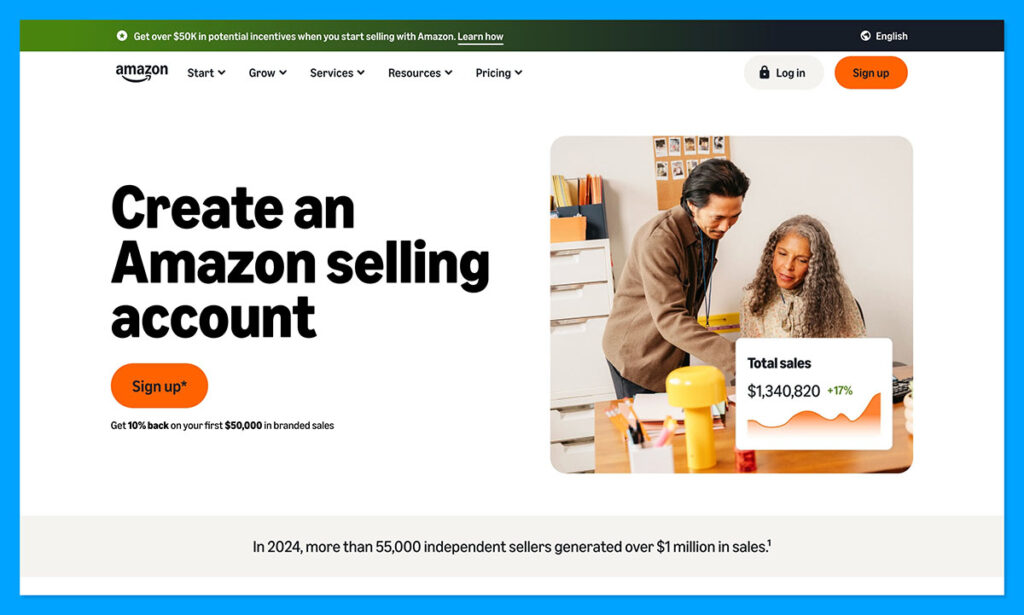
The Professional plan costs $39.99 per month, and removes the extra fees. It also gives you access to bulk uploads, advertising options, “Buy Box” eligibility, and the ability to apply to sell in certain restricted categories.
If you’re a beginner, I’d probably start with the Individual plan, it’s great for “testing the water.”
Actually creating your account is simple enough. You’ll be asked for your business information, selling information, billing details, store and product information, and then required to verify your identity. Amazon might also ask you to take a photo of your face or ID, or join a call with an associate.
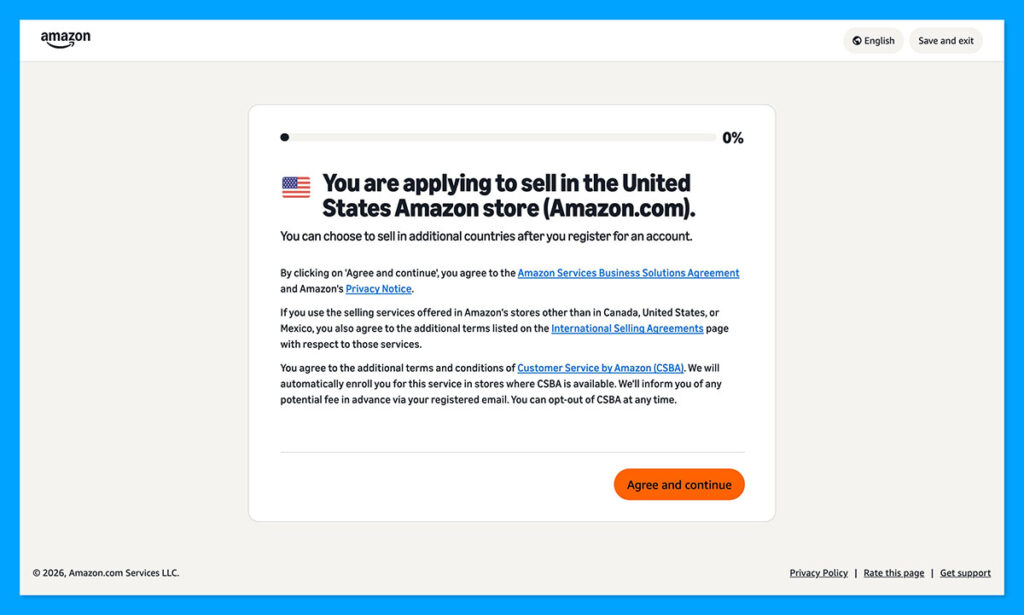
Don’t worry about making your account look perfect straight away.
Add the basic details and manage your shipping and returns settings if you can, then spend some time getting to know the Seller Central dashboard.
Step 2: Choose a Niche and Product Category
You could start your entire business by focusing on what’s trending at the moment, but that’s usually a recipe for disaster. I’d start with a category you already feel comfortable in. That could be Pet furniture, home storage, DIY accessories, or Arts & Crafts.
Amazon has a handy “Product Opportunity Explorer” if you want to get a quick insight into what’s selling fast in the category you like. You can see search trends, reviews, pricing, purchases, niche saturations, and even tips on the product features customers are interested in.
Elsewhere, you can look for niche ideas on Google Trends, TikTok, or Reddit channels, or just use Amazon’s Best Seller’s list. Don’t try and build out a huge catalog straight away, just decide on the niche you like based on whether people are already searching for it and there’s enough room for you to find your place. Then start picking a few products that make sense for your margins.
If you still feel uncertain after browsing through Amazon’s best-seller list, try:
- Checking out the best seller’s on your supplier’s website
- Using Google Lens to identify product sources and suppliers
- Keeping track of social media trends
Step 3: Choose Your Supplier
This is arguably the most important step, so don’t rush into it. You need a supplier that stocks the products you want to sell, obviously, but you’re looking for other things too.
For instance, you’ll need to make sure your chosen supplier can remove their name from invoices, slips, and packaging (for Amazon policy reasons). You should also ask:
- How much shipping generally costs, and how fast it is
- How quickly they can share tracking information
- What they do when a product sells out after an order’s placed
- How frequently stock details update
- What happens if an item arrives damaged
- If you can get product dimensions, EANs, images and assembly details
Suppliers I’d Recommend for Dropshipping on Amazon
Quite a few dropshipping suppliers are happy to work with Amazon sellers. My favorite at the moment is dropXL.
It gives merchants access to over 90,000 vidaXL products, which include furniture, home and garden, sporting goods, office products, pet supplies, and more. Even better, the real-time feed updates every hour with fresh information about products, prices, and stock, so you don’t have to worry too much about falling behind.
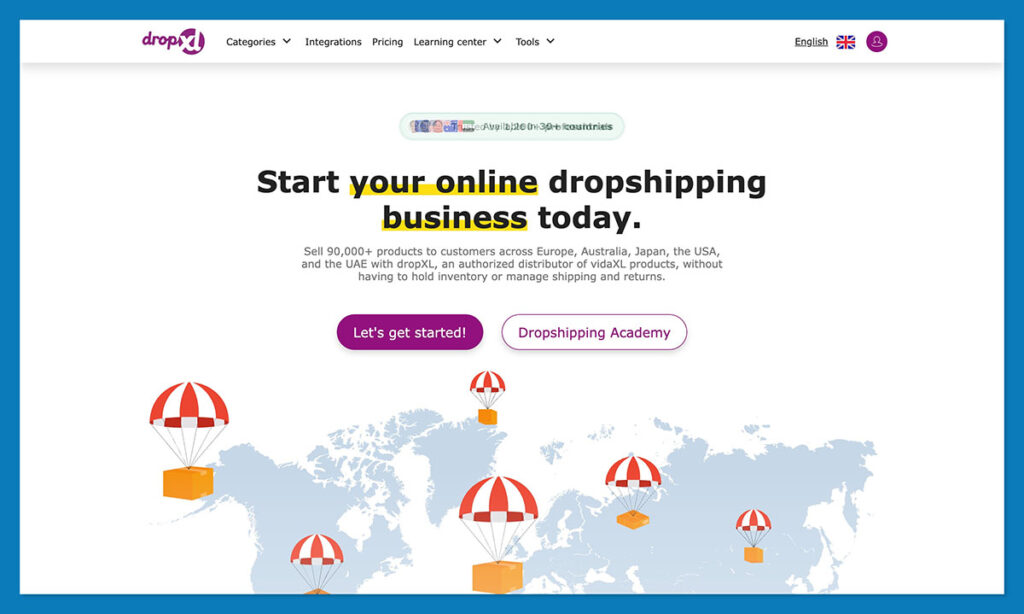
It costs nothing to browse dropXL’s library, but to have them act as your partner, you’ll pay a flat €30 per month. There are no commissions on any orders, and beyond the wide range of products, you get excellent assistance with shipping and returns, seamless API integrations, access to the dropXL Academy, plus premium discounts on products.
Syncee is still a good choice if you want to work with a variety of suppliers, since it’s a dropshipping and wholesale marketplace in one.

It also gives you automated payment management, order syncing, shipment tracking, and plenty of product data. Still, it’s worth remembering that you may have less control over the packaging of certain suppliers, not to mention their delivery speeds and returns processes.
CJdropshipping is also worth a mention, but it’s for a different kind of seller. It’s great for product sourcing, and has custom packaging, print on demand, as well as flexible fulfillment routes.
I think I’d pick that option more if I was testing out unusual products and planning to launch a fully branded store at a later date. For Amazon dropshipping, it’s best to keep the process simple, with one supplier, and one set of delivery rules.
Step 4: List Your Products on Amazon
Now you’ve got your niche, products, supplier, and the right account on Amazon, it’s time to hop into Seller Central and start listing your products.
Log in, and click on Catalog then Add Products if you’re taking the manual route. You can enter the GTIN or product ID you get from your supplier, and search through Amazon’s existing catalog. If the product exists already, you match the detail on the existing page. If it doesn’t, you’ll have to create a new listing. That takes a bit more work.
You’ll have to fill in the details about the product, which means creating a description (one that tells the buyer everything they need to know about what you’re selling), adding in the bullet points, images, offer details, fulfillment information, and any compliance details.
A good supplier will give you a starting point to work with. dropXL, for instance, gives you a feed with plenty of images and useful information you can use to fill your pages. I would recommend not just directly copy/pasting everything, though. Think about how you shop on Amazon. Supplier titles and descriptions are built more for databases than human shoppers.
Rework the title around the terms buyers would usually search for, and get specific in the description. If you need to use bulk upload when your catalog grows, that’s fine, just set a little time aside to go through your listings and edit them before they’re live.
Step 5: Manage Orders and Inventory
I know everyone seems to think that managing orders and inventory will be the easiest part of dropshipping on Amazon. You’re not actually storing anything yourself, and you’re not the one responsible for shipping to customers. But you still need to make sure the process works smoothly.
Once a product is “up for grabs” on Amazon, it’s your job to ensure Amazon, the customer, and the supplier keep telling the same story. The stock levels and prices have to match, and tracking details need to be delivered to the customer fast.
You also need to be prepared for what happens if things go wrong. The Order Defect Rate needs to stay under 1%, and going above that could mean that Amazon restricts your account. Also, you’re encouraged to aim for a late shipment rate of under 4%. If your supplier has a bad month, it can reflect on your seller account.
Every week, check for:
- Stock mismatches between Amazon and the supplier
- Sudden price changes that harm your margin
- Orders that don’t offer tracking
- Products that keep getting return requests (usually for the same reason)
- Listings with lots of clicks but no sales
- Customer emails constantly asking where the item is
dropXL’s feed is designed to keep you up-to-date with refreshed information every hour, which is helpful. Still, no matter which supplier you’re using, you need to be ready to have some difficult conversations if the experience the customer gets starts suffering.
Step 6: Grow Your Amazon Dropshipping Business
Once you’ve got your first few products live, and orders are actually coming in, try not to get carried away. I know you’ve probably already seen products in your suppliers catalog that you’re keen to add to your shop, but take things slow.
Before adding anything new, check that the margin still works after Amazon fees and extra costs. Look back over the supplier’s history to check if there have been any recent stock or shipping issues, and make sure that the item makes sense based on what you already sell.
Keep an eye on what starts trending in your category on Amazon, of course, just don’t force yourself to add everything to your own collection immediately.
In the meantime, start promoting. Paid ads on Amazon itself can definitely be helpful, but they run on a bid mechanism, so I wouldn’t use them for products that have lots of competing sellers.
Play around with other types of promotion instead. Get on social media and show off your products, as well as reviews from happy customers. Consider launching your own website if you can, that way, you can use SEO and other strategies to draw in traffic, and hopefully collect email addresses for a marketing campaign.
Keep an eye on your listings too. It’s always worth testing titles, bullet points, descriptions, photos and content to see whether little tweaks increase your revenue. Amazon’s Seller Central gives you tools you can use for insights here, so take advantage.
A few other quick tips:
- Earn the buy box with fast shipping and competitive pricing
- Build your private label over time if you want a brand, you control
- Focus on keywords that actually pull in the kind of traffic you want
- Connect with your audience through comments, social media, and forums. Find out what they want to buy next
- Take advantage of automation to save yourself time and headaches
Getting Started with Amazon Dropshipping
Amazon dropshipping still makes plenty of sense in 2026, you just need a strategy you can stick to.
Amazon gives you reach and visibility, but access isn’t the same as control. You can open an account, find amazing products, write the perfect listings and still end up losing money and customers because a supplier runs out of stock or ships an item with the wrong paperwork.
That’s why it’s such a good idea to start small, with a category you can understand, a single supplier you can trust, and a plan to scale gradually over time.
I’d recommend using dropXL to do that, especially if you’re targeting some of the higher-traffic niches on Amazon, like home and garden, furniture, pet, outdoor, or storage products. dropXL has a great catalog, which is useful, but it also gives you the up-to-date insights, return handling support, and quick, painless shipping you need to survive on a marketplace as competitive as Amazon.
If you want to try it out, you can visit dropXL today to learn more about the products they offer, and how their dropshipping system works.


Comments 0 Responses