

A lot of branding platforms are pretty much the same at this point. They all give you more than just logos, brand kit controls, and AI features. Still, when you review as many of these systems as I do, you do start to notice a few differences between the top contenders.
Design.com is one of those platforms that grabs the attention of people looking for something fast, simple, and affordable. It pulls you in with the logo maker, then keeps you around with a never-ending collection of templates for everything else you might need to “brand”. Social posts, business cards, email signatures, landing pages, everything.
Would I recommend it over a professional design team? Probably not, but if you want design assets that actually work quickly, Design.com is a good pick.
Quick Verdict: Should You Use Design.com?
Design.com works when you want brand assets quickly, without stress. It’s something that helps you get something real out the door without spiralling. It’s not for chasing visual identity as an art form. If branding is the thing you’re building, you’ll fight it. If branding is just something you need to settle so you can move on, it’s oddly effective. BrandCrowd also offers completely free templates that users can customize and download instantly.
Pros
- Logo creation is fast, with hundreds of thousands of starting designs
- Brand styles carry across over a million templates
- Goes well beyond logos: social graphics, business cards, email signatures, print assets, simple websites
- The editor has guardrails that stop layouts from falling apart
- Download formats work for real use cases (PNG, JPG, SVG, EPS, PDF)
- Easy to use without feeling like a toy
Cons
- You hit a paywall the moment you want to actually use assets
- Customization only goes so far before the platform pushes back
- Fonts used in logos can’t be exported or reused elsewhere
- Templates lean familiar rather than distinctive
- Pricing and plan names can feel oddly framed depending on how you enter the product
Why You Can Trust This Review
I use tools like Design.com all the time for one main reason, to help other founders and ecommerce companies figure out which platforms are worth their time and money.
I’m not here to sell you anything, just give you a behind-the-scenes look that you probably wouldn’t get from the website alone. The whole point is to share an objective view of what people like you might really like and dislike about something like Design.com.
If you want a bit more insight, you can check out our methodology page. It covers how we tend to approach reviews and recommendations.
What You Actually Get
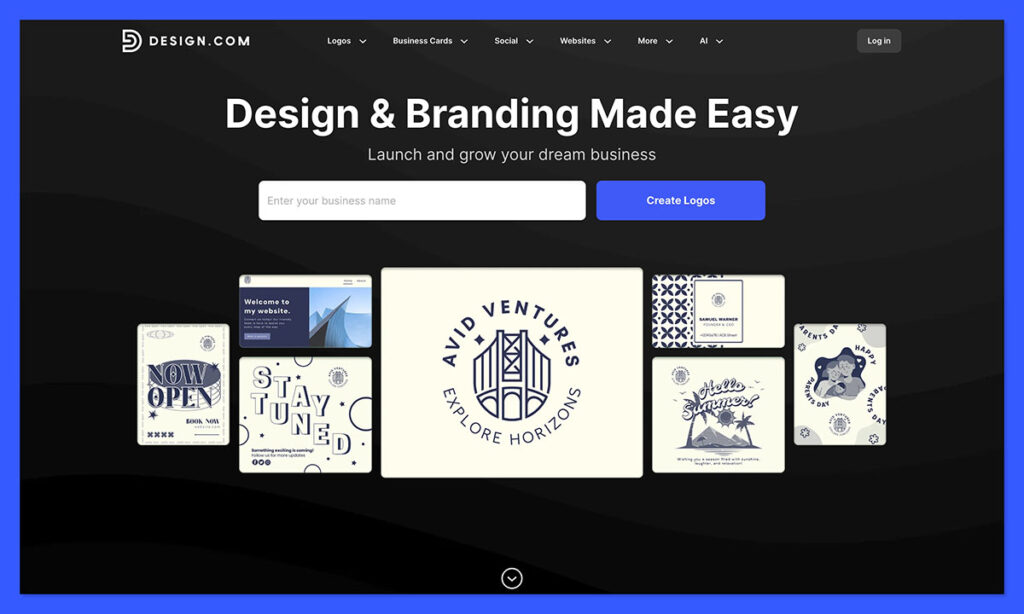
Design.com started off giving companies an easy way to design logos. Now, it’s an all-in-one platform for brand development, powered by AI.
You sign up, type in a name, pick in an industry, and the system gives you a bunch of different (hopefully relevant) options to choose from. Then you tweak from there. Once you’ve got one asset, you can use elements of it in everything you create: the fonts, colors, shapes and more.
What stood out to me is how little Design.com wants you to start over. It doesn’t encourage blank slates. It encourages continuation. You’re always extending something you already chose, not reinventing it.
The AI features built-in are simple, but they also take a lot of pressure off. When you first start, the AI is searching through libraries and generating thousands of image variations for you. It pairs fonts, connects color palettes, and can even edit assets for you if you ask it to.
You might need to spend a bit of time figuring out how to “prompt” the system, but that’s true for any intelligent tool these days.
There are also a few little “extra” AI tools that have a dedicated purpose. You get a background remover, business name suggestions, a domain name generator. All the little things you’d probably have to pay extra for if you were going to use another tool.
Design.com: The Logo Designer
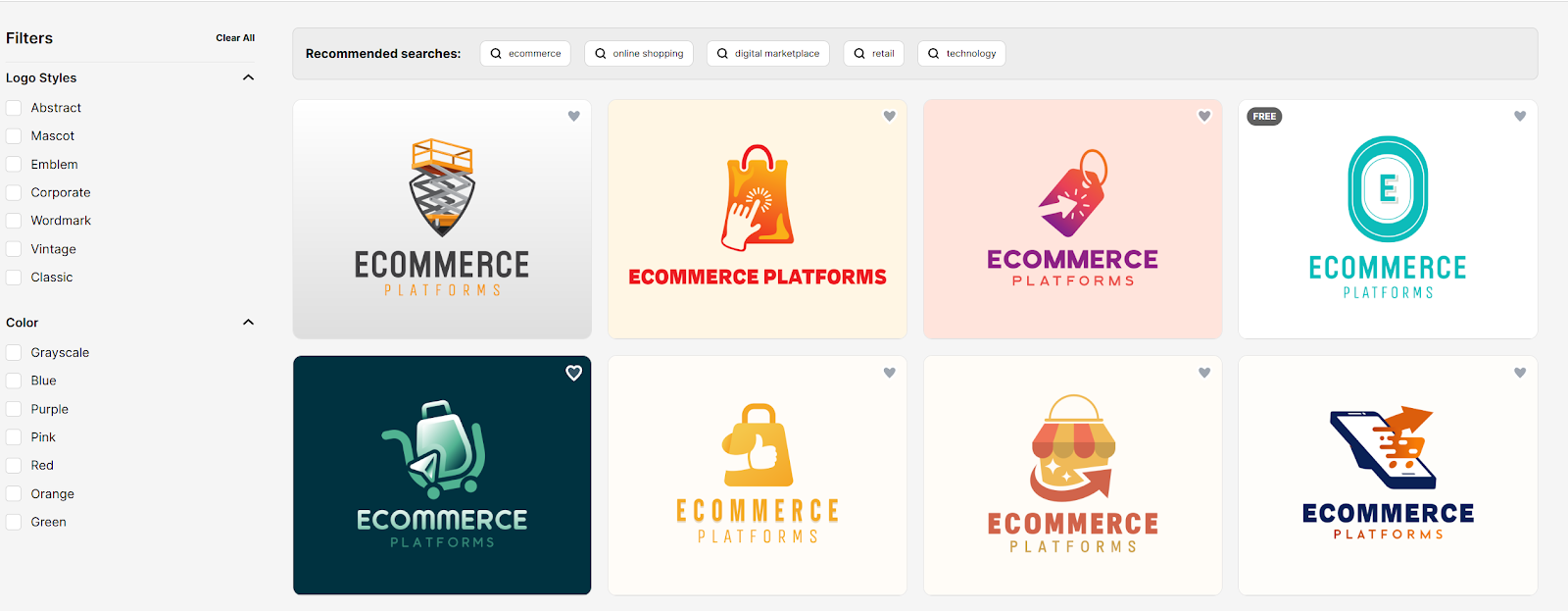
Once you punch in a name and pick an industry, the screen fills up fast. There’s no gentle easing into it. Just a lot of logo ideas all at once. If you don’t feel like scrolling for ages, you can rein things in with keywords or flip through filters for style and color.
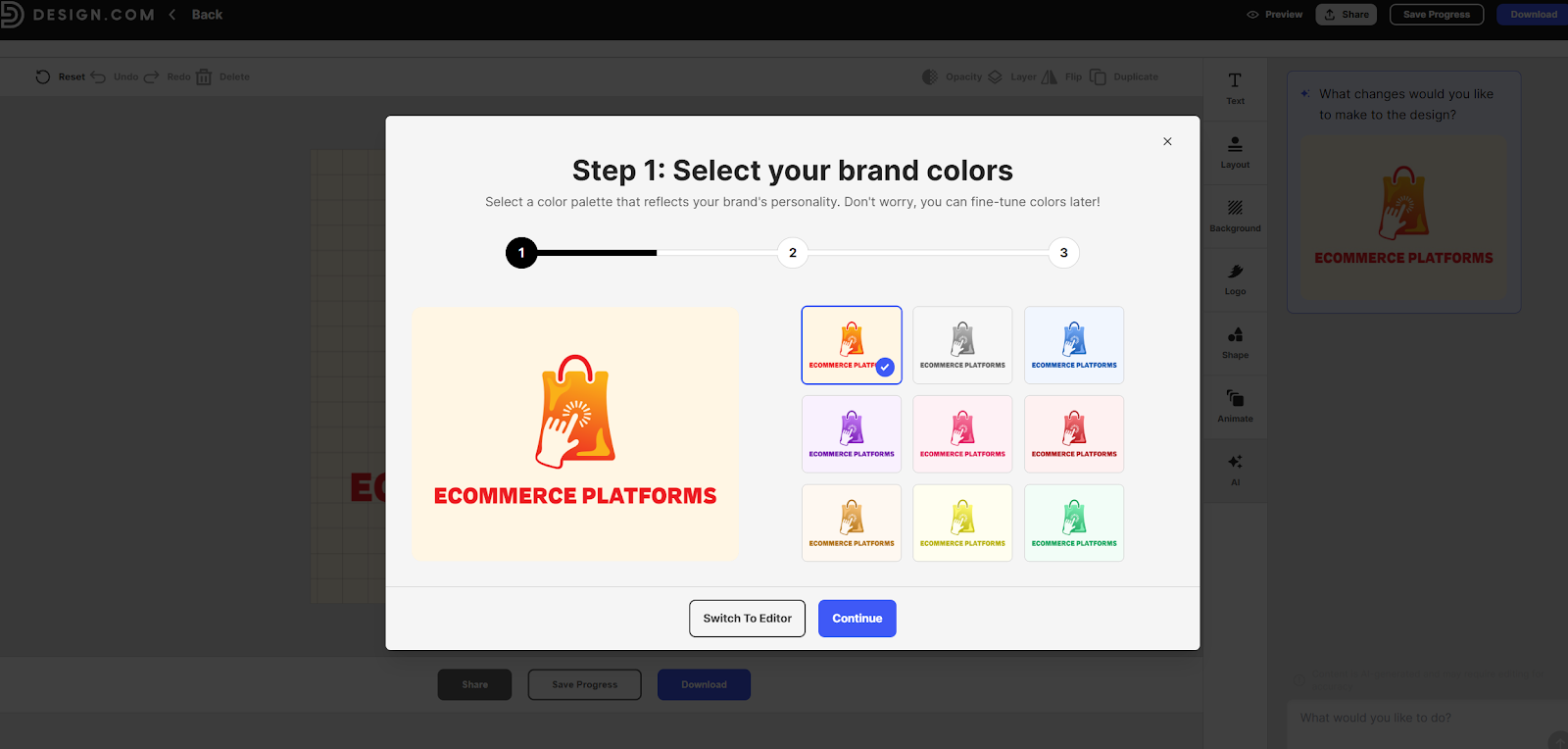
Click anything that looks half-decent and you’re straight into the editor. From there it’s mostly small adjustments. Colors are easy to swap. Icons come and go. Spacing moves without everything snapping out of shape. You can try different font pairings without the layout freaking out, which I appreciated.
The AI helps out here too. It handles changes cleanly instead of turning the logo into something unrecognizable. You can spin out a few versions as well. Stacked logos, horizontal ones, icon-only options, light and dark takes.
The downloads cover what you actually need. PNGs and JPGs for everyday stuff, plus SVG, EPS, and PDF files if you’re printing properly. Transparent backgrounds are included. There are animated logo options too. I personally don’t use those often, but they make sense for social intros or lightweight video.
Websites & Landing Pages
Design.com’s website builder isn’t something you’d use to build a full ecommerce store.

There’s no product management, no deep CMS, no sense that you’re meant to live here long-term. What it is good at is turning the brand you already chose into a clean, presentable page without asking you to make the same decisions again.
When I generated a site, it pulled straight from the logo setup. Same colors, fonts and spacing logic. Same AI recommendations to help you move things along.
The layouts themselves are straightforward. Hero section, text blocks, image areas, call-to-action buttons. You can shuffle sections, edit copy, swap images, but you’re always staying within a fixed structure. There’s no dragging things into weird places or building something truly custom, and honestly, that’s probably a blessing for most people using a tool like this.
Where Design.com does earn some points is around setup friction. There’s a built-in domain name generator if you’re still hunting for something available, and you can either register a domain through the platform or connect one you already own. If you’re in that early “I just need something live” phase, that convenience works well.
Social Media Assets: Consistency First
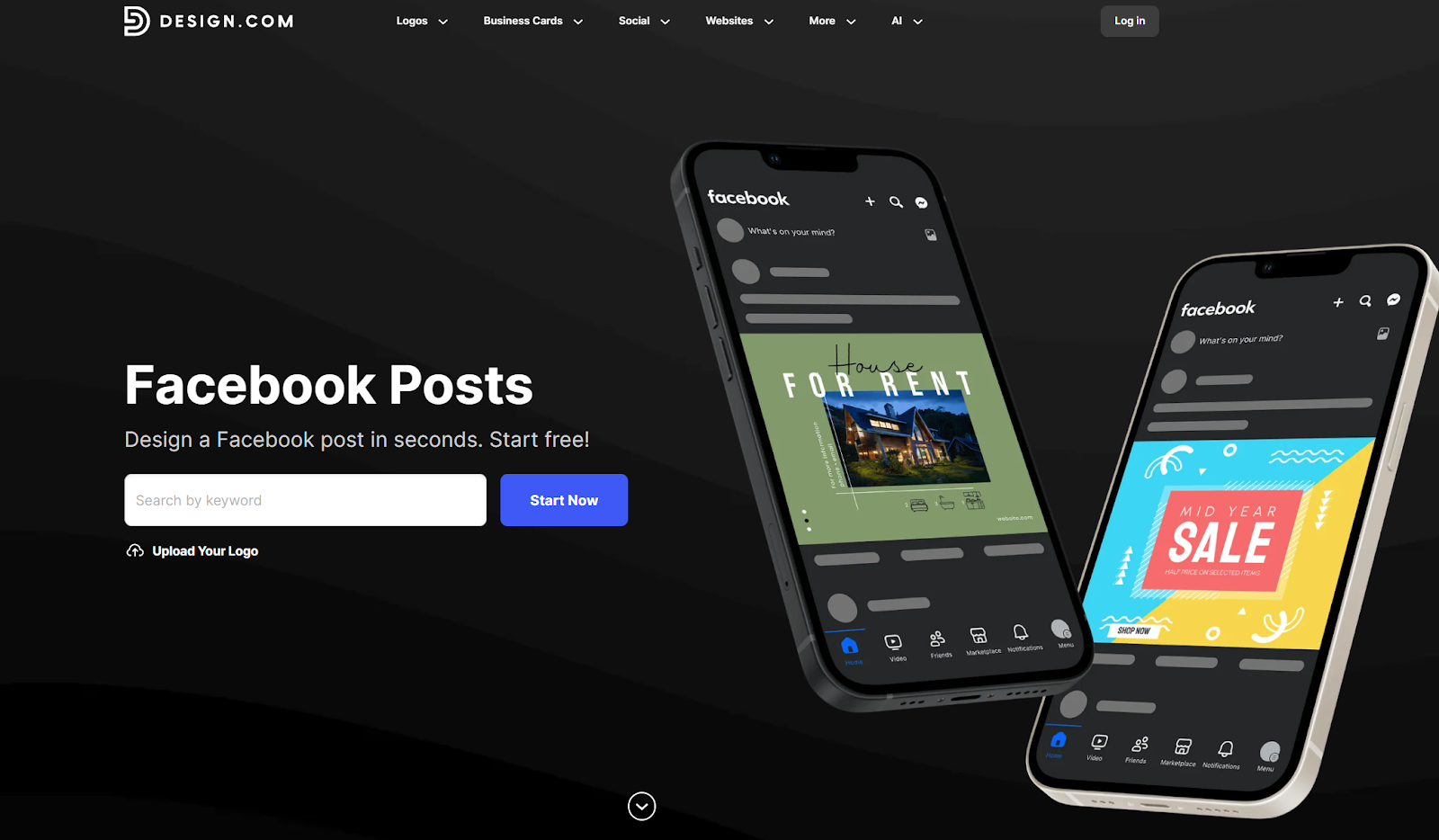
The first thing that stood out here was just how many social assets are covered. You’ve got all the usual suspects like Twitter, Pinterest, LinkedIn, Facebook, and Instagram, with templates for profile images, posts, banners, and covers. On top of that, there are options for WhatsApp stories, YouTube graphics, Zoom backgrounds, Snapchat designs, and even SoundCloud profiles.
That’s a lot.
Once you’ve set up the main elements of your “brand image” (logo, fonts, colors), creating those assets takes seconds. You can knock out a huge batch of posts in an hour if you want to, and you won’t have to worry about visual “disconnect”.
Some of the designs definitely feel familiar. If you want something that really shows your personality, you’re going to spend time nudging things around and working within the limits. Brands that live on weird details, unusual layouts, or constant visual experimentation will start to feel hemmed in pretty fast. Still, if all you want is consistency, Design.com has you covered.
Business Assets & “Extras”
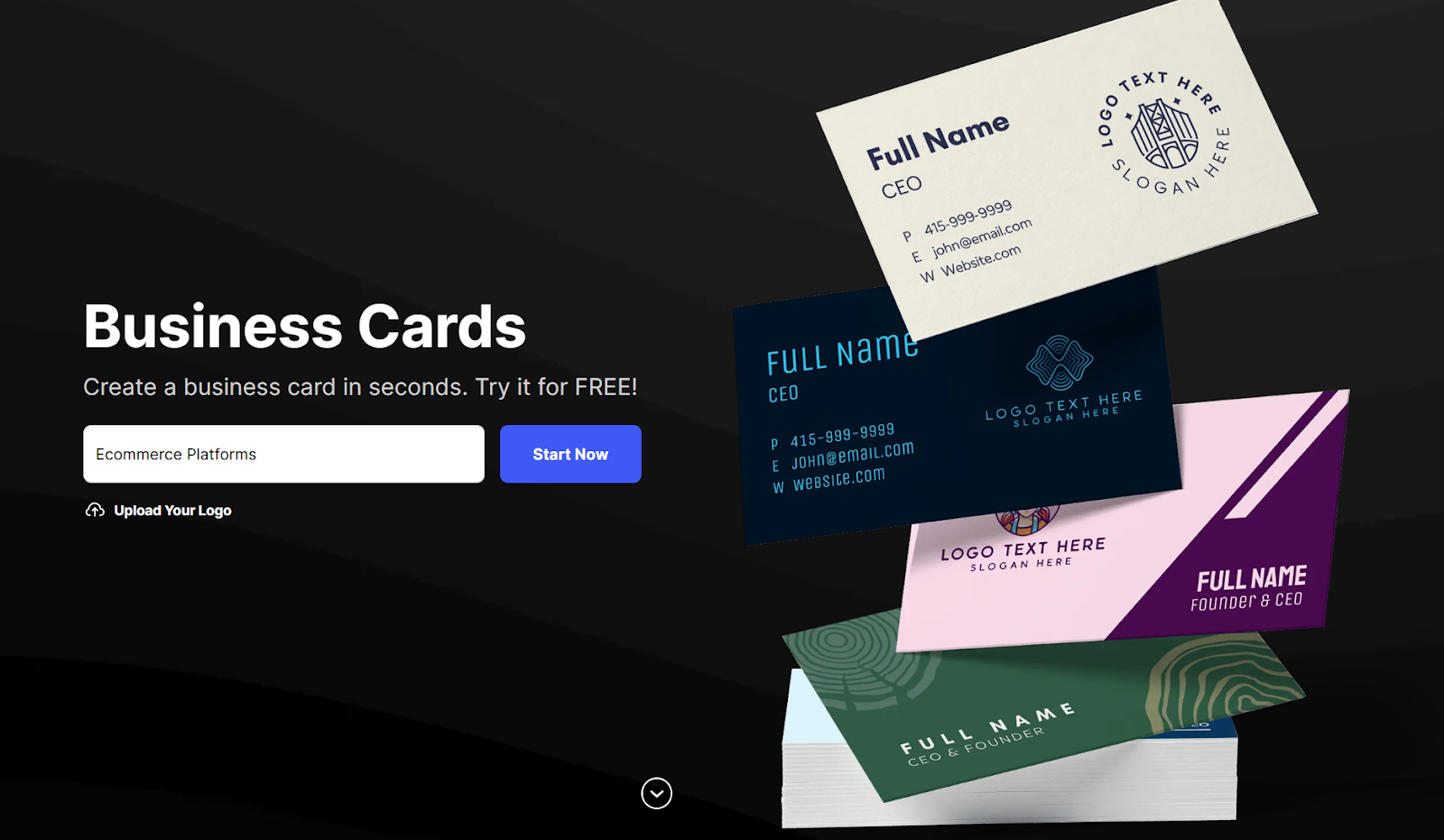
Most founders ignore “extras” until they become a problem.
Once you move past logos and socials, there’s a long list of things every business eventually needs: business cards, email signatures, letterheads, invoices, flyers, posters. Usually these get hacked together in different tools, at different times, by whoever happens to be available.
Design.com handles all of it.
Not just business cards, but everything from gift certifications, to videos, QR codes, presentations, animations, and beyond. You can even use it to create t-shirt designs you’ll be able to upload to print-on-demand platforms like Gelato or Printful.
Because everything pulls from the same brand setup, you’re not guessing which logo version to use or whether the blue on your flyer is the “right” blue. Which saves a lot of time.
Plus, you still get the little “AI helpers” to remove backgrounds or suggest variations for you. They can even help with smoothing for animations. Honestly, the “extra” options is probably where most companies will spend most of their time on this platform, once they’ve got the basics out of the way.
Design.Com Pricing and Value for Money
Design.com lets you explore a lot before paying. You can generate logos, build assets, preview designs, and click through most of the platform freely. There are also quite a few assets you can create without paying anything. Just look for the “free” tag in the template.
If you want to buy something, you’ll have a range of subscription options, from $15 to $29 per month. The different plans don’t change what you get, they just give you access to more downloads, different assets, and full commercial licensing.
I think most companies will have no problem getting started with the Saver plan ($15 per month), if they’re setting up a small company, or just polishing an existing brand. The Value plan for $24 per month is ideal if you’re building out a brand kit. Premium is perfect if you just want to remove all the limits completely.
What you’re paying for isn’t “a logo.” It’s access. Downloads, asset usage, and the ability to keep building without checking limits every five minutes. If you only want one logo and nothing else, the subscription will feel expensive. If you’re actively building a brand and reusing assets across socials, print, and web, the math starts to make sense.
Verdict: Who is Design.com For?
I wouldn’t build a worldwide brand with Design.com’s assets alone, but that doesn’t mean I wouldn’t recommend it. It’s a genuinely useful platform if all you want to do is create an image you can trust, and scale it across channels as your business starts to grow.
This isn’t a tool for people who want limitless customization or truly “unique” designs. It’s more of a starting point that takes the stress of branding off your plate for a while. For a lot of beginners in ecommerce, it’s more than enough, and it won’t cost you a fortune as you scale.
If that sounds appealing, you’ll probably know within the first hour. If it doesn’t, you won’t need much longer than that either.


Comments 0 Responses